Week 9 Tension and Torsion test challenge
Objective:-We have to perform the tension and torsion test on the specimen.
Procedure:-
- Drag a Explict Dynamics from Analysis systems.
- Add Steel 1006 from the Explicit material in Engineering Data.
- Browse for the given geometry and Edit in Space claim.
- Check for any abnormalities in the file.
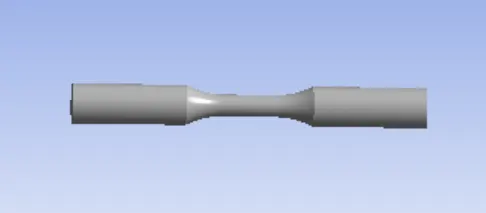
- Update and Edit the mechanical model.
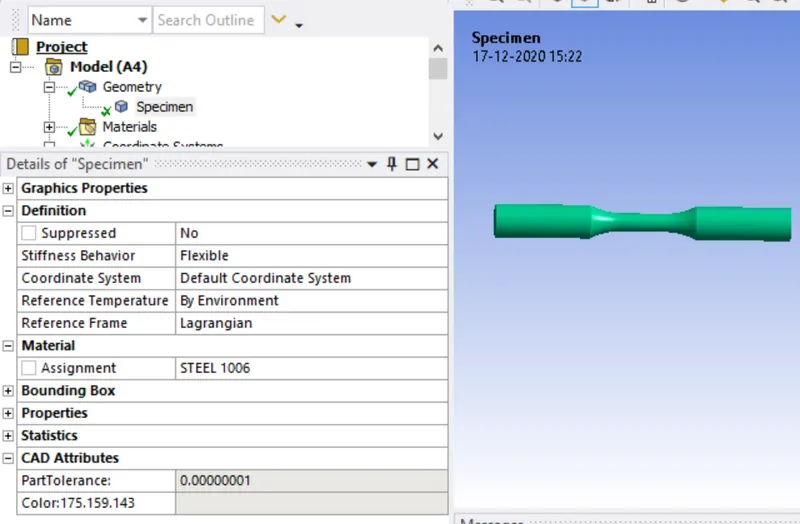
- Rename the geometry as Specimen and change the material to Steel 1106.
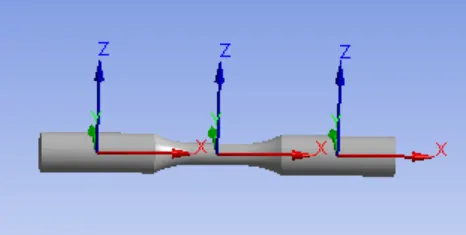
- Create the co-ordinate systems on the othere faces.
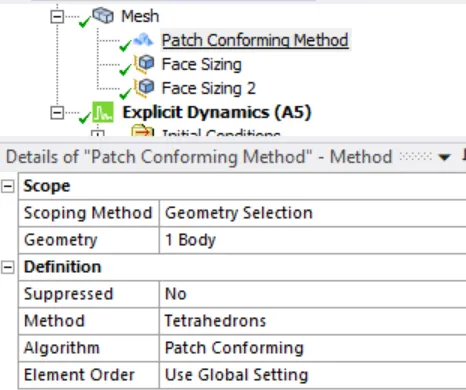
- Insert mesh method for the specimen
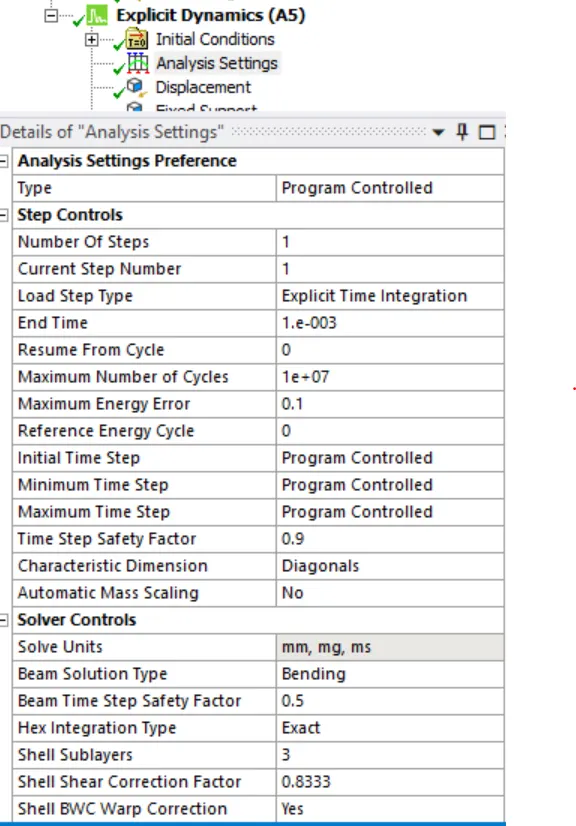
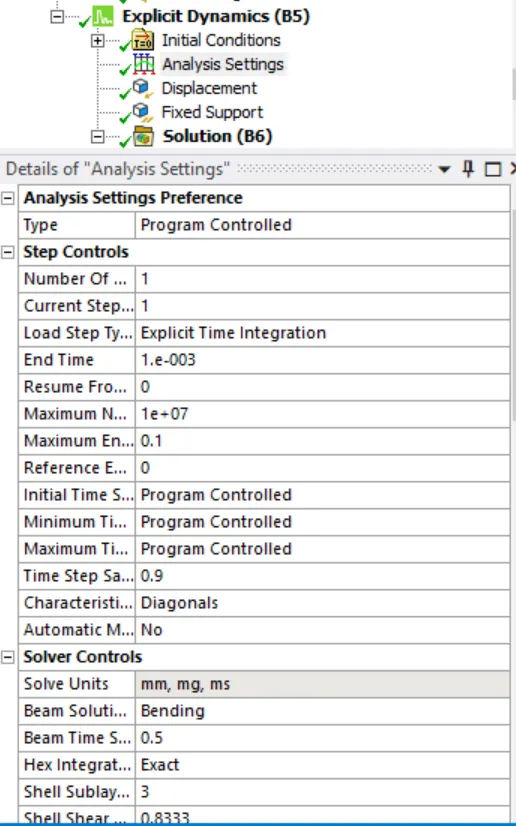
- Analysis Settings, Specify end time.
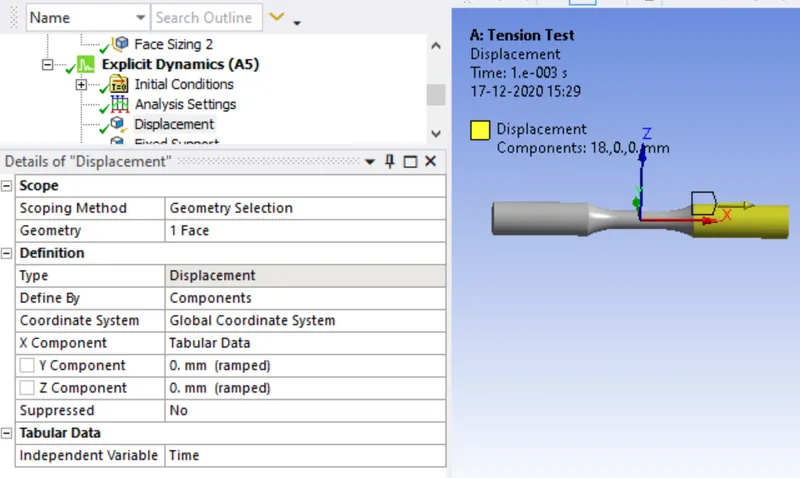
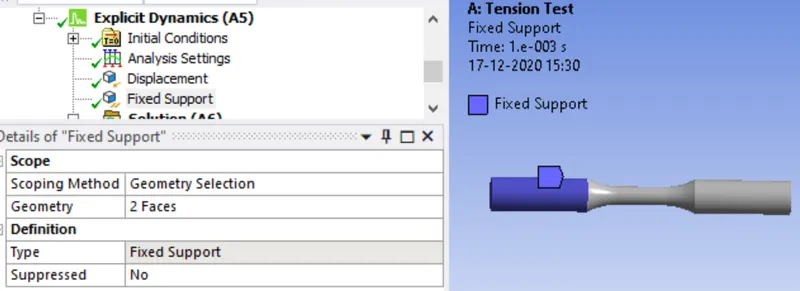
- FiX one end of the specimen and Apply displacement to the other end.
- Insert the Necessary Output parameters.
Procedure for Torsion test:-
- Duplicate the Tension model.
- Insert a cylindrical joint for the middle face.
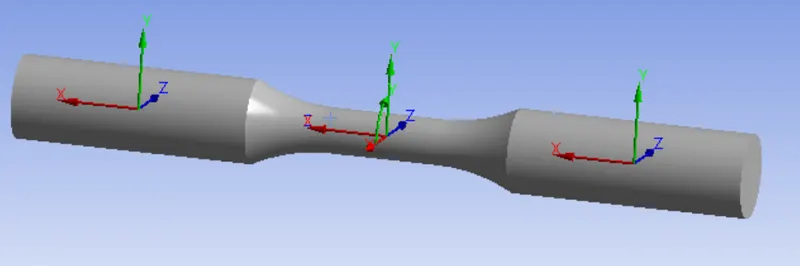
- Analysis settings
- Create a displacement
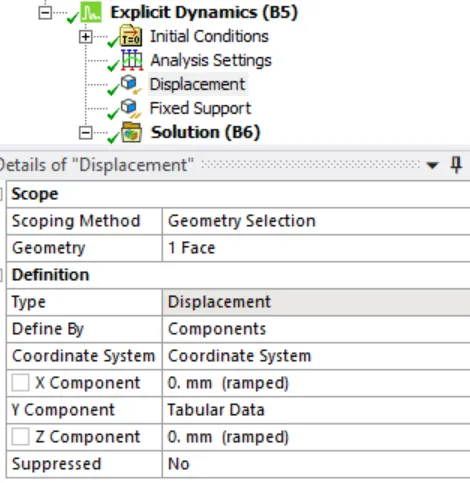
- Change the coordinate system to newly created coordinate system.
- insert necessary output requests.
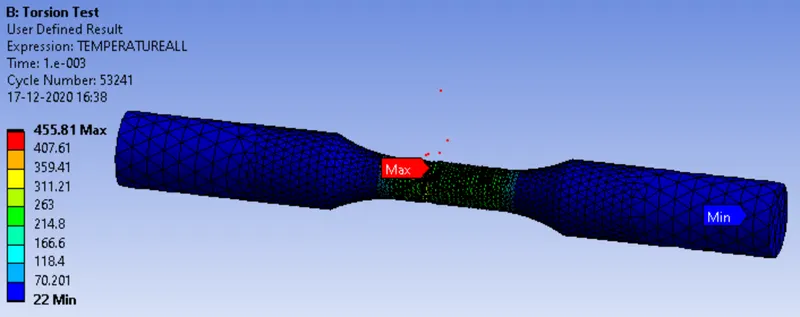
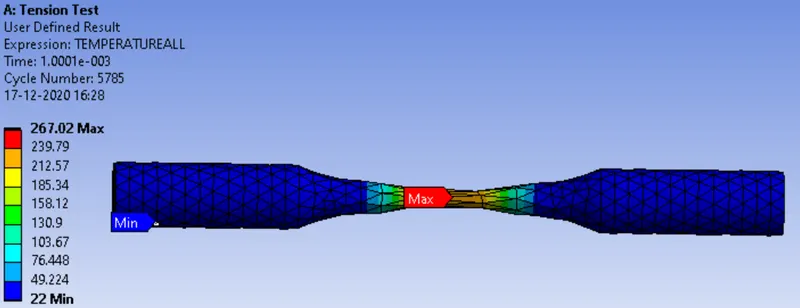
- Expression for the temperature is TEMPERATUREALL.
Results:-
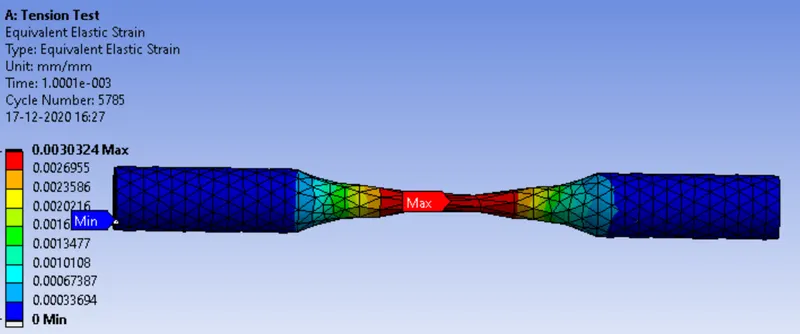
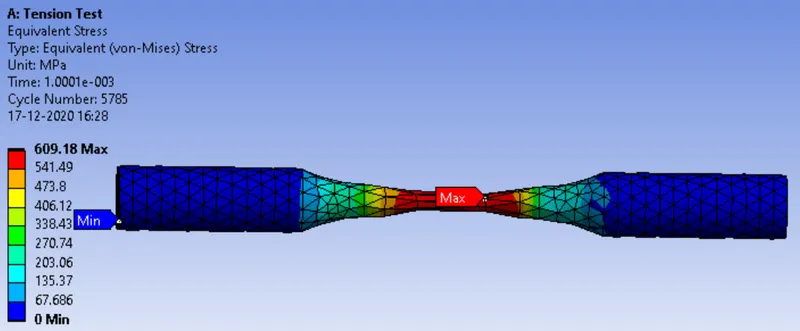
Tension Test:-
Total Deformation.
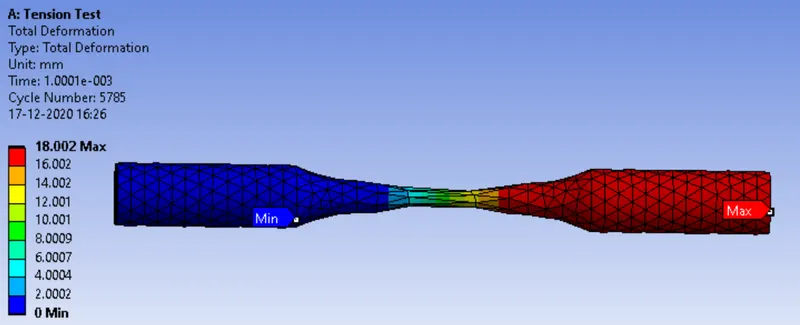
Equivalent Elastic Strain
Equivalent Stress
Temperature
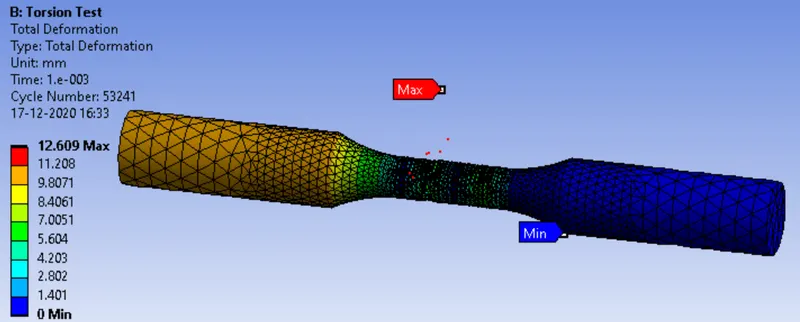
Torsion test:-
Total Deformation
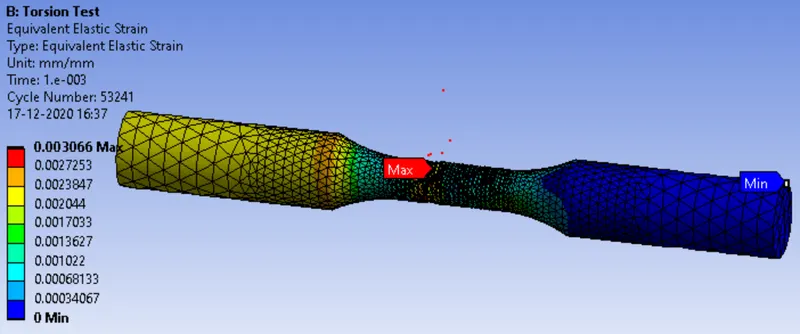
Equivalent Elastic Strain
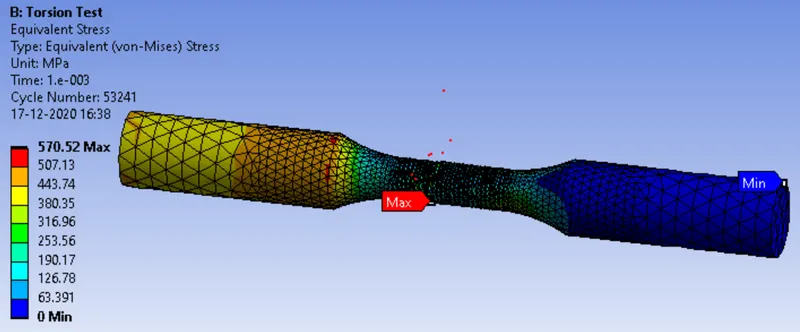
Equivalent Stress
Temperature