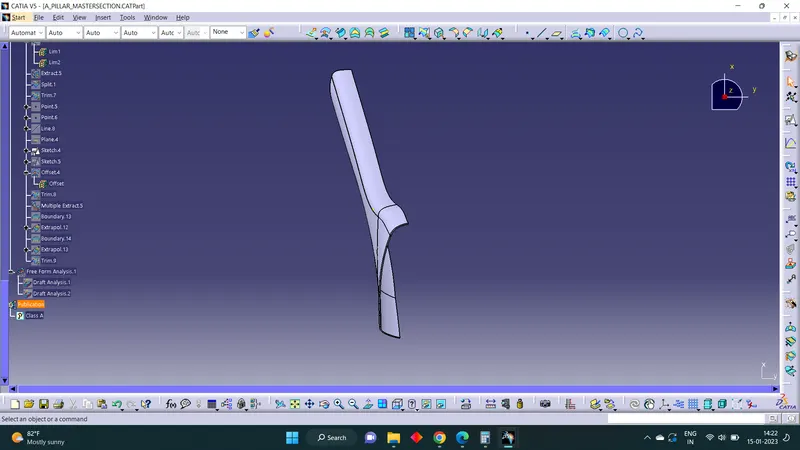
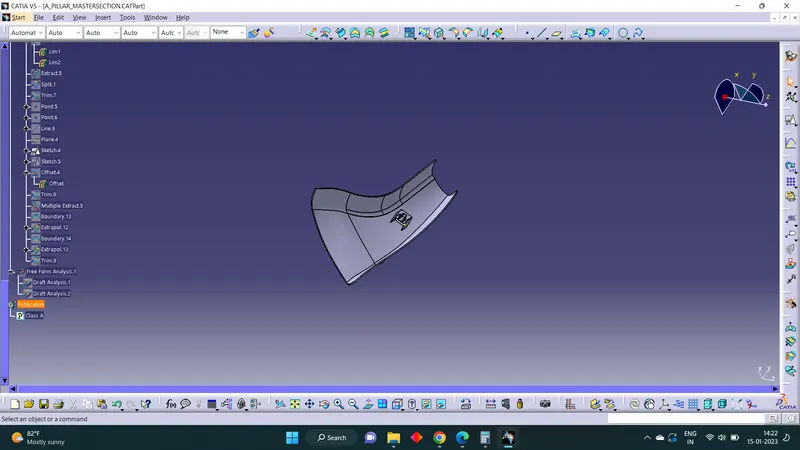
Week 9 - Project - A pillar Design with Master Section
Tooling Axis
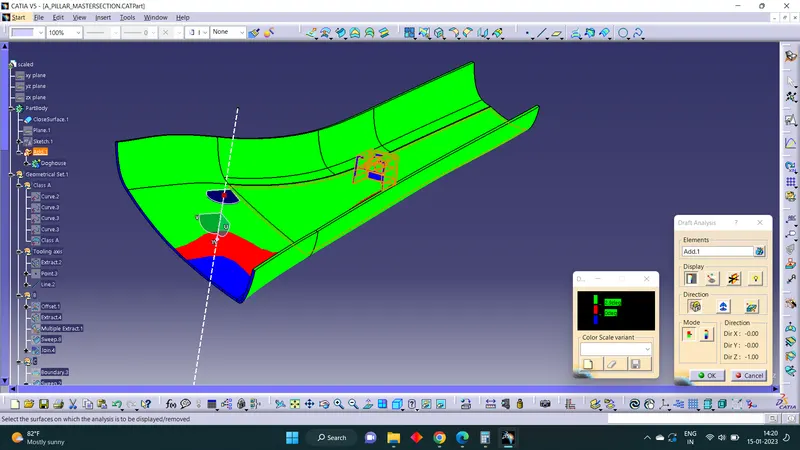
Select a point on the surface of Class A with maximum visibility of all the surface of Class A.Extracted the surafce, Created a point and made tooling axis normal to the surface.
Draft Analysis
Insert > Analysis > Featured Draft Analysis
Put into material mode.Drag and drop the compass to the tooling axis. Then Click on the surface where draft analysis is happening. Set the Angle and color code for Draft angles. Then we get part with draft analysis with different color based on the draft angle
Create a parallel plane, using three points in the master section. All the three points should not be in the same line. Then using projection element, make a closed body from the master section for making the doghouse. Using part design make the solid body and then shell it. Then coring is done, folowed by drafting on out side surface. Then create side core axis normal to doghouse inner surface, Give draft to doghouse using the side core axis. Give edge fillets and slot and ribs.
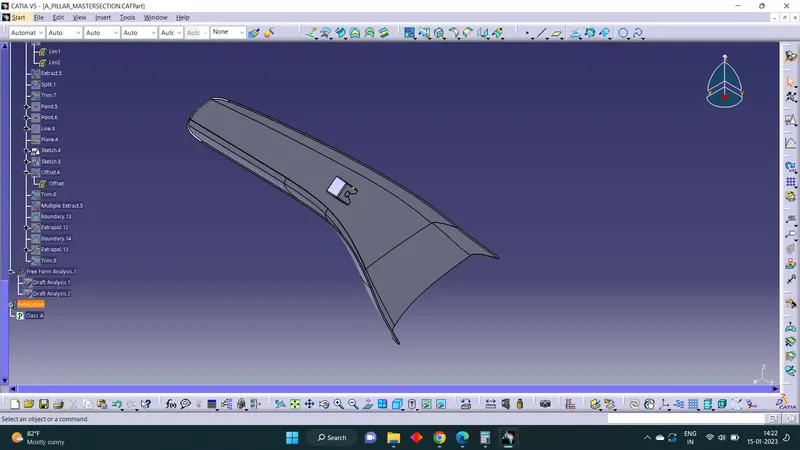
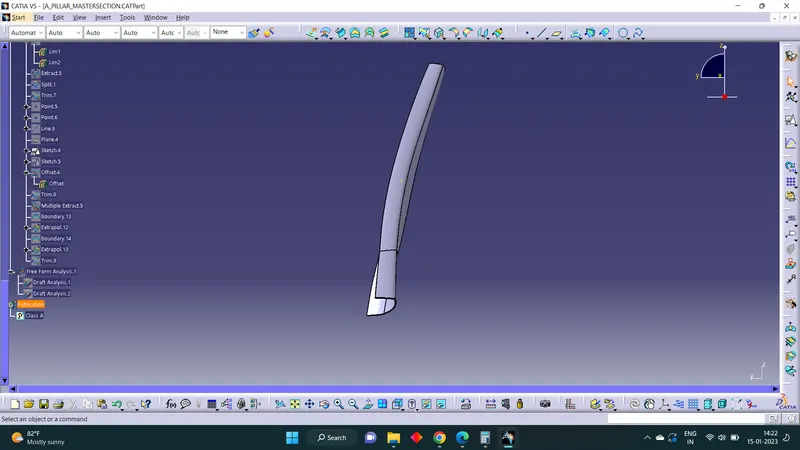
Draft analysis Class A
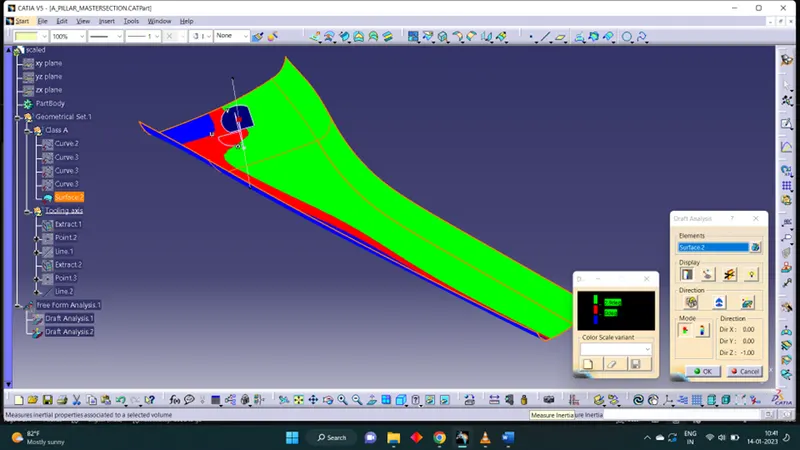
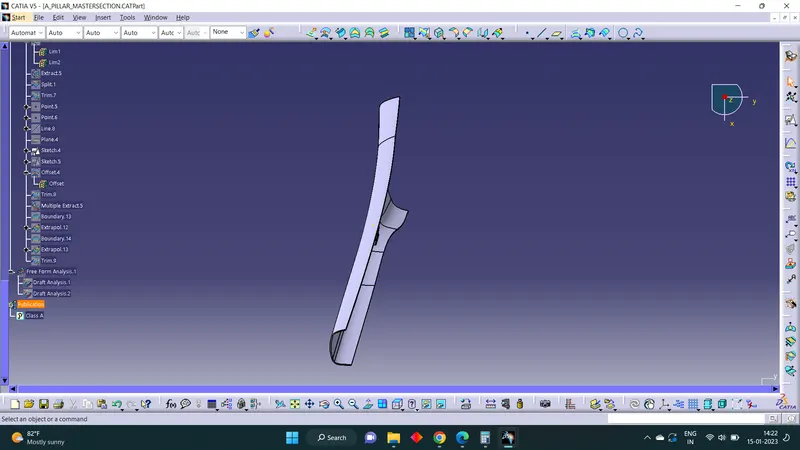
Draft analysis Solid Body