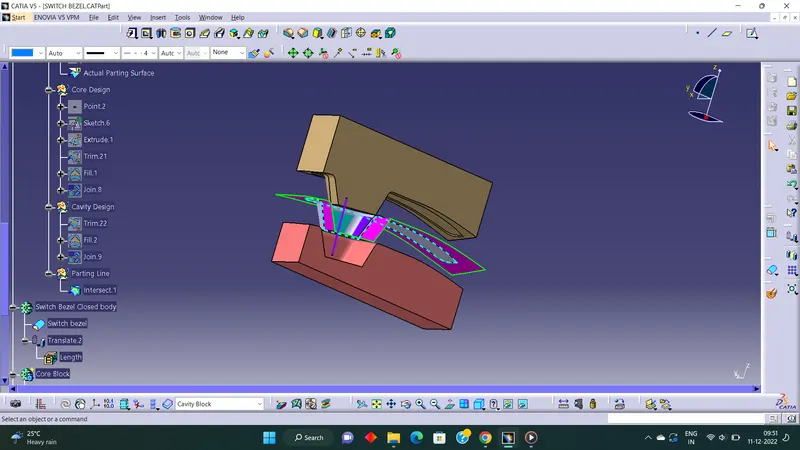
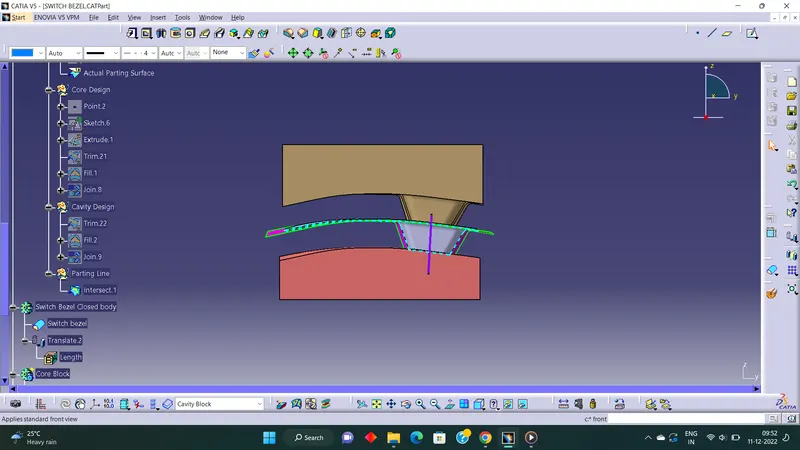
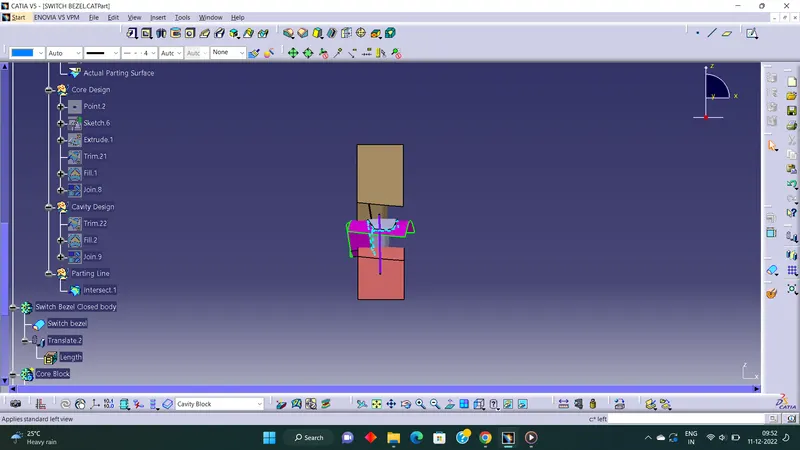
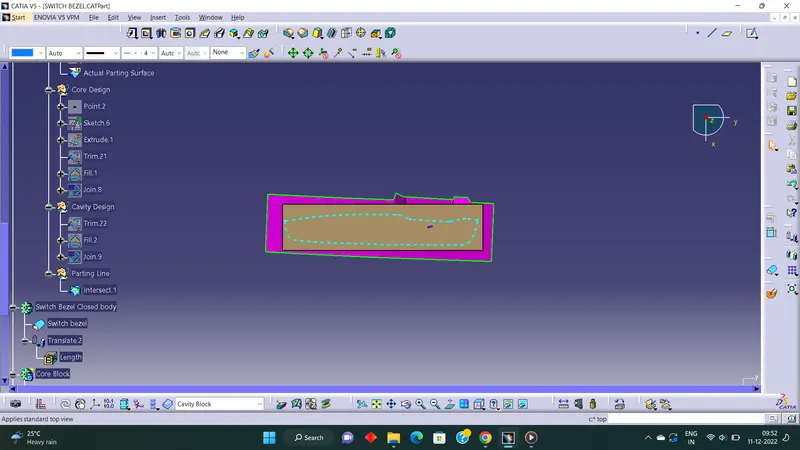
Week 8 - Challenge 6 - Core & Cavity Design
Tooling Axis
Extract the base surface>Create a point on the surface > Draw lines over the side walls on Y direction > Create bisecting line, which is the tooling axis for surfaces on Y direction > make other lines as construction lines > Create new sketch and Then intersect along ZX plane for finding tooling axis > Draw line over the intersection > Creat a line at the orgin which is 3 degree to the line drawn >Then bisect the first line with second line to get the Final tooling axis
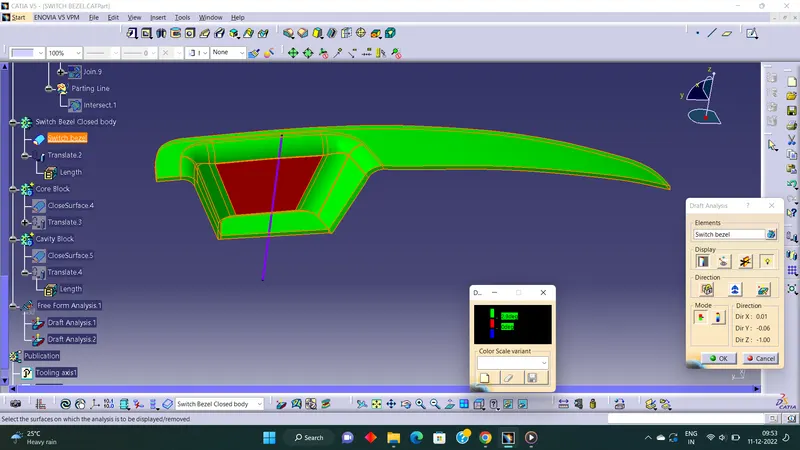
Draft Analysis
Insert > Analysis > Featured Draft Analysis
Drag and drop the compass to the tooling axis. Then Click on the surface where draft analysis is happening. Set the Angle and color code for Draft angles. Then we get part with draft analysis with different color based on the draft angle. If the draft angle is more than 3 deg, tooling axis is correct to proceed.