Week 9 - Project - A pillar Design with Master Section
Aim:
To create a piller design with the give Class A and Master session as input.
Procedure:
Class B Creation:
- Chech the master setion for the thickness for the component.
- it was 2.5mm from the class A.
- Select the class A and Offset it to 2.5mm.
- now see which surface are not get offset.
- select the profile and select the curve to sweep.
- go to sweep-->with line-->reference to surface-->select Profile-->select Guide curve.
- now joint those surace.
Class C Creation:
- show the class A and take the boundary of class A as Reference.
- now sweep it with reference with tooling Axis for 6mm with the angle respect to master section.
- to create a perfect face to face match with the mastersection extract the sketch respect to class c.
- now extrude it to y direction for both side and set intersection for the class C sweep to the extrude.
- now hide the extrude and check angle between intersection and extract from master setion.
- now adjest the sweep with the angle between intersetion to the extract.
- extract the boundry of class A and and extract the surface of calss A and sweep it with reference to surface.
- now do multibody to joint two areas.
- likewise create a urface for other two area and trim it togeather.
Body Creation:
- join Class C and Class A togeather.
- Now trim Class B to the surface joined together.and
- now open the part workbench select part body and select close boby.
Dog House Creation:
- now extract the doghouse edges to the sketcher work bench.
- now extrude the surface toward the tooling axis direction and thicken it
- now create to surface to close it.
- now extract the back surface and offset toword 21mm as per mastersection.
- now select the side faces of doghoude and select the base as nuteral element and pulling direction as tooling axis to upwors direction.
- now extract the inside surface of doghouse and offset to 1mm,now select the bottum surface and offset top side of class B and trimm the inner wall surface to the bottum surface,
- now cut the surface of doghouse. now these is the sink mark cut of doghouse .
Rib creation:
- extract the mastersection to a sketcher workbench.
- now extrude to the length of doghouse, then the rib.
- now draft it with the side core axis at the draft angle of 0.5deg.
Full Part Body Creation:
- the rib body is assembled to rib base and unitrim with doghouse body
- then these doghouse body unitrim with the main body.
Draft analysis:
Insert draft analysis toolbar
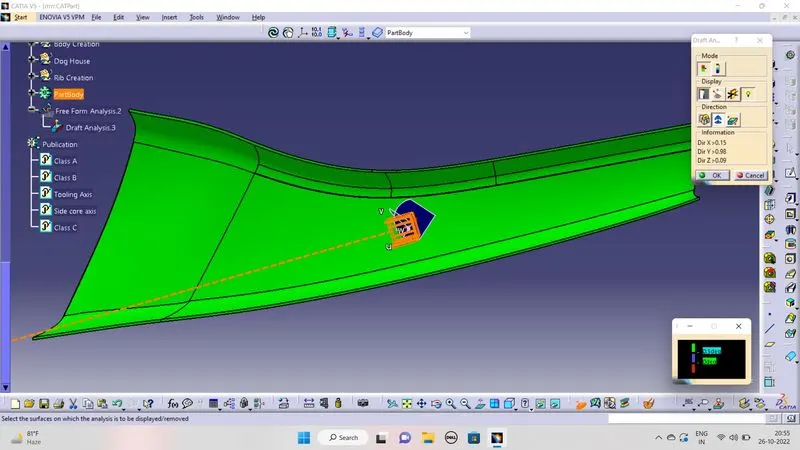
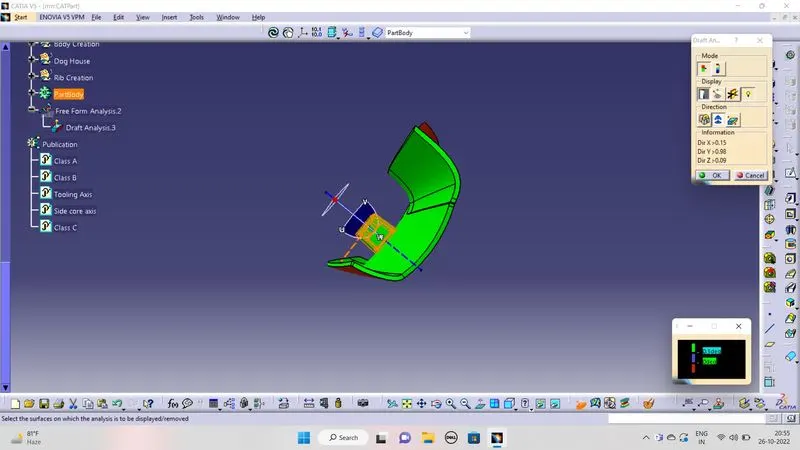
- Insert-->analysis-->future draft analysis-->select compass-->set the compass to the main tooling axis-->lock the compass.
- now set the draft direction.
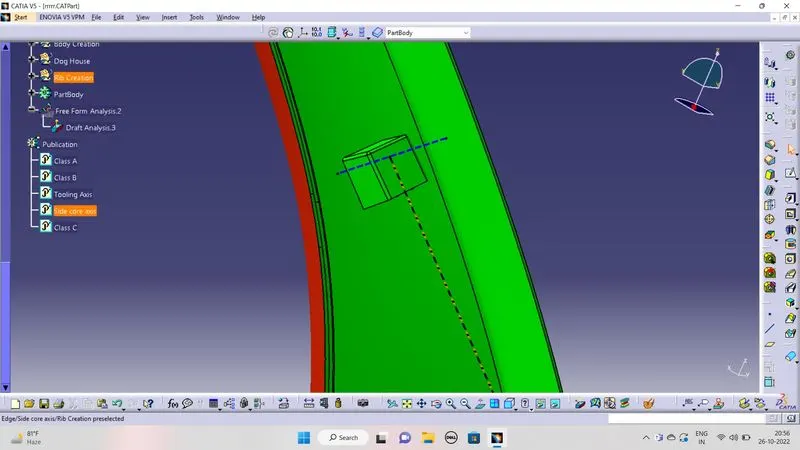
- now see the draft analysis and do the draft analysis for doghouse with side core tooling axis.
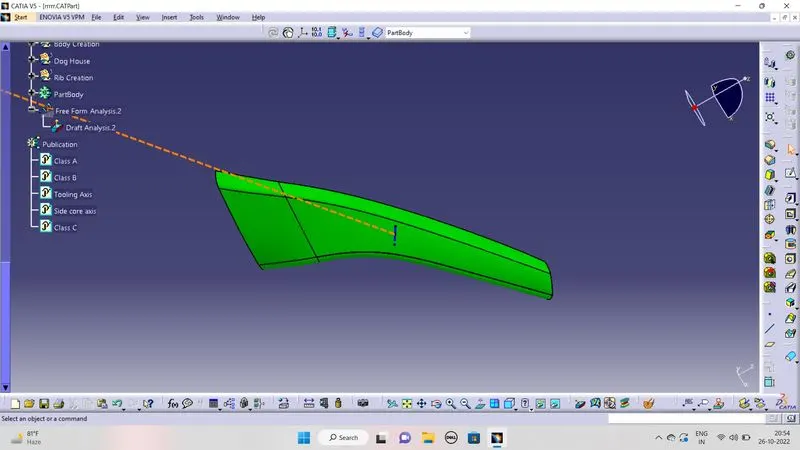
Pictures:
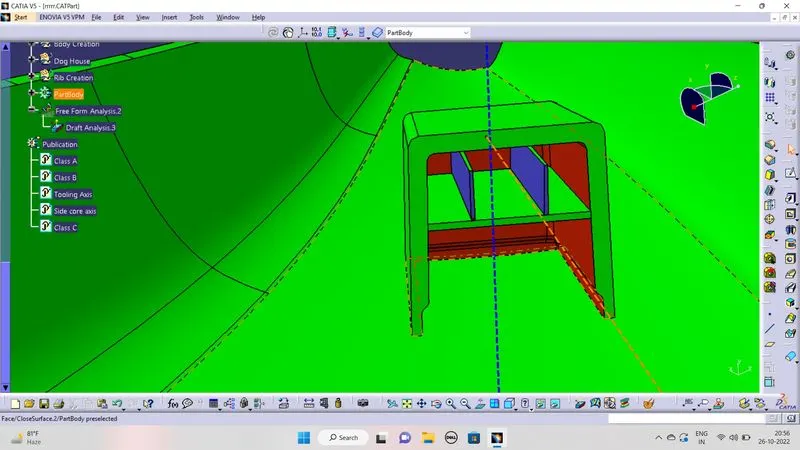
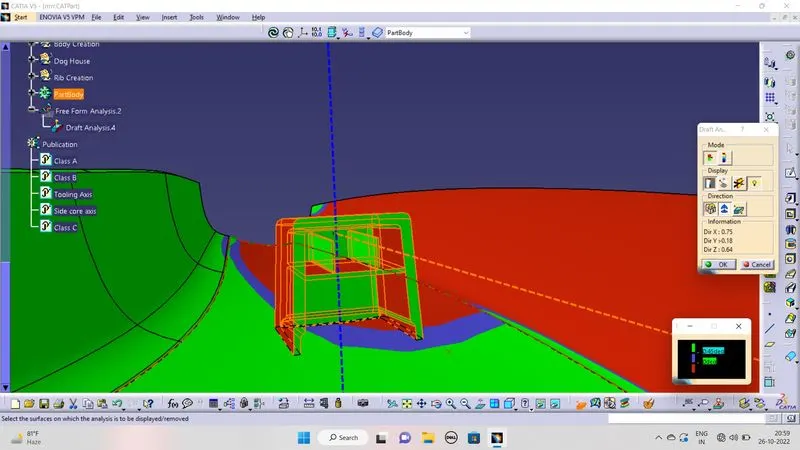
The PPT is Attached to the files