Week 9 - Project - A pillar Design with Master Section
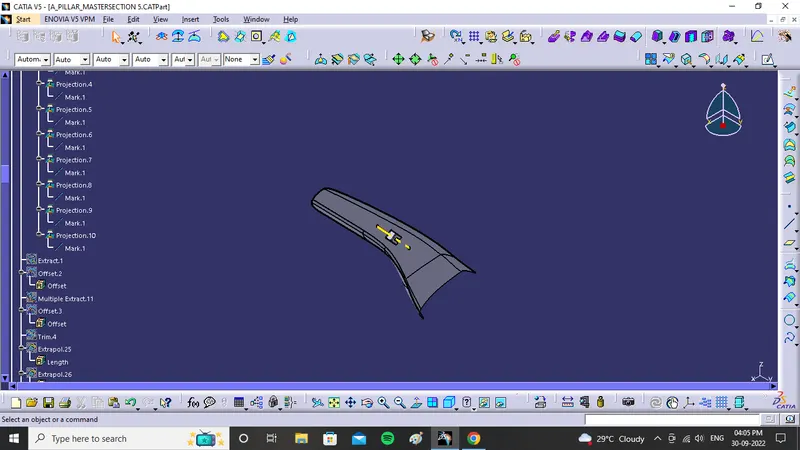
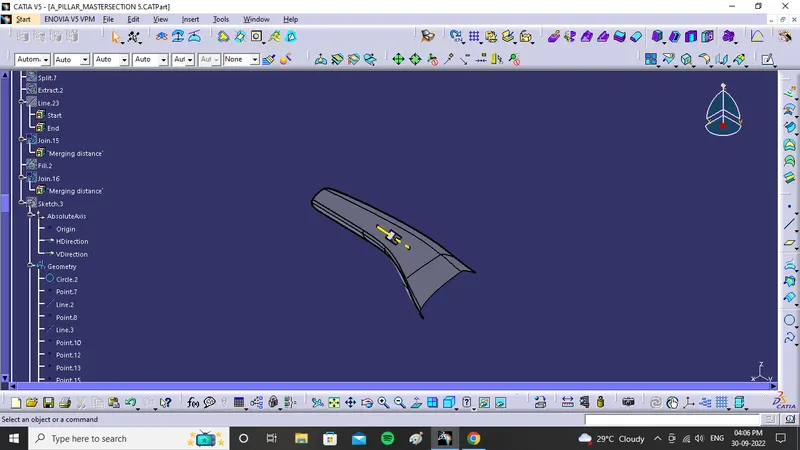
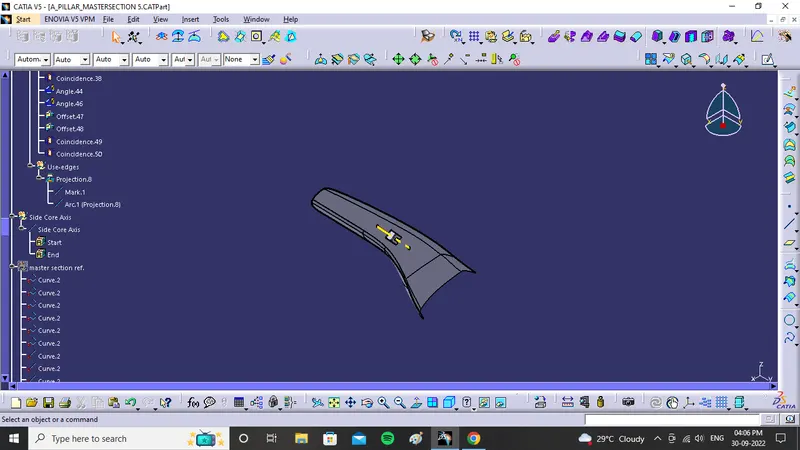
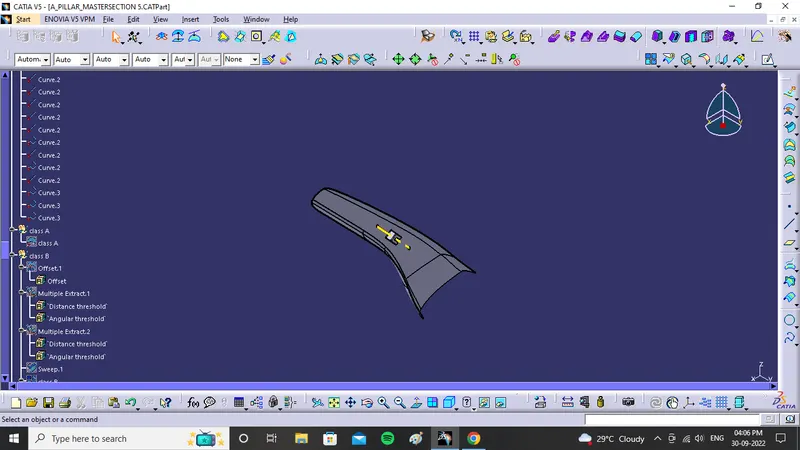
TREE STRUCTURE
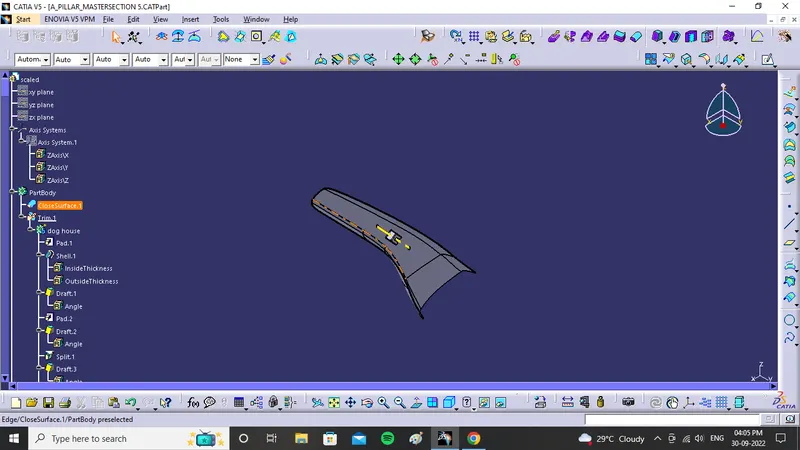
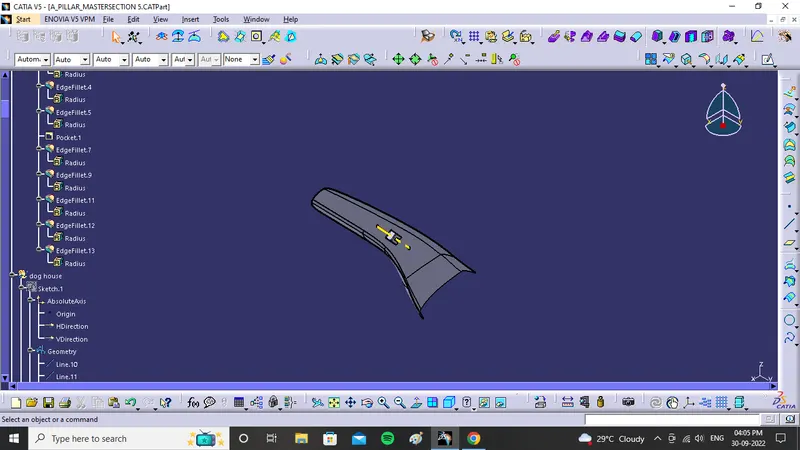
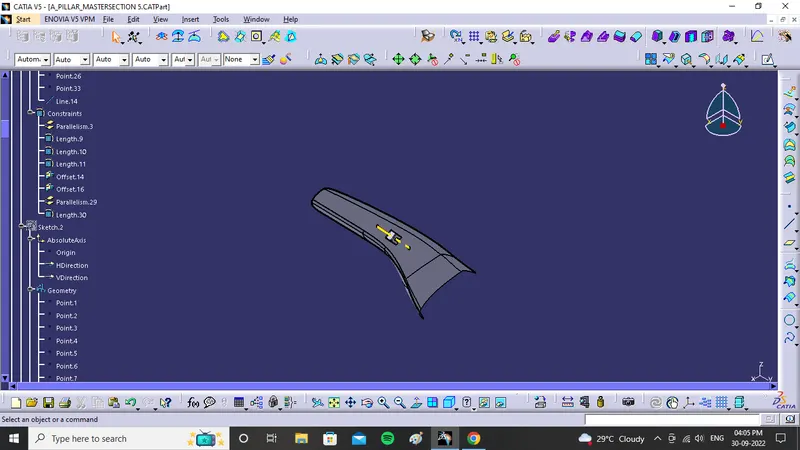
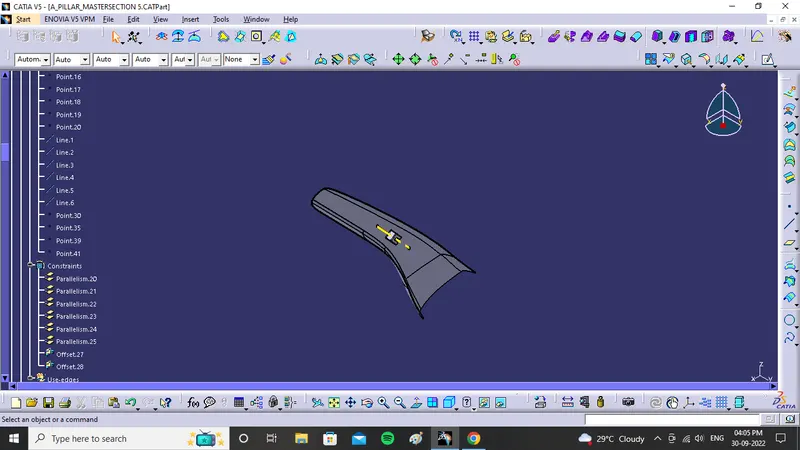
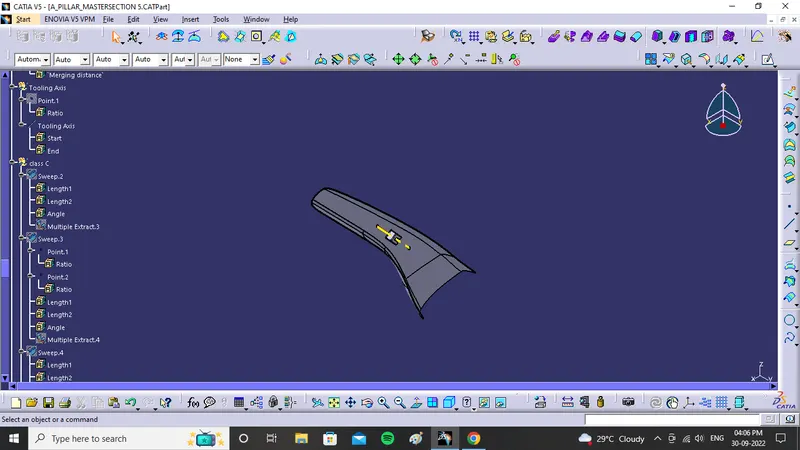
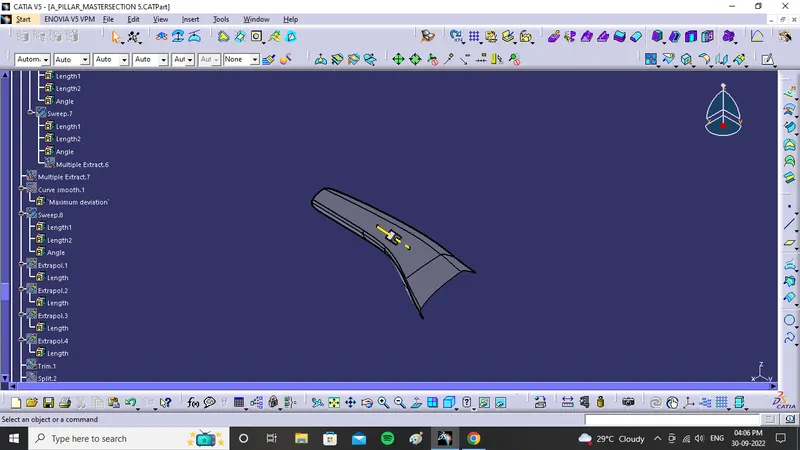
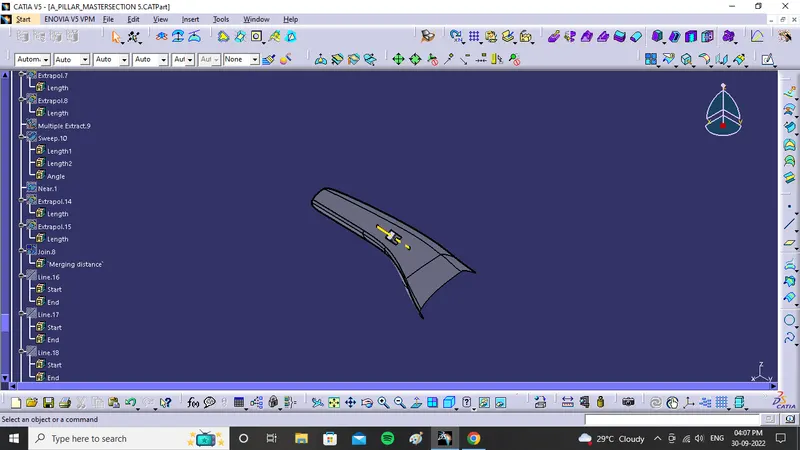
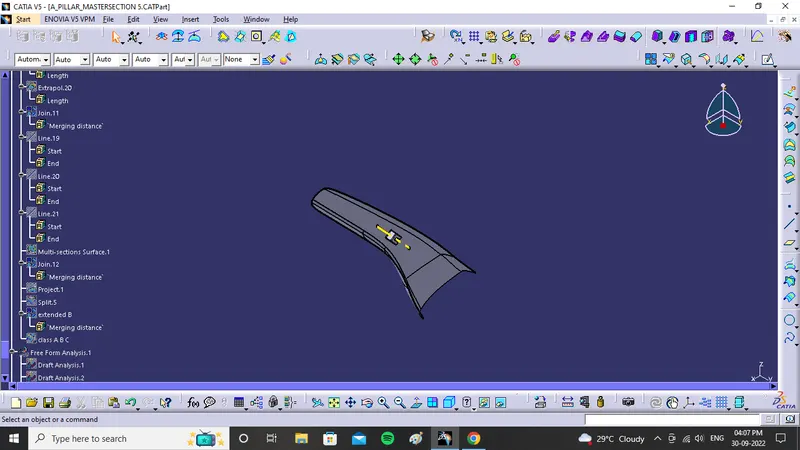
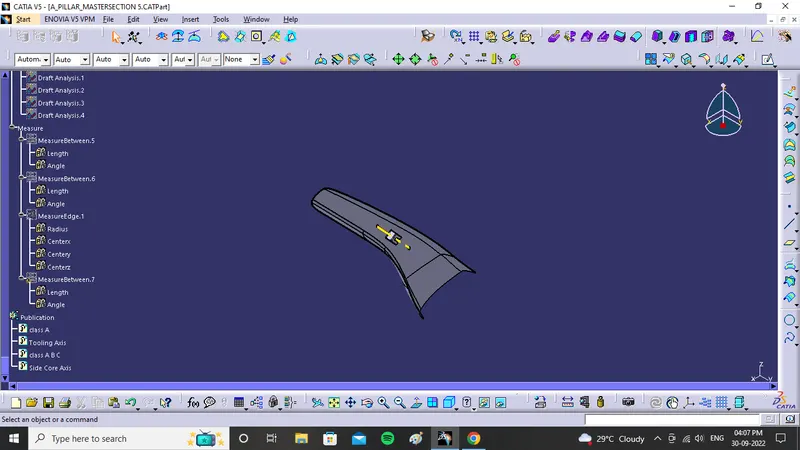
SKETCHES
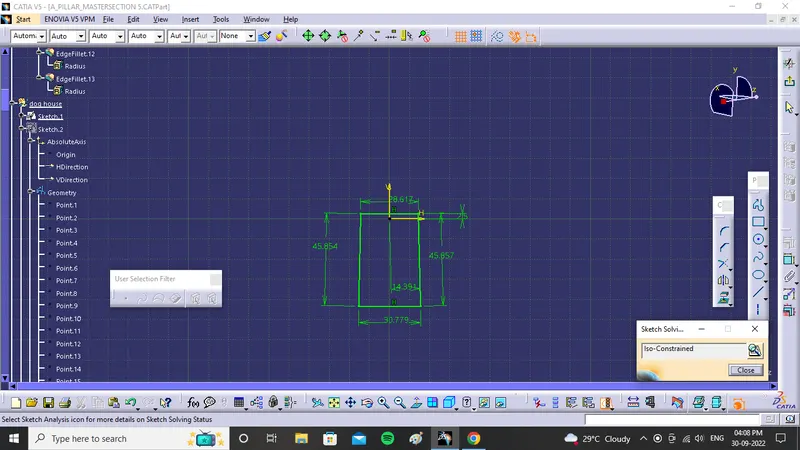
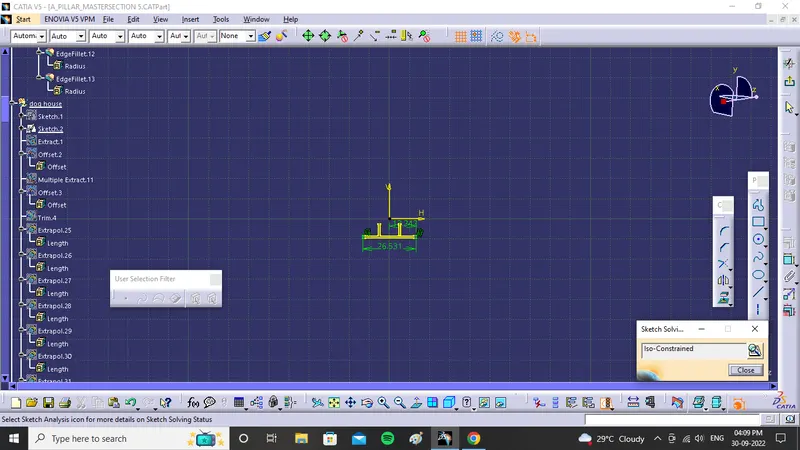
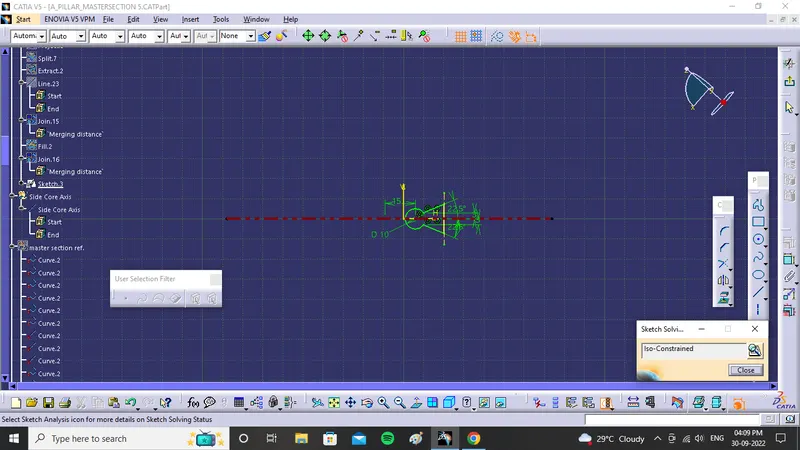
DRAFT ANALYSIS
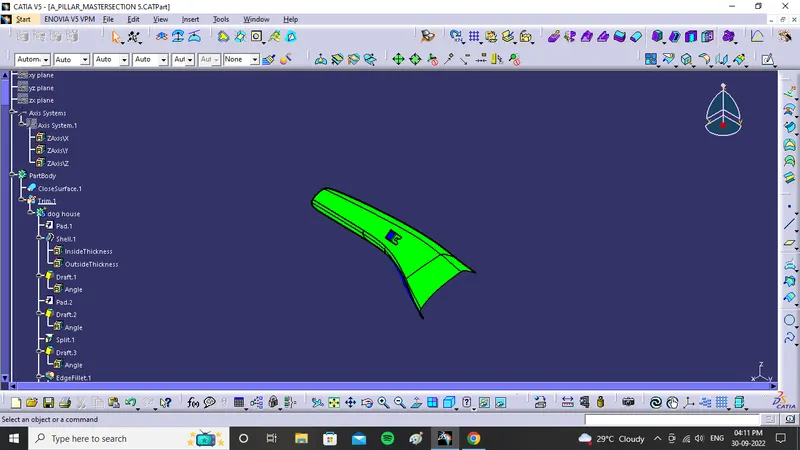
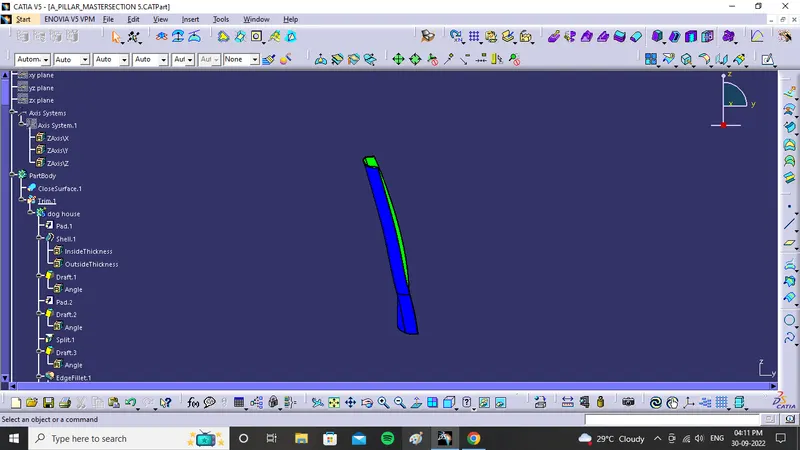
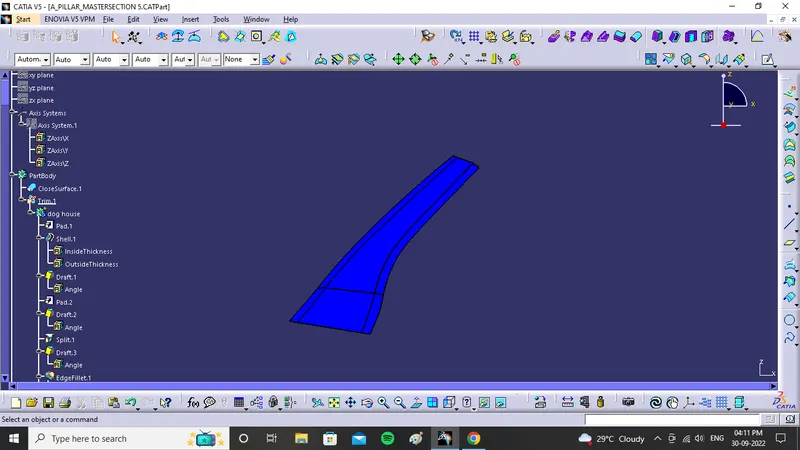
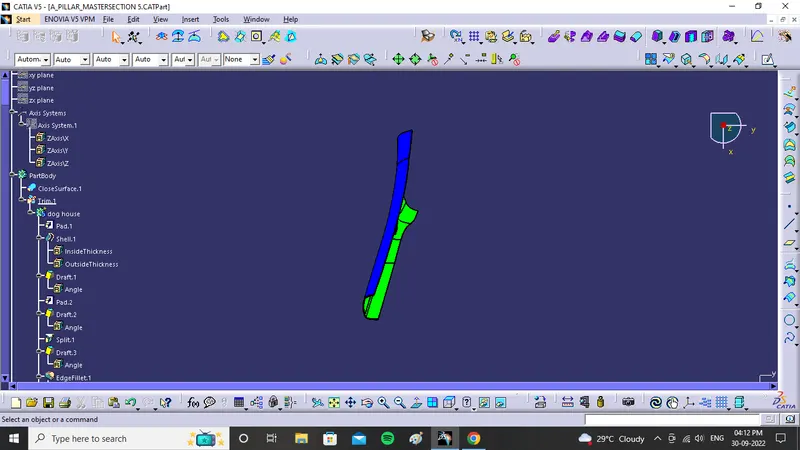
TOOLING AXIS AND DRAFT ANALYSIS
- Tooling axis in this case created by trial and error method
- First create approximate tooling axis
- After that apply draft analysis for given A surface
- And find the green color surface on the surface of given class A surface such that compass positioned
- Then create a line passing through point and in the compass direction
- Then perform draft analysis to the class A surface for better result
- Same steps followed to final surface also
- green colour indicates draft angle will be more than 2 deg
- blue colour indicates draft angle will be negative
- for draft analysis axis system is taken and that axis system is coinside with the tooling axis
- and lock that position
- then take the pendent symbol tool and click on the part then it will show which surface is more draft angle which surface is less angle
- if the surface is green then ok
- for blue surface click inversion symbol then shifted up side down and visible green surface
- if any deviation surface shown red colour.