Week 9 - Project 1 - Door Trim Lower with Engineering Features
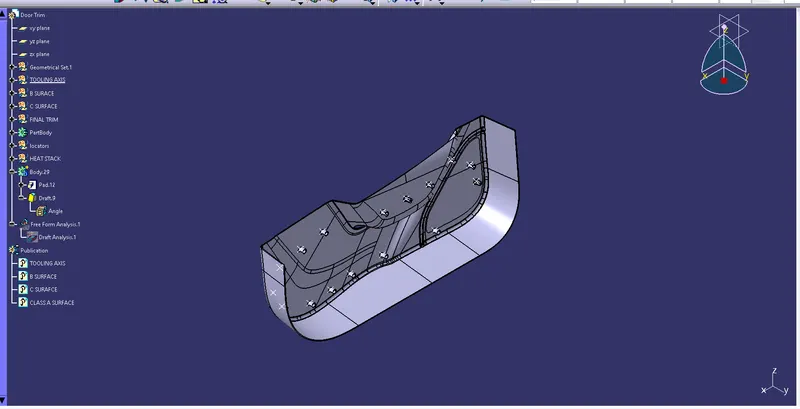
REPORT:-
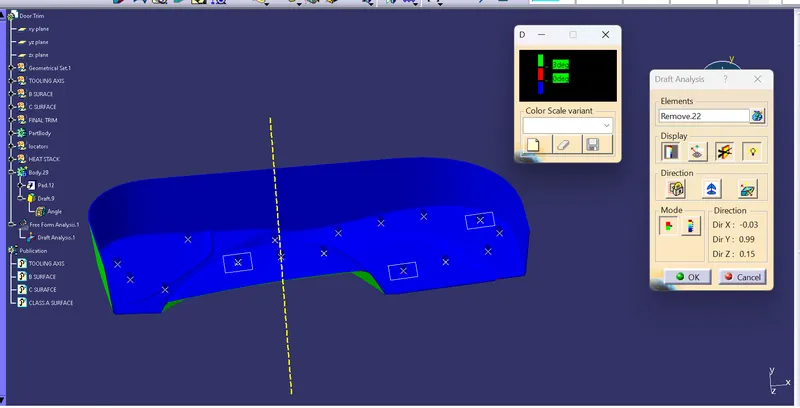
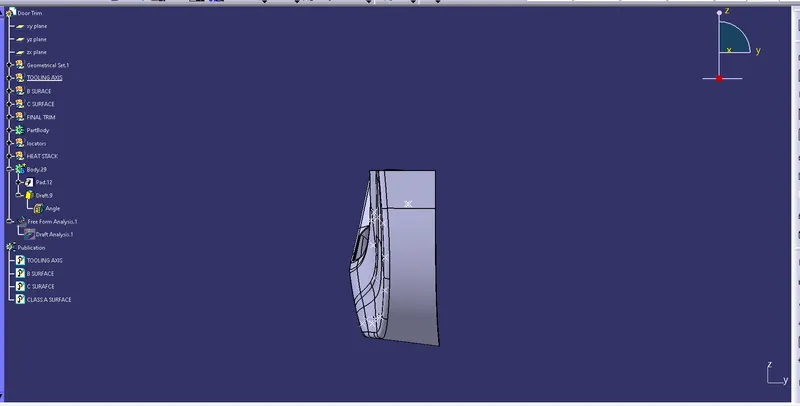
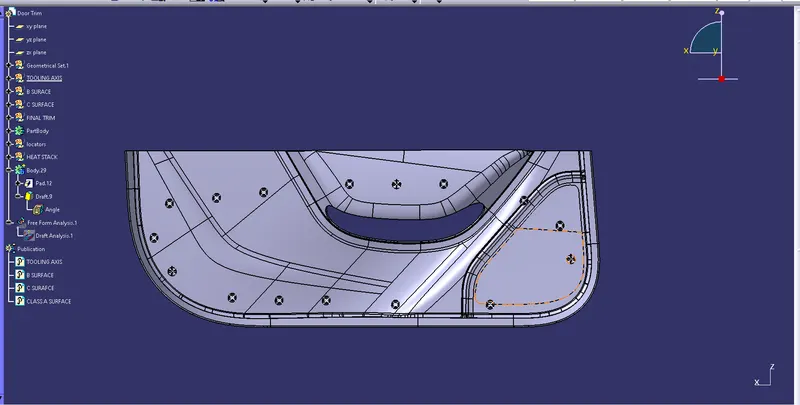
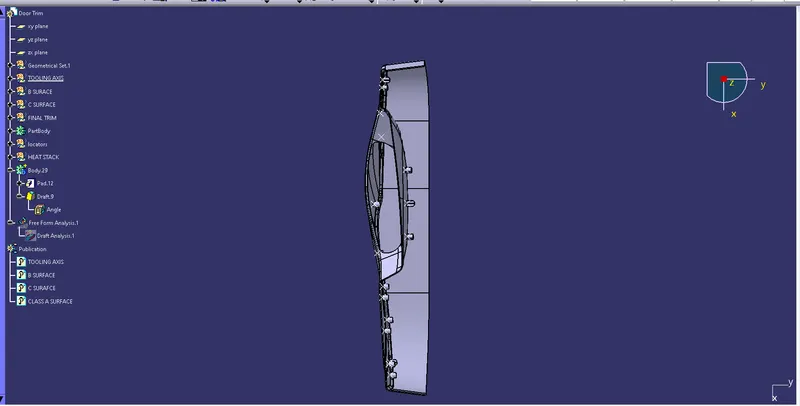
Here we create the tooling axis on the surface, Intially create point on the center of the surface and created the line on the point which is perpendicular to the surface, its considered as tooling axis.
When we do the draft analysis on that line i got clear color of that part.
2. B SURFACE
Next create the B surface, for that first offset the class a surface that is called class B surface, in that some gaps are form in the surface ,we need to fill it and make one surface with one sigle boundary .
3. C SURFACE
create the class c surface using the class A surface ,outer line of the class A surface is created using boundary feature ,create the surface perpendicular to the class A surface using the sweep feature,then check for any error in boundary feature, if found currect it.
to get final surface model join class A surface and C surface trim with class B surface