Week 9 - Project 1 - Door Trim Lower with Engineering Features
Aim - This project aims to create a Door Lower Trim plastic component with Engineering features using the given class A surface following the OEM standard. and perform the draft analysis.
Objective -
- Ensure Proper Tree Structure.
- Geometrical sets should have a proper name based on the sketches present inside them.
- All the sketches should be created under the Geometrical set.
- Use the Close Surface feature to make a solid body from the surface.
- To publish the Tooling Axis, Class A.
Design Methodology-
- Insert the class A surface of the Door Trim Lower in CATIA software.
- Determining the tooling axis for the Door Trim Lower.
- Creation of class B surface.
- Creation of class C surface.
- Join the Door Trim Lower's class A, class B, and class c surfaces and ensure all the surfaces are closed surfaces.
- Use the Close Surface feature to make a solid body from the surface.
- Creating Engineering Features.
Theory -
1.Tooling Axis - Generally 3 methods used to create the tooling axis.
- Normal to plane (Large surface avilable).
- Bisecting the line.
- Point and Direction.
For Door Trim Lower Normal to the plane is used for tooling axis as Class A surface clears in draft analysis.
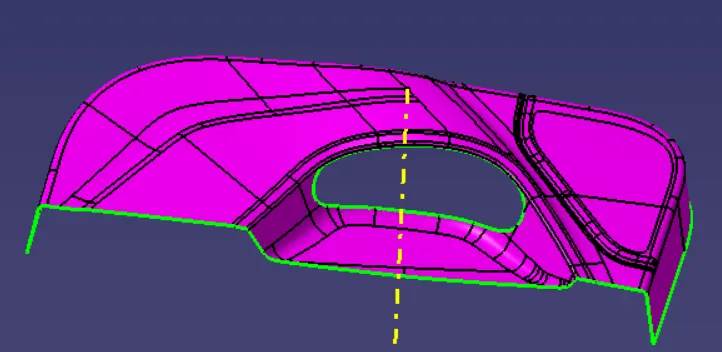
2.Class B Surface -
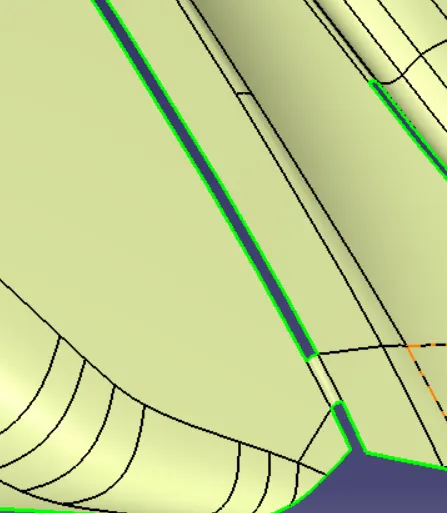
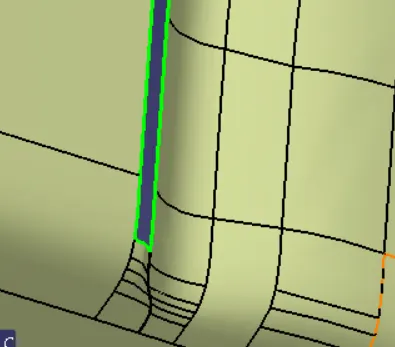
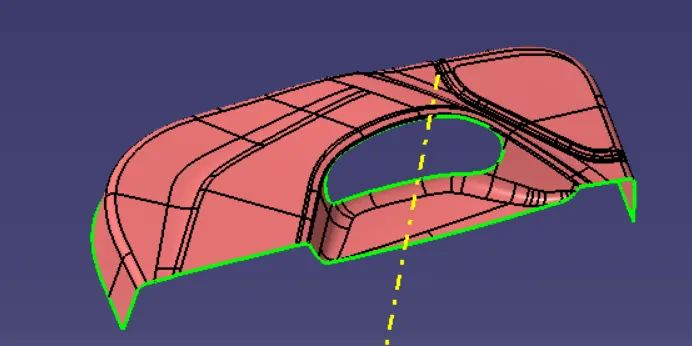
To create the class B surface, offset the class A surface inside as per our thickness requirement (here the thickness is 2.5mm, so offseted the class A to 2.5 mm inside). Once the offset is created, we can observe some patches on the offset surface by taking the boundary for the offset surface, those patches are formed due to the fillets on the class A surface. We need to cover those patches with the help of the multi-section surfaces command by extracting the patch boundaries. Once all the patches on the offset are covered properly join all the patches with the offset surface, to get the replicated surface of the class A surface.
- Patch 1 -
- Patch 2 -
- Patch 3 -
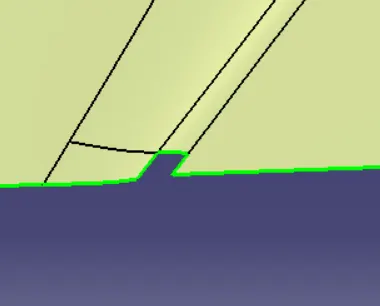
After fillinng these patches proceed with Class C surface.
3.Class C Surface -
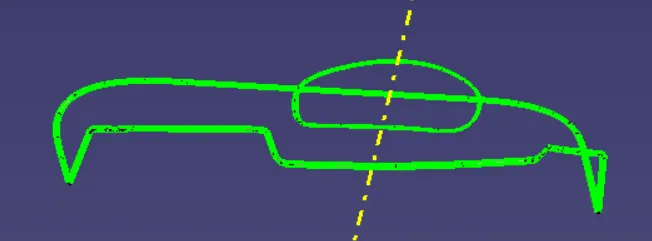
To create the class C surface concerning the boundary of the class A surface, We used the sweep command but unable to do in one shot so did it in patches. For the surfaces almost parallel to the tooling axis used sweep with draft direction and where surface is perpendicular to the tooling axis used sweep with referance surface.
4.Final Trims -
Joining the Surface A + Surface C + Surface B
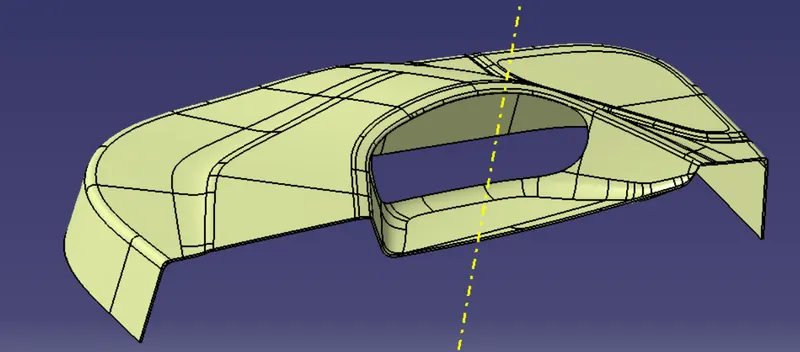
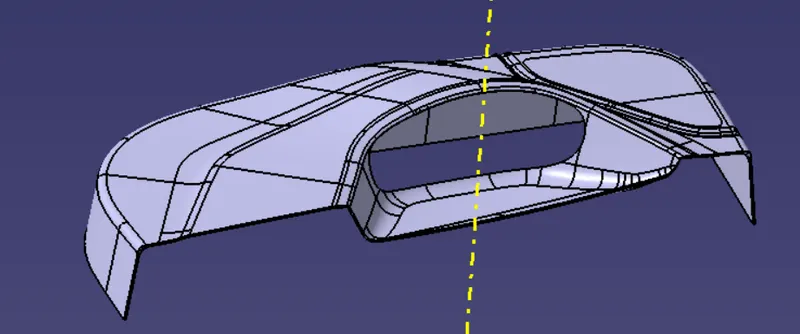
And last Close the surface.
5.DOOR TRIM WITH LOCATORS AND HEAT STAKES :
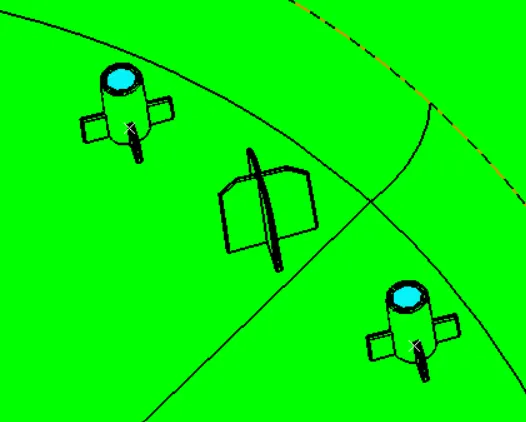
5.1 DESIGN OF 4 WAY LOCATORS :
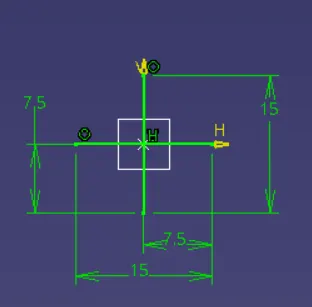
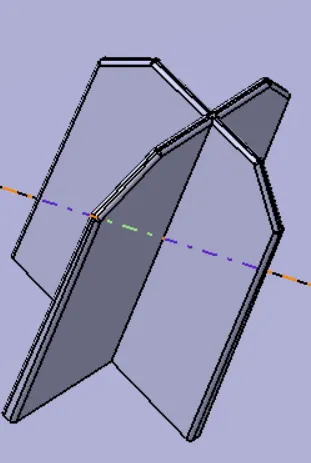
We took a gemoetrical set and drawn a sketch with reference of plane and projection point, after PAD the sketch with in the dimension limits as, with NEUTRAL FIBER.
THICKNESS = 1mm and HEIGHT-20mm
given a DRAFT = 0.5, Entry chamfer - 3mm at 45 degree and given a fillet - 0.25mm
With paste special and translation created another 4way locator.Assemble and union trim with main body.
5.2.DESIGN OF HEAT STAKES WITH RIBS :
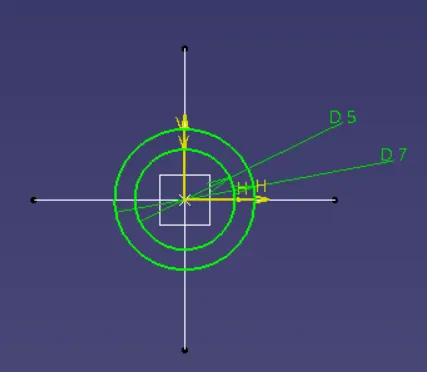
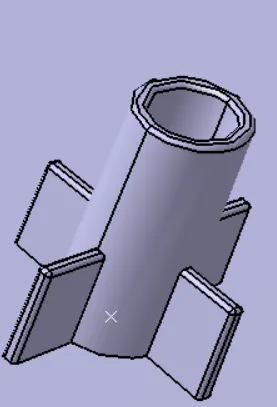
We took a gemoetrical set and drawn a sketch with reference of plane and projection point, after given PAD to the sketch with in the dimension limits as, with NEUTRAL FIBER.
Thickness of the walls is 1mm , Height of heat stake - 15mm , Height of suppoting rib - 6mm ,
Draft of 0.5 degree and fillet of 0.25mm.
With paste special and translation created another Heat stakes.Assemble and union trim with main body.
6.Draft Analysis -
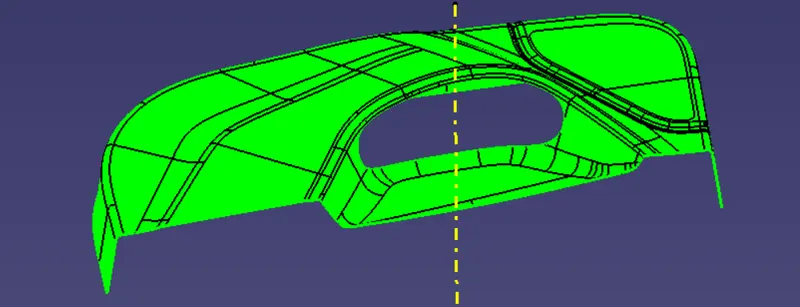
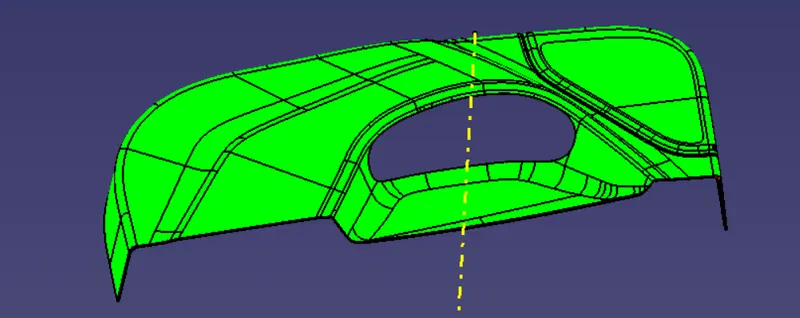
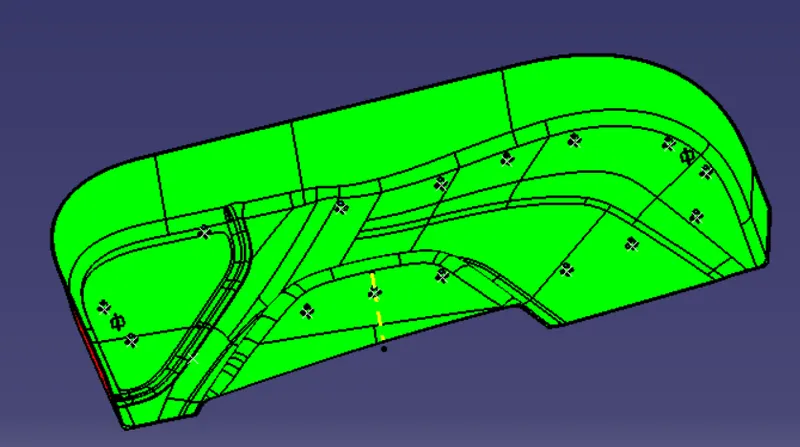
Draft Analysis is used to check the whether the minimum draft of 3deg is maintained or not and for engineering features its 0.5deg.The draft analysis command enables you to detect if the part you drafted will be easily removed. This type of analysis is performed based on color ranges identifying zones on the analyzed element where the deviation from the draft direction at any point, corresponds to specified values.
1.Draft Analysis of Class A -
2.Draft Analysis of Final Product -
3.Draft Analysis of Final Product with Engineering Features -
Conclusion - Sucessfully created a Door Lower Trim plastic component with Engineering features using the given class A surface following the OEM standard and performing the draft analysis.