Week 9 - Project 1 - Door Trim Lower with Engineering Features
Door Trim Lower with Engineering Features
AIM:-
Create the Door Trim Lower Plastic component through the given Class-A surface. To begin with, the tooling axis for the given Class-A Surface should be created meeting the requirements of the draft angle and at the end perform the Draft analysis on the model.
Create the Heat Stakes and the locators considering the design rules mentioned in the video for the door applique.
Objective:-
To begin with, the tooling axis for the given Class-A Surface should be created meeting the requirements of the draft angle and at the end perform the Draft analysis on the model.
Take the Thickness of the component to be 2.5 mm
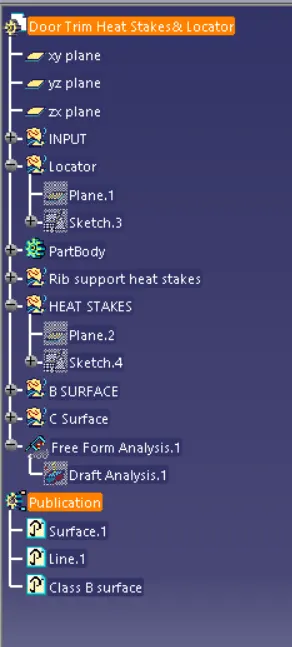
- Tree Structure
- Ensure Proper Tree Structure
- Geometrical sets should have a proper name based on the sketches present inside of it
- All the sketches should be created under the Geometrical set
- Use the Close Surface feature to make a solid body from the surface.
- Publications: Use the publication option and publish the below
- Tooling Axis
- Class A, B, and C surface
- A detailed report should be done explaining the draft analysis and the tooling axis creation.
- An explanation should be given on the way of creating the tooling axis, particularly the Normal to the surface
- Screenshots of the Draft analysis report for both the given Class-A surface and the final plastic component
- Screenshots of the solid model with the proper color code of the draft angle in various orientations (Isometric, Front, Side, and Top View)
Procedure :-
- 1.First Thing is open the CATIA V5.
- 2.Open the given DOOR TRIM LOWER CATPART file part then check if the geometrical set is properly arranged or not.
- 3.Then go to the Surface workbench
- 3.Give the proper Tooling Axis.
- 4.After that work on the DOOR TRIM LOWER Geometrical Structure.
- 5. Ensure to check the bondaries & join them properly.
- 6.Make sure that proper dimensioning is necessary
- 7.Finally check if it is Iso Constrained (Fully Constrained) or not.
- 8. By Using Surface workbench to thicken the surface & Close them properly.
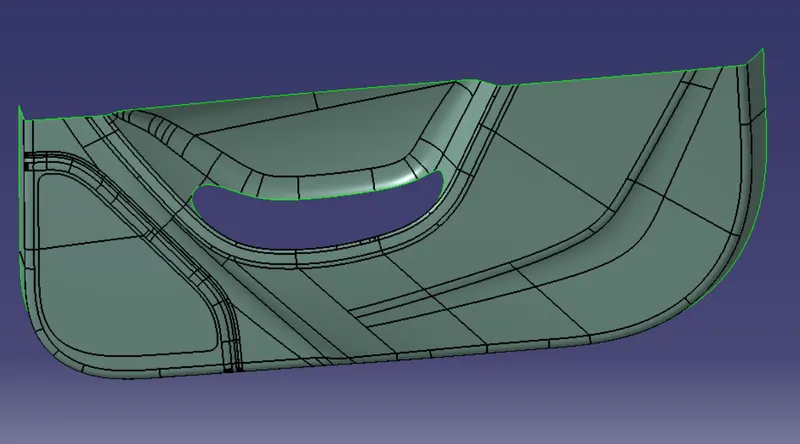
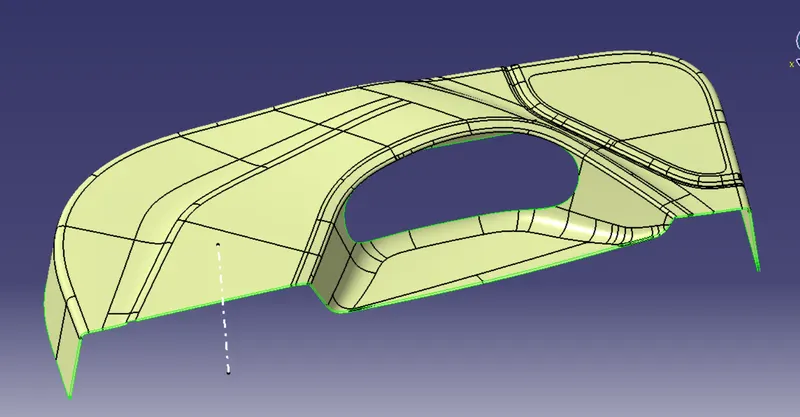
Creating of Class A surface:-
it given class - A surface to check with boundary surface any where open it class - A surface are checking before start the process
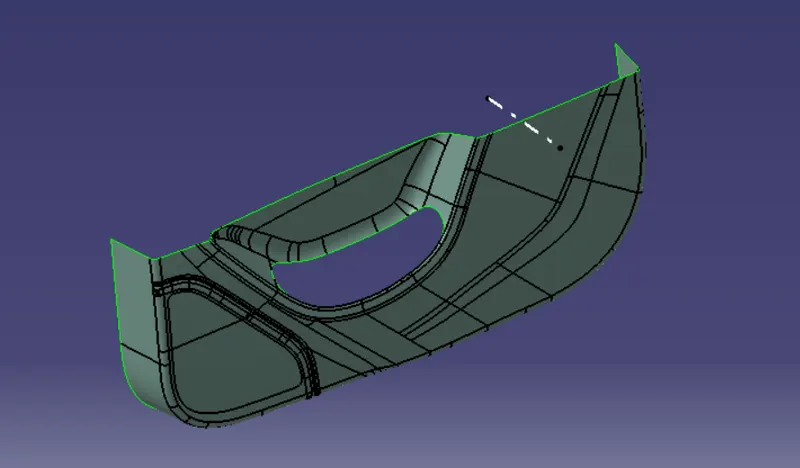
Tooling axis :-
Generally coonsider the tooling axis
- Normal to Surface
- x,y,z direction
- Bisection method
above the two option consider for tooling axis any model
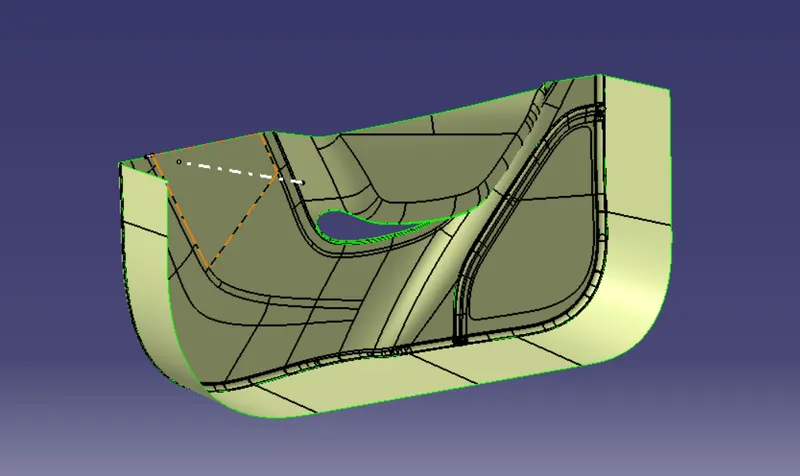
Class - B surface creation:-
Multiple extract the class -A surface and offseting this surface on 2.5mm toward the reverse direction
Creat the class C surface:-
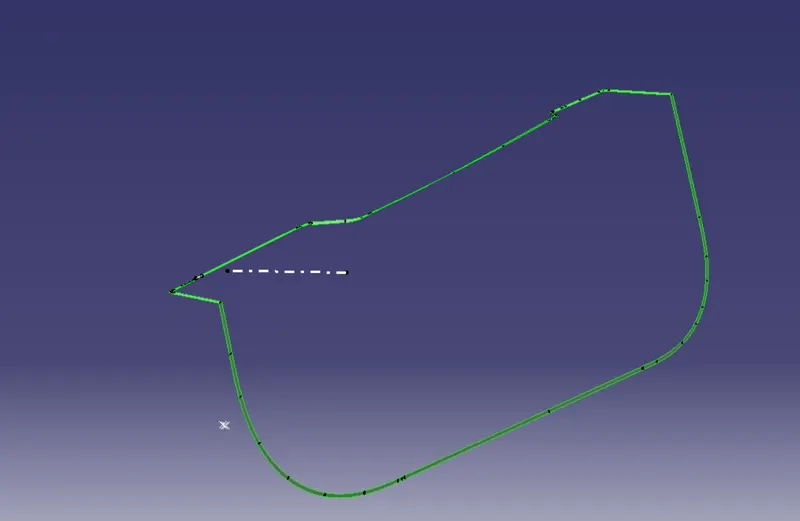
it's class c surface joining the class B and A surface make the A+B=C surface
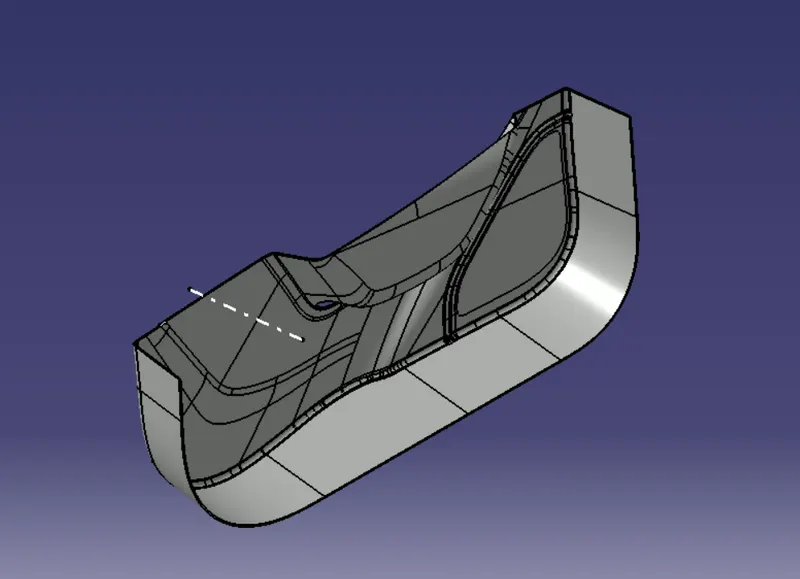
CLOSE SURFACE SOLID BODY :
A closed surface contains a volume of space, enclosed from all directions.
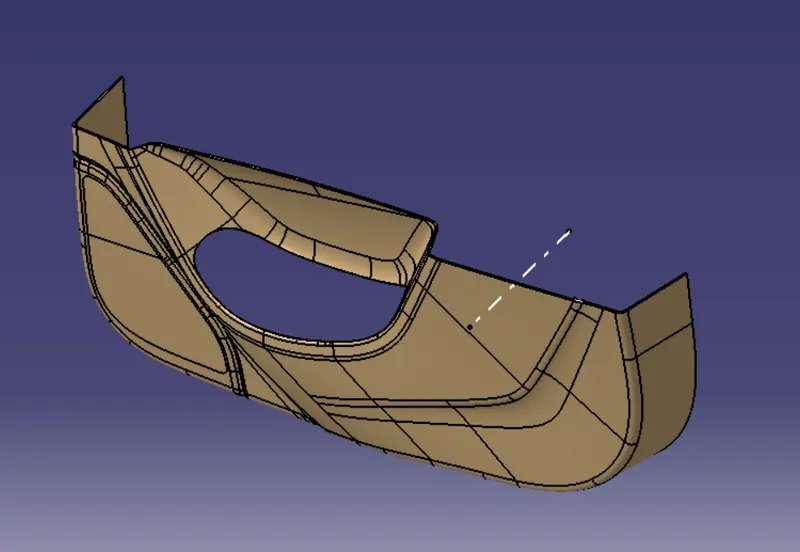
Go to the part design workbench & Click the close surface command & click the final trim surface component then the close surface solid body formed as shown in figure below.
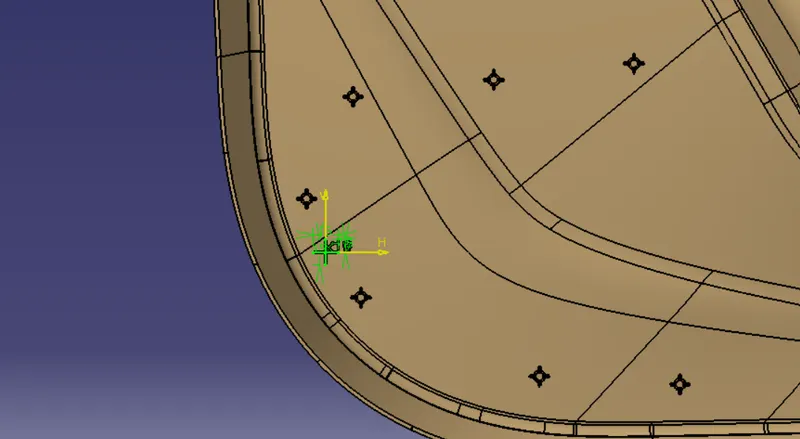
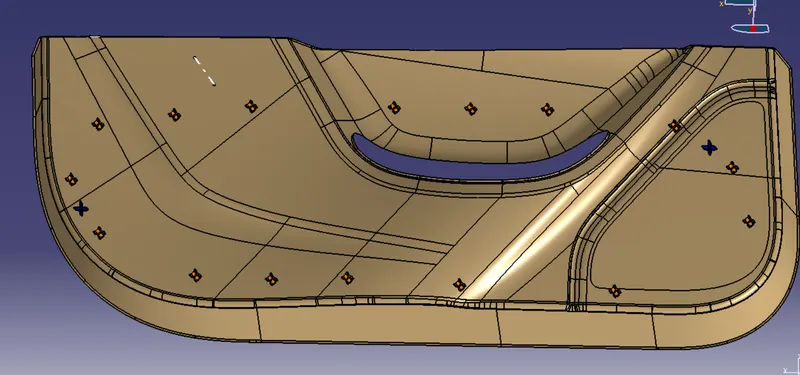
Heat Stakes :
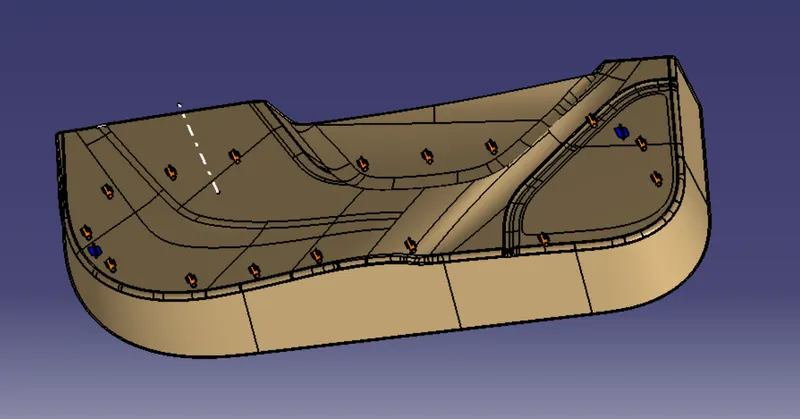
Heat staking also known as thermoplastic staking is the process of joining two dissimilar materials together. In heat staking we use local heating and cooling to raise the temperature of plastic components and allow plastic reforming to be carried out. This reforming can be used in a wide variety of applications.
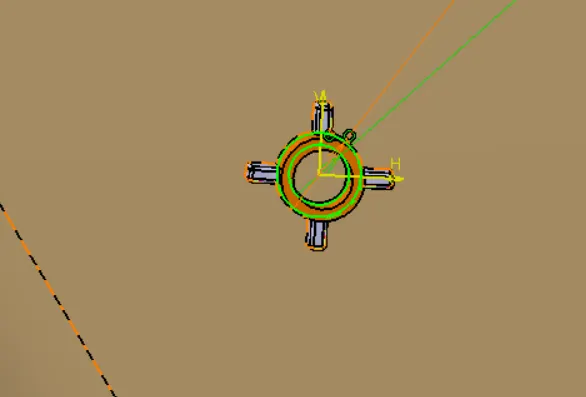
Heat Stake Sketch :
Take 5 & 7 mm Dia Circles
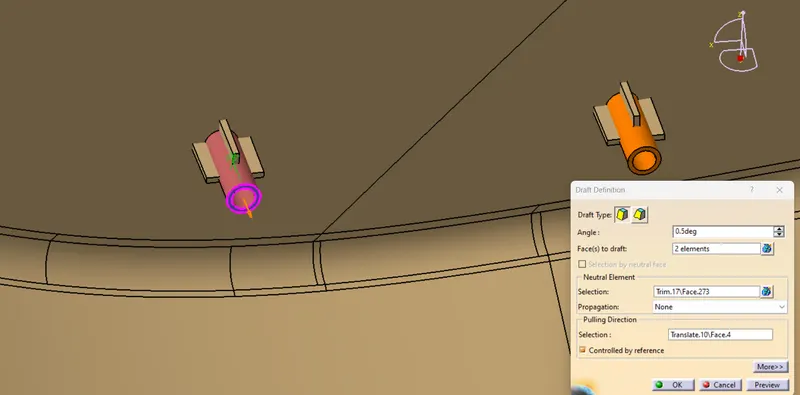
Heat stakes draft:-
Locator:-
Pad it into 20 mm ( Rib Height + Added Compnent Thickness + 12.5mm
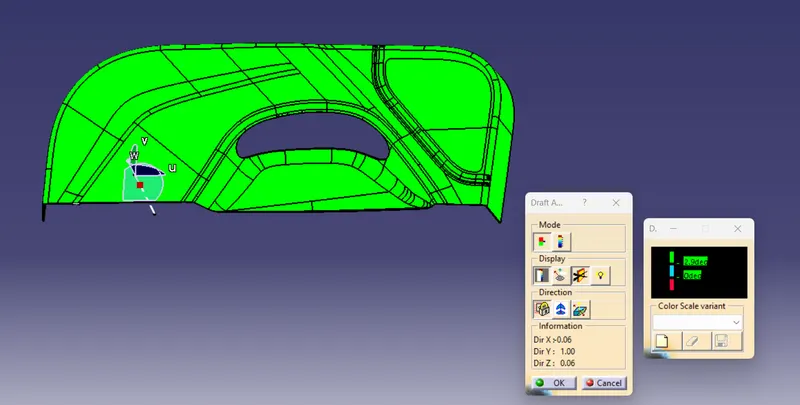
DRAFT ANALYSIS:-
The Draft Analysis allows the user to easily analyze a part for proper draft angle. A Draft Angle describes the amount of taper for molded or cast parts perpendicular to the parting line.
We have 2 modes on the draft analysis Quick & Full analysis respectively.
Under the Display option we have Show are hidden the Color Scale, Analysis under the running point, No Highlight representation & Light effect.
Under the Direction option we have lock or unlock the direction, Compass & Invert.
So According to the practical Usage there Should be 1 to 3degree of angle mostly acceptable, by considering these option we have to test our given & Final Components Draft analysis.