Week 9 - Project 1 - Door Trim Lower with Engineering Features
Door Trim Lower with Engineering Features
HEAT STAKE & LOCATOR AND DOG HOUSE
Aim:-
To create a door trim with heat stakes & locator and dog house on it as per design standard and rules.
Introduction:-
1.Heat Stakes:
Heat Staking is a joining technology to join two or more parts together where at least one is made out of plastic. The process is used to melt and deform the plastic material using heat and force at a set process time.
2.Locator:
In any kind of assembly before fixing the part to the mating part we need to fix the position of the part with respect to the mating part. In these cases we need to follow some engineering principles.
3.Dog House:
Dog house is an engineering feature used in plastic trim design. Dog houses are used as supporting feature. Sometimes other engineering features like snaps; locators etc. are mounded on them to increase their strength.
1.Heat Stakes & Locator and Dog House:-
Create a heat stakes & locator and dog house in using multiple command.
1.Sketch 9.Sweep
2.Extract 10.Extrpolate
3.Intersect 11.Split
4.Offset 12.Fill
5.Multiple Extract 13.CloseSutface
6.Multi-section Surface 14.Draft
7.Join 15.Chamfer/Edge Fillet
8.Curve Smooth 16.Pad
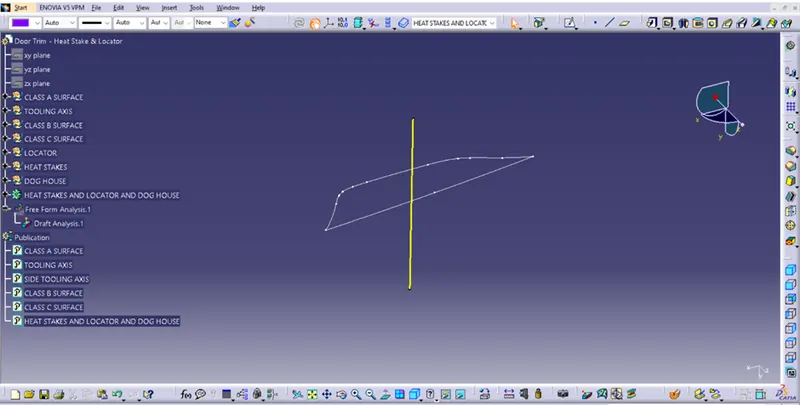
2.Heat Stakes & Locator and Dog House Tooling Axis:-
Tooling Axis:-
1.Intersect the model with the plane perpendicular or to an axis system
2.Extend the lines which are perpendicular to the plane
3.Again intersect the model with another plane and extend the lines perpendicular to
4.Create a bisecting line by bisecting option in Line definition.
5.Rename it as Tooling Axis.
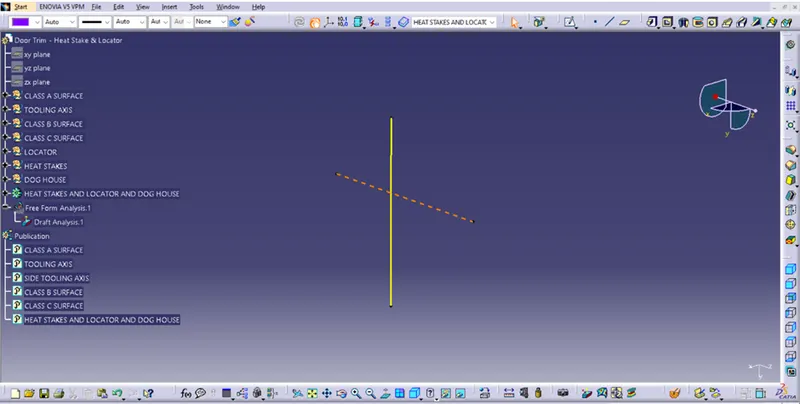
2.Side Tooling Axis:-
Side core axis create are for specially dog house and draft analysis.
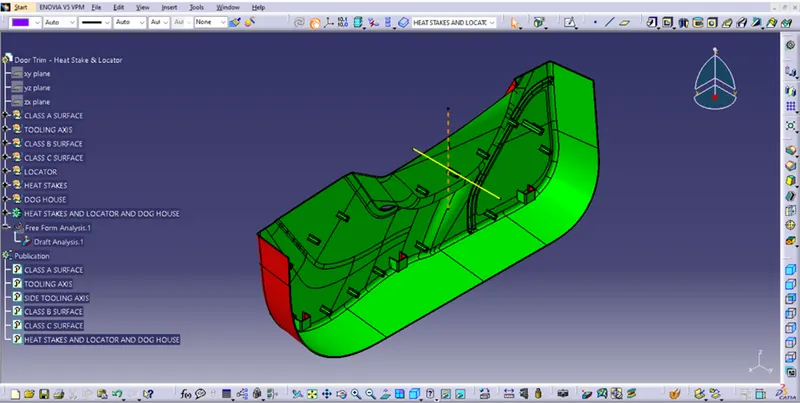
3.Heat Stakes & Locator and Dog House Create Procedure:-
1.Create a B surface Procedure:-
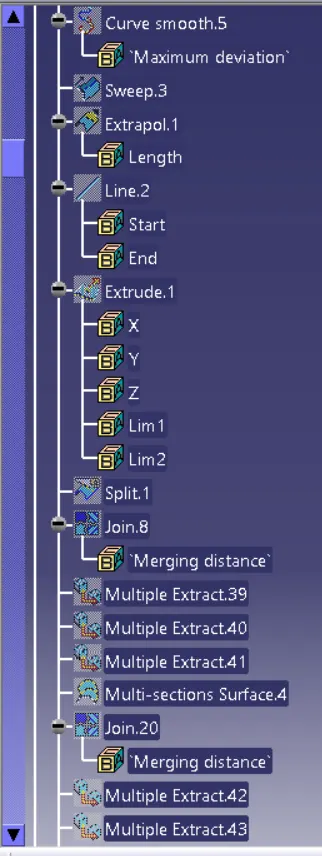
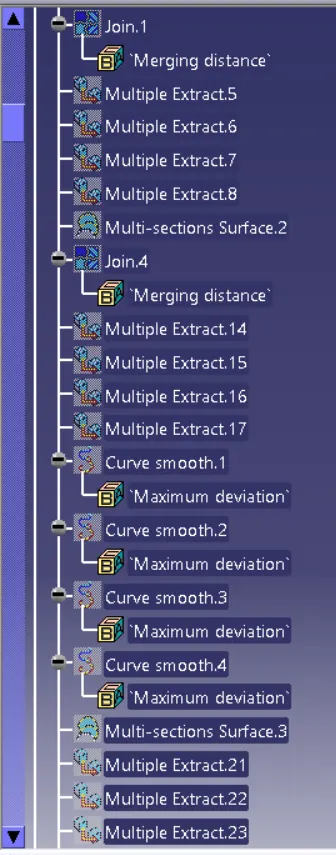
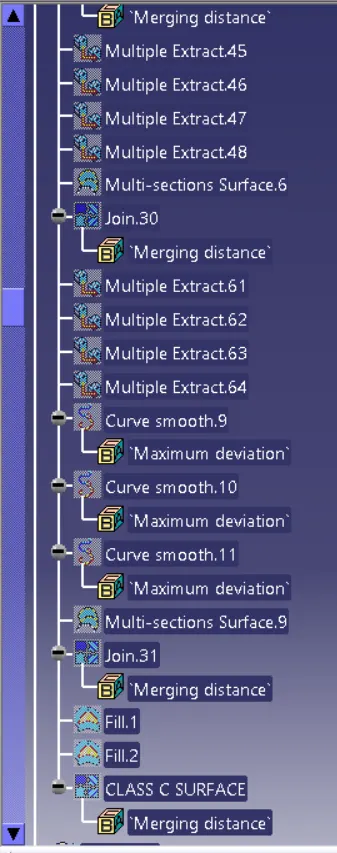
First offset A Surface in 2.5 mm and offset surface are create from offset but paches are created for offset so fill this paches from using different different commands.
Ex. Multi Extract, Multi-section Surface, Smooth Curve, Join etc.
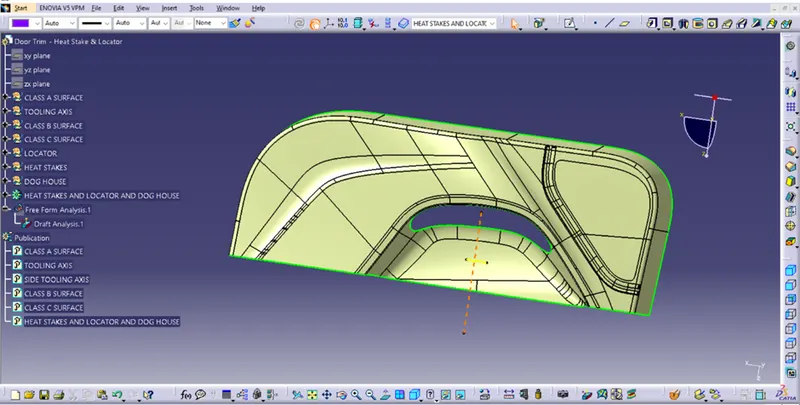
2.Create a C surface Procedure:-
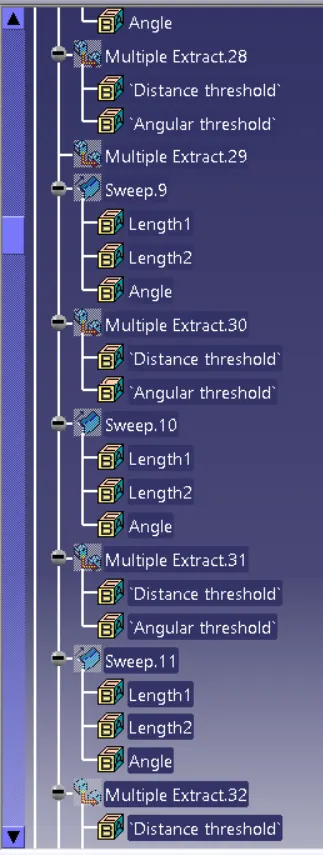
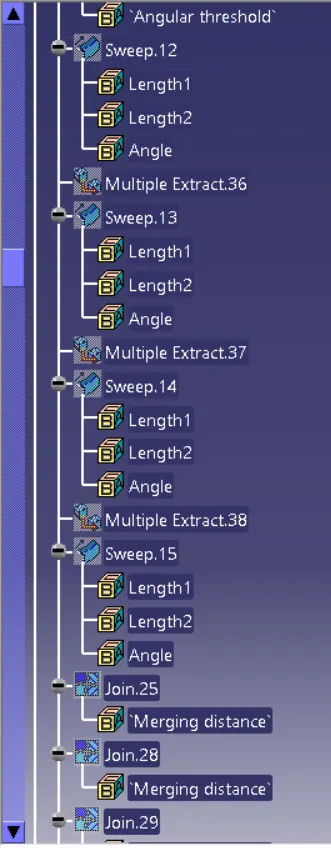
First hide a created B surface and unhide class A and using to create a Class C Surface using Different Different Command and join to class B and class C surface then create C surface.
Ex. Multiple Extract, Sweep, Join etc.
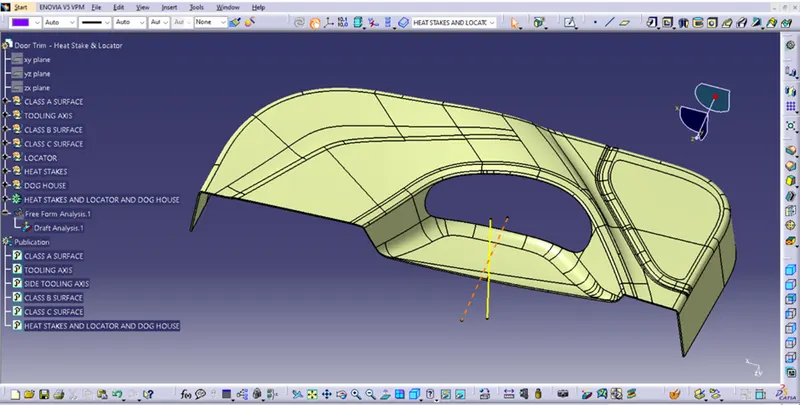
3.Create Close Surface:-
Insert a body and select closesurface command and create closesurface.
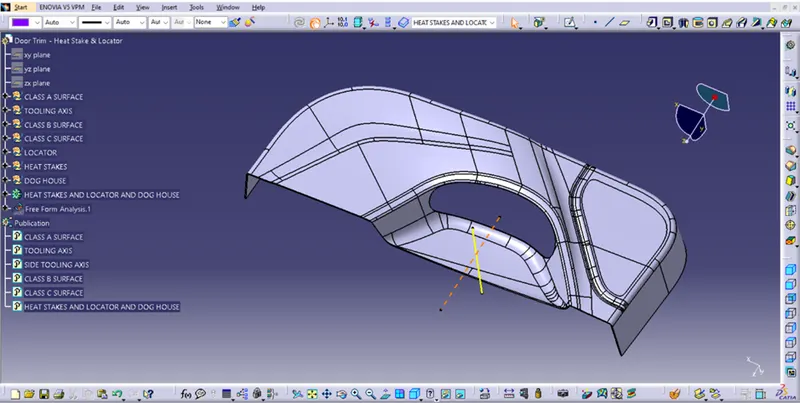
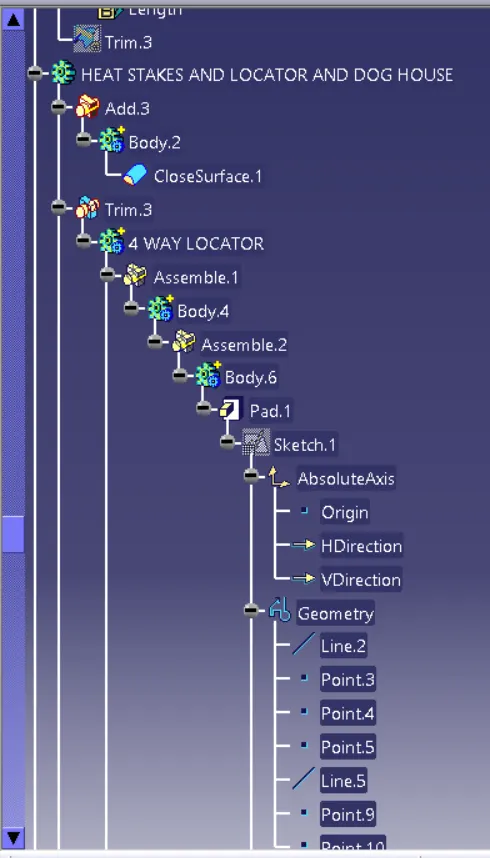
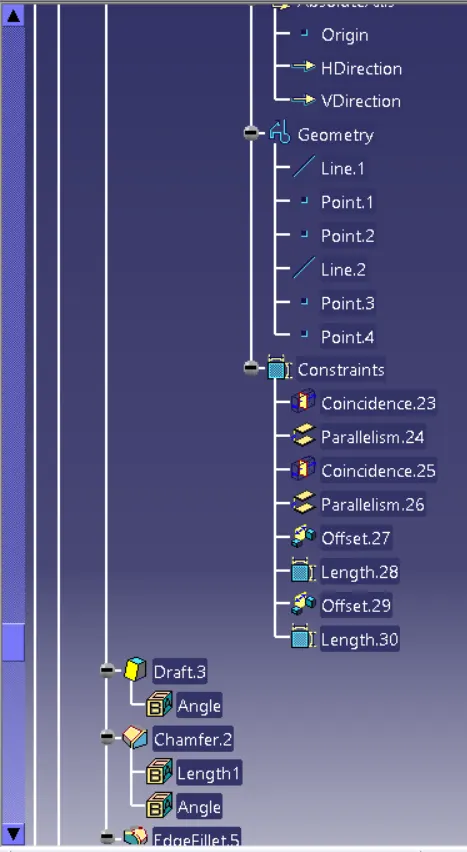
4.Create a 4 Way Locator:-
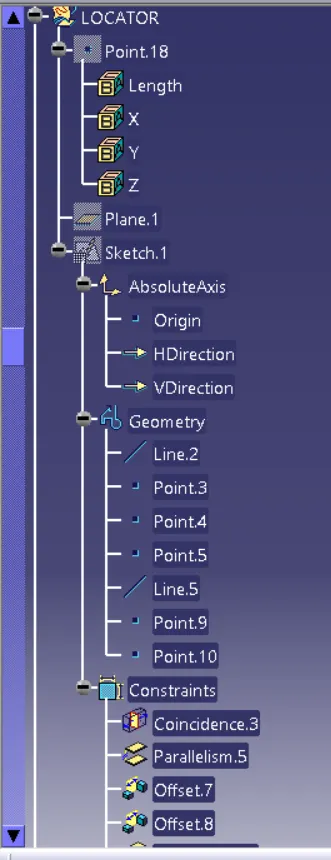
1.Create point and plane.
2.Create iso-constrain sketch.
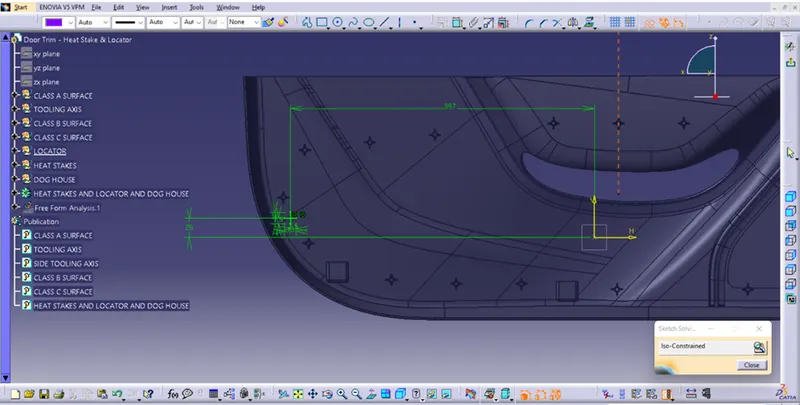
3.Insert body and locator sketch pad it.
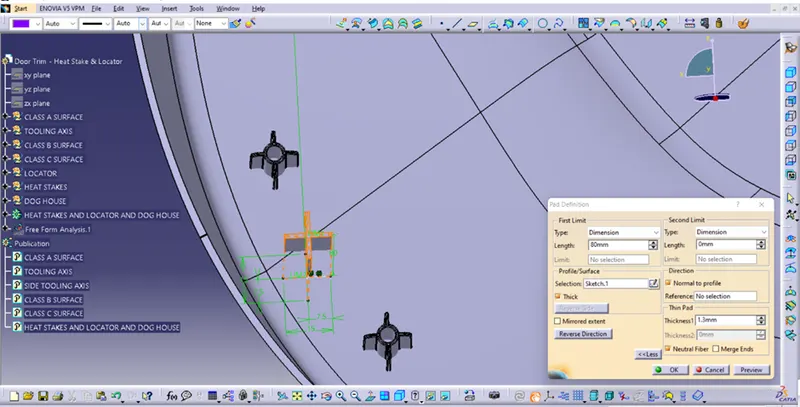
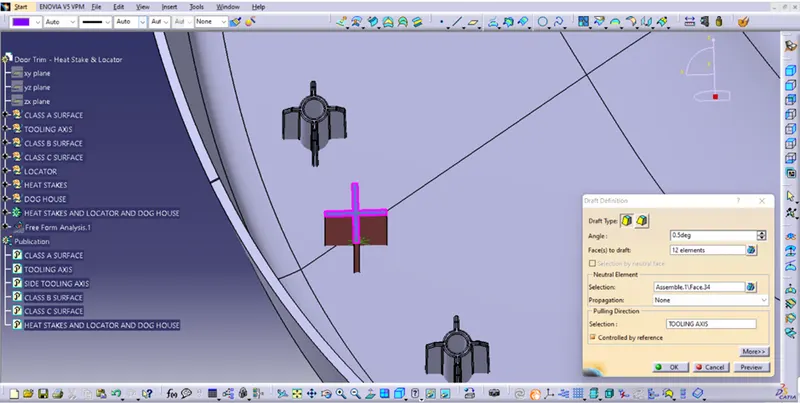
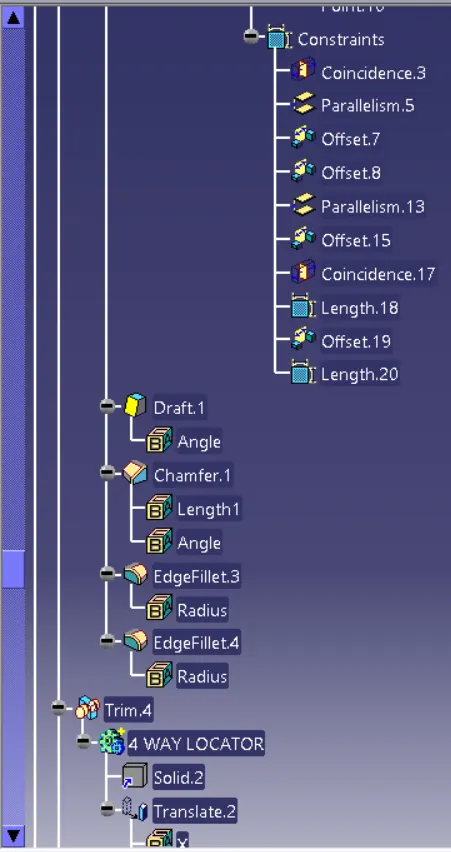
4.Draft
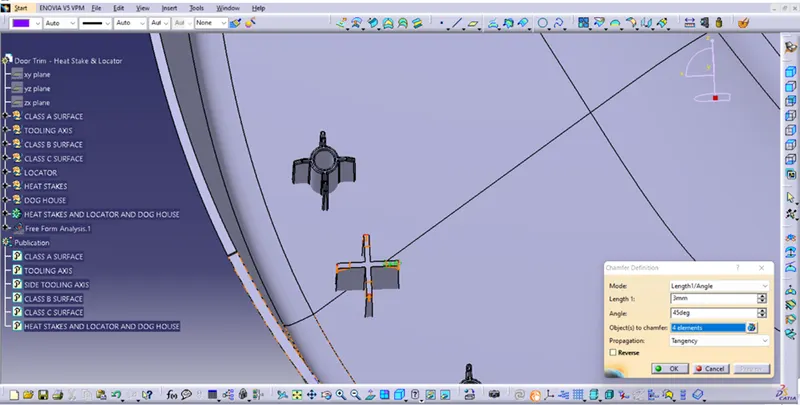
5.Chamfer
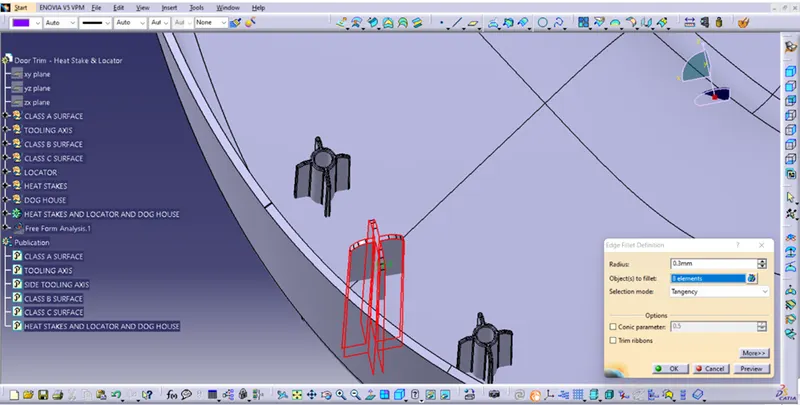
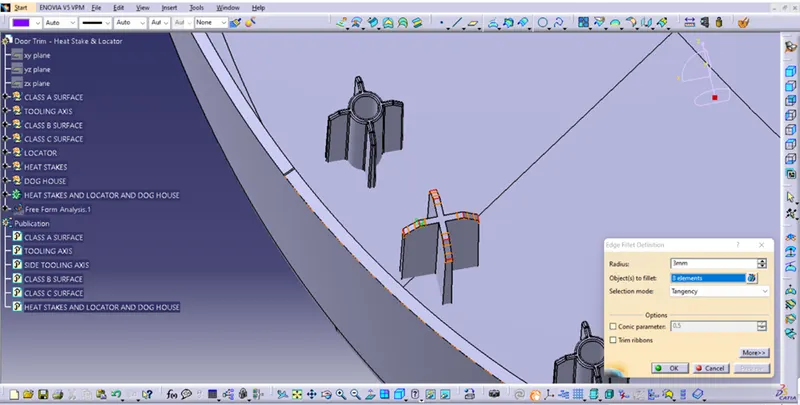
6.Edge Fillet
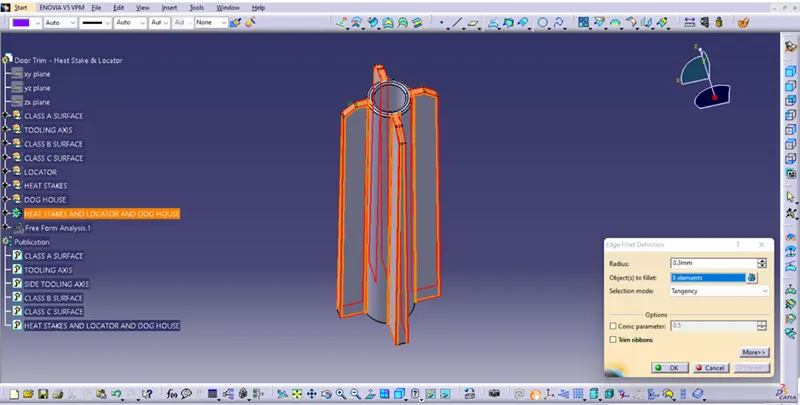
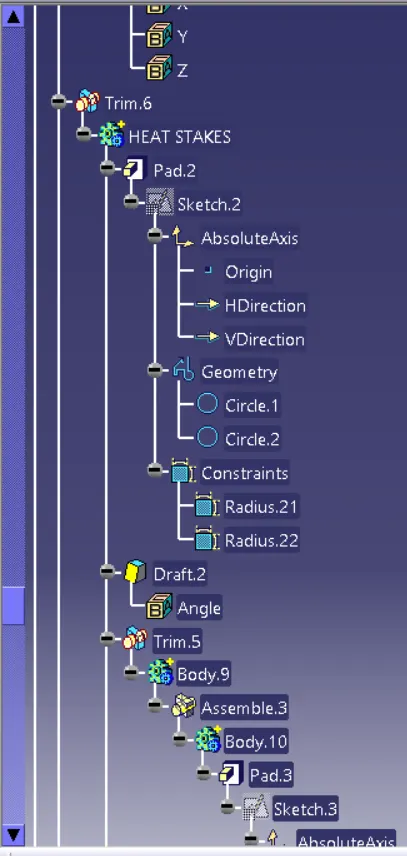
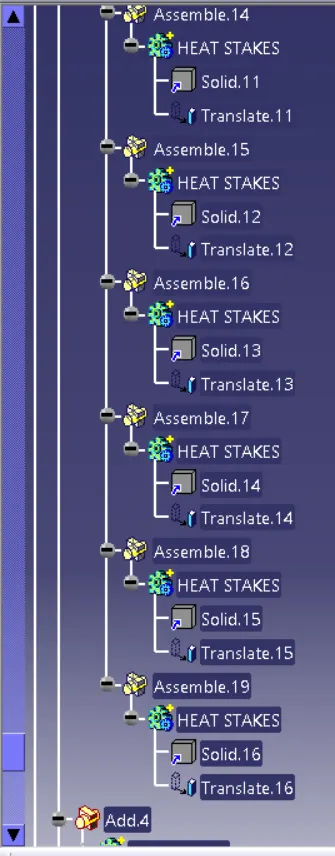
5.Create a Heat Stakes:-
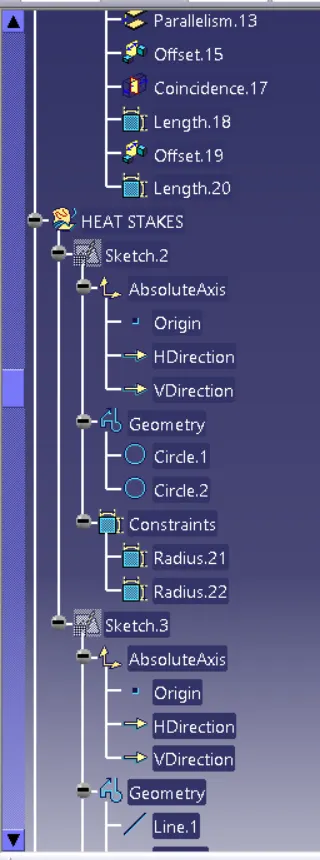
1.Draw iso-constrained sketches.
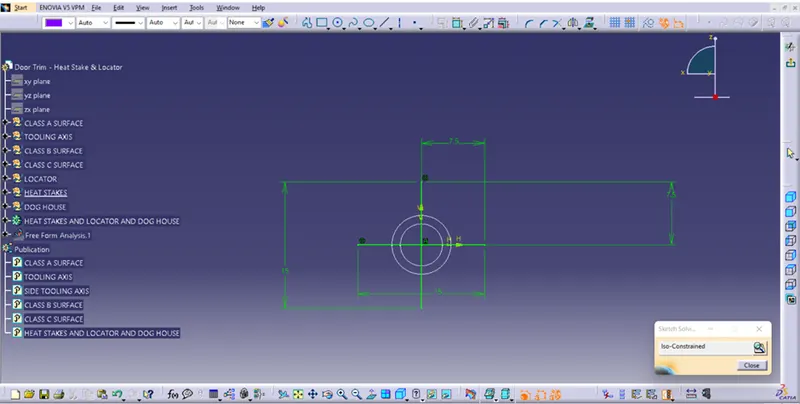
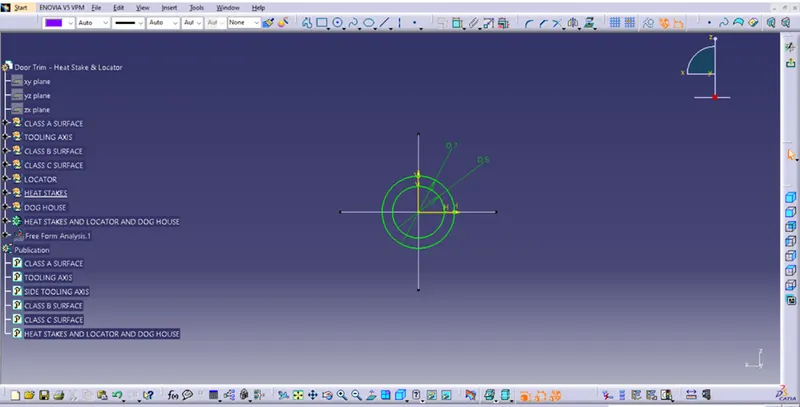
2.Pad
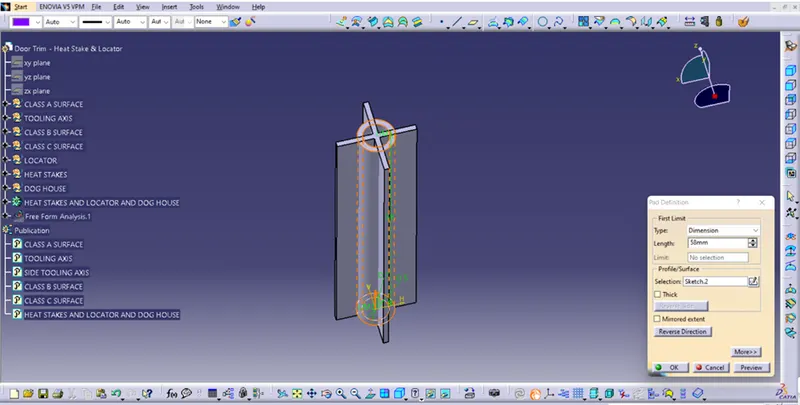
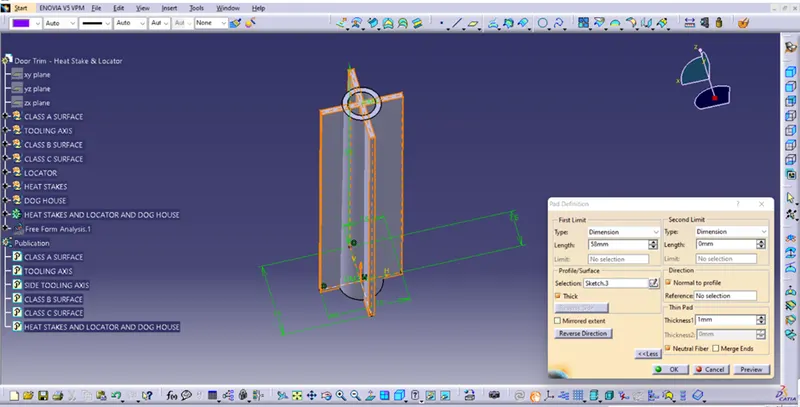
3.Draft
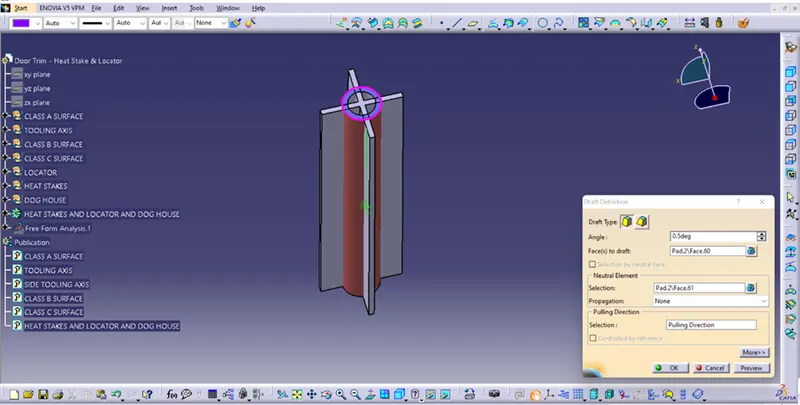
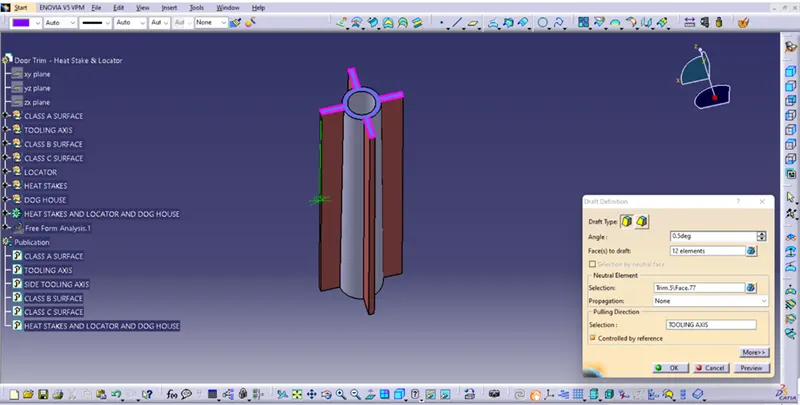
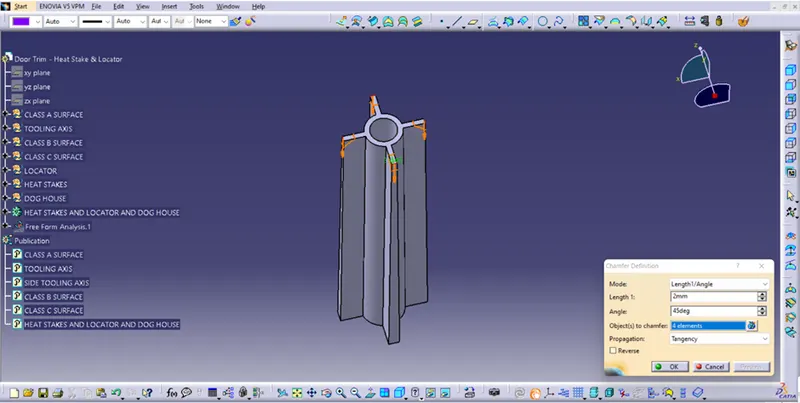
4.Chamfer
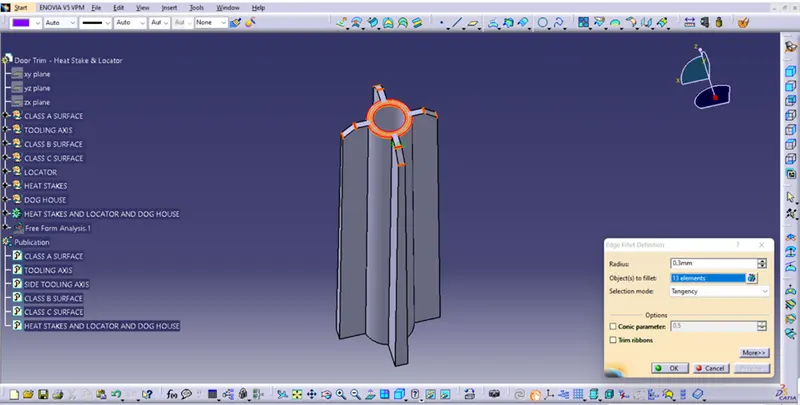
5.Edge Fillet
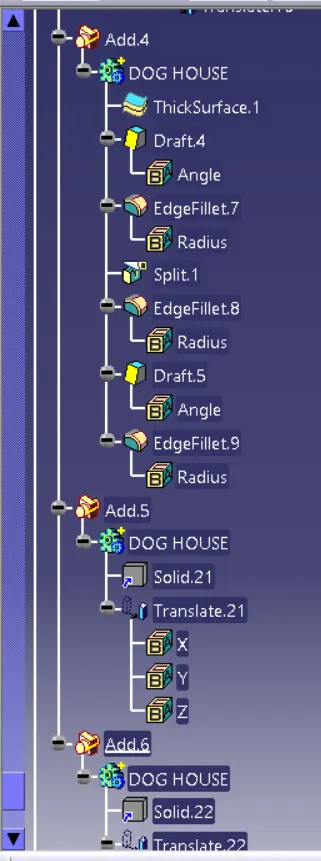
6.Create a Dog House:-
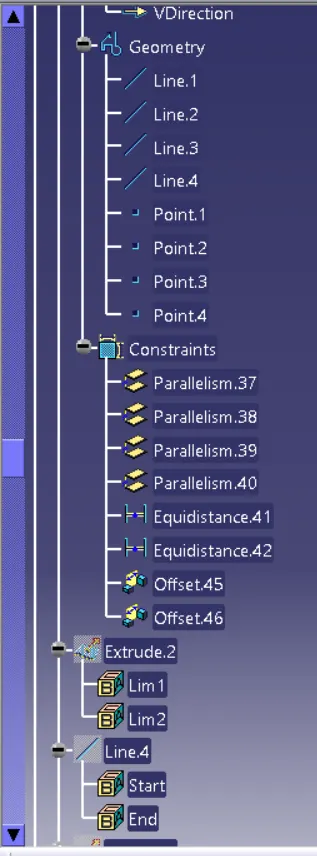
1.Extract door trim surface.
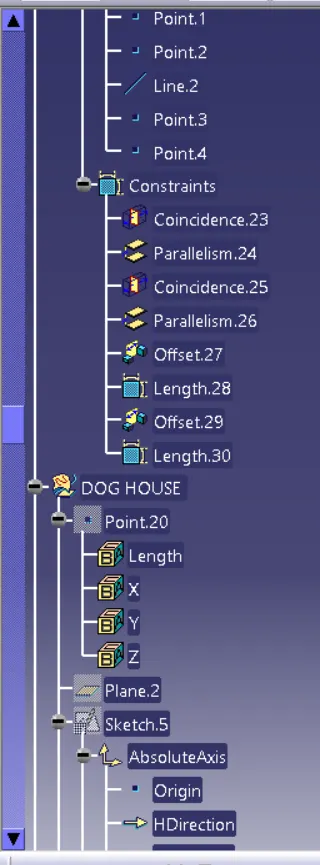
2.Create point and plane.
3.Select positional sketch and draw sketch in iso-constrained.
4.Extrude this sketch in properly successfully.
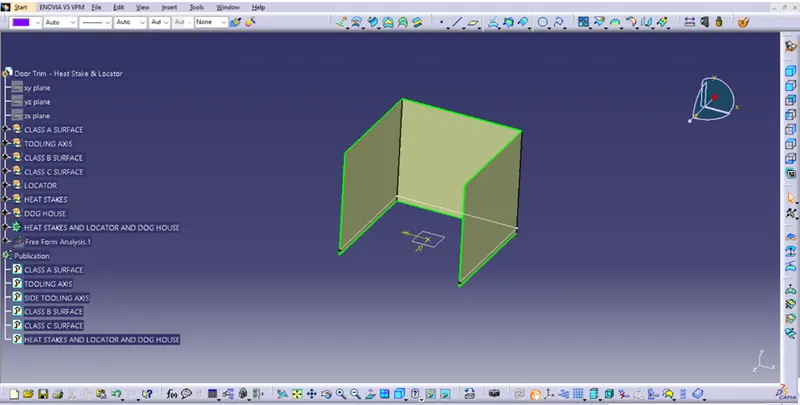
5.Draw a line point to point.
6.Etrude this line.
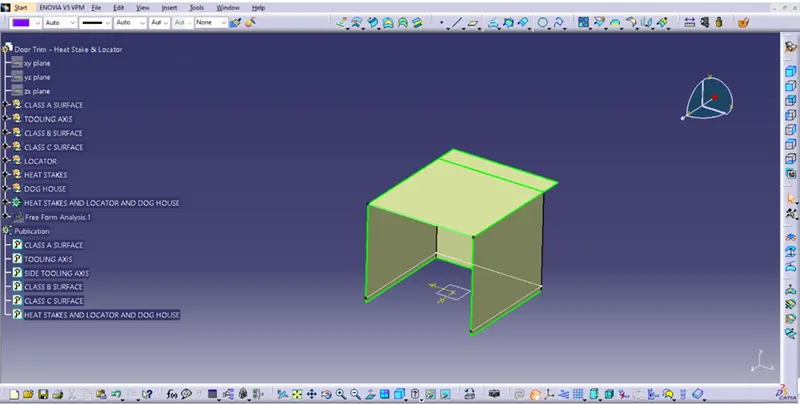
7.Trim extrude line and extrude sketch and create dog house shape.
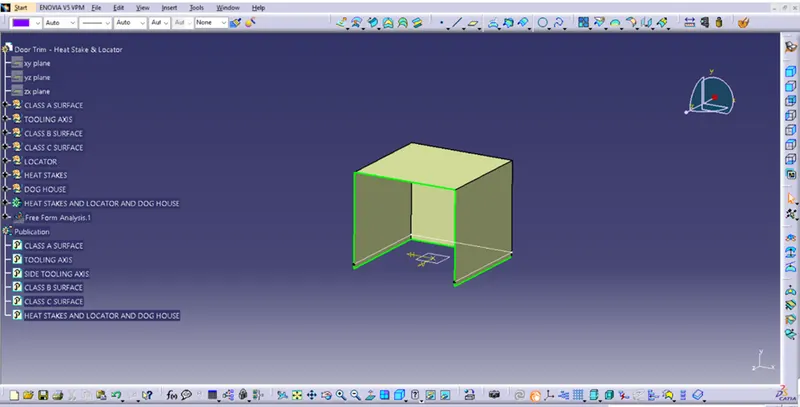
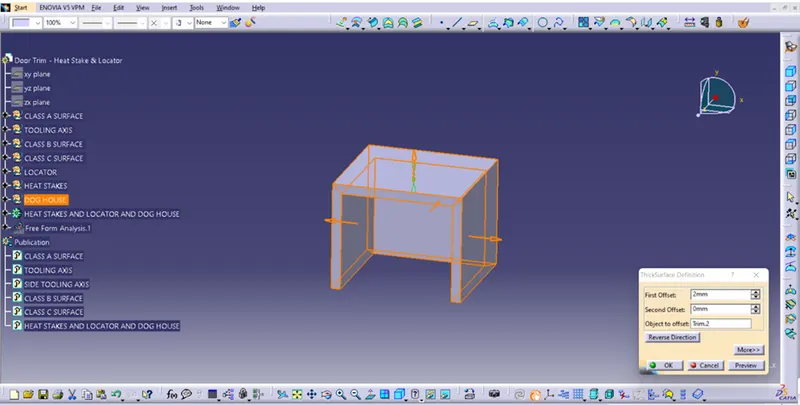
8.Thick this surface from 2 mm.
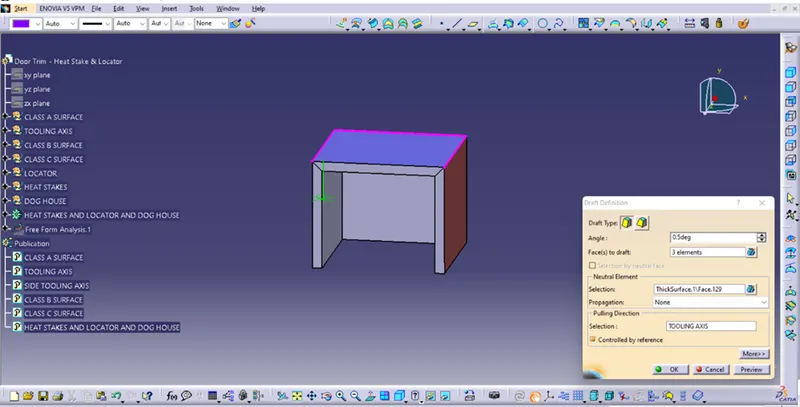
9.Draft For 0.5 deg.
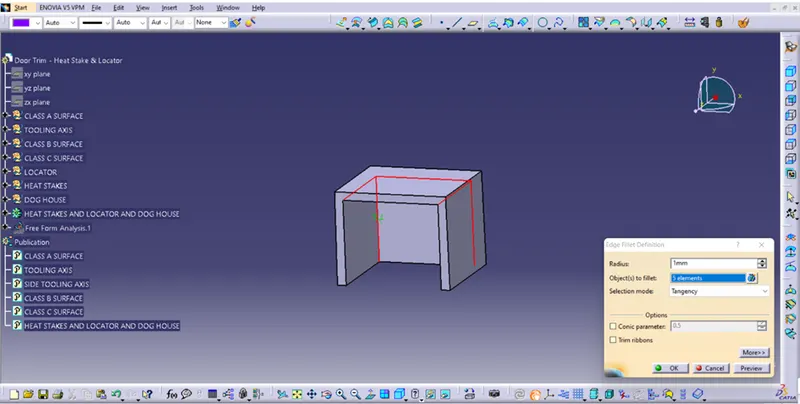
10.Edge fillet in 1 mm For select 5 edge.
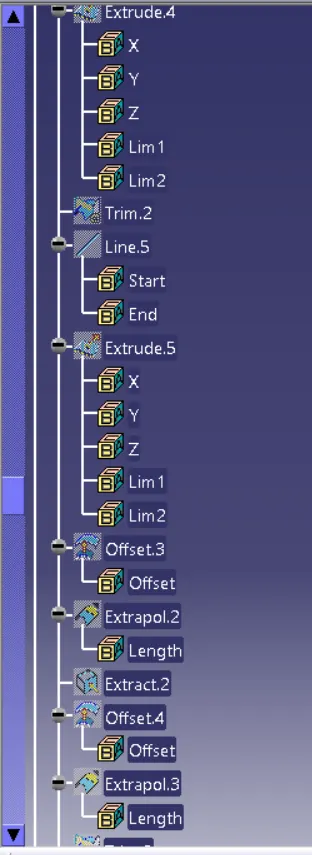
Create Dog House C Surface:-
1.Create a line in bottom side.
2.This line are extruded.
3.Offset this Extrude.
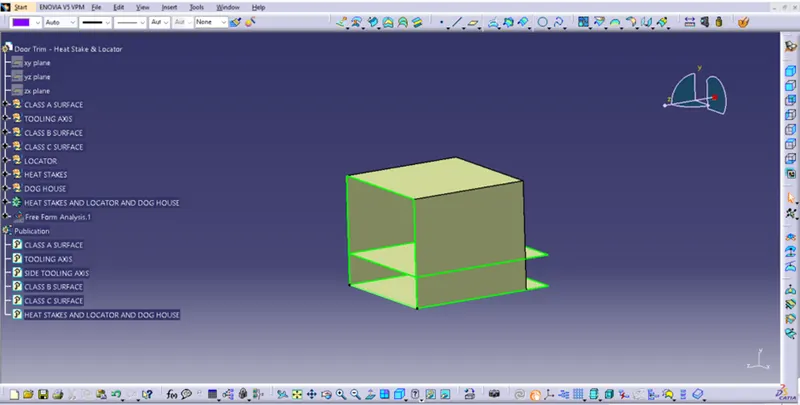
4.Extrapolate offset in 5mm.
5.Extract dog house thick surface.
6.Offset this extract surface.
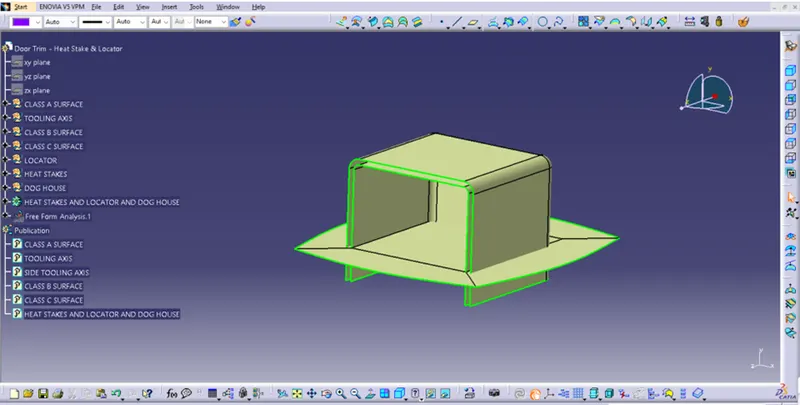
7.Proper trim and create C surface from dog house.
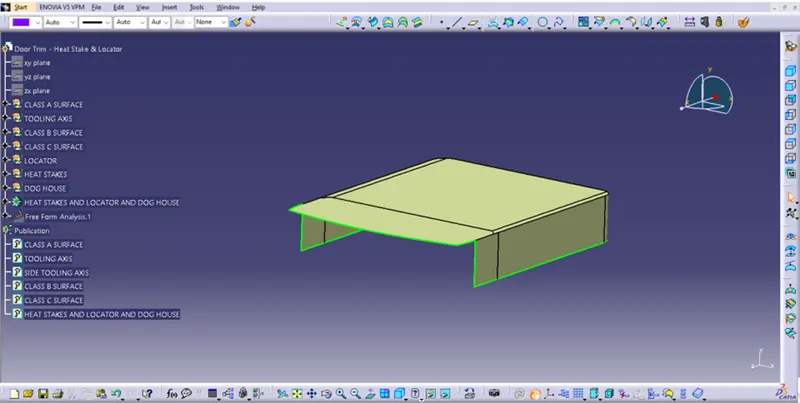
8.Split this created dog house C surface.
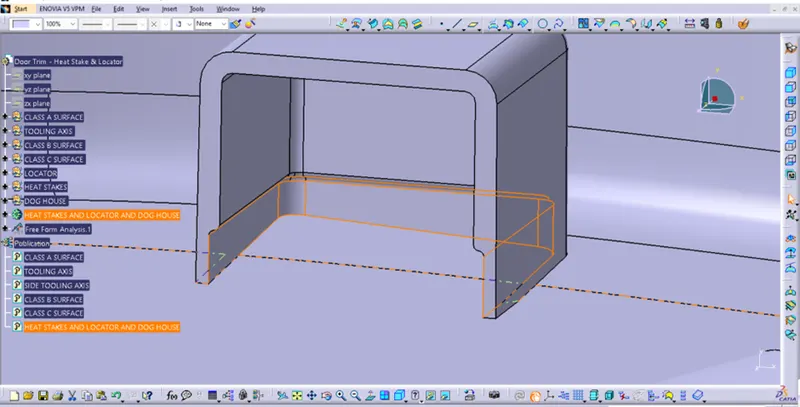
9.Apply in edge fillet outer side dog house and fillet is 3mm.
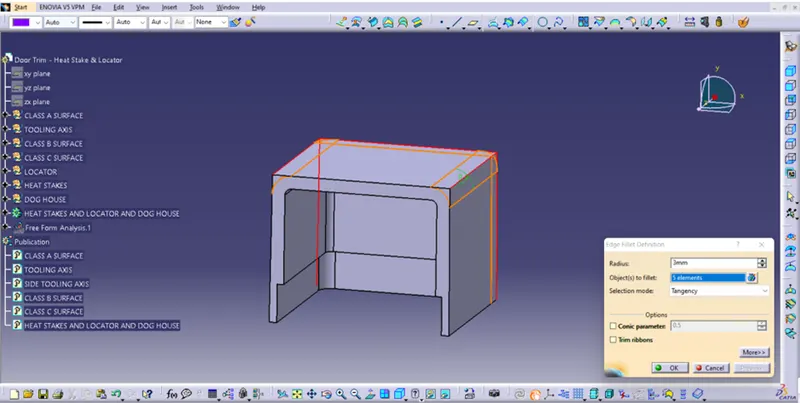
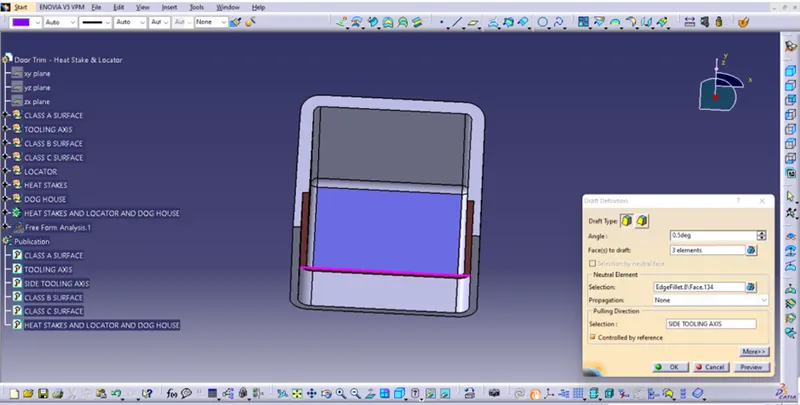
10.Draft in dog house C surface and pilling direction use for side tooling axis.
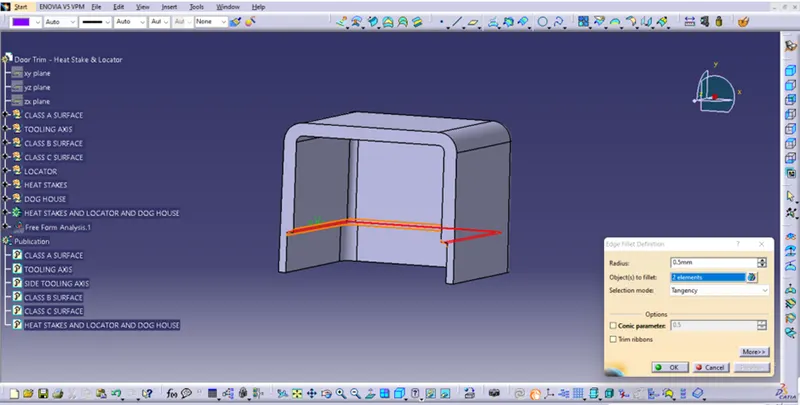
11.Edge fillet in dog house C surface and apply fillet 0.5 mm.
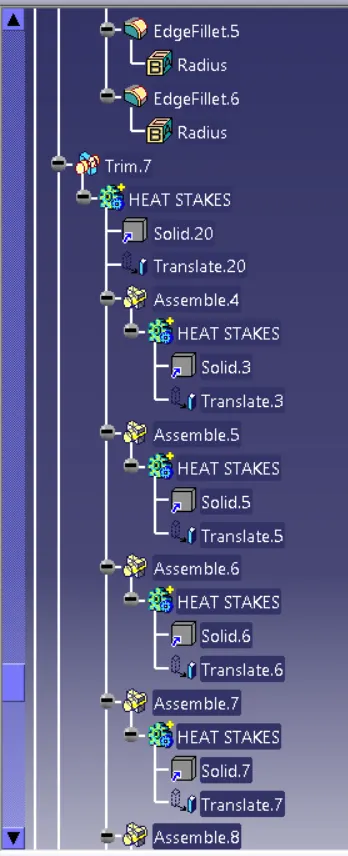
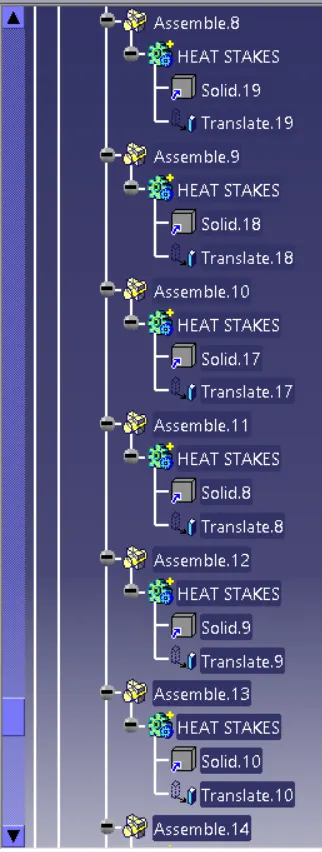
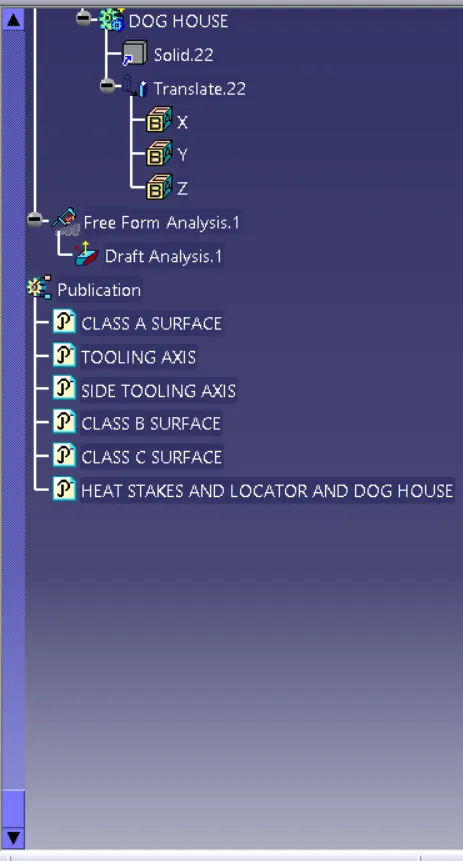
12.Using copy paste and heat stakes & locator and dog house create a solid and use translate command and moving heat stakes & locator and dog house.
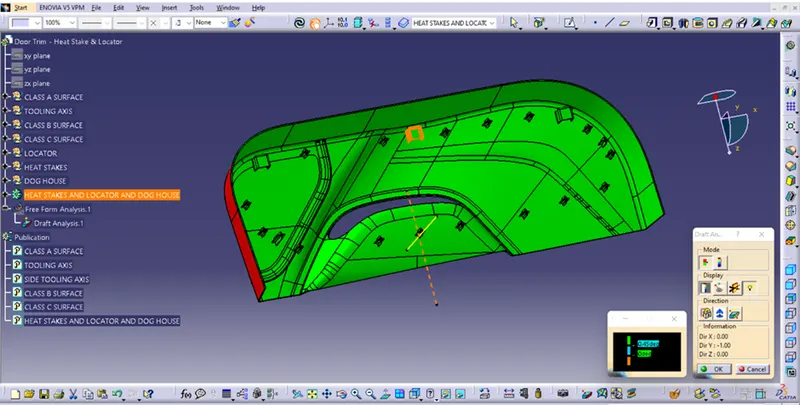
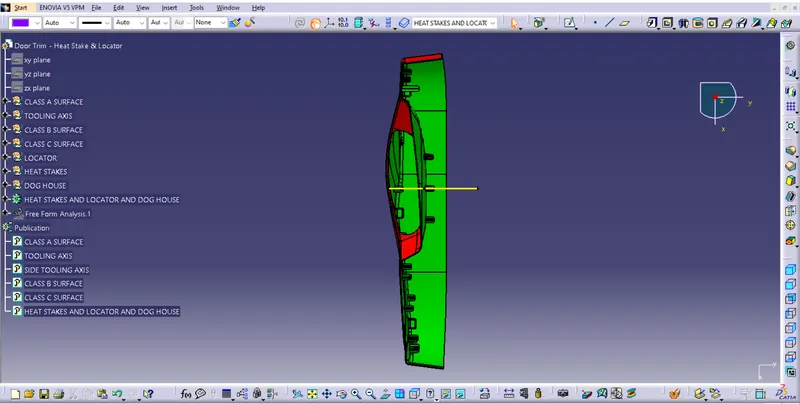
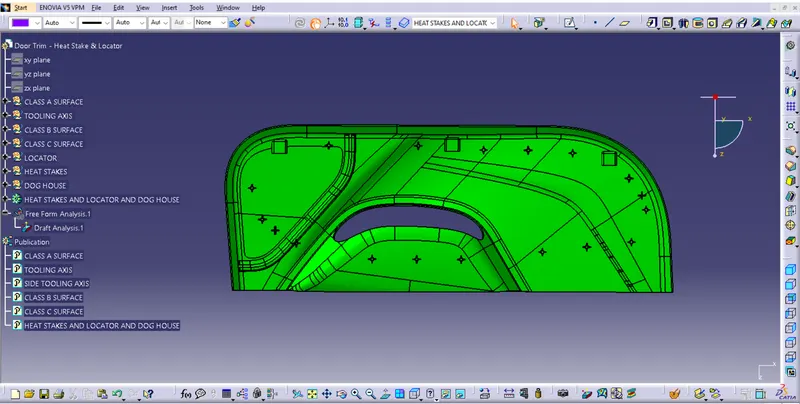
5.Door Trim Heat Stakes & Locator and Dog House Draft Analysis:-
1.Go to the Insert menu and select the Analysis option.
2.Select Feature Draft Analysis.
3.Select the Material option and select the surface.
4.Drag the compass and place on tooling axis.
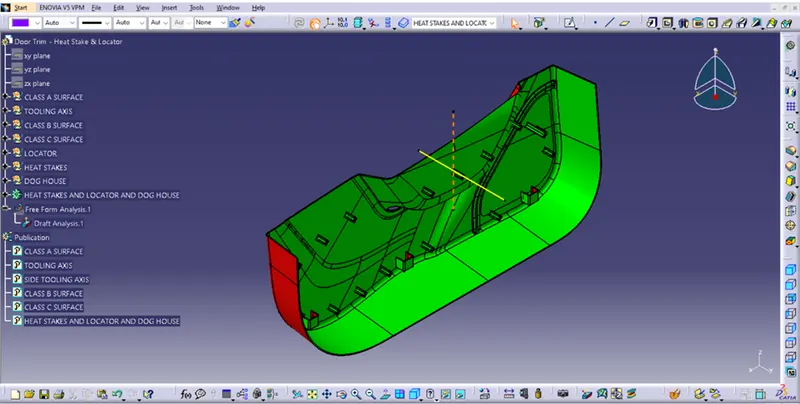
5.Make sure that the top surface is in green colour as draft angle should not exceed 0.45deg.
6.Click on Okay after confirm the model.
7.3 degree angle is the best with plastic design
6.Close Surface Heat Stakes & Locator And Dog House:-
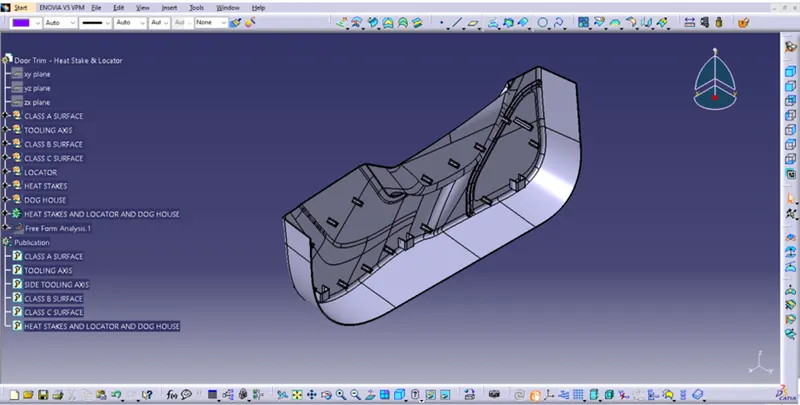
Different types of view:
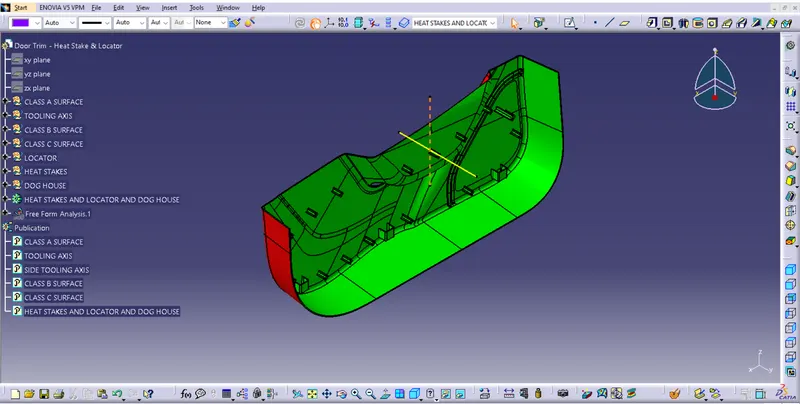
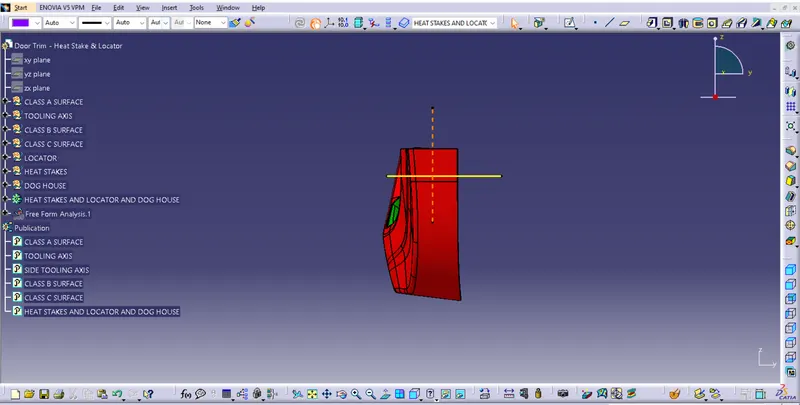
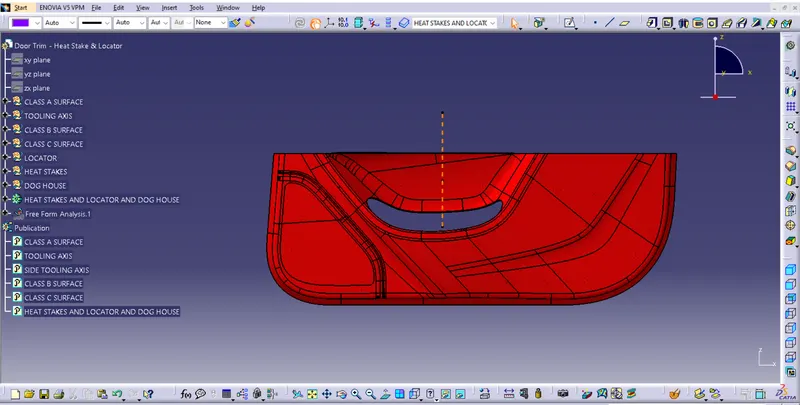
Features
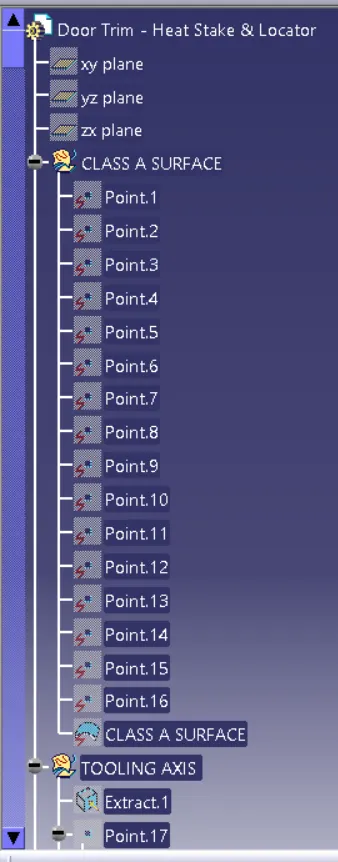
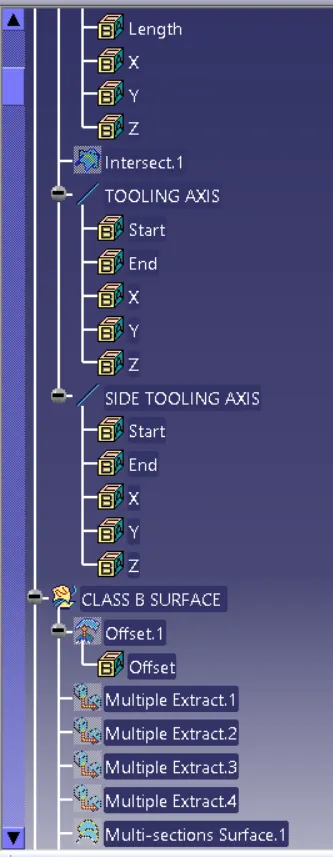
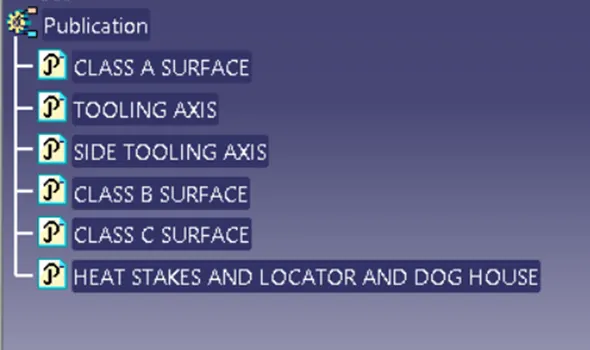
7.Publication:-
8.Conclustion:-
The heat stakes & locator and dog house on a door trim and perform draft analysis has been successfully created, considering the design rules as mentioned in the given data.