Week 9 - Project 1 - Door Applique Design with Engineering Features
Automotive Plastic Design using CATIA V5
AIM:
- To create the Door Applique Plastic component through the given Class-A surface.
- To create the Heat Stakes and the locators considering the design rules mentioned in the video for the door applique.
PROCEDURE:
- Import the Class A surface into Catia V5.The door applique have two parts first, the door applique and the door attachments surfaces
- To start of first we have to create a tooling axis for the class A surface. for that extract the class A surface. create a point on the surface by using on surface option in point command.
- After creating a point .Use the point and create a line perpendicular to the surface.
- We have one more method also that is creating a intersection and using the interscetion lines and points we have to create bisecting line using the point created in the surface.
- Using the publication option publish the tooling axis.
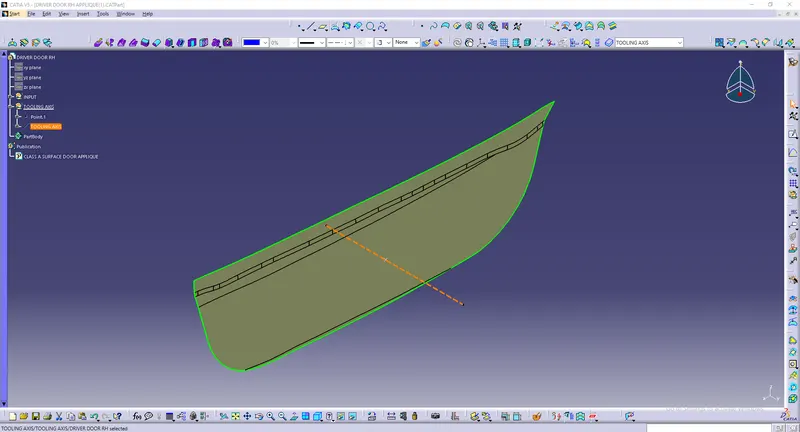
- Create a draft analysis on the both surface which we have imported using the tooling axis which we have created.
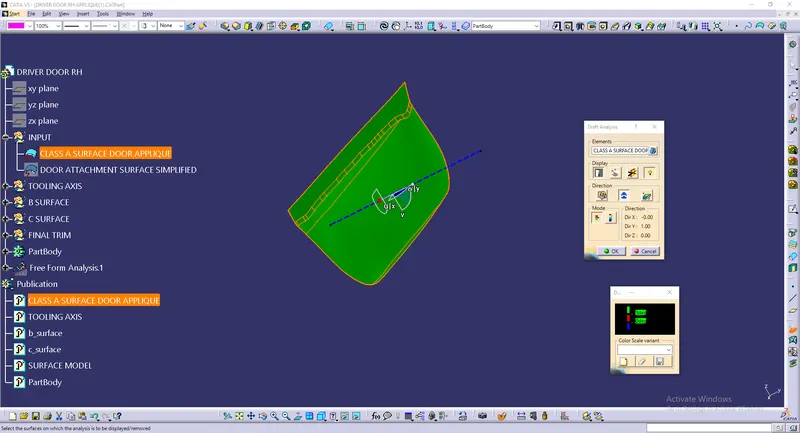
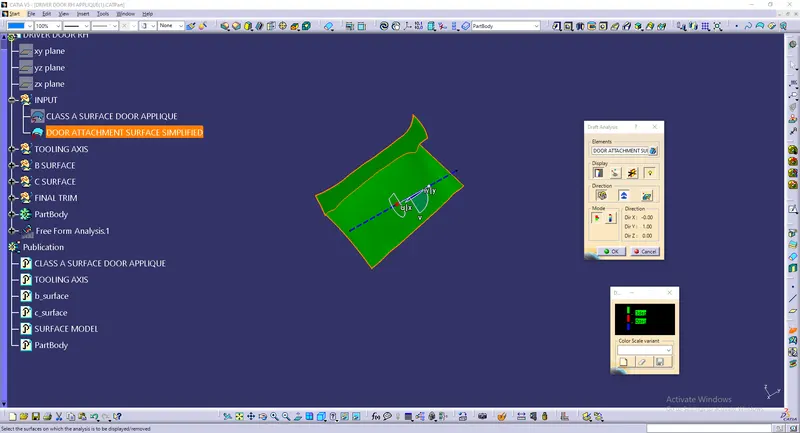
- Now. we have to create a B surface. for that first create a geometrical set and then take the class A surface and offset it to the required thickness(2.5mm)
- Expoleate the boundry of the off setted surface to some minimum length.
- And finally that will be our Class B surface.
- Publish the B surface.
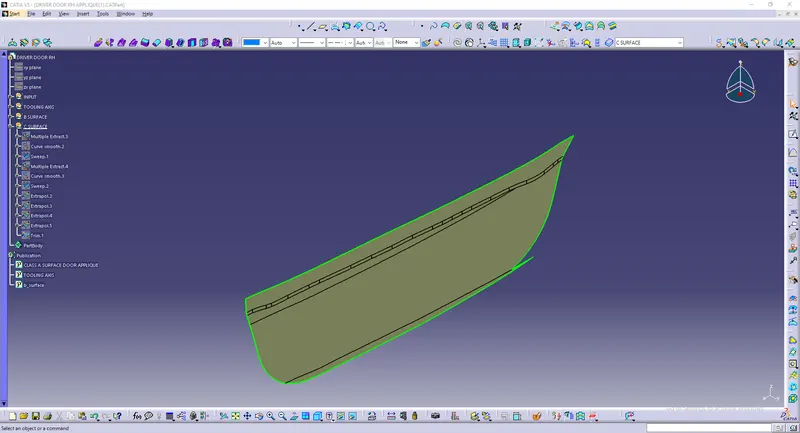
- Now we have to create a Class C surface. for that create a geometrical set and take the class A surface and than using the multi extract option create the curves after that smoot the curves with smooth curve option.
- Now use with draft direction option in sweep create a sweep along the direction with a draft angle.
- Finally the Class C surface is created.Publish the C surface.
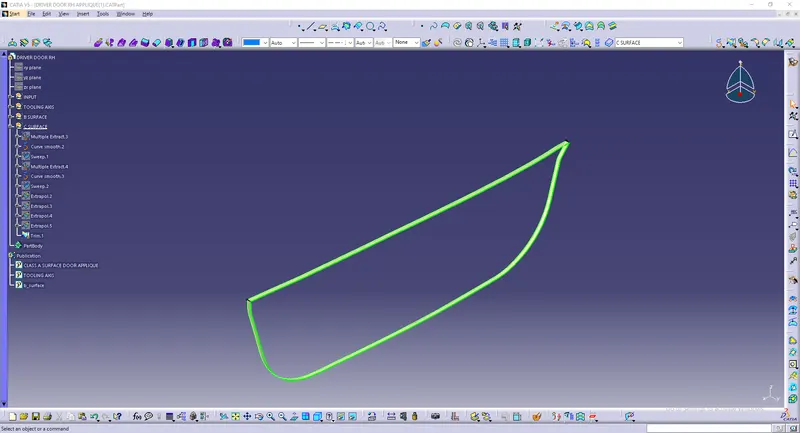
- Now Trim the Class A and C surface and then join with Class A surface to form A Surface model.
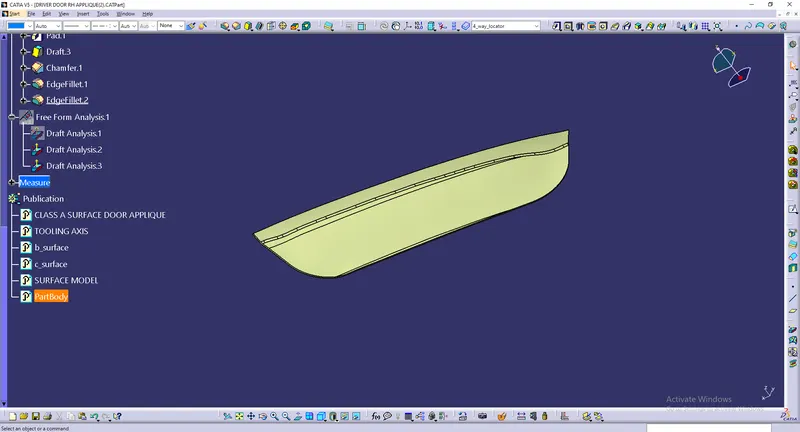
- Use close surface in Part design workbanch and create a solid model of the surface model.(I have changed the clolor of the solid model).
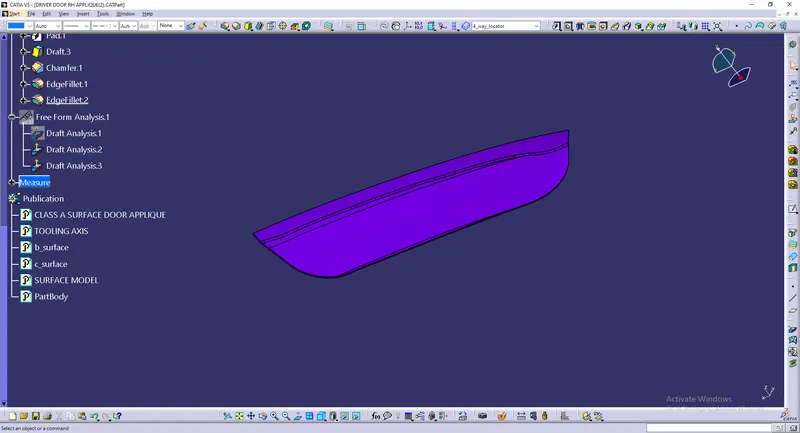
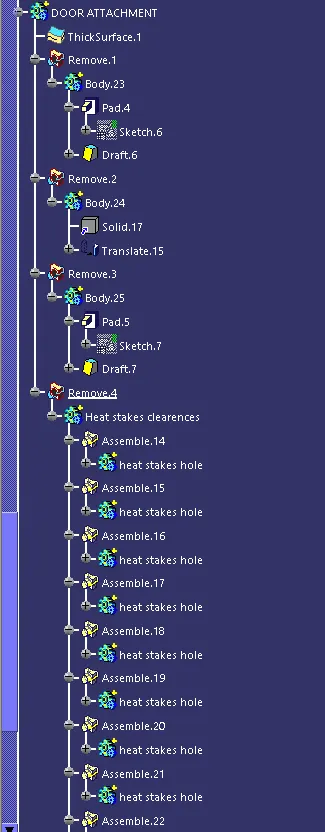
- After the solide model is created. Take the door attachment surface and give the thickness to door attachment (2.5mm)using thickness option in part design workbanch.
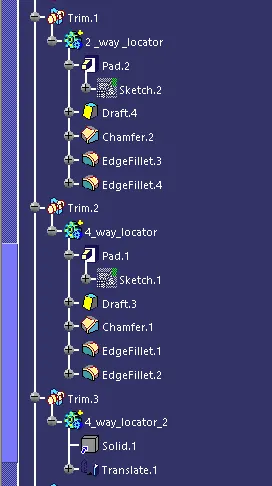
- Now, we have to create locators on the model for that first create a geometrical set and name it as locators. create a new point or use the point which is created before and insert a axis system.
- Insert a sketch and draw a sketch as shown in the images and constrain it.
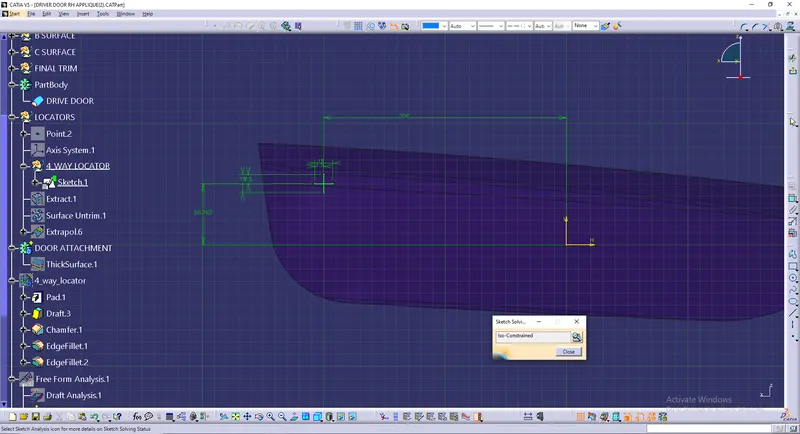
- After that create a new body and apply pad to the sketch and give the thinckness ans 1mm and unsing neutral option, draft all the sides of the model and apply fillets.
- Finally the 4 way locators id designed.Using translate option create a new 4 way locator as shown.
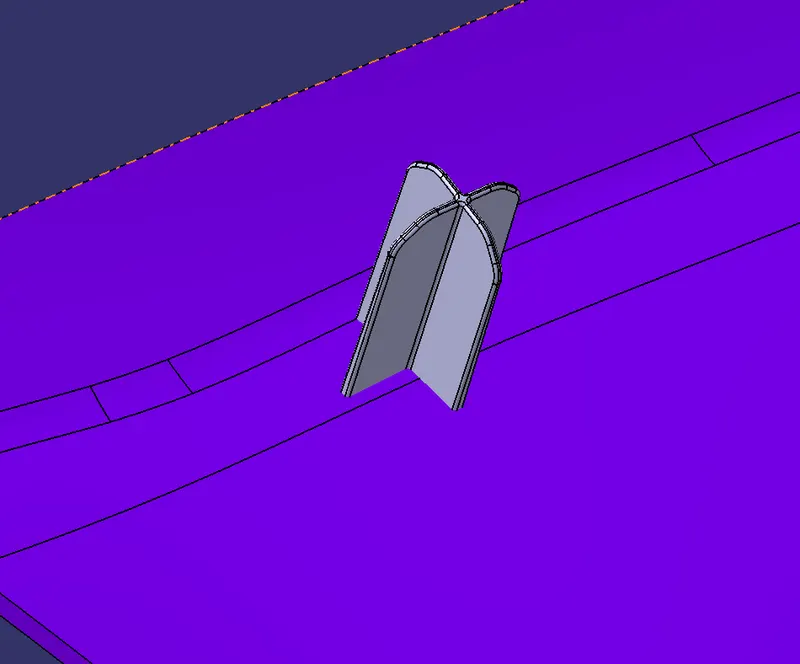
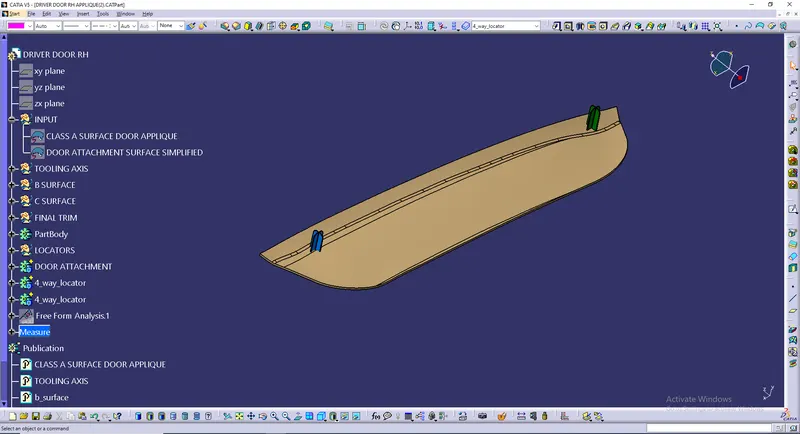
- Now,Create a 2 way locator, for that first create sketch as shown in the image and then follow the same steps which above which we have donew for 4 way locator.
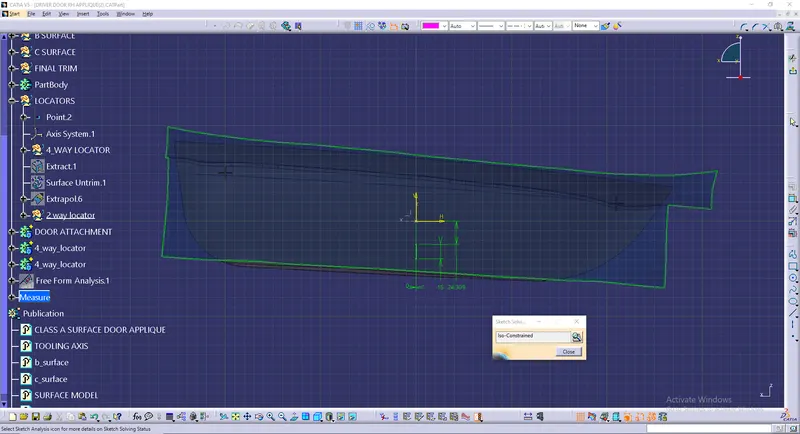
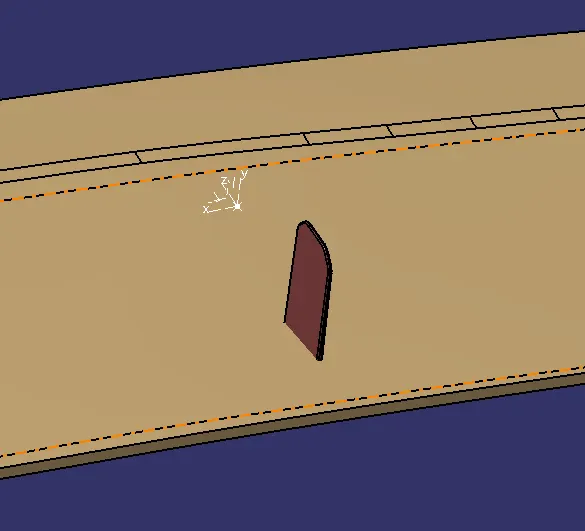
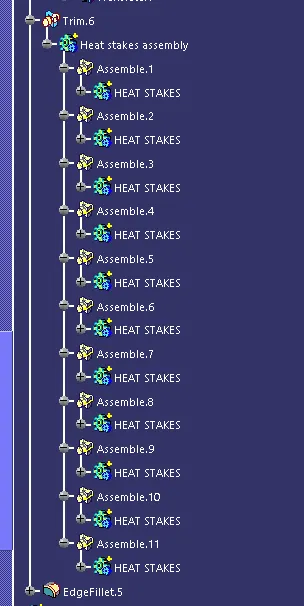
- Now,we have to create a Heat Stakes for that create a geometrical set.
- Extract a surface from the model. Using multi extract oprion a create curves, using points option a equi distance points on the curve.
- After that using one point on the curve which we have created,create a sketch with to circles with dia 7 and 4.5 with same center and constrain them.
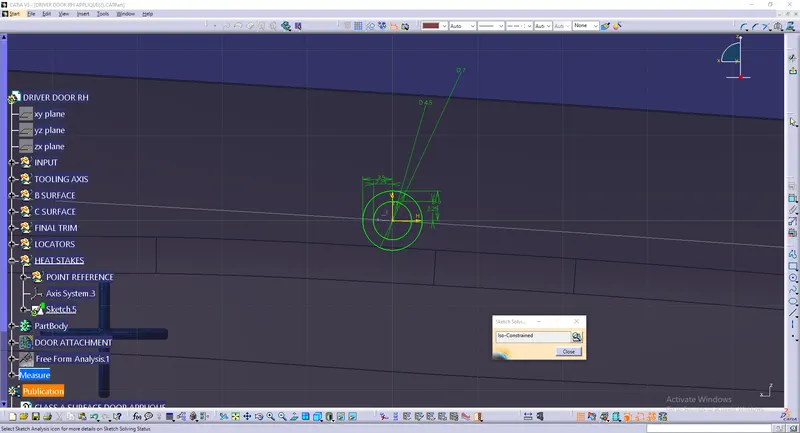
- Create a body and pad the sketch. After that create a draft in the created heat stake.
- Now, copy it and paste it in the part by using paste with link and then transelate it by using point to point option. like that create heat stakes on all the points which we have created.
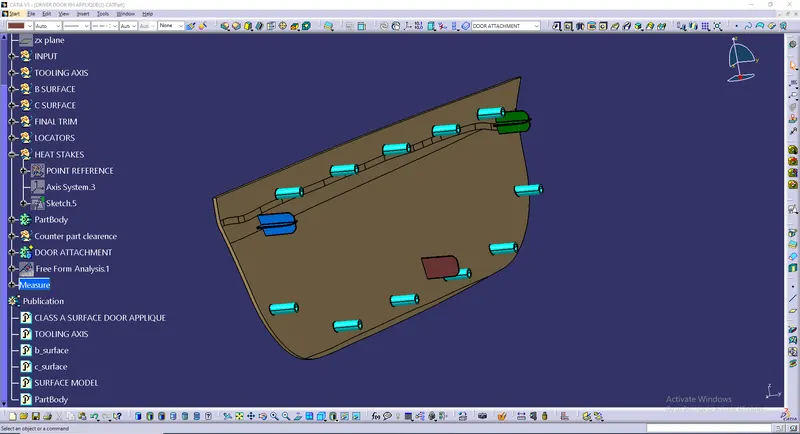
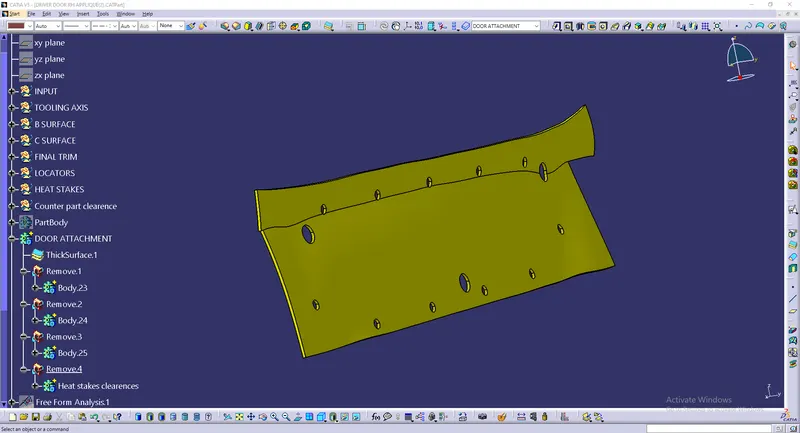
- Now, we have to create the counter part clearence for door attachements. for that we have to use the sketch of 4 way and 2 way locators and heat stakes and create new sketchs by using circles and then pad them and finally remove it from the door attachments solid model.
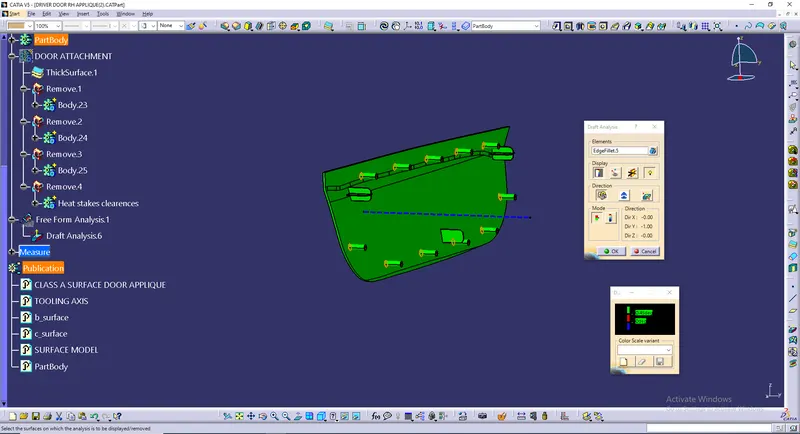
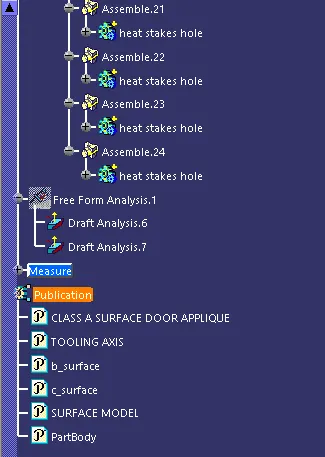
- After that do the draft analysis on the model.make sure that the material mood is on.
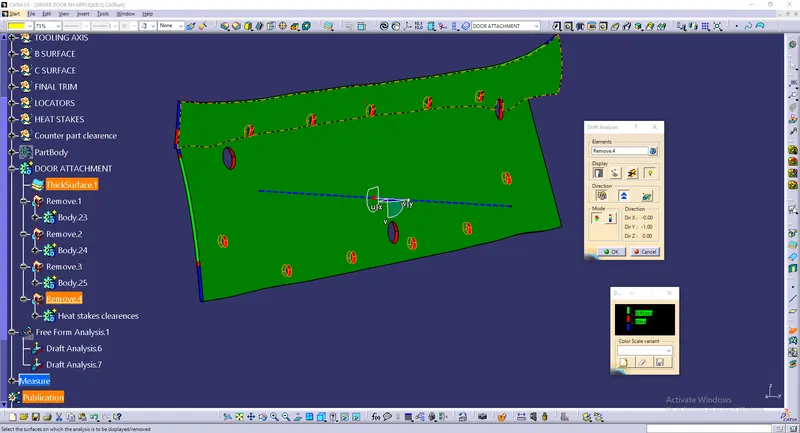
WHOLE MODEL:
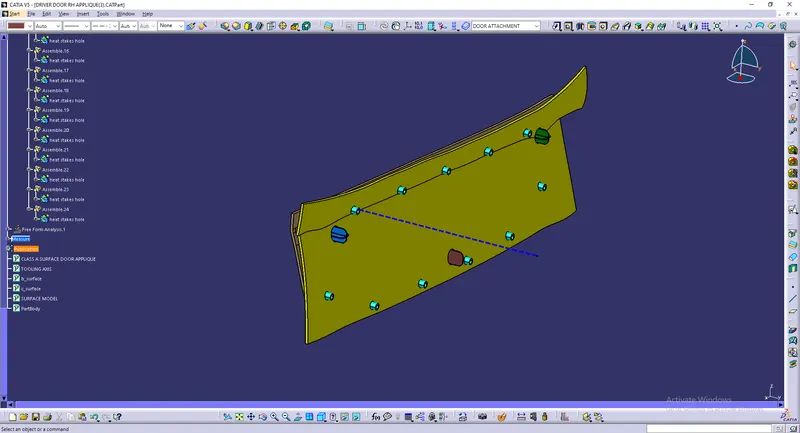
TREE:
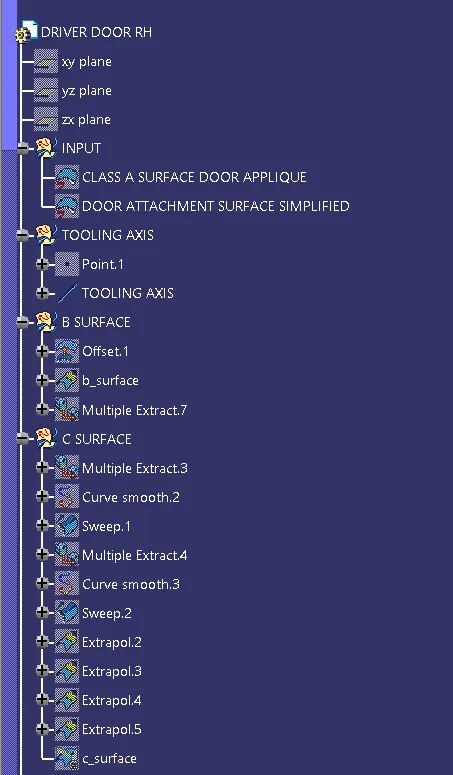
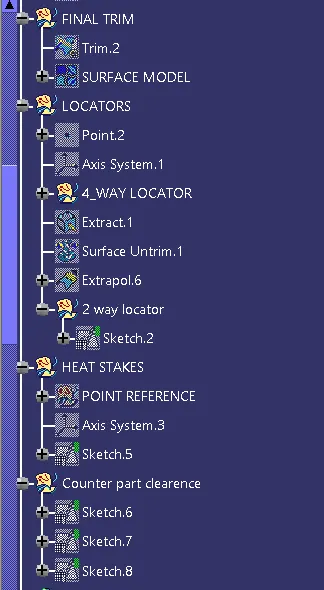
VIEWS:
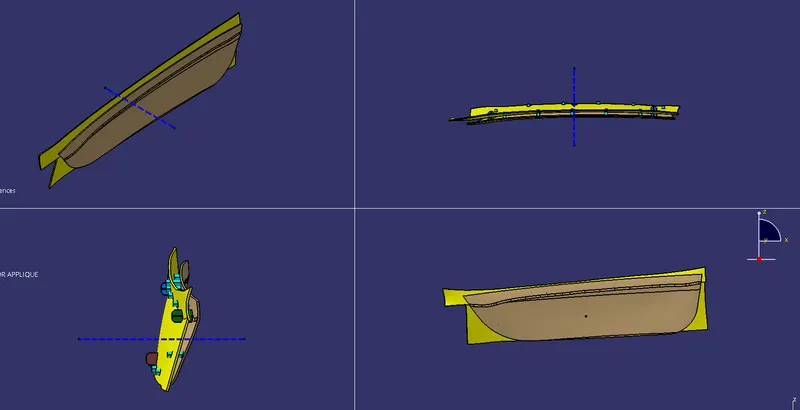
CONCLUSION:
Finally we have create the Door Applique Plastic component through the given Class-A surface and we have also created the Heat Stakes and the locators considering the design rules.