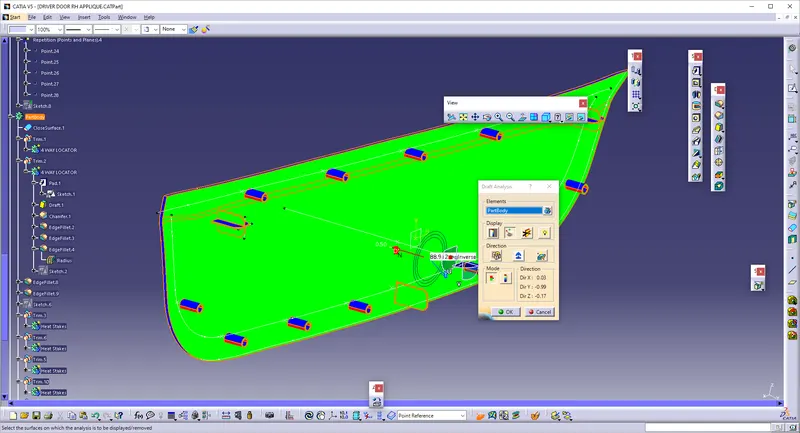
Week 9 - Project 1 - Door Applique Design with Engineering Features
Aim:
* Create the Door Applique Plastic component through the given Class-A surface. To begin with, the tooling axis for the given Class-A Surface should be created meeting the requirements of the draft angle and at the end perform the Draft analysis on the model.
* Create the Heat Stakes and the locators considering the design rules mentioned in the video for the door applique.
Procedure:
* Download the Door-Applique CAT part
* Hence, only A-Surface will be obtained.
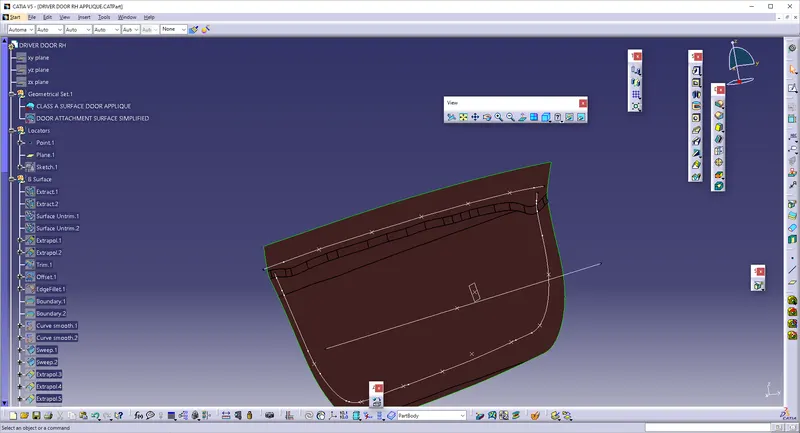
* So, we need to create the B-Surface and C-surface.
* We need to Create the point on the centre of A-surface and create the line perpendicular to the surface.
* Thus, The Tooling Axis is created.
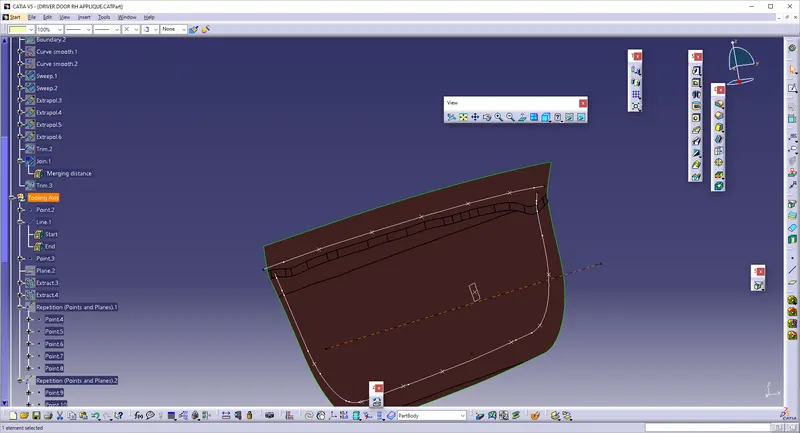
* Then, B-surface is to be Created.
* Use Extract to create the Extracted surfaces and Untrim them and Extrapolate.
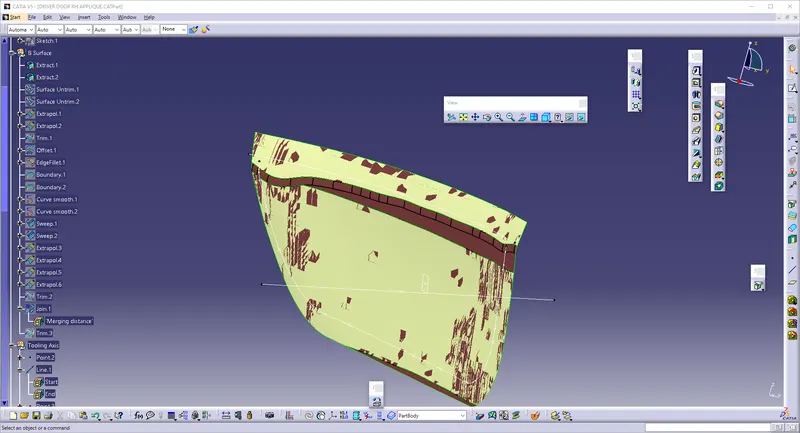
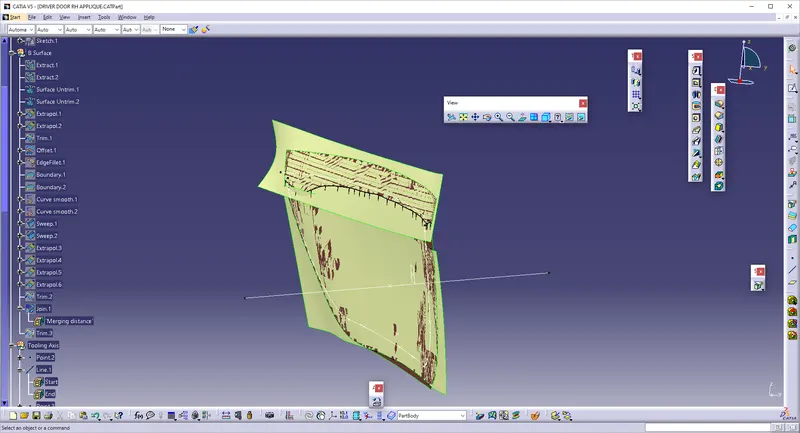
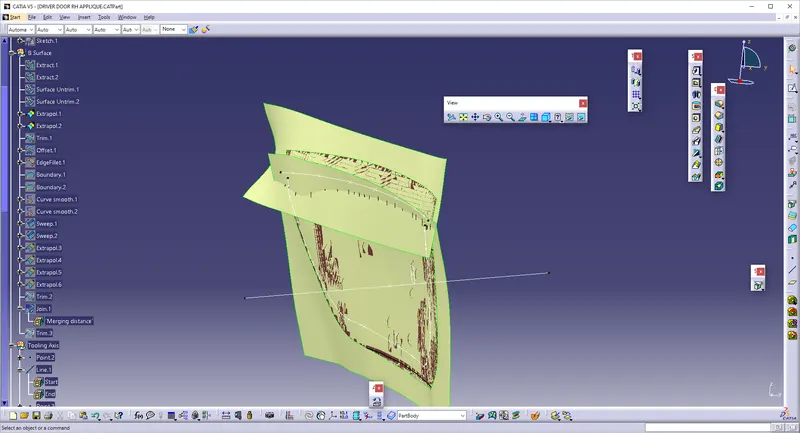
* Trim the extra Surfaces.
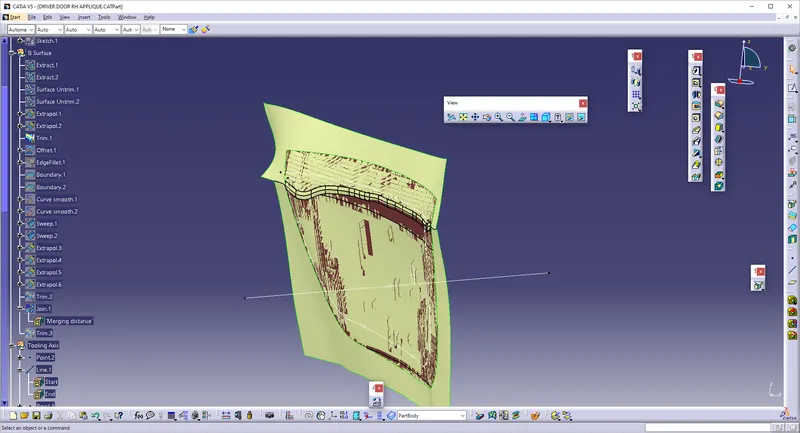
* Offset the Surface into 2.5mm
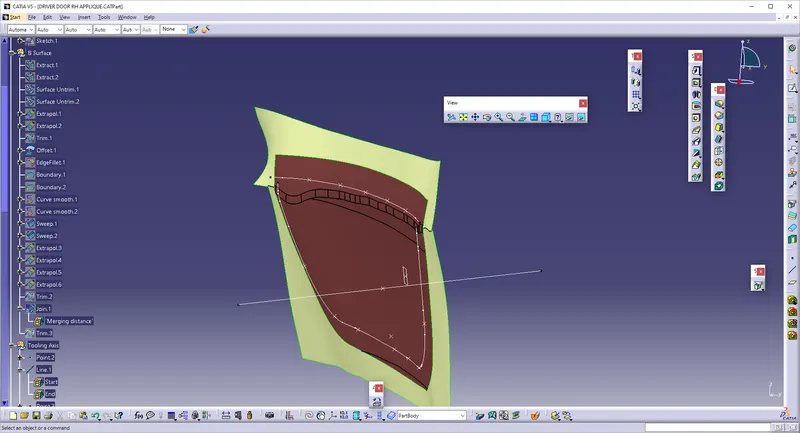
* Use edge fillet of radius 12 mm.
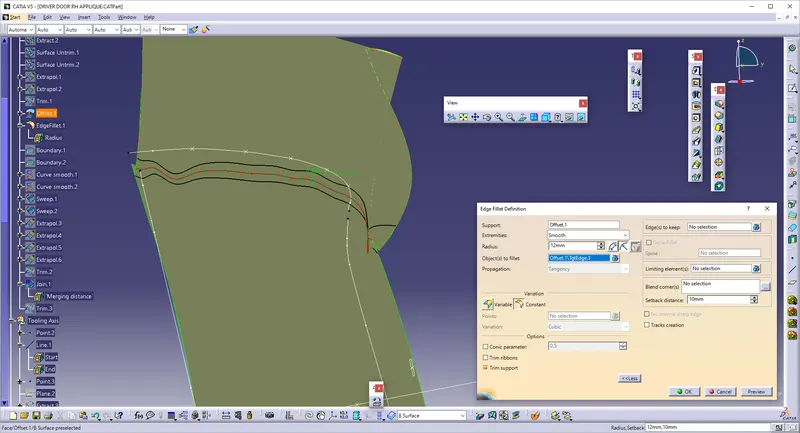
* Create the Boundary on A-surface and then Sweep the boundary with reference to the draft direction.
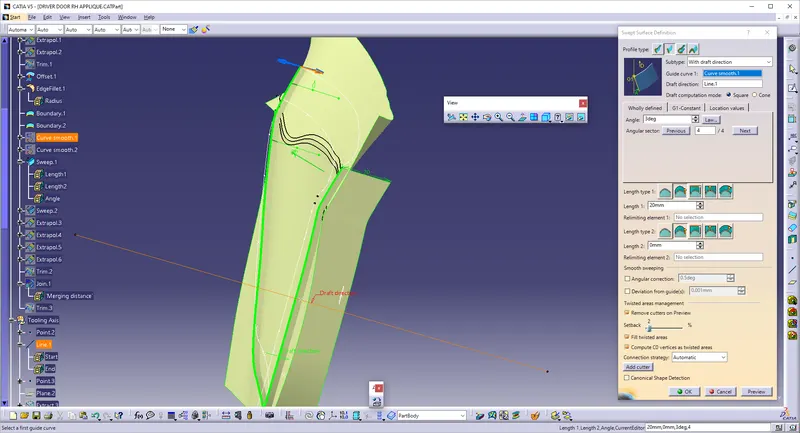
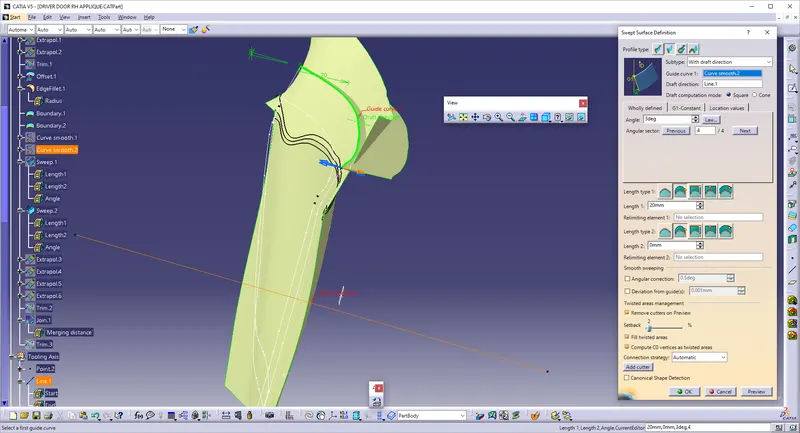
* Extrapolate the surfaces and trim so that the single surface is obtained.
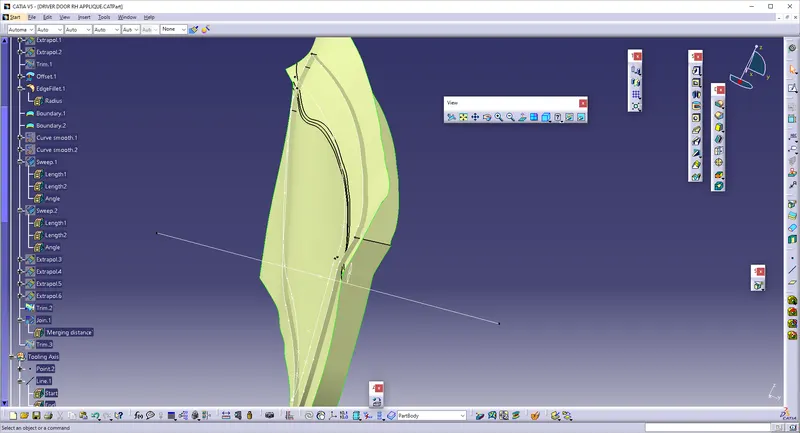
* Join those surfaces with class-A and trim with Class-B.
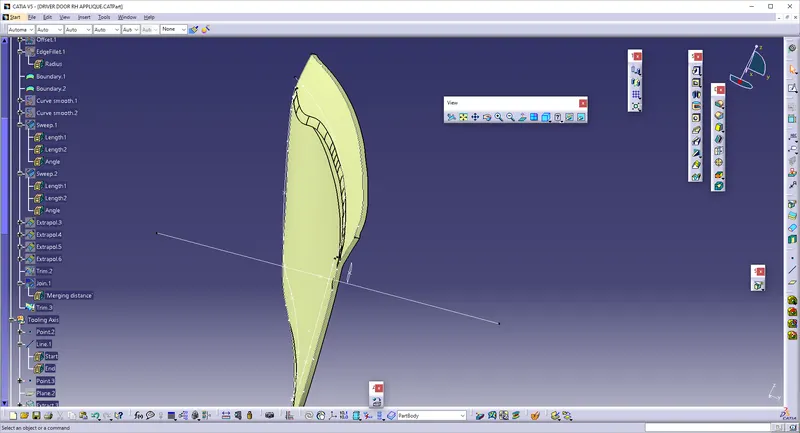
* Convert it into PartBody.
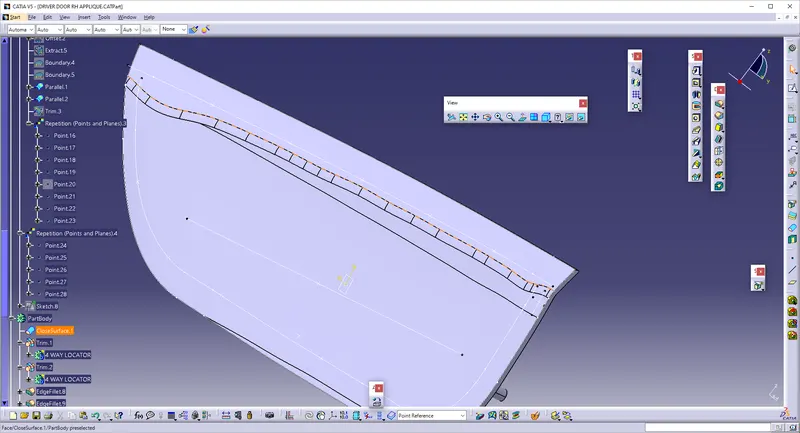
Creation of LOCATORS:
* Use the another surface as reference and Draw the lines as shown.
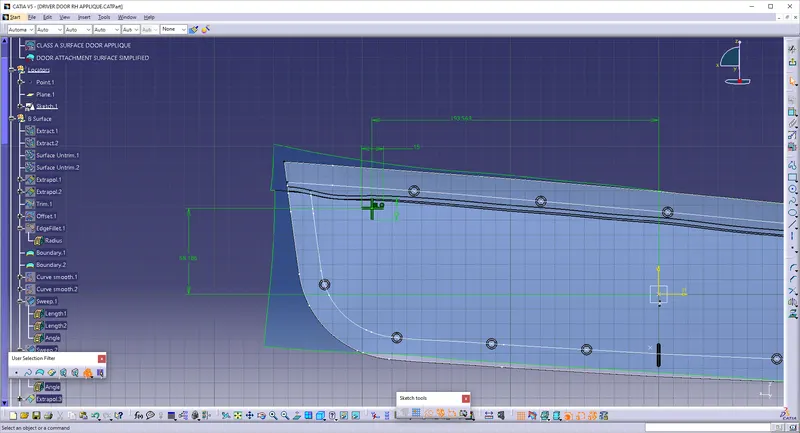
* Go to PAD and select the lines, select as THICKENING with 1mm. and give UPTO SURFACE.
* Perform Draft and give as 0.5 degree, and give chamfer as 1 mm with 45 degrees.
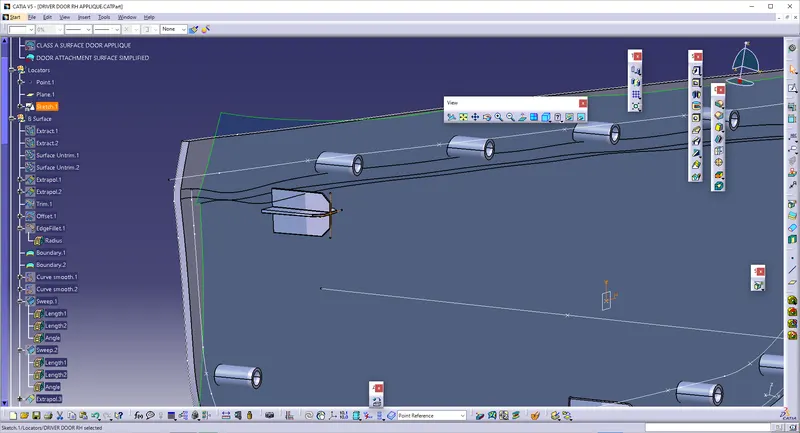
* Repeat the same process to create the another 4-way locator on the another side.
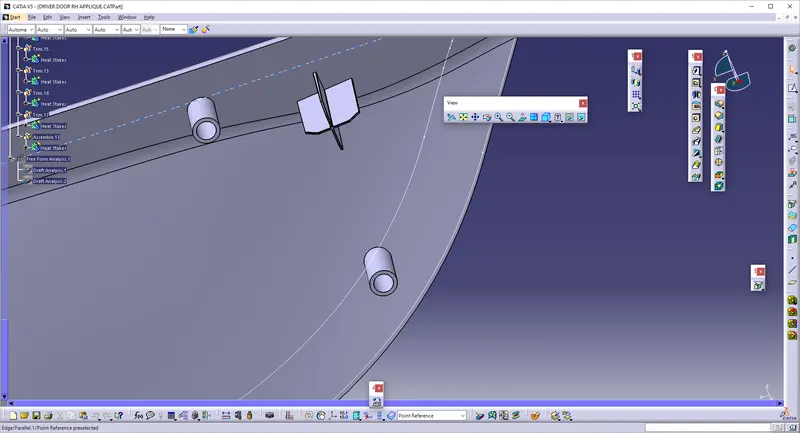
* Make a point and make a 2-way locator.
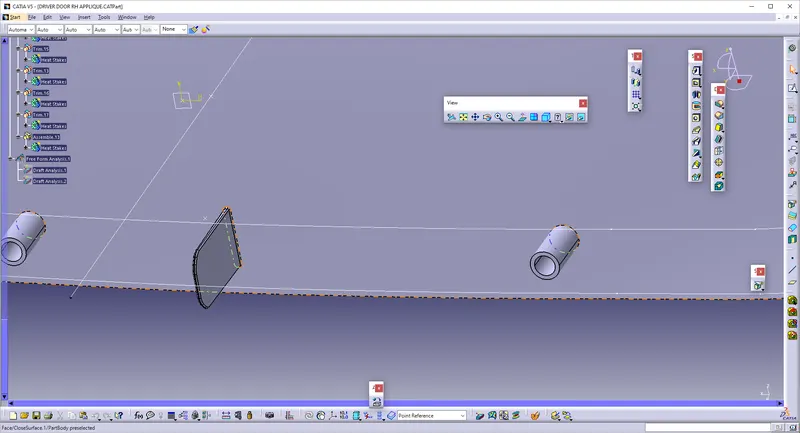
* Then, assemble the parts to the main part body.
Creation Of Heat Stakes:
* To create the Heat Stakes, We have to create the sketch as a circle.
* Then, Create the Pad to make the circles as extended as shown below.
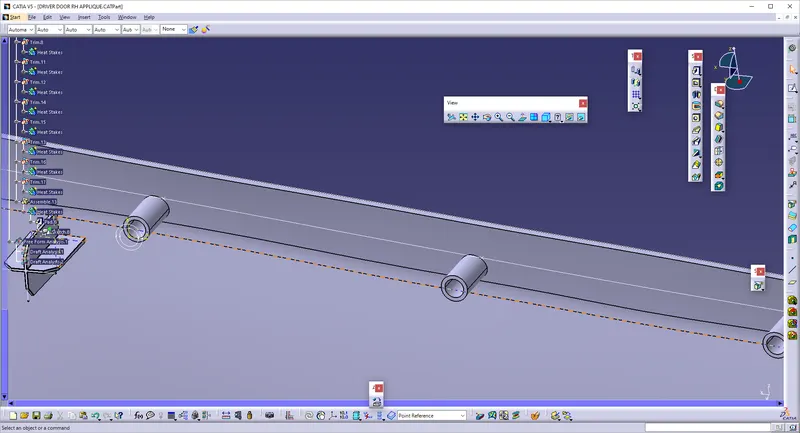
* To translate the Heat stakes, We need to create the Multiple points on the boundary, and the Parallel Curves is created.
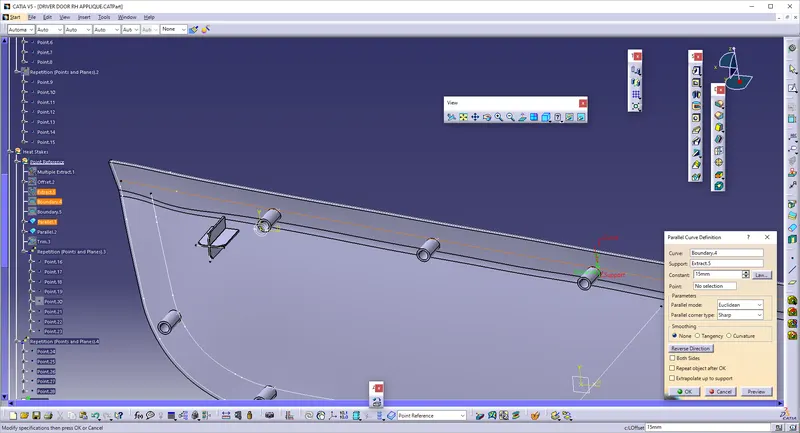
* Use REPETITION OF POINTS to create the Multiple Points on the single curve.
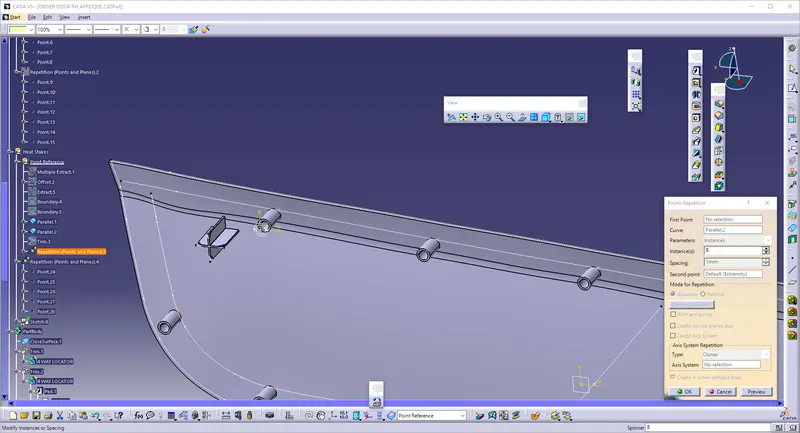
* Give COPY for the PART of Stake bodies and paste as required.
* Translate the main Part and select POINT-TO-POINT, and so the Stakes are created with respect to points.
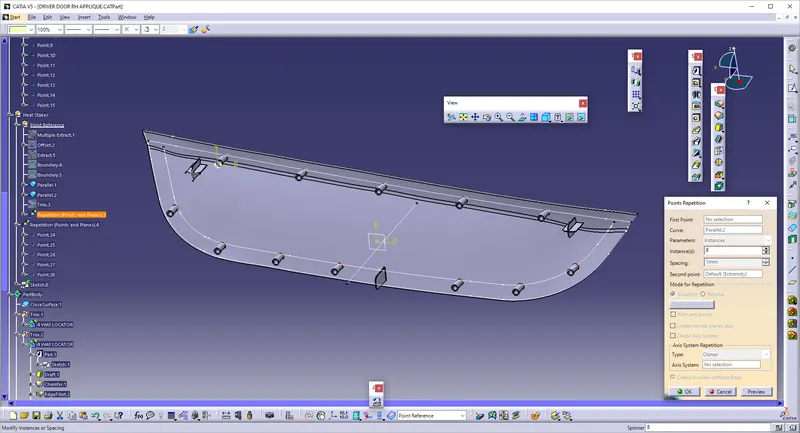
* Give UNION TRIM to the Stake bodies for removing the excess outside parts in the main body.
* Hence, the Draft analysis is performed.