Week 9 Machining with Planer Challenge
Week 9: Machining with Planer Challenge
Aim: Simulating Planning operation for the given model in Ansys Workbench.
Case1: Cutting velocity applied on tool as 20000mm/s
Case2: Cutting velocity applied on tool as 15000mm/s
Procedure:
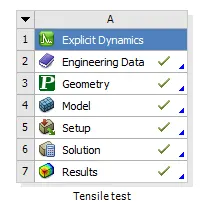
Intially the Explicit Dynamics system is loaded in workbench.
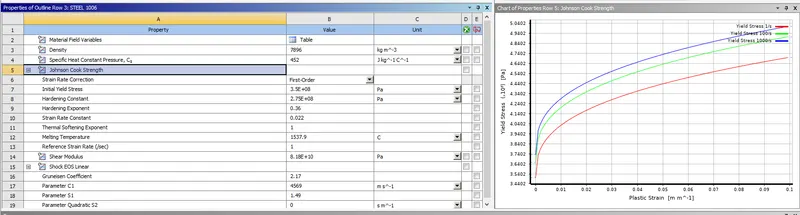
Engineering materials used for this model:
The model imported to Geometry by RMB on geometry -> import -> Specimen.stp
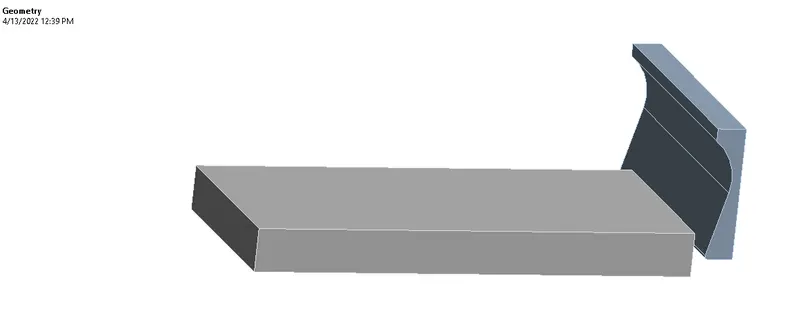
- After importing model, the model is updated to model and the next model, setup and solution is done in mechanical modeler.
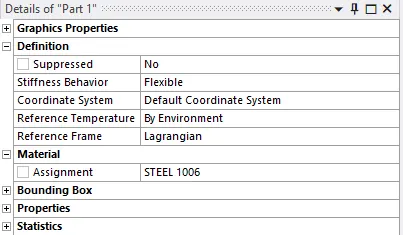
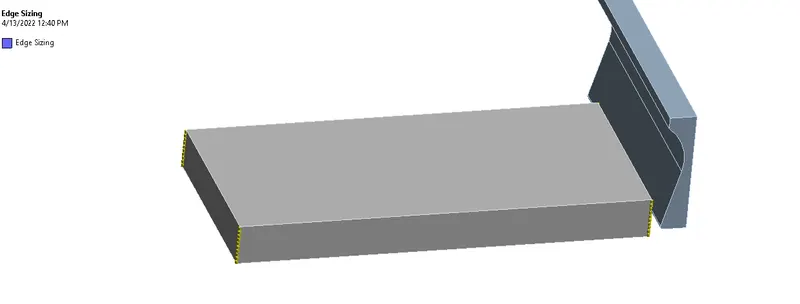
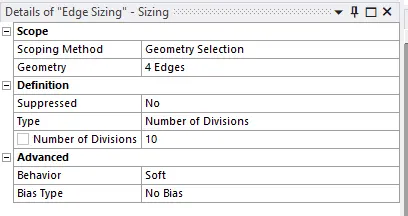
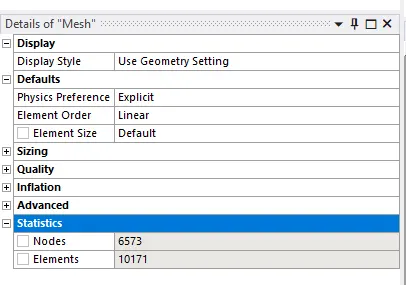
Here, meshing,Body Interaction, boundary condition setup, and solution output request are given for analysis.
Meshing:
Analysis Settings:
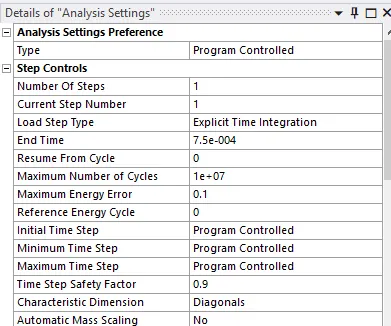
Same for both tests and end time is taken as 0.75 ms (0.00075 s)
Boundary Conditions:
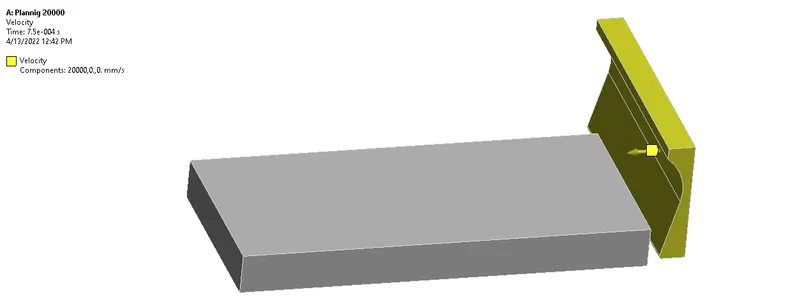
Case1:
velocity is applied on cutting tool: 20000mm/s
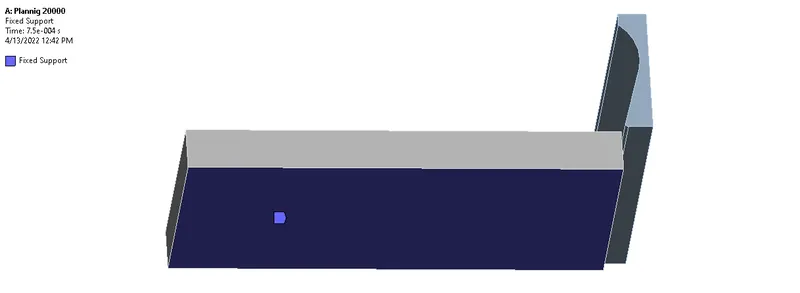
Fixed support for both cases is applied to other segment:
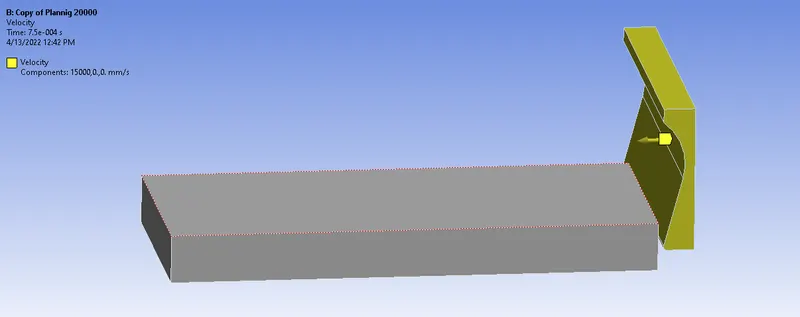
Case2:
velocity is applied on cutting tool: 15000mm/s
- Solution output request
After setting the boundary conditions, the soultion outputs as requested is included from
Only for Case 1:
solution -> insert -> Stress -> equivalent von mises
solution -> insert -> Deformation -> Total deformation
Solution -> Worksheet -> user defined temperature
Results:
The solving is taken place and can be checked from
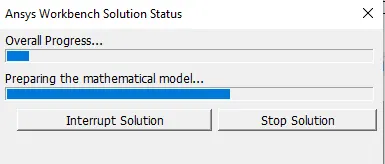
The results are taken for Stress and deformation for both cases
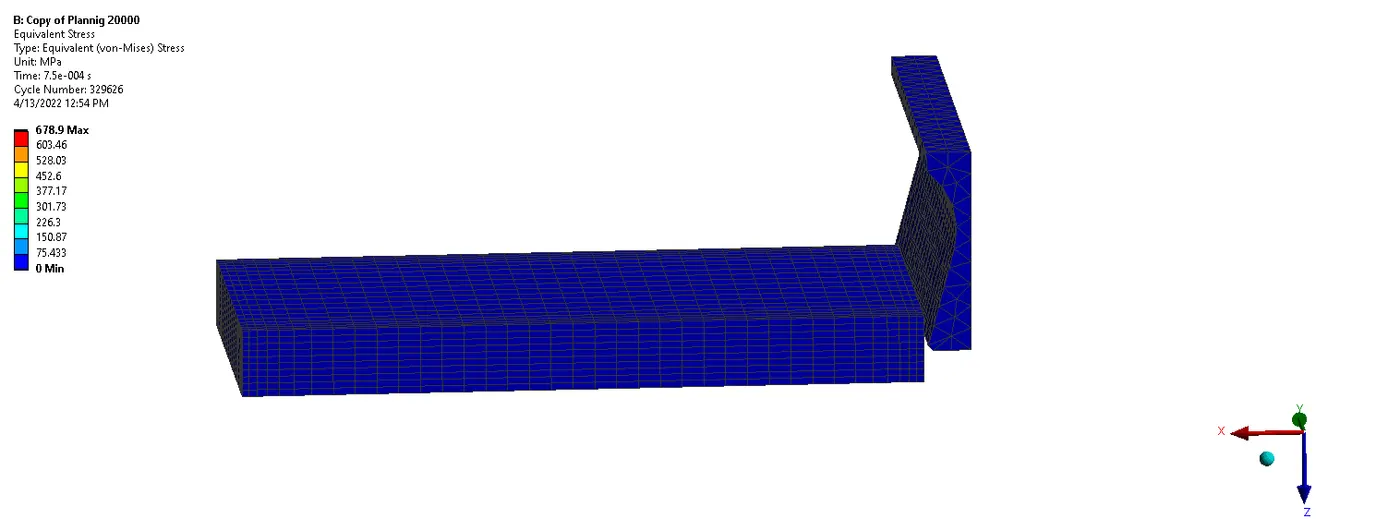
Animation files of Equivalent stress:
Case 1:
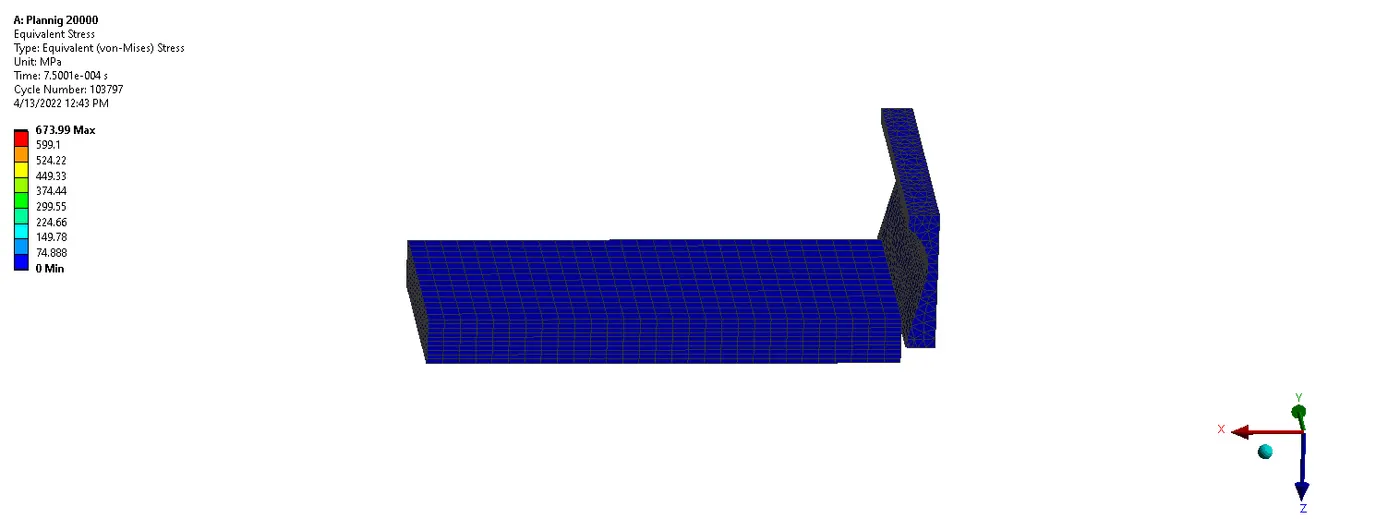
Case 2:
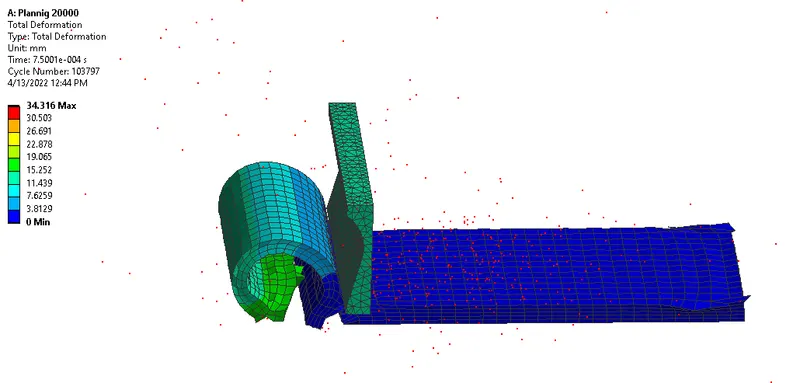
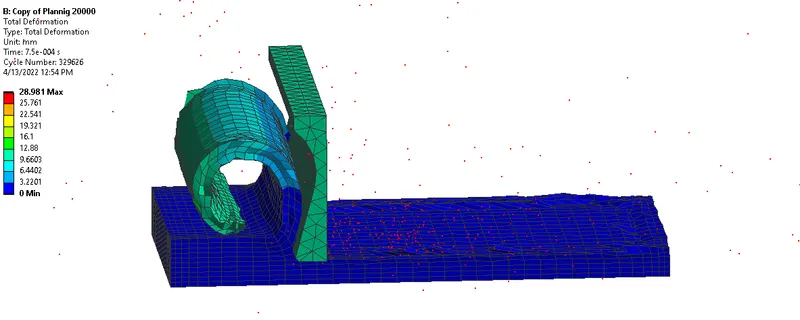
Total deformation:
Case 1:
Case 2:
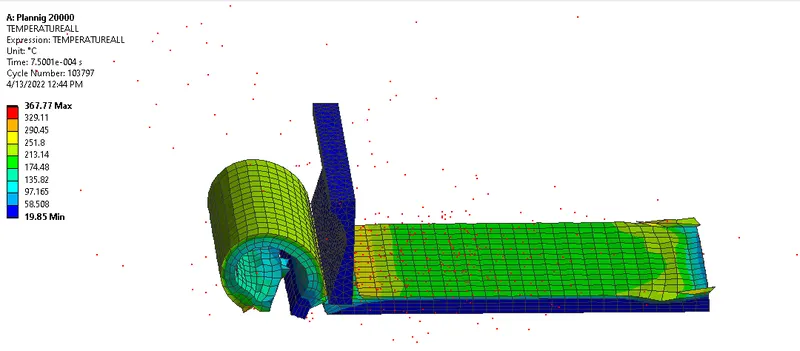
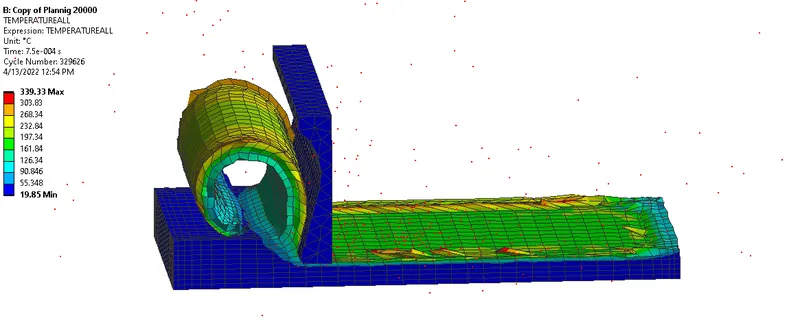
Temperature:
Case 1:
Case 2:
Comparison of Equivalent stress and directional deformation for both cases:
| Cutting Velocity of tool, mm/s | Max Equivalent Stress, MPa | max Total Deformation , mm | Max Temperature (`o_C` |
| 20000 mm/s | 636.77 | 34.316 | 367.77 |
| 15000 mm/s | 678.9 | 283981 | 339.33 |
Conclusion:
Simulation of planning operation for the given model is successfully simulated using ANSYS WORKBENCH.