Week 9 Machining with Planer Challenge
Aim: To perform an explicit dynamics simulation of a planer machining.
Software: Ansys 2021 R1
Summary
Objective
Procedure for setup
Results
Conclusion
Objective:
To perform an explicit dynamics simulation of a planer machining using two different materials: Structural Steel and Steel 1006
To find out the equivalent stress, Total Deformation and insert a User defined result to calculate the temperature of the body
Introduction:
This project is about performing an explicit dynamics simulation of a planer machining. The workpiece (in STEEL 1006) is fixed and the cutting tool will be moving at a given velocity to cut the workpiece.
Procedure for setup
Open ANSYS>>Drag and Explicit dynamics model in the project schematic window.
Go to the engineering data to choose the materials: Structural Steel, Steel 1006
Go to the model tab
Rename the different as required
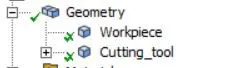
Go to connection >> contacts
Remove the default contact.
Go to tab for the meshing:
For the meshing choose the values as follows:
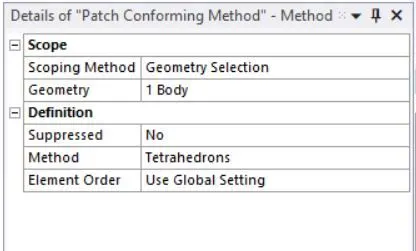
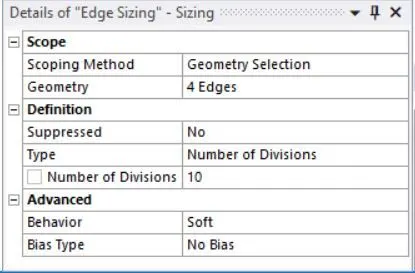
The following analysis settings are defined for the simulation.
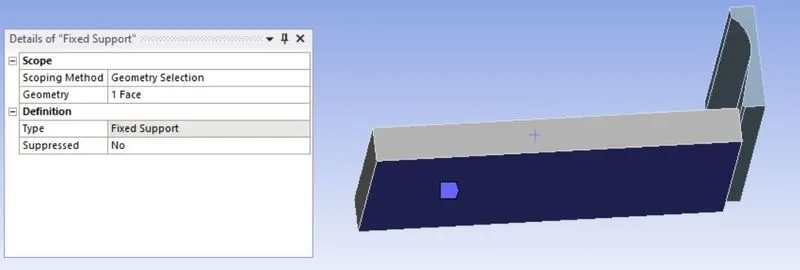
Set the fixed support:
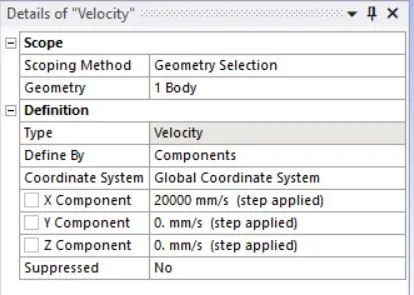
Set the velocity:
Go to solution tab and insert equivalent stress, Total Deformation and a User defined result to calculate the temperature of the body.
Results
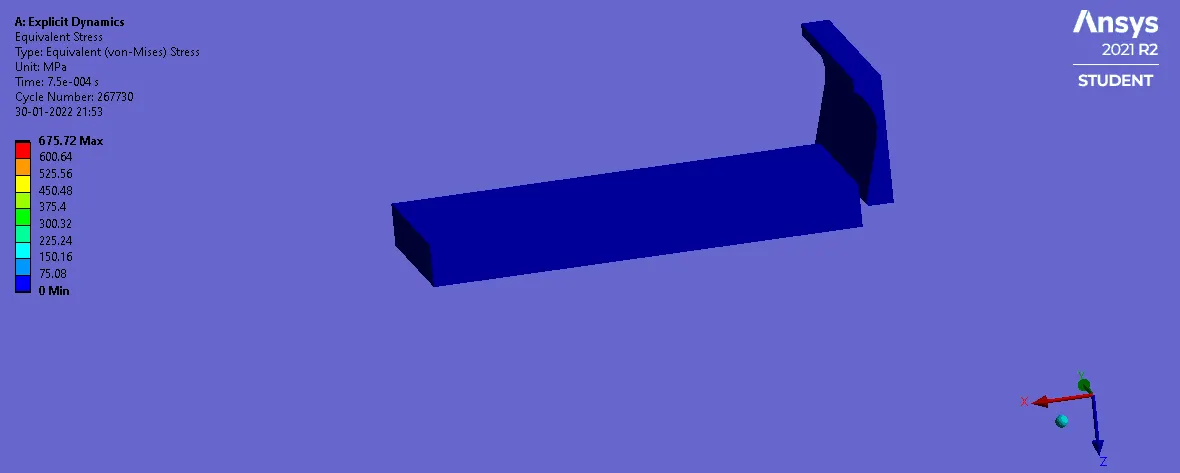
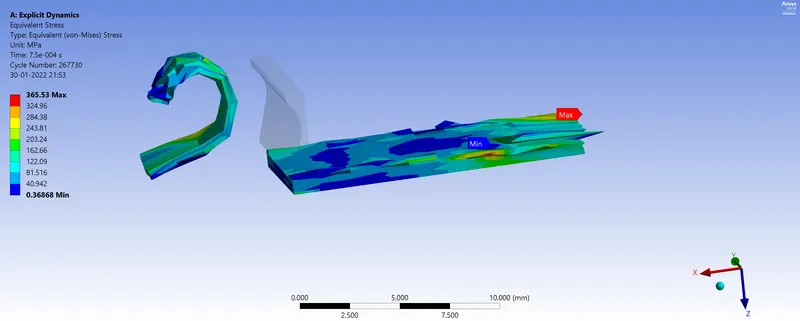
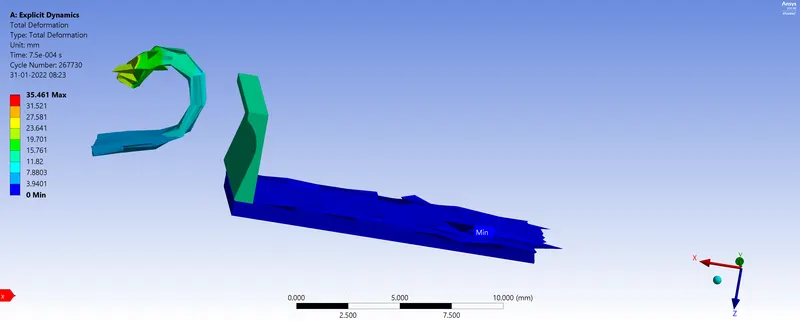
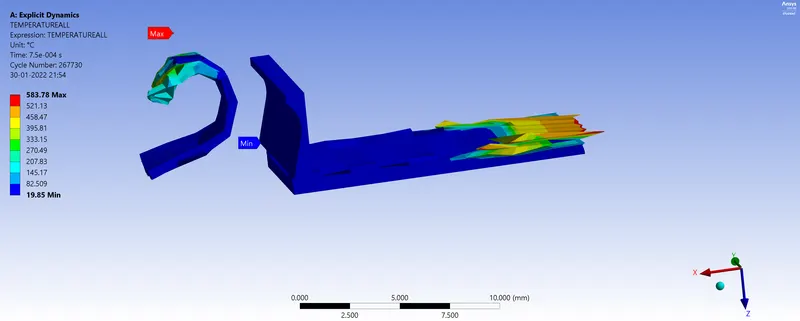
Case 1 : Using 20000mm/s for velocity
Equivalent Stress
Total Deformation
Temperature
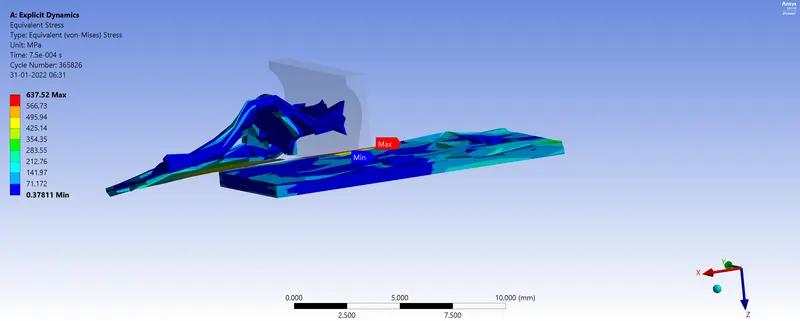
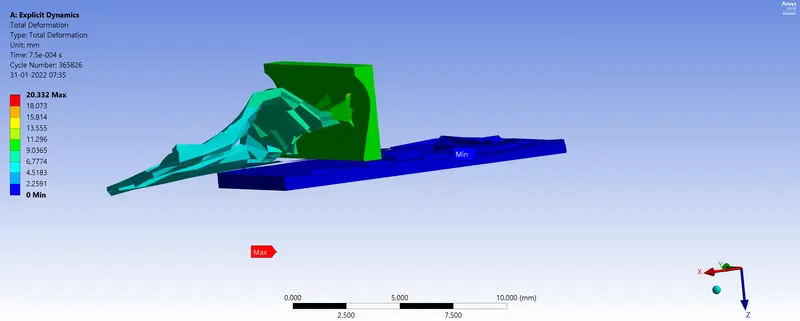
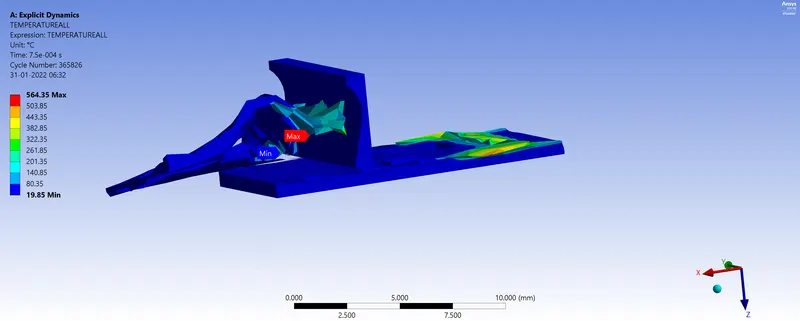
Case 2 : Using 15000mm/s for velocity
Equivalent Stress
Total Deformation
Temperature
Summary table
|
Velocity (mm/s) |
Total Deformation (mm) |
Equivalent Stress (MPa) |
Temperature (°C) |
|
20000 |
35.461 |
365.53 |
587.78 |
|
15000 |
20.332 |
637.52 |
564.35 |
Conclusion
Through this simulation, we notice that total deformation and temperature decrease when we decrease the velocity by setting it at 15000 mm/s.