Week 9 Machining with Planer Challenge
AIM:
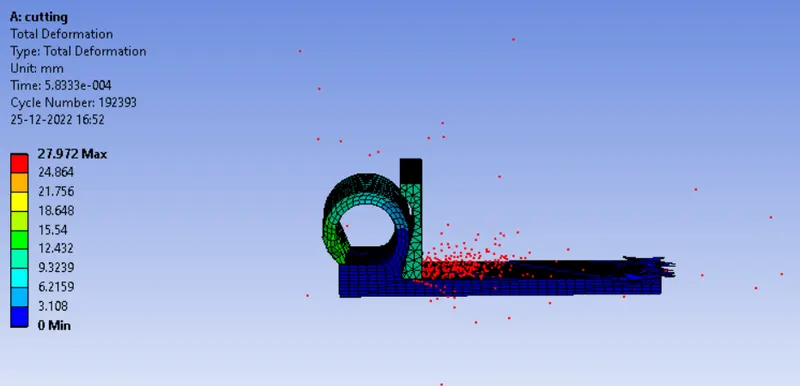
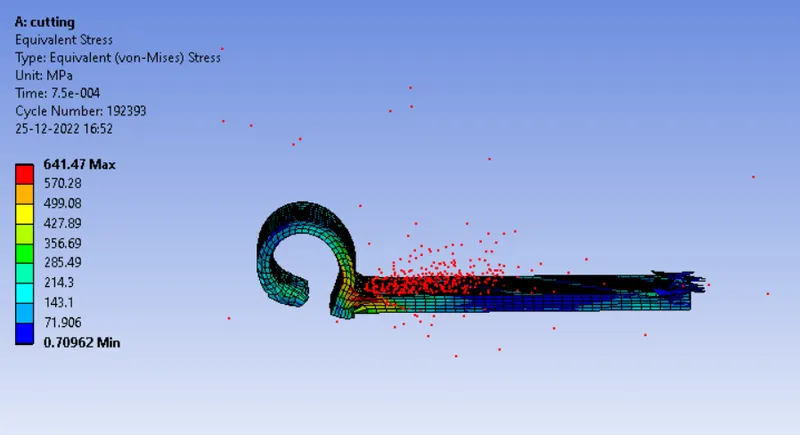
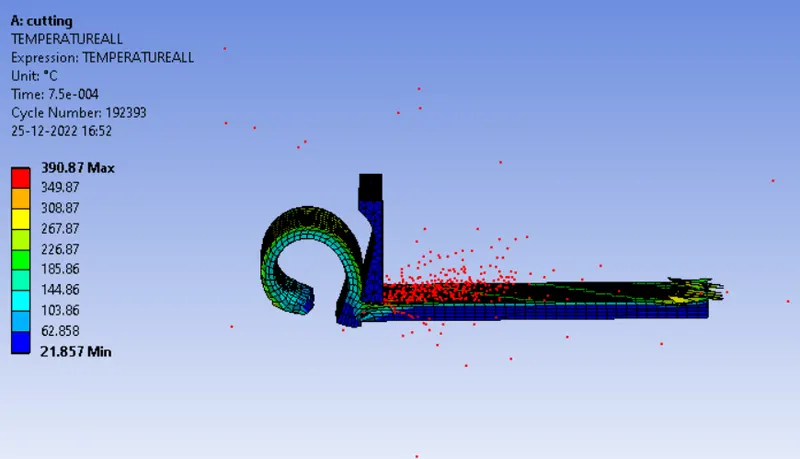
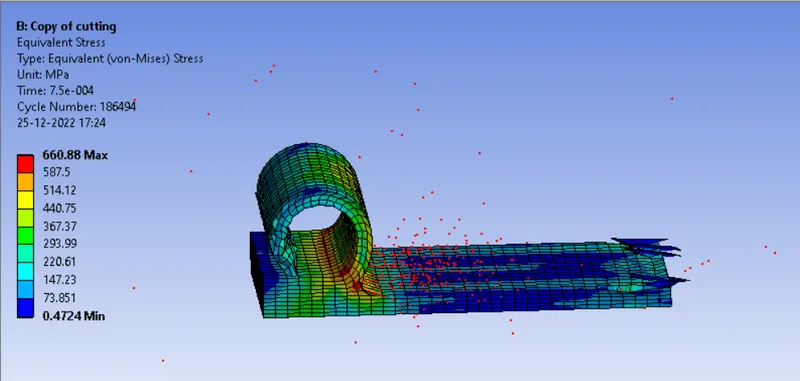
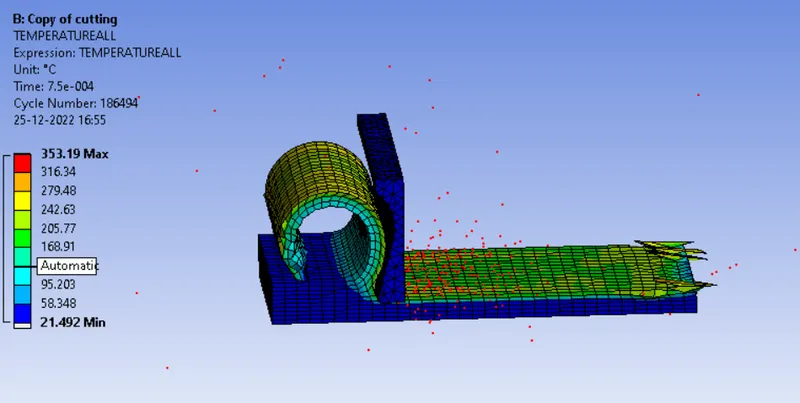
Perfrom an explicit dynamics simulation of machining with planar model to find out the equivalent stress, Total deformation and also user defined Temperature with two cases of different velocity.
CASE 1: Velocity 20000mm/s.
CASE 2: Velocity 15000mm/s.
PROCEDURE:
CASE 1:
Velocity : 20000mm/s.
1. Download the model from the challenge.
2. Open the ANSYS workbench and drag the Explicity dynamics analysis.
3. Double click on the engineering materials and add steel 1006.
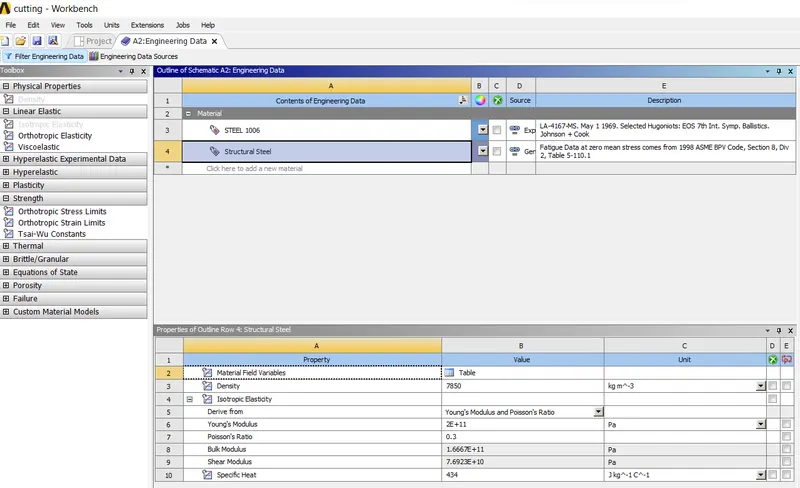
4. now right click on the geometry, import the model downloaded.
5. Now double click on the model. And check the model loaded properly or not.
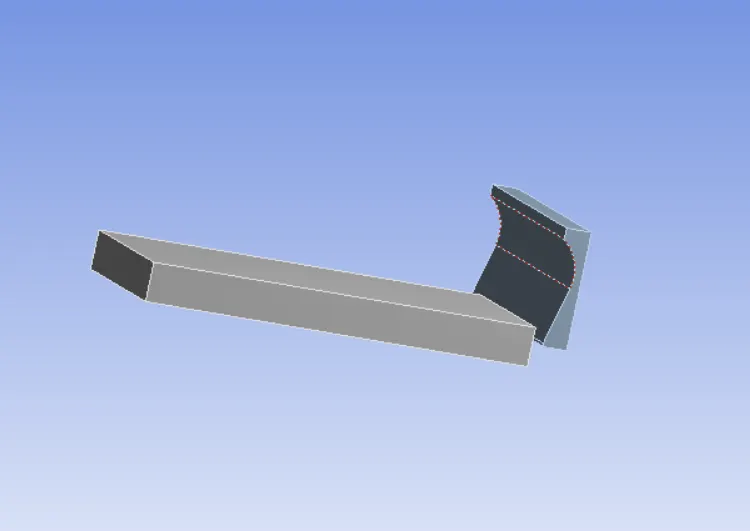
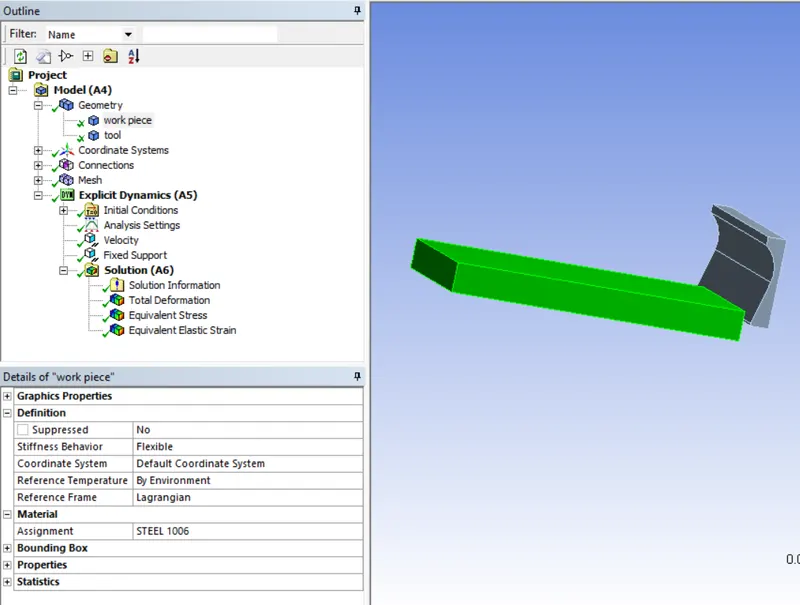
6. Now click on the geometry in the outline tree. And assign the add steel 1006 to the workpiece.
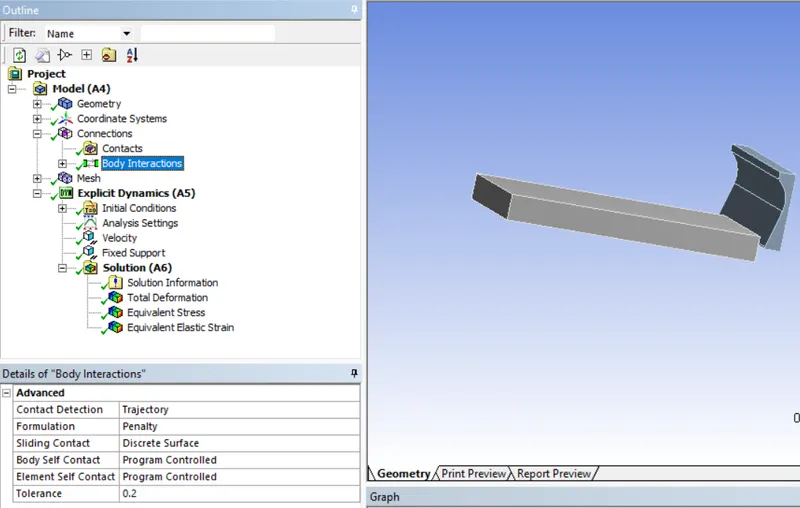
7. Now click on the contacts. It shows some default contacts. Delete the contacts. Juat keep body intraction.
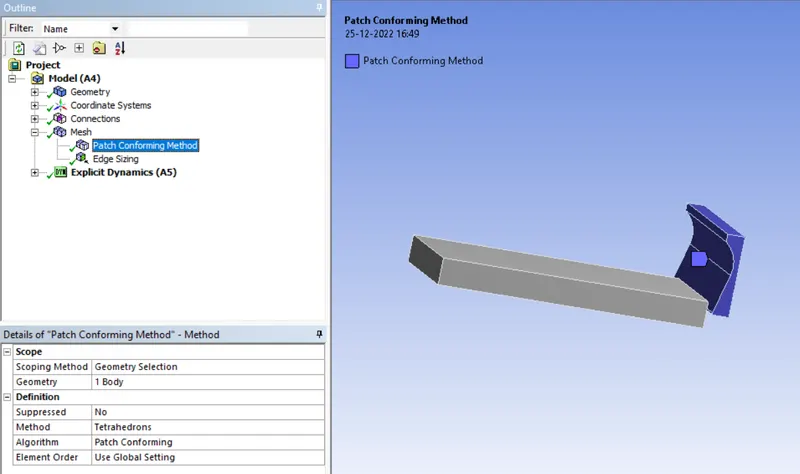
8. Click on the mesh and insert the one mesh tab. Select the tool and give tetrahedrons.
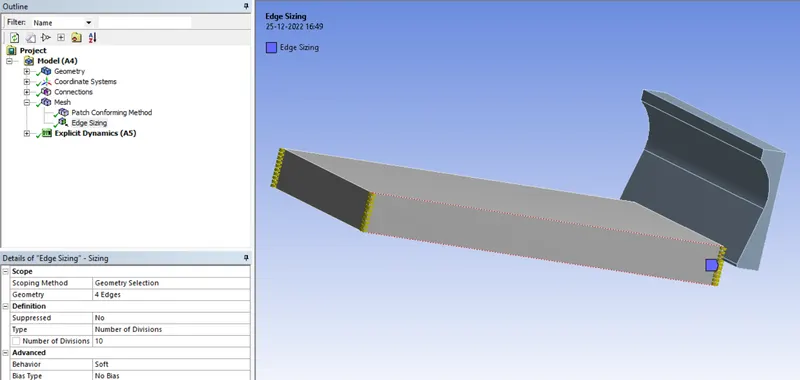
9. Also insert the sizing. select the edes of workpiece selct the number of elements required in the workpiece.
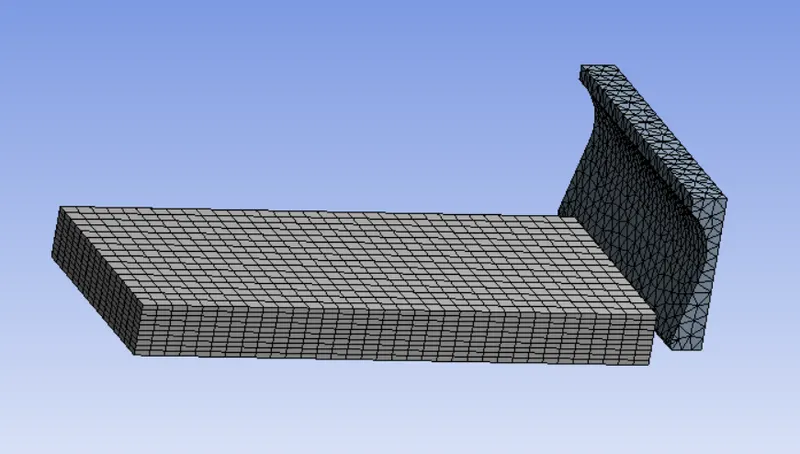
10. click on generate the mesh.
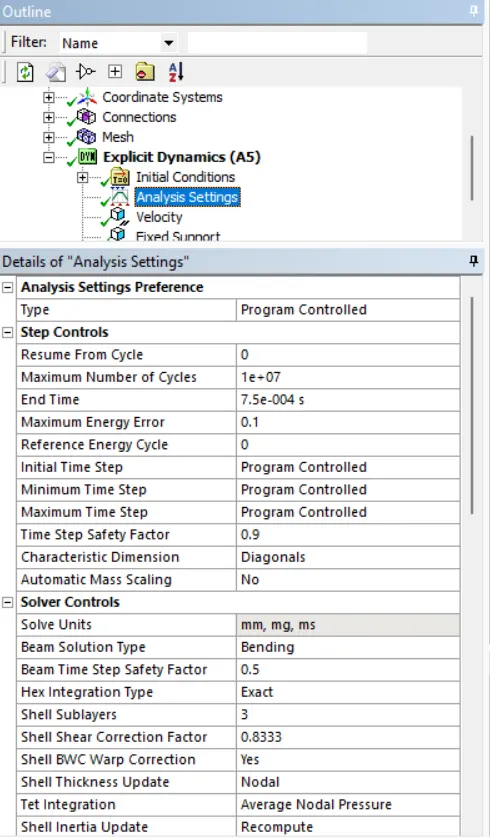
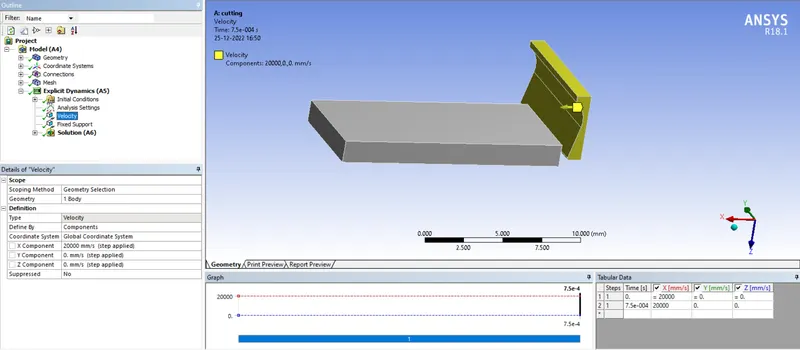
10. Now go to analysis setting and just change the end time settings to the 0.00075.
11. Now insert the fixed support. and select the bottom face of workpiece.
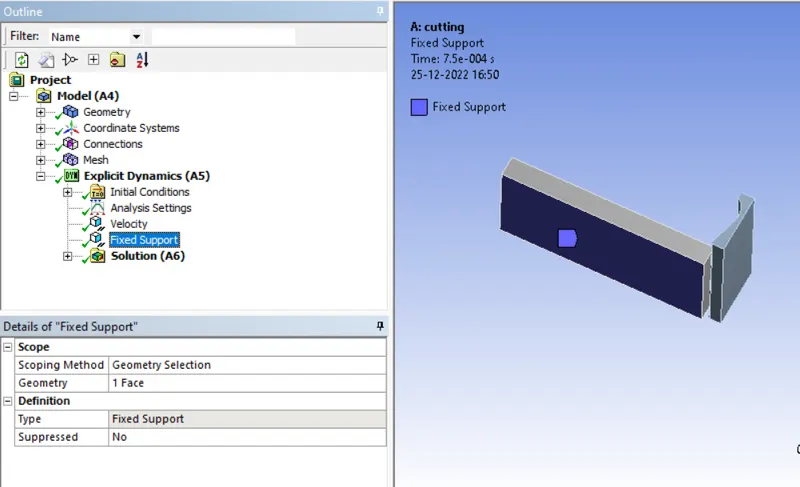
12. Now insert the velocity tab. and give the velocity to the tool of 20000mm/s.
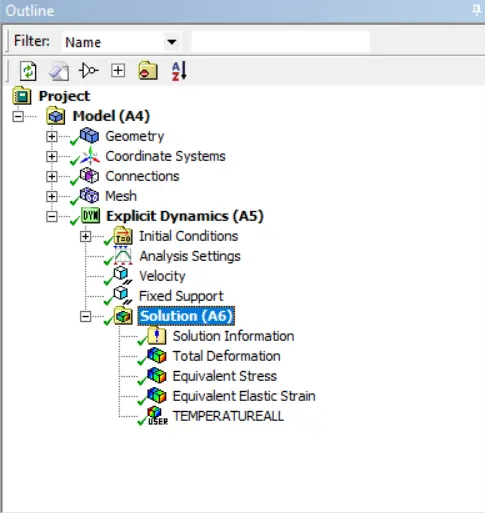
13. Now insert the solution parameters as shown below.
14. Now solve the model. After providing the solution it shows the following results.
CASE 2 :
Velocity : 15000mm/s
1. Now duplicate the model static analysis.
2. Now double click on the model. The model will open in the model tab.
3. Now go to the velocity setting, and chnage the velocity to the 15000mm/s.
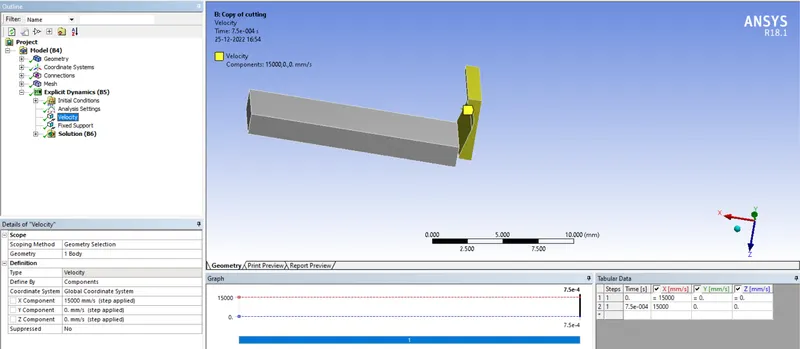
4.Before going to the solve. delete the generated data.
4. Now solve the model. And wait until the solution we get.
5. The results are shown below.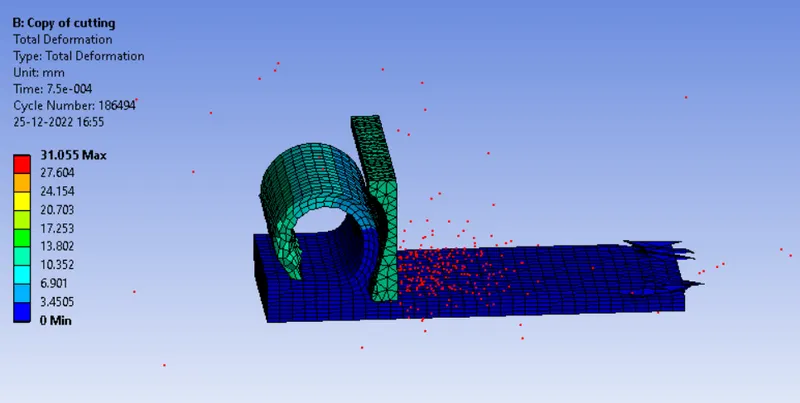
CONCLUSION :
When the speed of cutting tool is reduced the temperature generated is reduced. and also we can see that the stress value is less in the case 2.