Week 9-Creation of 1D Connectors Challenge
OBJECTIVES:
To mesh the given frame assembly and make connection at specified parts.
PROCEDURE:
1. MESHING:
- Import the file frame_assembly_welding to hm under optistruct profile.
- Click on AUTOMESH from 2D panel and mesh the given component accordingly.
- Make sure that the elements pass all the element criteria properties. If failed, remesh the elements and use element cleanup.
2.CONNECTIONS:
SEAM WELD CONNECTION
- Trun on right_rail_2 and front_truss_1 and hide the remaining components.
- 1d>connectors>seam and type as seam_quad(angled+cappled+L).
- Select the nodelist on front_truss1 and components to connect.
- Increase tolerance value to 10 and click on create to connect the components.
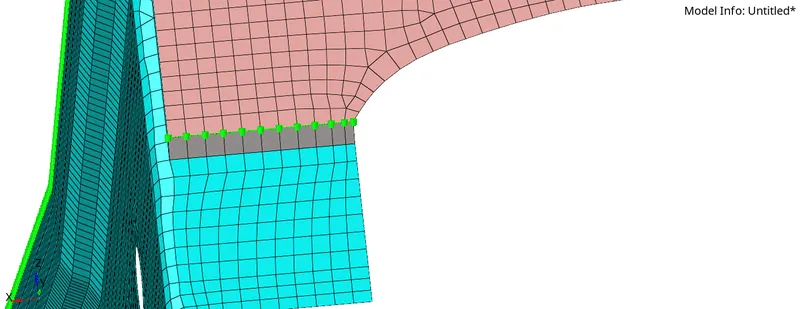
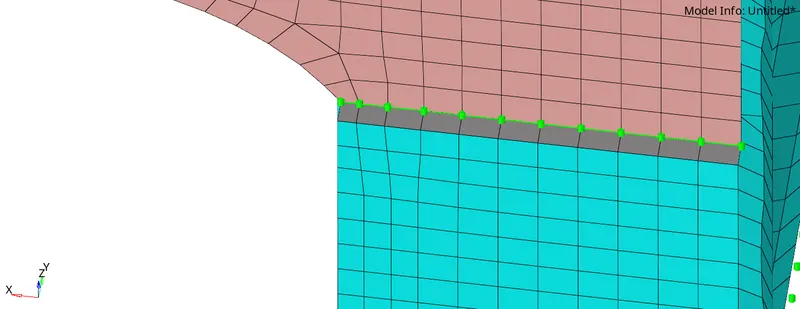
quad elements:
- Turn on left_rail_2 and front_truss_1 and hide the remaining components
- 1d>connectors>seam and type as quad.
- select the node list and components to connect.
- Increase tolerance value to 10 and click on create to connect the components.
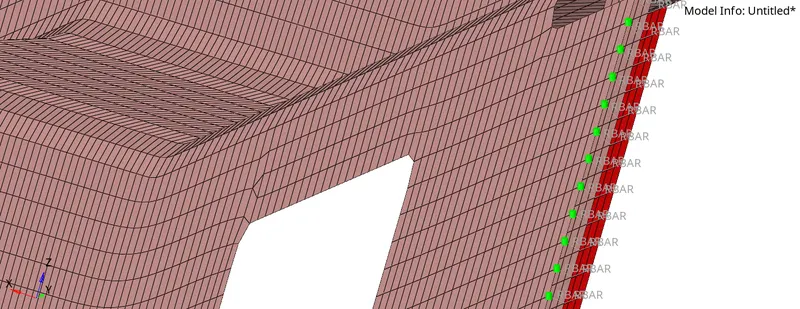
spot weld:
- Turn on front_truss_1, front_truss_2 and right_rail_1 and hide the remaiing components.
- 1d>connectors>spot and type as weld.
- select the node list with number of layers 2 and components as well to connect.
- set the diameter as 5mm, tolerance as 20mm, and click on create to connect the components.
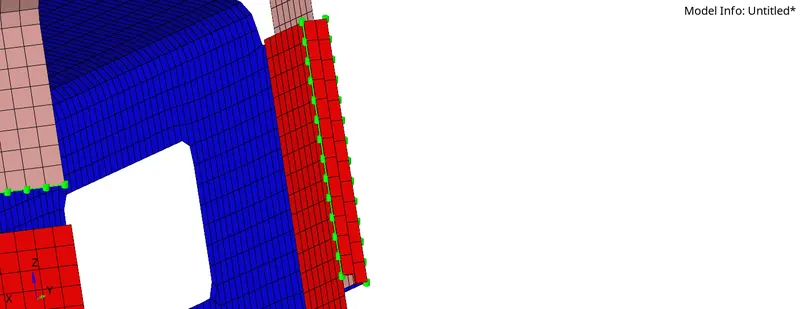
hexa adhesive:
- Turn on front_truss_1, front_truss_2 and left_trail_1and hide the remaining components.
- 1d>connectors>seam and type ad hexa(adhesive).
- select the node list with spacing value as 5 and components as well to connect.
- set tolerance as 10mm, and click on create to connect the components.
bolt connector:
- turn on rear_truss_2, right_rail_2 and left_rail_2 and hide all the components.
- 1d>connectors>bolt and type as bolt(general)
- select the node list and select create hole,if none to create hole for the bolt connection.
- set the tolerance as 10mm, and click on create to connect the components.
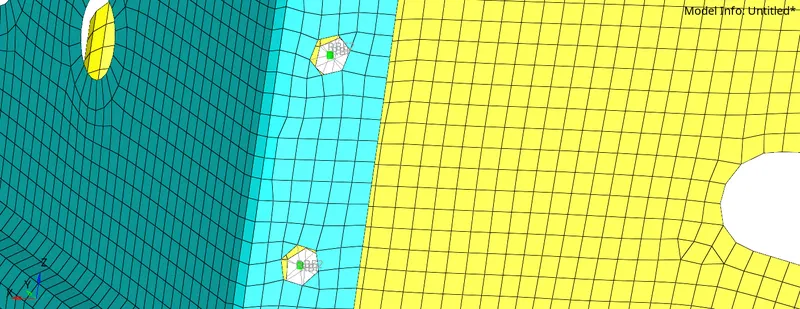
spot weld with rigid elements:
- Turn on right_rail_1 and right_rail_2 and hide all the components.
- 1d>connectors>spot>and type as rigid.
- select the node list and components to connect.
- set the tolerance as 10mm, and click on create to connect the components.
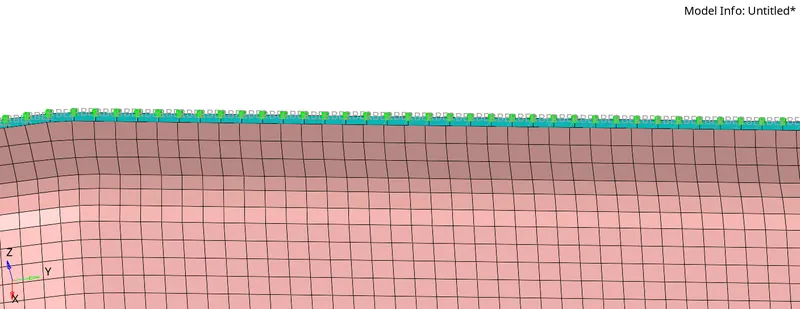
spot weld with spring element:
- Turn on left_rail_1 and left_rail_2 and hide all the components.
- 1d>connectors>spot>and type as spring.
- select the node list and components to connect.
- set the tolerance as 10mm, and click on create to connect the components.
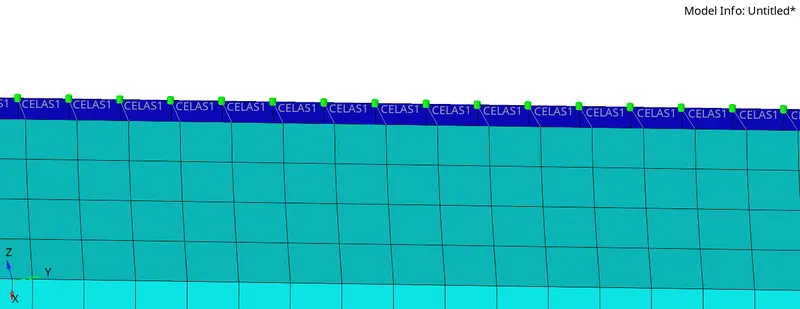
REST ALL THE COMPONENTS ARE CONNECTED WITH SUITABLE CONNECTORS.
RESULT:
- The frame assembly is meshed.
- The connections are represented as specified.
- Remaining components of frame assembly are connected by means of seam and spot welds.