Week 9-Creation of 1D Connectors Challenge
Objective:-
- to make 1D/2D connectors between components
- to create a connector in such a way that there are no unrealized connectors
- to create a mesh with the given quality parameter
- and to fix the failing elements
Introduction:-
- We imported geometry as given in the challenge
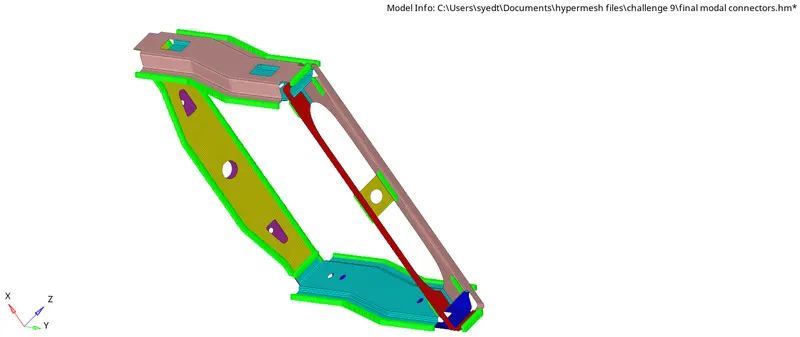
- the modal consists of the frame assembly
- with 9 components in it
- each one is supposed to be connected with each other by welding
Modal
Theory:-
- For this modal, we first imported the modal then meshed each component
- with an element size of 5
- then after meshing we checked for failing elements as per the given quality parameter
- then after fixing all the failing elements
- we moved towards creating connectors
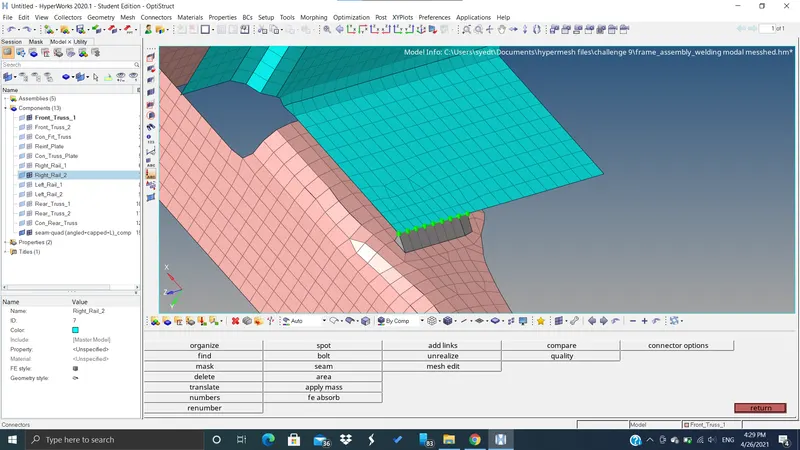
1. Right_Rail_2 & Front_truss_1:- Seam-Quad(angled+capped+L)
- for making a Seam Weld
- go to 2d/1d connectors --> seam
- then choose quad(angled+capped+L) in the type
- then choose spacing as 5 units
- and tolerance as 10 units
- then select the nodes
- then select the components that are to be connected
- then click on create
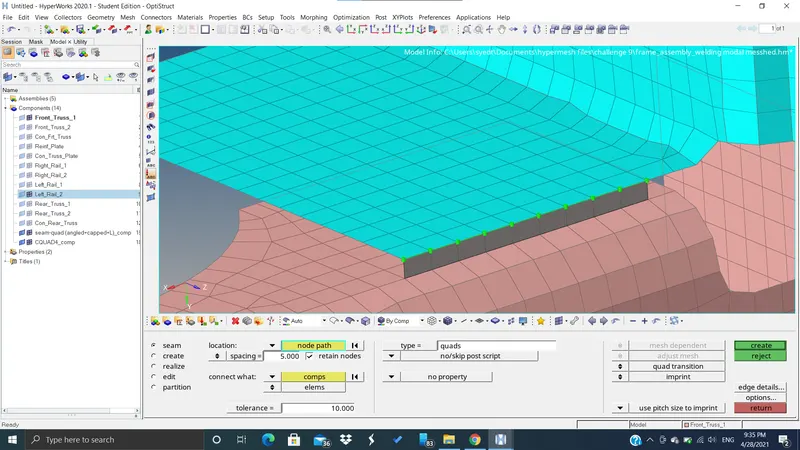
2. Left_Rail_2 & Front_truss_1:- Quad elements
- go to 1d/2d connectors
- then to seam
- select quad in type option
- then select nodes and select components
- keep spacing as 5 and tolerance as 10
- Click on create
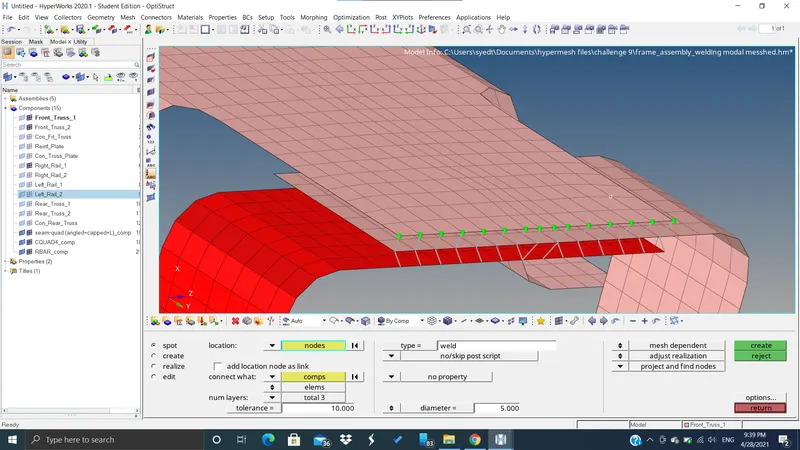
3. Front_truss_2, Front_truss_1 & Right_Rail_1:- Spot weld with 2 Layers and 5 mm Diameter
- go to connectors
- select spot
- select number of layers as 3
- then select the nodes and then the components
- then select weld in type option
- keep tolerance as 10 and diameter as 5mm
- then click on create
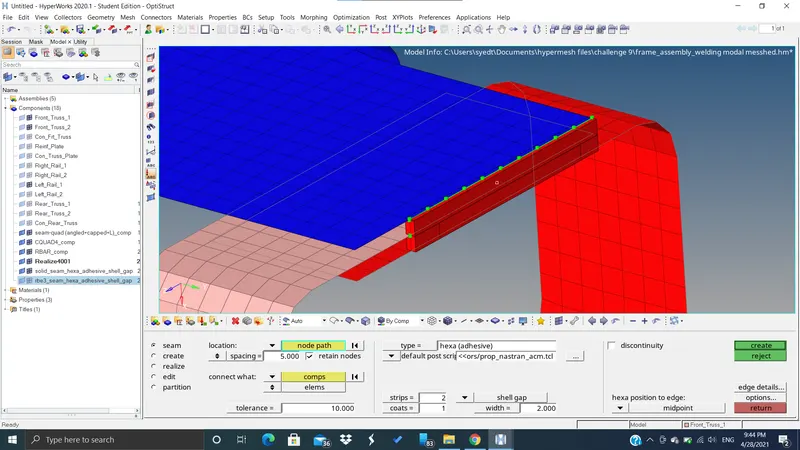
4. Front_truss_2, Front_truss_1 & Left_Rail_1:- Hexa (Adhesive)
- go to connectors select seam
- then select Hexa adhesive as in type
- then select the nodes
- then keep stips as 2 coats as 1 and width as 2
- and tolerance as 10 and spacing as 5
- then after selecting the two components click on create
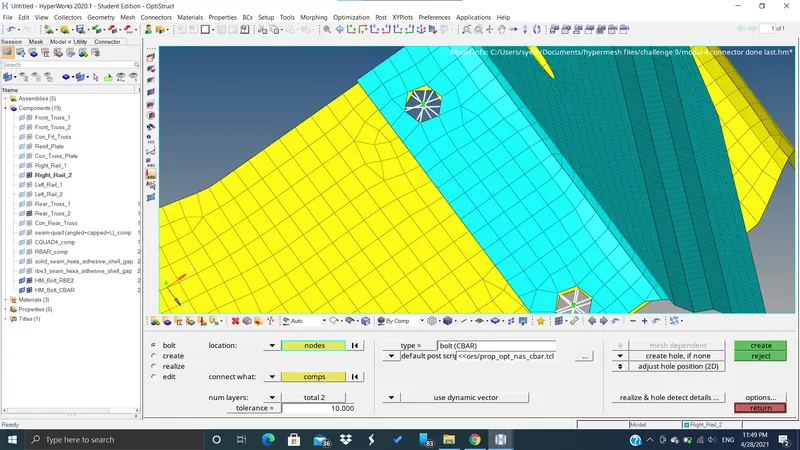
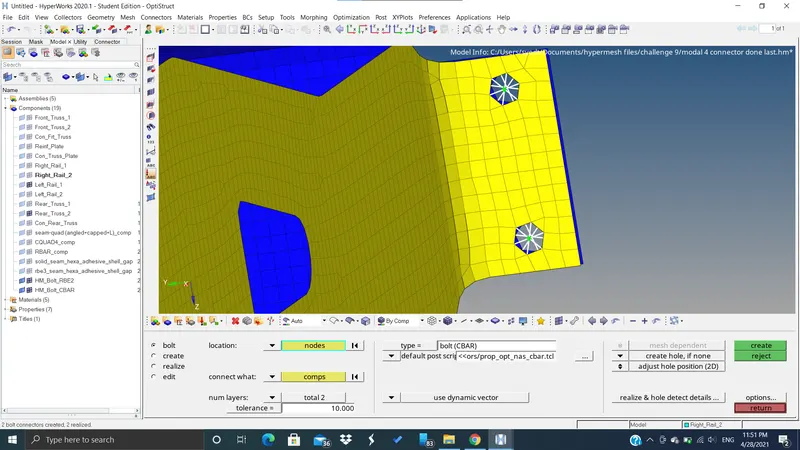
5. Rear_truss_2 & Right_Rail_2:- Bolt Connector
6. Rear_truss_2 & Left_Rail_2:- Bolt Connector
- go to connectors
- then select bolt
- then select one node where you want to create the bolt
- then make "create hole, if none" enable
- then select the two components
- keep tolerance as 10
- then click on create
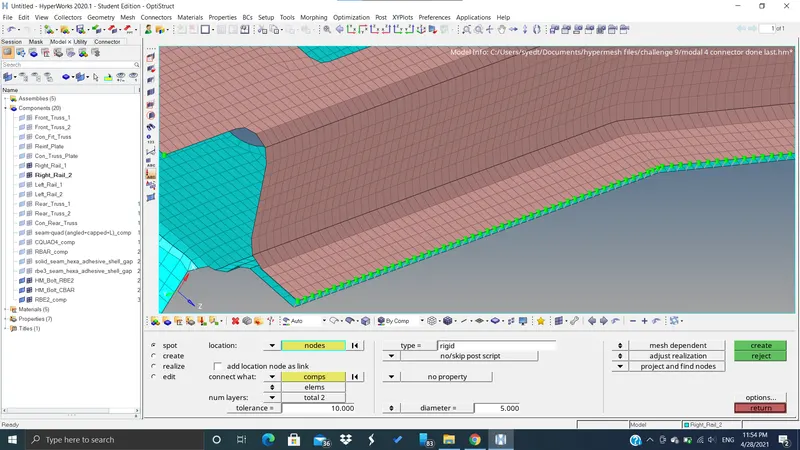
7. Right_Rail_1 & Right_Rail_2:- Spot-weld with Rigid Elements
- go to connectors
- open spot
- select rigid in the type option
- select the nodes
- and keep tolerance as 10
- and select two components
- then click on create
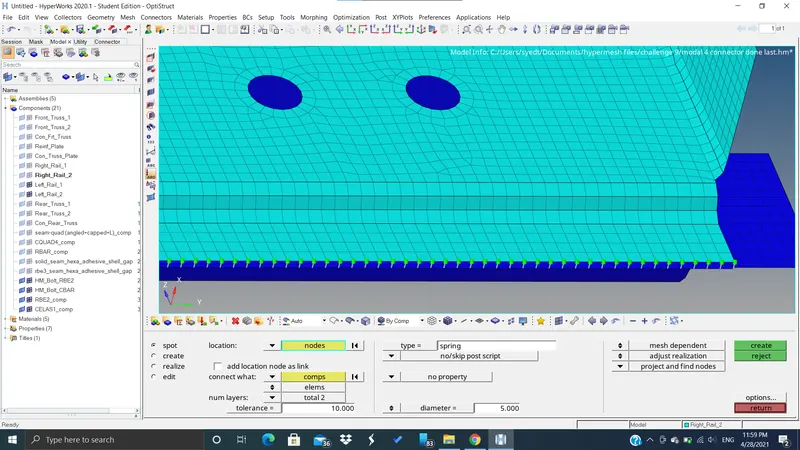
8. Left_Rail_1 & Left_Rail_2:- Spot-weld with Spring Elements
- go to connectors
- open spot
- select spring in the type option
- select the nodes
- and keep tolerance as 10
- and select two components
- then click on create
Conclusion:-
- We learnt how to create different types of connectors between components
- we learnt which connector is applicable for which components
- we learnt how to realise connectors if they are not realising