Week 9-Creation of 1D Connectors Challenge
Aim: To mesh the given weld model and connect using connection manager.
CAD:
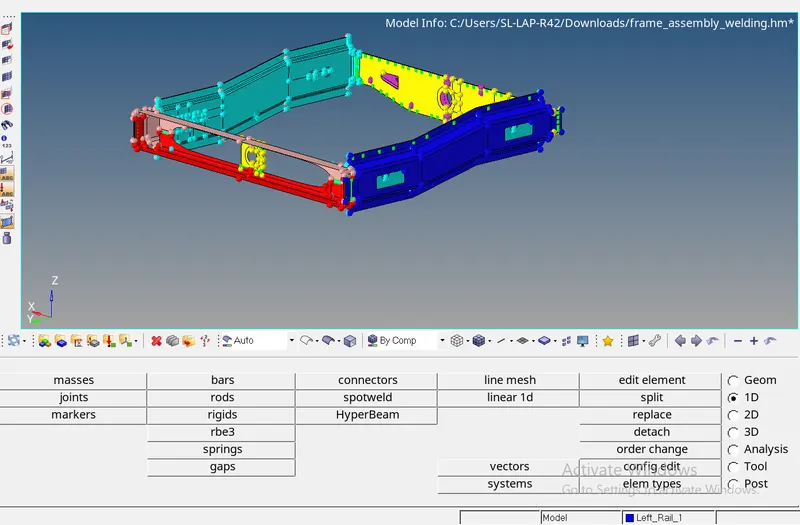
Procedure :
Mesh the half model using Automesh and reflect and move the mesh to respective components.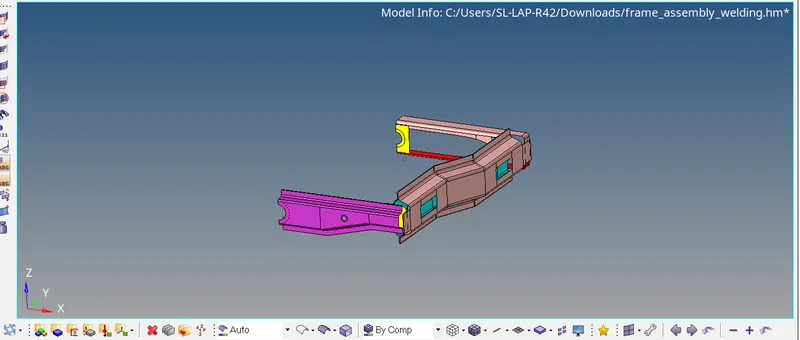
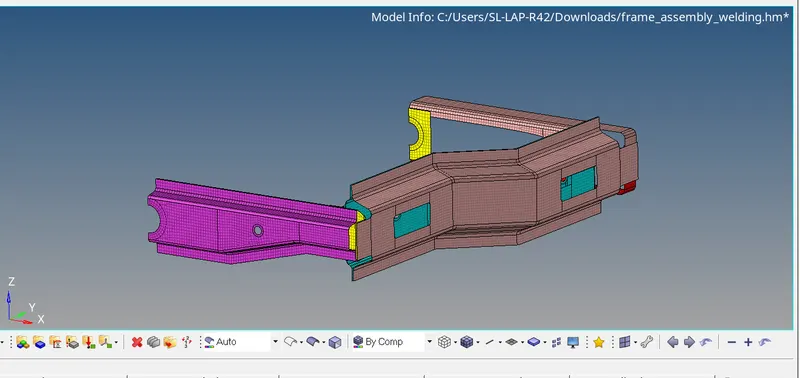
After meshing use the 1D>Connectors tool for defining various connections.
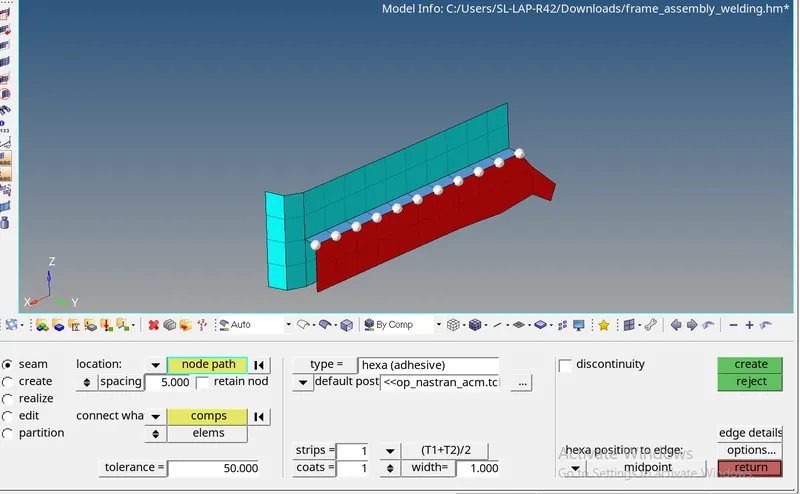
1) Seam weld or Adhesive ot Quad.
Use Seam connector and give the inputs as in the image. Change the type from Quad or Adhesive or Hexa as needed.
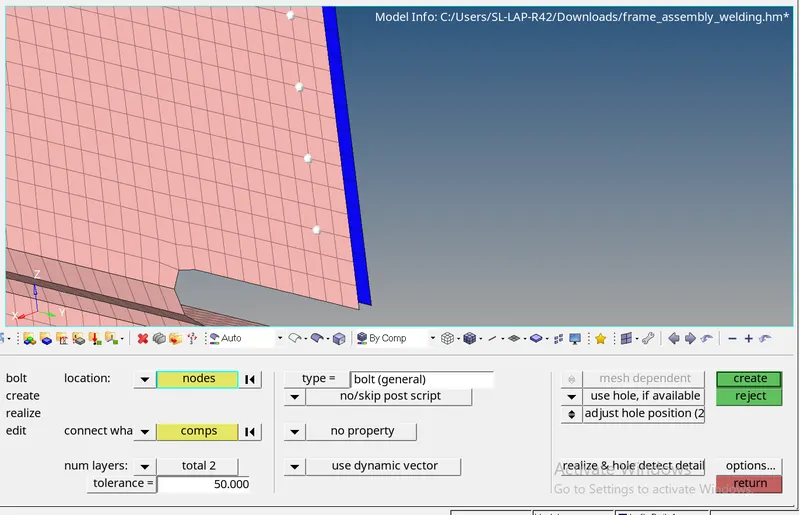
2) Bolt connections:
Use the bolt option and define the more than the gap between the 2 components as the tolerance for the bolt to connect. Define nodes for the locations.
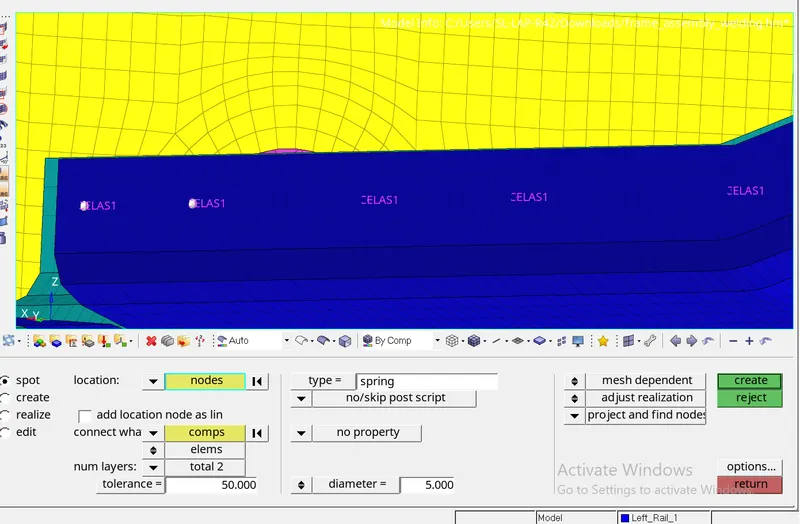
3) Spot weld or spring: Select the type of weld or spring you wish to have between two components at the locations by node or nodelist. Define the layers so that there are no consecutive welds or springs.
Final mesh :
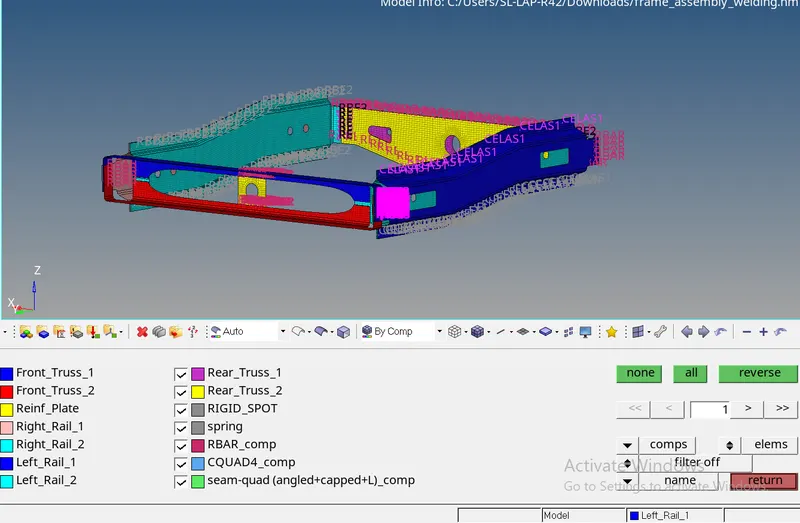
Conclusion : The mesh has been done and connections assigned succesfully.
Lessons learnt: Different connection methods.