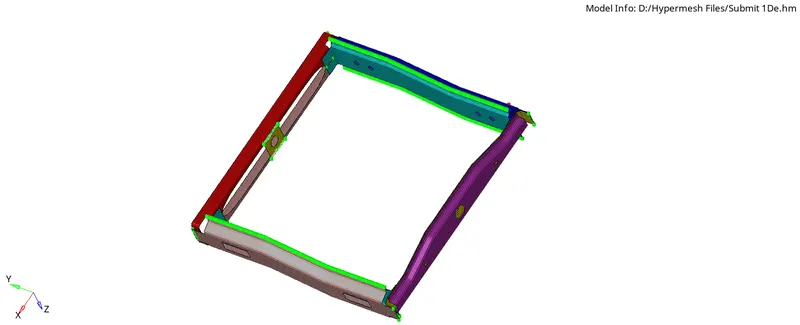
Week 9-Creation of 1D Connectors Challenge
Week 9-Creation of 1D Connectors Challenge
Objective: To create 1D connectors in the given model.
Problem Specification:
Target Element size - 5 Units
|
S.N |
Quality Criteria |
Value |
|
1 |
Aspect Ratio |
5 |
|
2 |
Skewness |
45 |
|
3 |
Warping |
15 |
|
4 |
Taper |
0.5 |
|
5 |
Min. Length |
2 Units |
|
6 |
Max. Length |
8 Units |
|
7 |
Min angle Quad |
45 |
|
8 |
Max angle Quad |
135 |
|
9 |
Min angle Tria |
30 |
|
10 |
Max angle Tria |
110 |
|
10 |
Tria % |
15 |
Create connector and Attach the various parts of the given model
1. Right_Rail_2 & Front_truss_1:- Seam-Quad(angled+capped+L)
2. Left_Rail_2 & Front_truss_1:- Quad elements
3. Front_truss_2, Front_truss_1 & Right_Rail_1:- Spot weld with 2 Layers and 5 mm Diameter
4. Front_truss_2, Front_truss_1 & Left_Rail_1:- Hexa (Adhesive)
5. Rear_truss_2 & Right_Rail_2:- Bolt Connector
6. Rear_truss_2 & Left_Rail_2:- Bolt Connector
7. Right_Rail_1 & Right_Rail_2:- Spot-weld with Rigid Elements
8. Left_Rail_1 & Left_Rail_2:- Spot-weld with Spring Elements
9. Rest all the component left Join them with suitable connectors
Procedure:
1) Import the Geometry.
2) Mesh the model as per the given quality parameters.
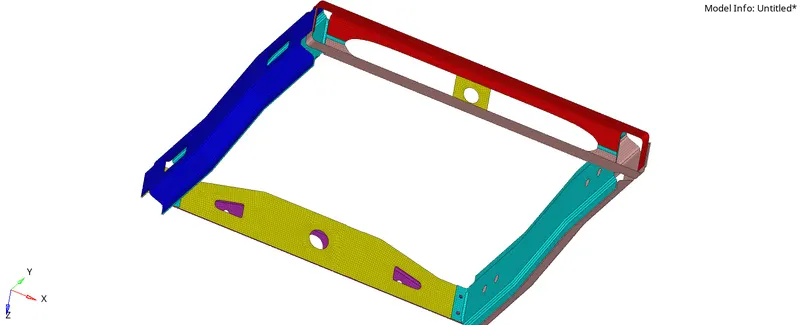
3) Create material ( steel ) and property (Card image: PSHELL)
1D Connectors:
1) Seam-Quad(angled+capped+L)
(Right_Rail_2 & Front_truss_1)
- Go to 1D>CONNECTORS>SEAM>Seam-Quad(angled+capped+L)
- Select the nodes( by path) on one of the components.
- specify spacing and tolerance
- select the components and click create.

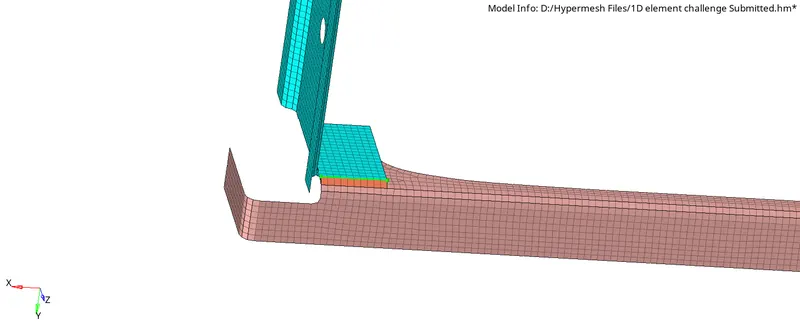
2)Quad elements
(Left_Rail_2 & Front_truss_1)
- Go to 1D>CONNECTORS>SEAM>Quad
- Select the nodes( by path) on one of the components.
- specify spacing and tolerance
- select the components and click create.
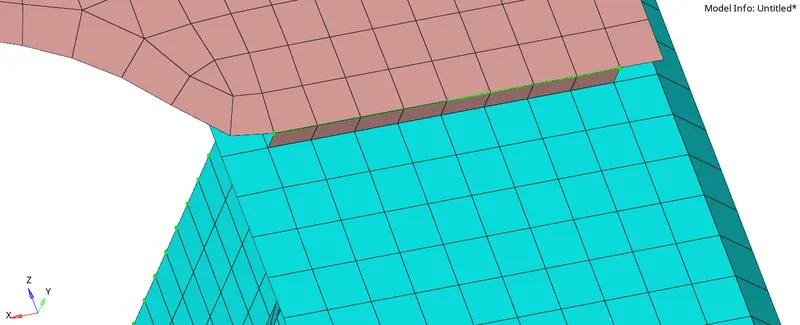
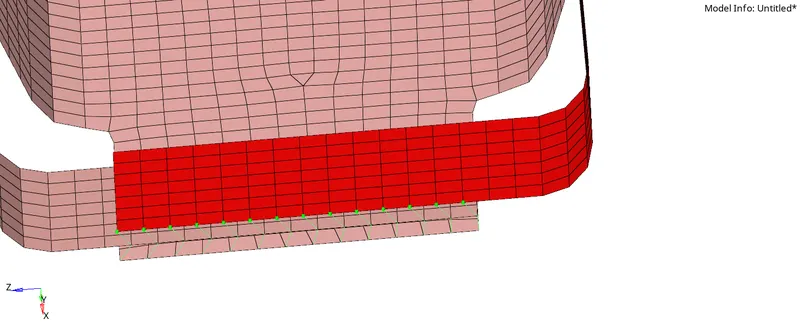
3)Spot weld with 2 Layers and 5 mm Diameter
( Front_truss_2, Front_truss_1 & Right_Rail_1)
- Go to 2D>CONNECTORS>SPOT>WELD
- Select the nodes( by path) on one of the components.
- specify diameter, the number of layers, and tolerance
- select the components and click create.

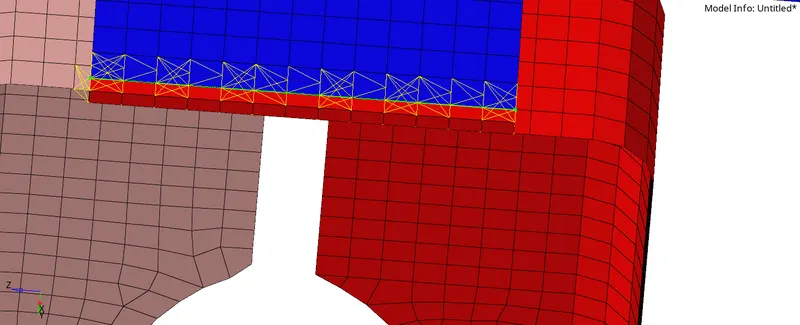
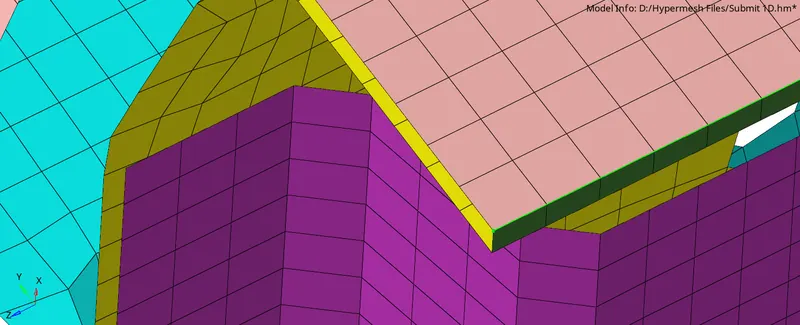
4)Hexa (Adhesive)
( Front_truss_2, Front_truss_1 & Left_Rail_1)
- Go to 1D>CONNECTORS>SEAM>HEXA
- Select the nodes( by path) on one of the components.
- specify the strips coats width and tolerance
- select the components and click create.

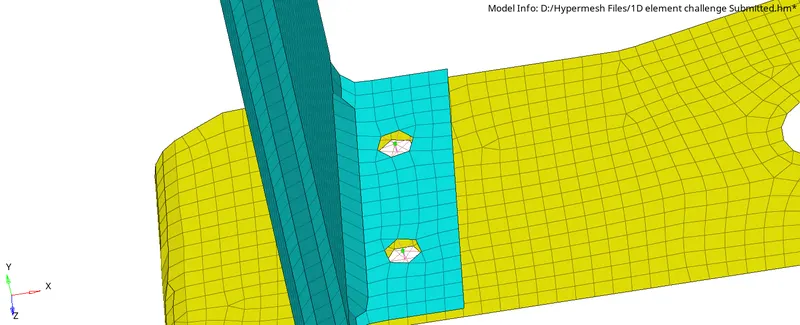
5,6) Bolt Connector
(Rear_truss_2 & Left_Rail_2)
- Go to 1D>CONNECTORS>bolt
- Select the nodes( by path) on one of the components.
- specify the tolerance
- select the components and click create.

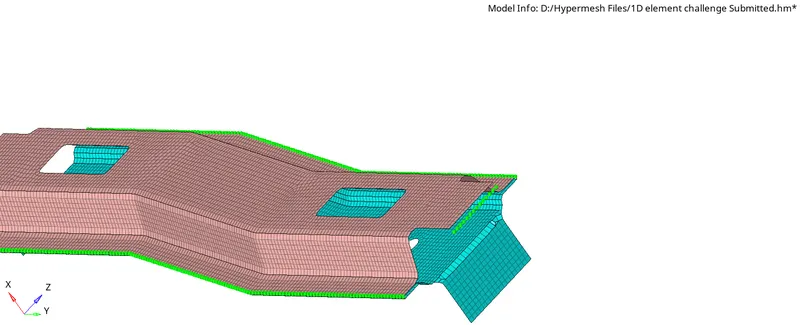
7)Spot-weld with Rigid Elements
(Right_Rail_1 & Right_Rail_2)
- Go to 2D>CONNECTORS>SPOT>RIGID
- Select the nodes( by path) on one of the components.
- specify diameter, the number of layers, and tolerance
- select the components and click create.

8) Spot-weld with Spring Elements
(Left_Rail_1 & Left_Rail_2)
Similarly as per the previous case.

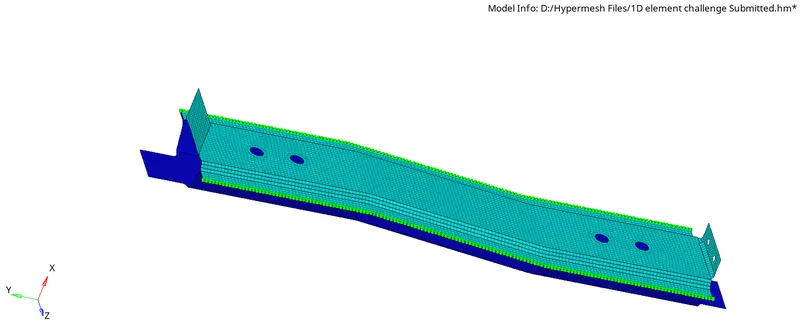
9)Others
Area (Adhesive)
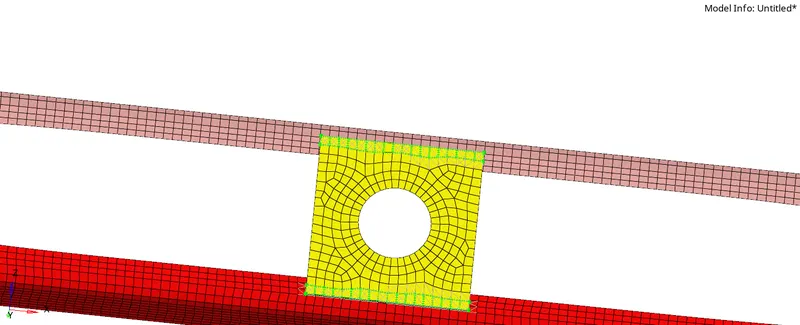
Seam Quad
Conclusion
All the required connections have been realized successfully.