Week 9-Creation of 1D Connectors Challenge
Week 9-Creation of 1D Connectors Challenge
Aim : To mesh the given geometry, create connector and attach the various parts of the given model.
Objectives :
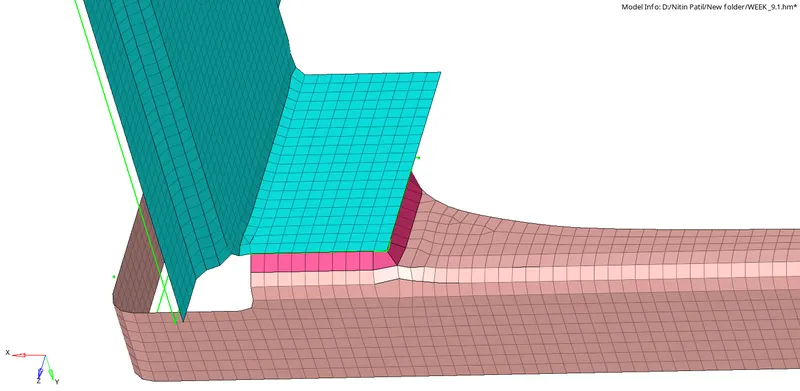
- Mesh and create Seam-Quad(angled+capped=L) collector to Right Rail 2 andFront truss 1.
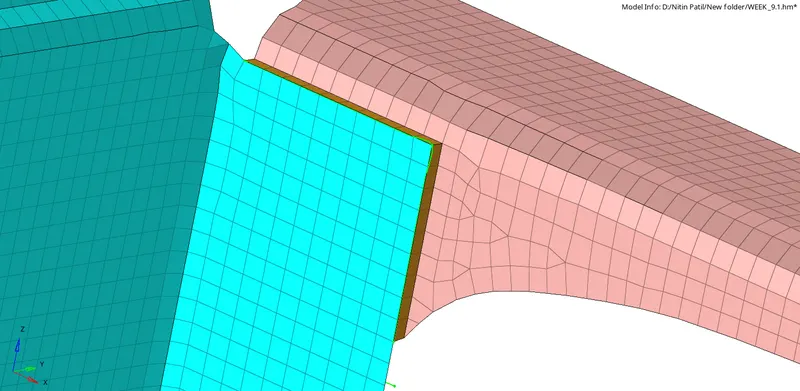
- Mesh and create Quad Elements collector on Left Rail 2 and Front Truss 1.
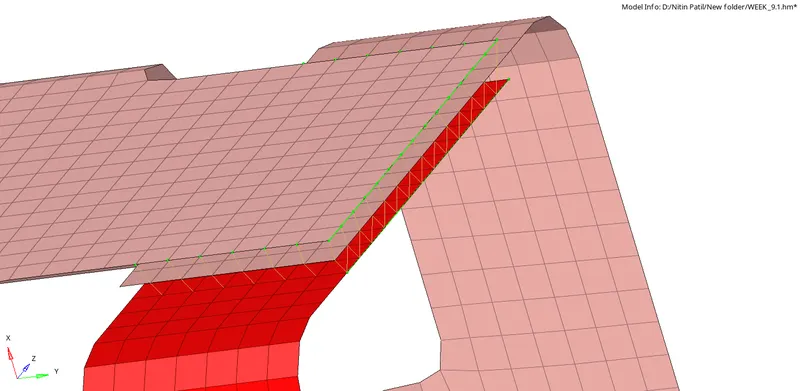
- Mesh and create Spot Weld collectors on Front Truss 1, Front Truss 2 and Right Rail 1.
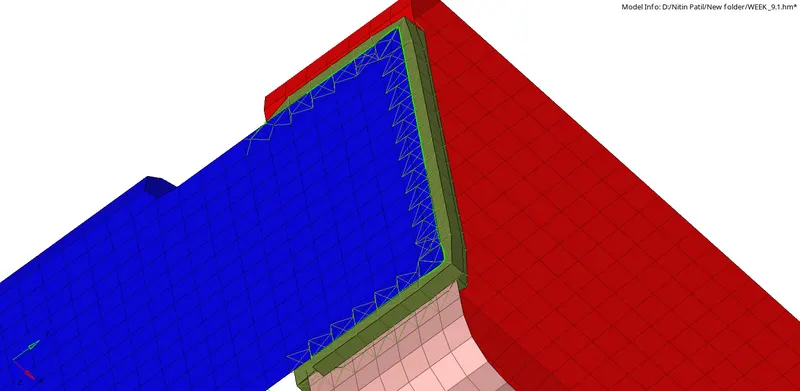
- Mesh and create Hexa Adhesive collector Front Truss 1, Front Truss 2 and Left Rail 1.
- Mesh and create Bolt collector on Rear Truss 2 and Right Rail 2.
- Mesh and create Bolt collector on Rear Truss 2 and Left Rail 2.
- Mesh and create Spot weld with Rigid Element on Right Rail 1 and Right Rail 2.
- Mesh and create Spot weld with Spring Element on Left Rail 1 and Left Rail 2.
- Connect all left out components with suitable connectors.
Objective 1 : Mesh and create Seam-Quad(angled+capped=L) collector to Right Rail 2 andFront truss 1.
Step 1 : Generating 2D mesh to both the components and check element quality criteria.
Step 2 : Creating Seam-Quad(angled+capped=L) collector to Right Rail 2 andFront truss 1.
2D>collectors>seam>

Output :
Objective 2 : Mesh and create Quad Elements collector on Left Rail 2 and Front Truss 1.
Step 1 : Generating 2D mesh to both the components and check element quality criteria.
Step 2 : Creating Mesh and create Quad Elements collector on Left Rail 2 and Front Truss 1.
2D>collectors>seam>type=Quad>
Output :
Objective 3 : Mesh and create Spot Weld collectors on Front Truss 1, Front Truss 2 and Right Rail 1.
Step 1 : Generating 2D mesh to the components and check element quality criteria.
Step 2 : Creating Mesh and create Spot Weld collectors on Front Truss 1, Front Truss 2 and Right Rail 1 with 3 layers and diameter 5mm.
2D>collectors>spot>type=weld>

Output :
Objective 4 : Mesh and create Hexa Adhesive collector Front Truss 1, Front Truss 2 and Left Rail 1.
Step 1 : Generating 2D mesh to the components and check element quality criteria.
Step 2 : Creating Mesh and create Hexa Adhesive collector Front Truss 1, Front Truss 2 and Left Rail 1.
2D>collectors>seam>type=Hexa adhesive>select component>set strip,coats,width>create

Output :
Objective 5 : Mesh and create Bolt collector on Rear Truss 2 and Right Rail 2.
Step 1 : Generating 2D mesh to both the components and check element quality criteria.
Step 2 : Creating Mesh and creating Bolt collector on Rear Truss 2 and Right Rail 2.
2D>collectors>bolt>type=Bolt(

Output :
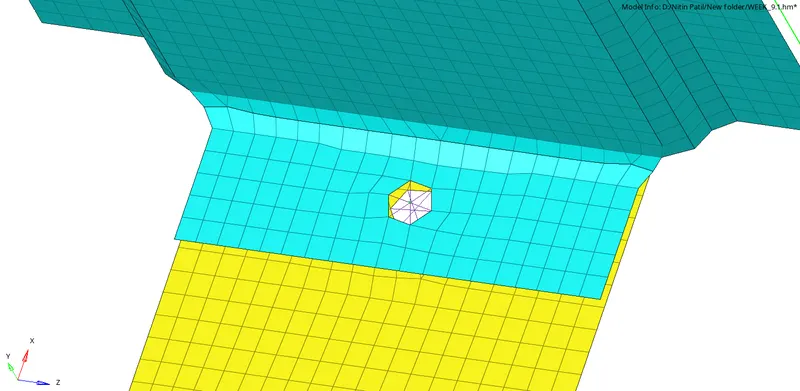
Objective 6 : Mesh and create Bolt collector on Rear Truss 2 and Left Rail 2.
Step 1 : Generating 2D mesh to both the components and check element quality criteria.
Step 2 : Creating Mesh and creating Bolt collector on Rear Truss 2 and Left Rail 2.
2D>collectors>bolt>type=Bolt(
Output :
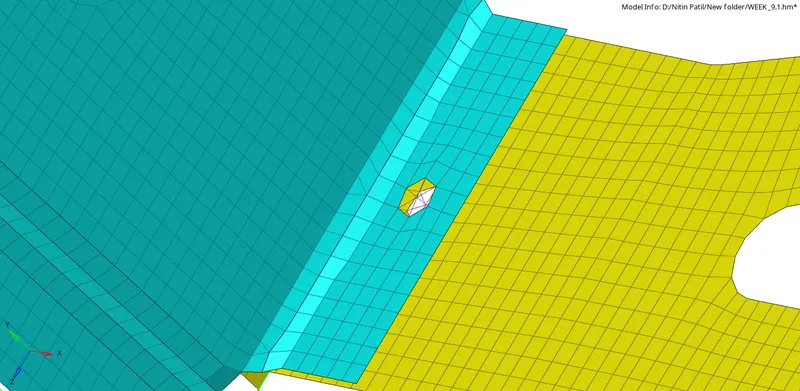
Objective 7 : Mesh and create Spot weld with Rigid Element on Right Rail 1 and Right Rail 2.
Step 1 : Generating 2D mesh to both the components and check element quality criteria.
Step 2 : Creating Mesh and create Spot weld with Rigid Element on Right Rail 1 and Right Rail 2.
2D>collectors>spot>type=
Output : RBE2
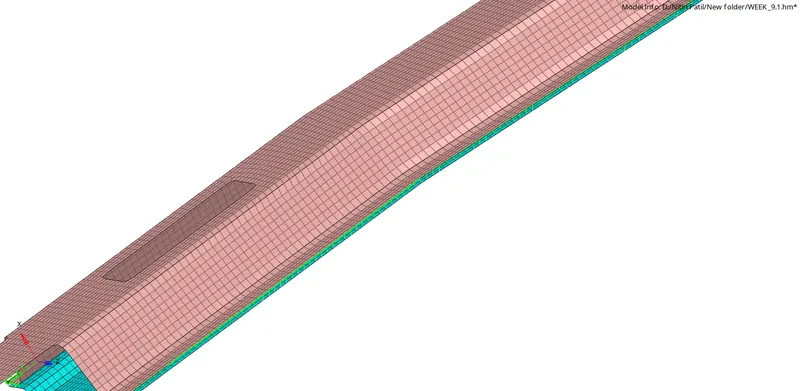
Objective 8 : Mesh and create Spot weld with Spring Element on Left Rail 1 and Left Rail 2.
Step 1 : Generating 2D mesh to both the components and check element quality criteria.
Step 2 : Creating Mesh and creating Spot weld with Spring Element on Left Rail 1 and Left Rail 2.
2D>collectors>spot>type=
Output : CELAS1
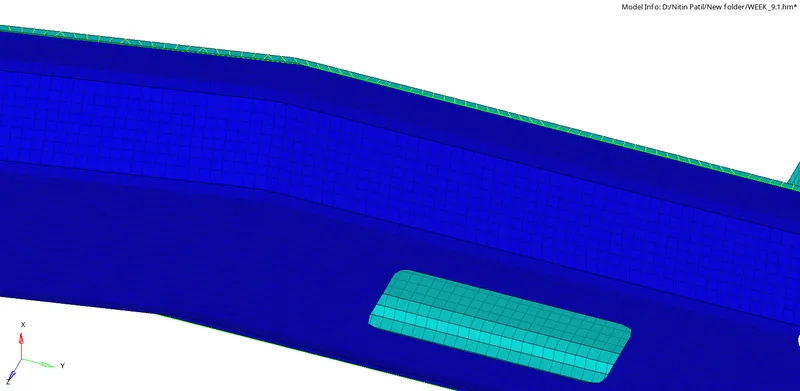
Objective 9 : Connect all left out components with suitable connectors.
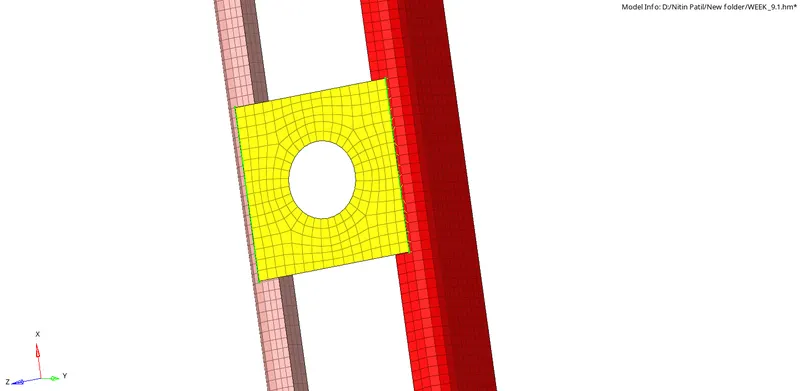
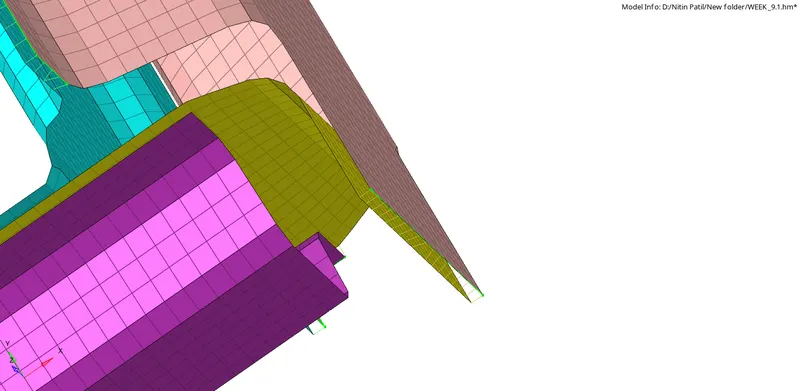
Final Model Image :
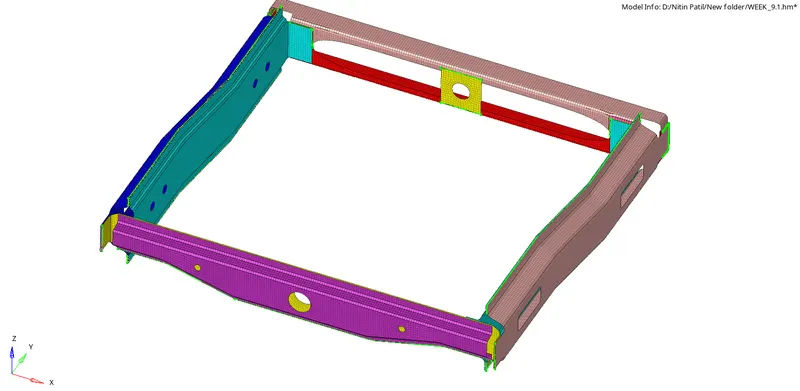
LEARNINGS:
- Seam-Quad(angled+capped=L) collector.
- Quad Elements collector.
- Spot Weld collectors.
- Hexa Adhesive collector.
- Bolt collector.
- Spot weld with Rigid Element .
- Spot weld with Spring Element.
- Editing values from the collector entity tree and realising it.
- Managing Tolerance between the components to get realised.
- Reverse Direction of the failed seam weld elements.
- Bolt hole options,vector options.
- Weld angle,Cap angle,Runoff angle, weld diameter.
- Hexa adhesive strips,coats,width.
- Opening collector tree-Menubar>view>hypermesh>
collector.