Week 9-Creation of 1D Connectors Challenge
Creation of connectors of 1 D
Procedure:
1.First Import the model in Hypermesh.
2.Then have to mesh all the components.
3.After mesh based on quality index eliminate all errors.
4.Now we have to creae the connectors
Connectors means it is used to connect the components for uniformly distributing the load to other components.
Now we are going to see how to create the connectors.
1.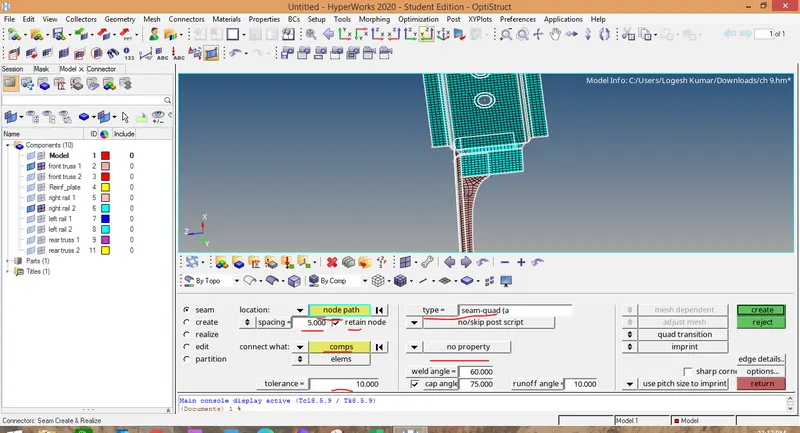
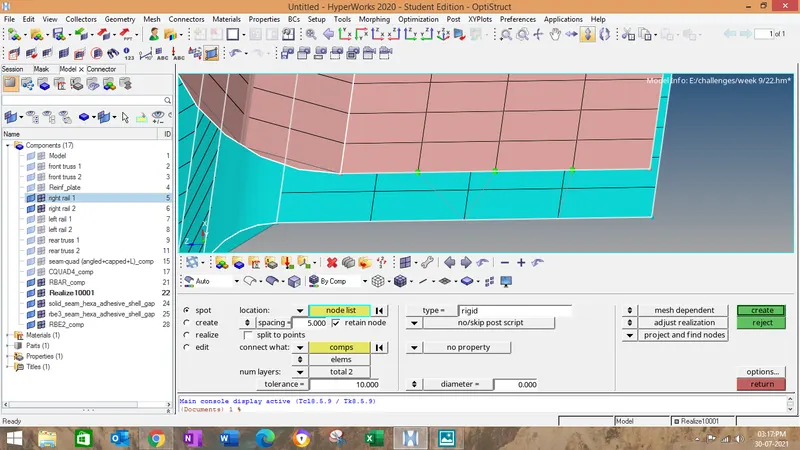
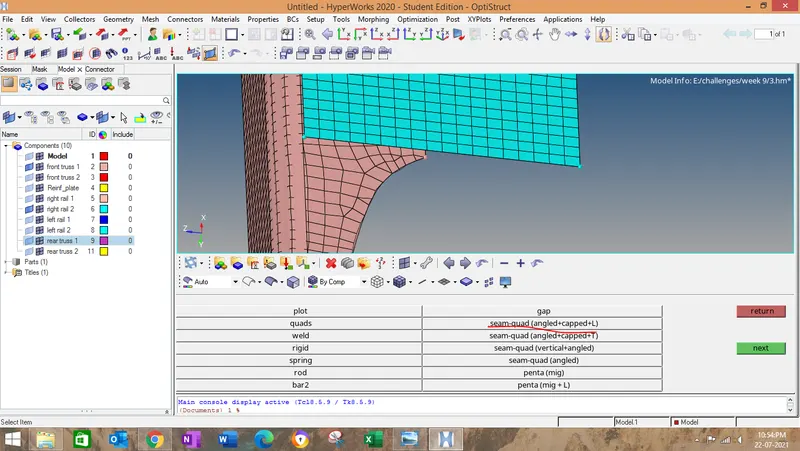
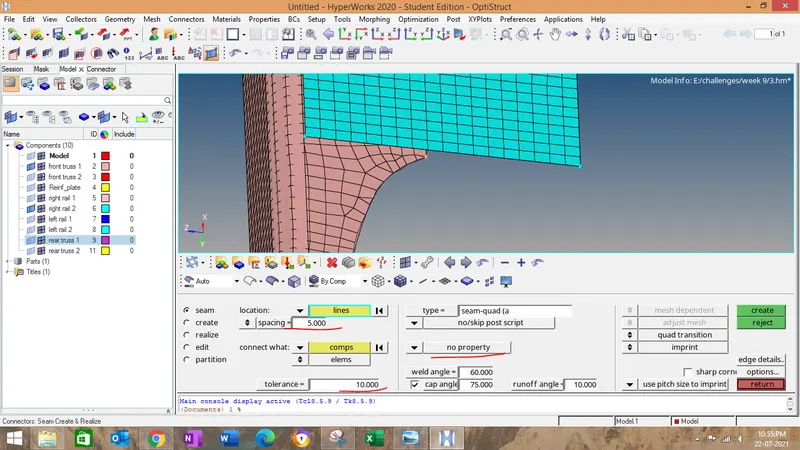
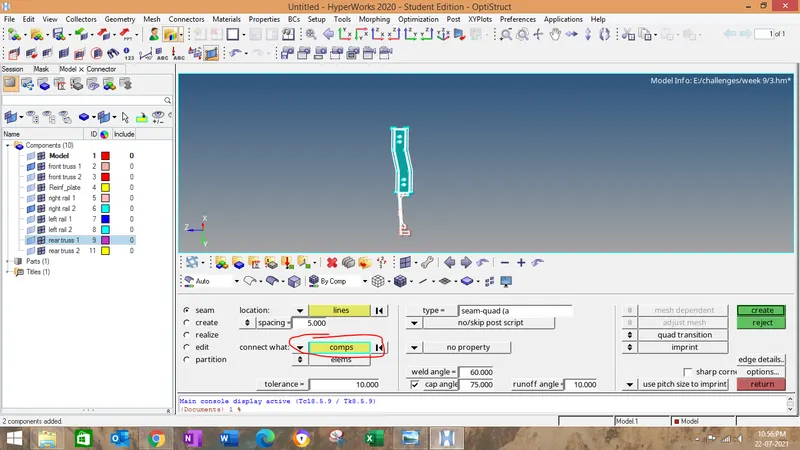
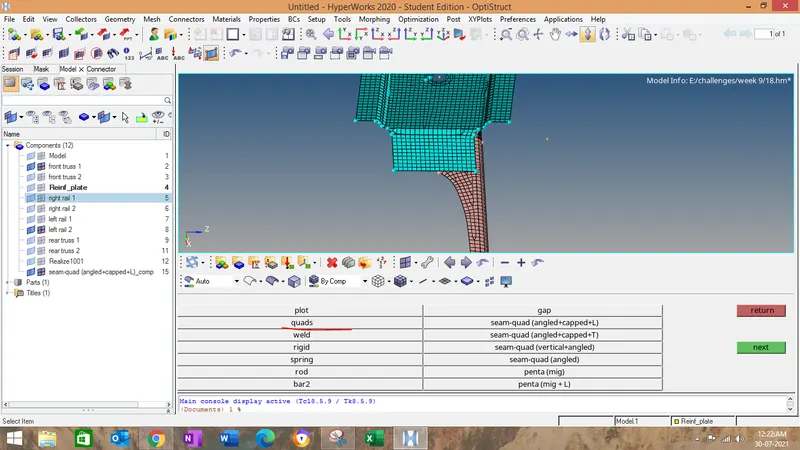
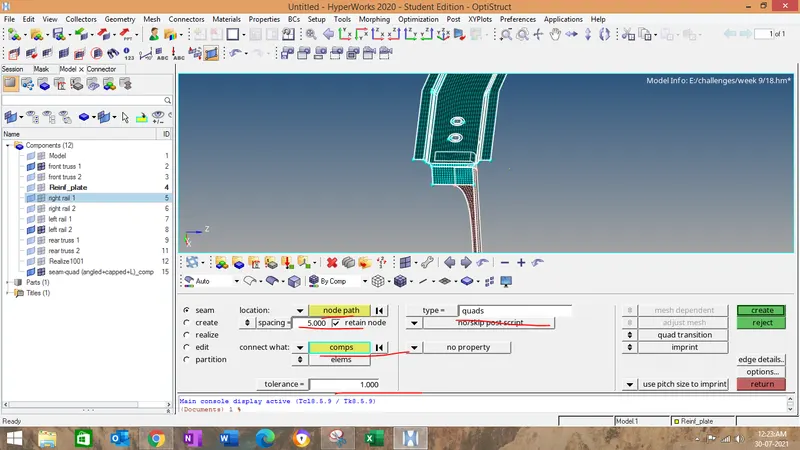
GO to 1D->seam ->keep the connector type as Seam quad (angled +capped+L)give cap angle and run off angle as per asked in industry->enter spacing as per target element size->give retain node check box tick->.select the nodes where you want to create the connectors->set tolerance as per the distance between the components.
2.Now ,click on create.
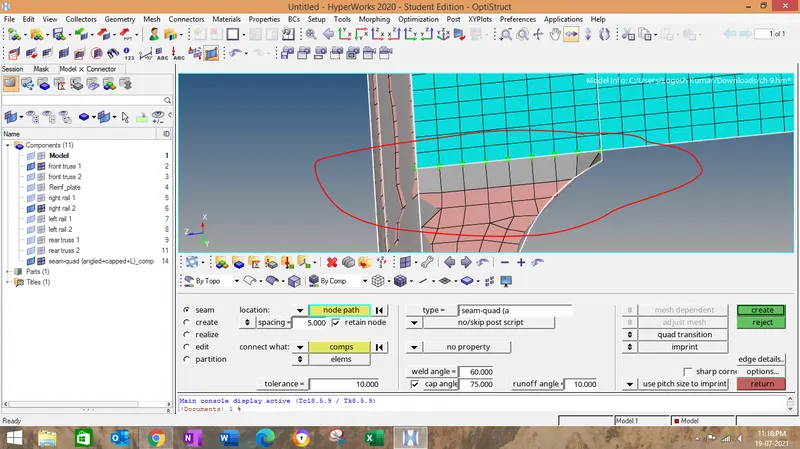
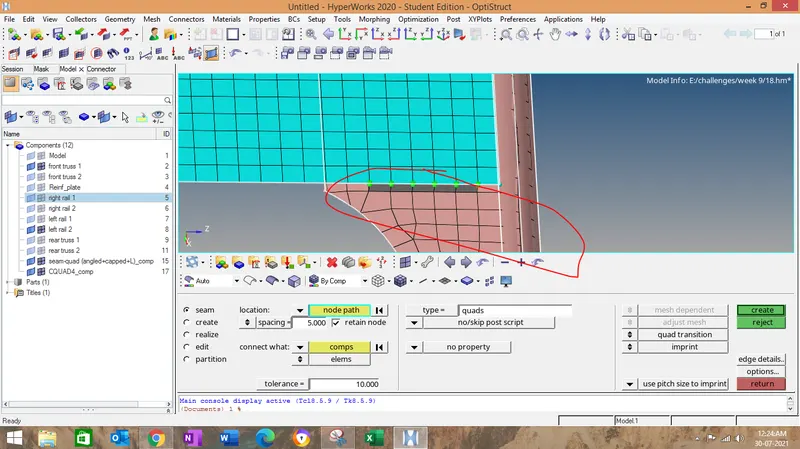
3.After creating check for realization of nodes ...if it is green color then it is realized,if it is in red it is failed,yellow is for unrealization.
4.To eliminate the unrealized one go to connectors and find which one is unrealized.
5.GO to that type->realize->select the node to realize it.
6.Same way we have to do for other connectors.
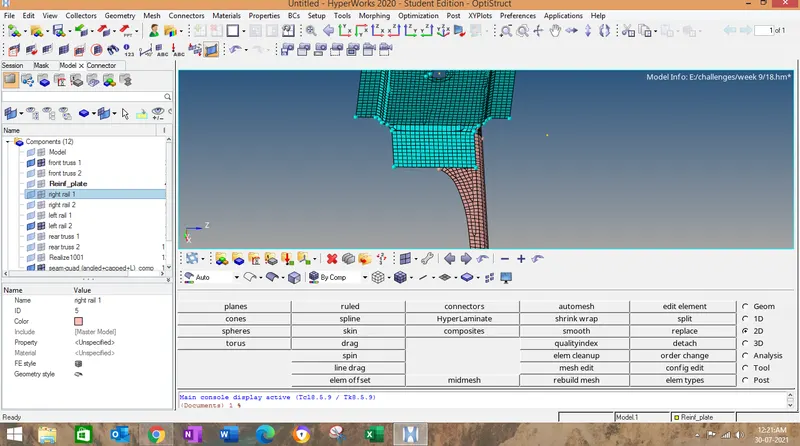
7.I hereby attach the image how i have done for others.
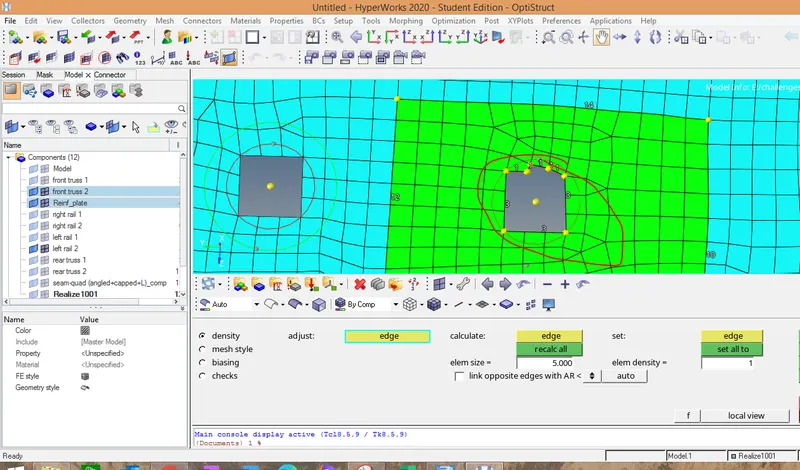
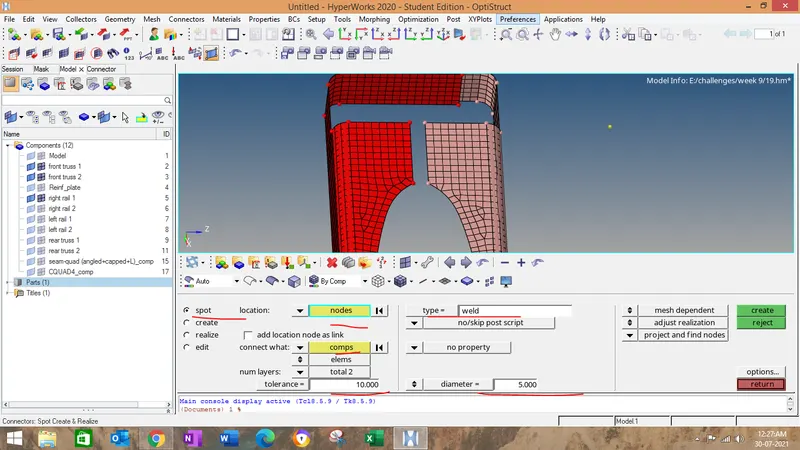
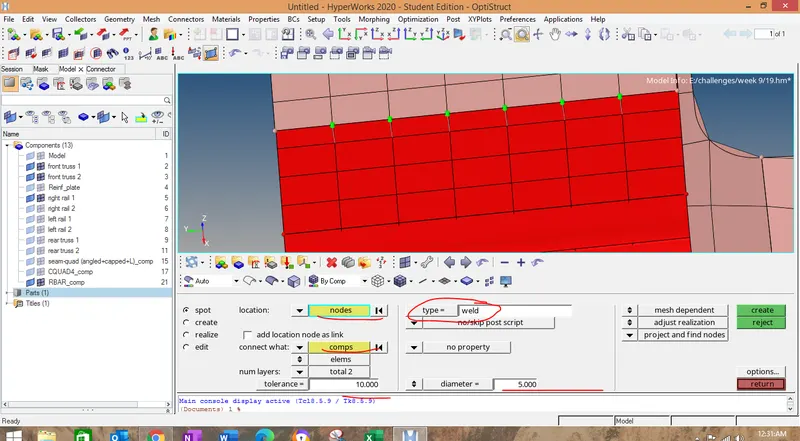
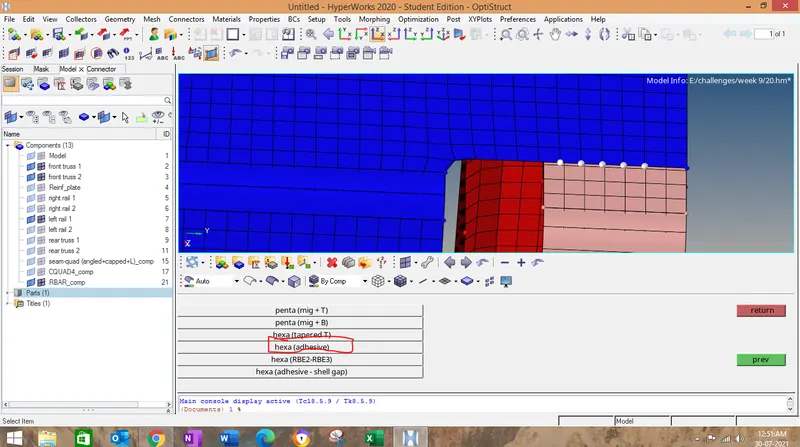
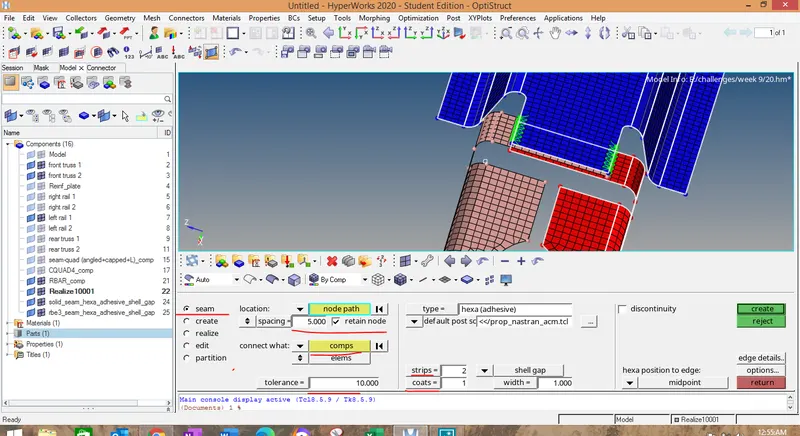
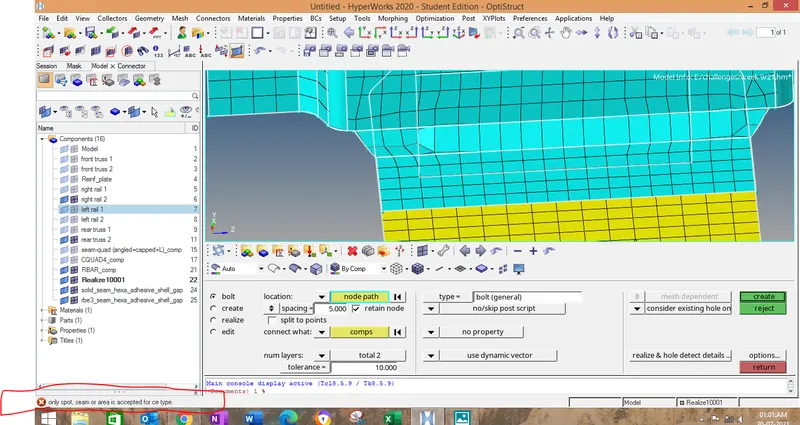
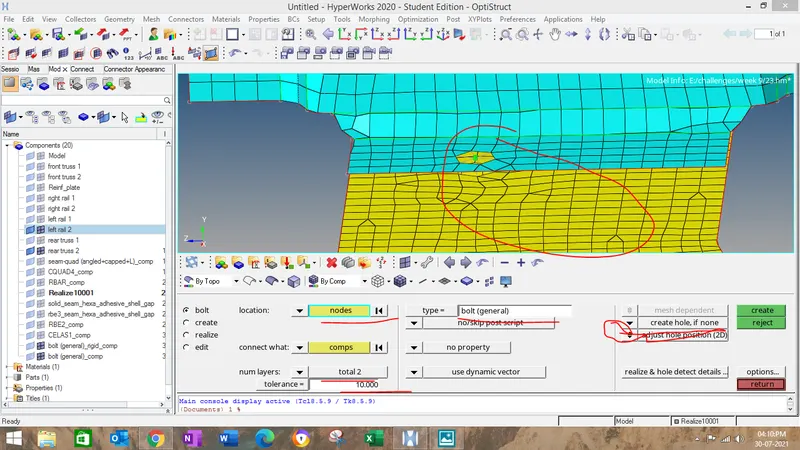
This error is eliminated by keep the create hole if needed