Week 8-3D Tetra Meshing Challenge
Aim:To generate the tetramesh in an component using the TetraMesh Generation Method: 2D to 3D Conversion.
1.Import the solid model in hypermesh .
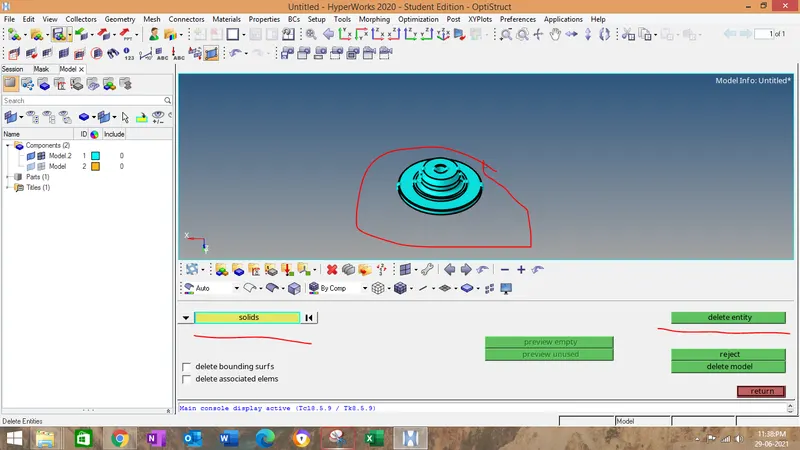
2.After importing the model delete the solid in the component.
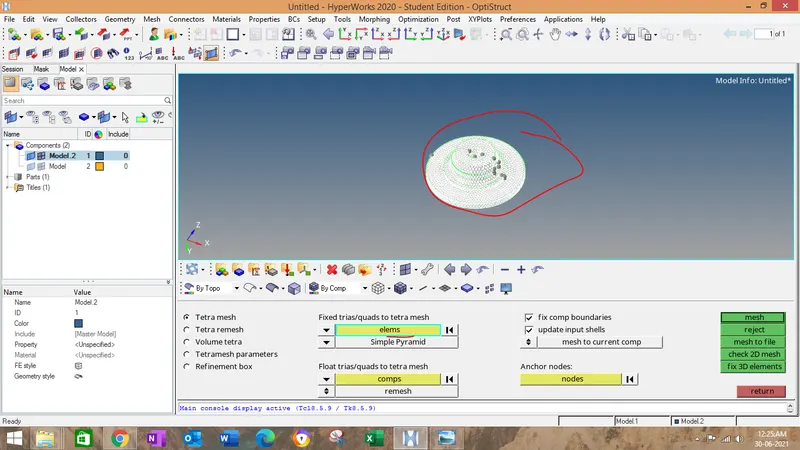
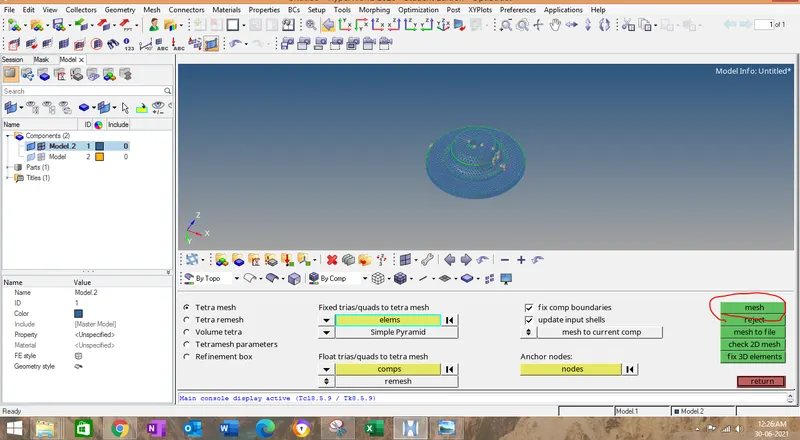
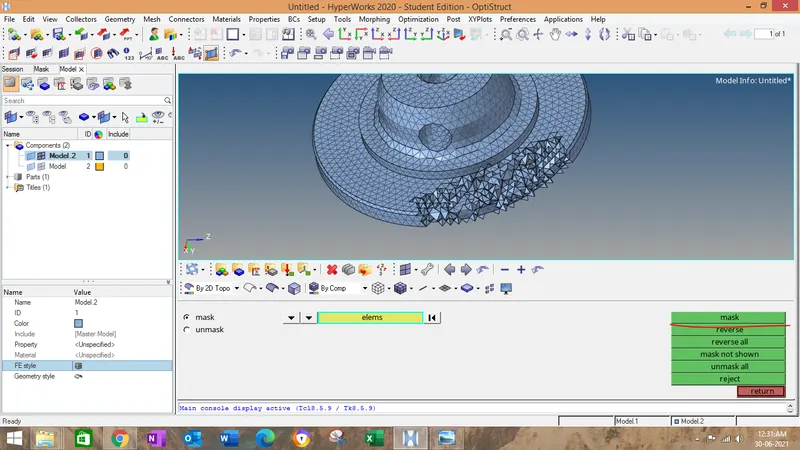
8.After meshing ,use mask to see the tetra elements in the component.
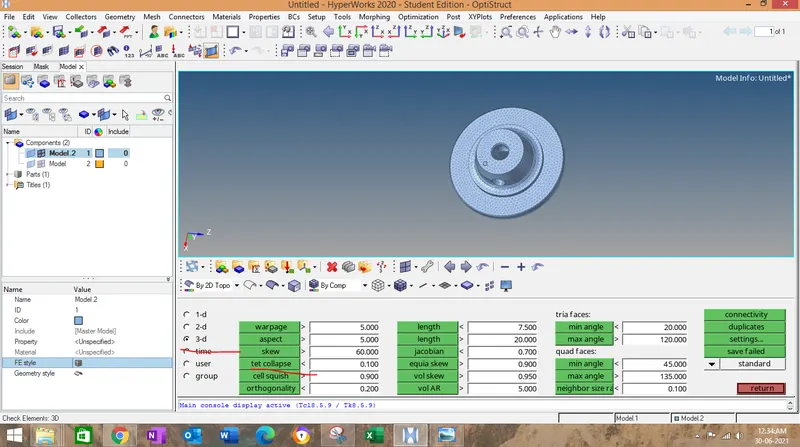
9.Now we have to check the tet collapse ..Go to tool->check elements->3D->tet collpase ans set that as 0.15.
10.
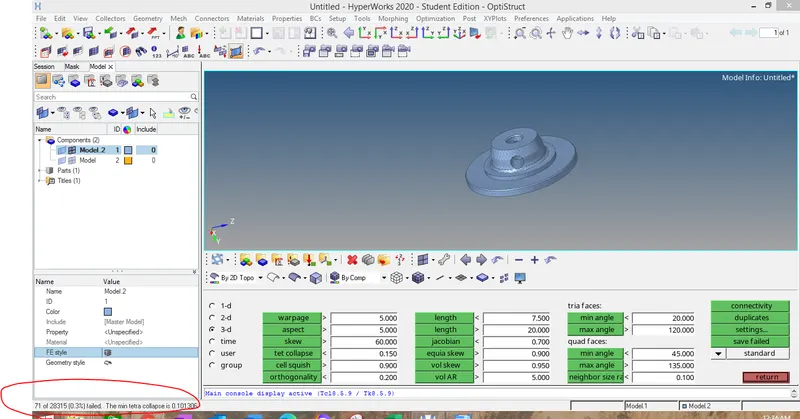
click on save failed,then go to mask->elements ->retrieve->mask->reverse->mask adjacent.
11.Then go to 3D->tetra remesh->select the elements displayed ->keep remeshable->remesh.
12.Now you eliminate the elements with tet collapse error.
13.Another method is there to eliminate the tet collapse.
14.go to translate->select the node in element have minimum size.
15.n1.n2,n3 to be in opposite face to node which we have selected .
16.Now translase by translate + or -.
Result:We have created the 3 D mesh by converting the 2D elements.
Aim:TetraMesh Generation Method: Quick Tetra Mesh.
1.Go to View->browser->hypermesh->utility.
2.Geom/mesh->quick tetra mesh.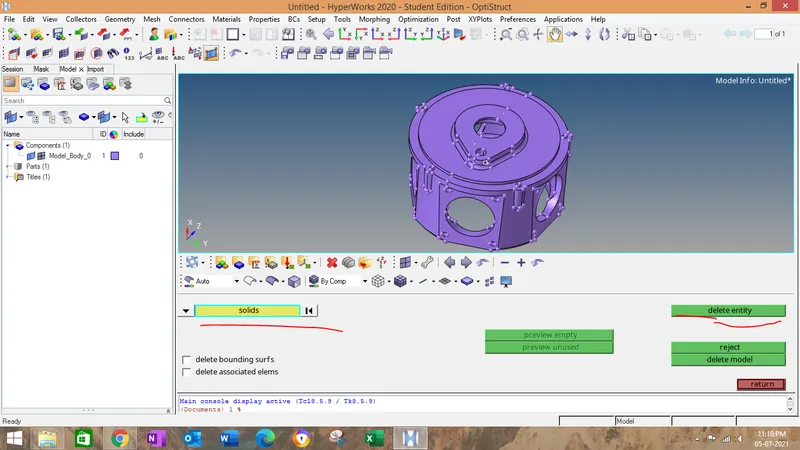
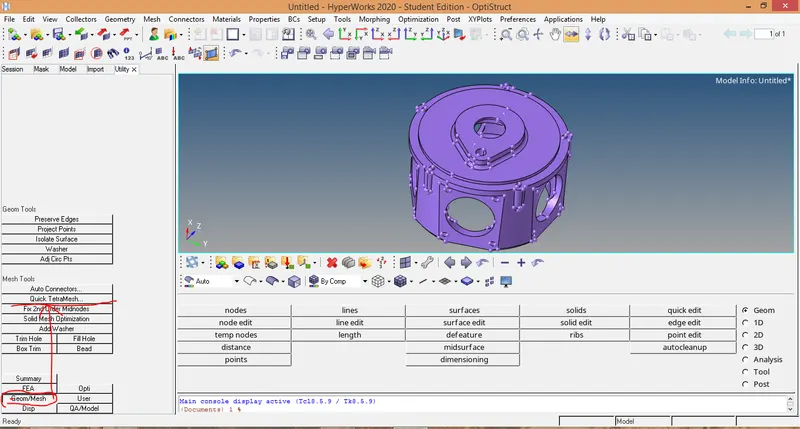
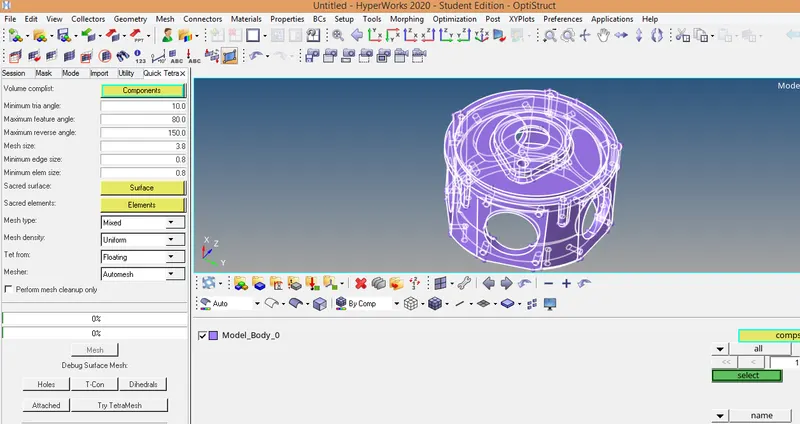
Select the component,then keep mesh size as 3 ,elem type as tria,select the surface visible to you.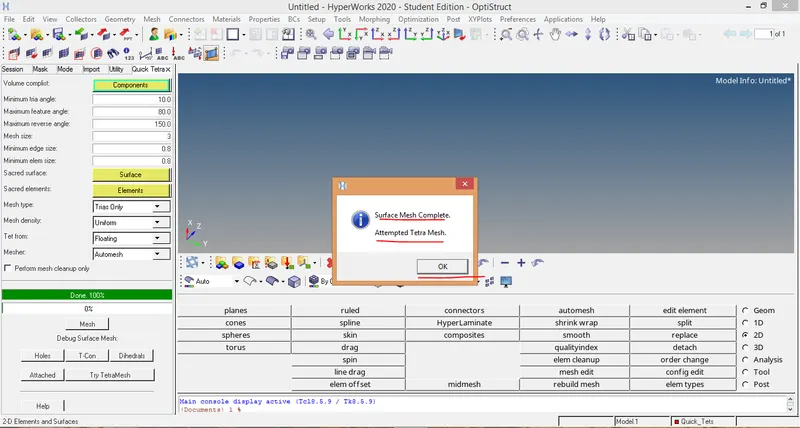
Click mesh and click okay on pop up message.
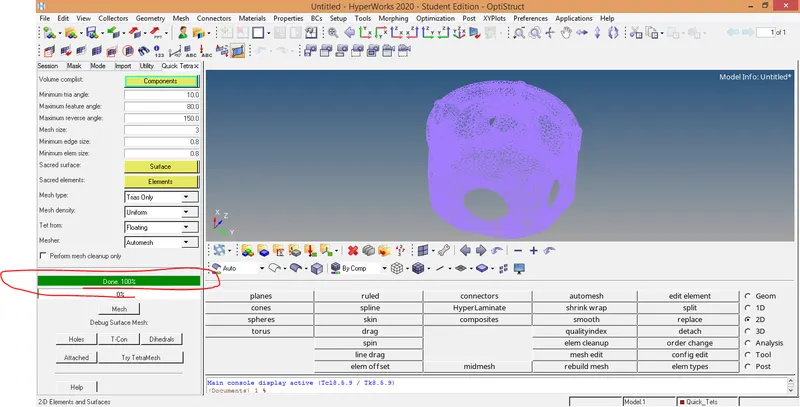
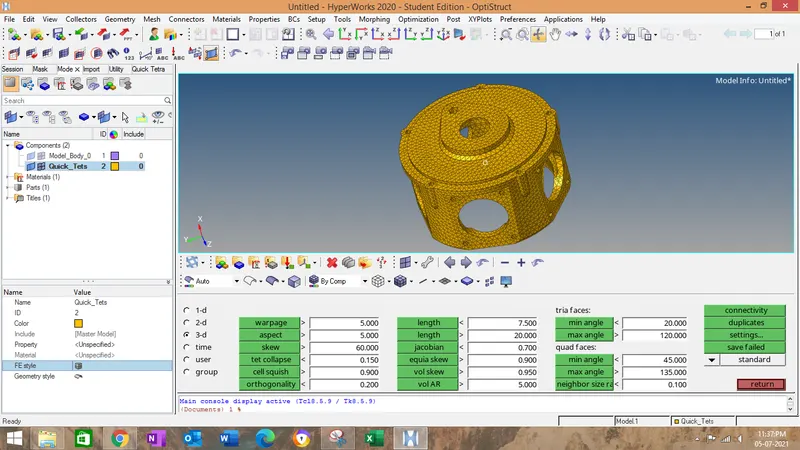
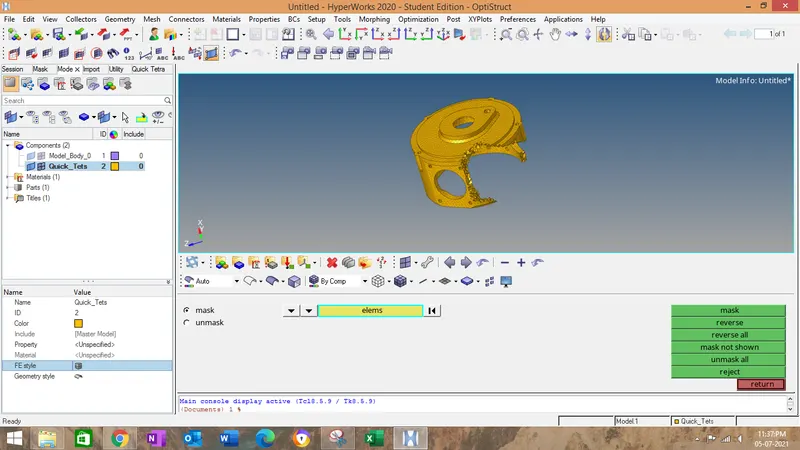
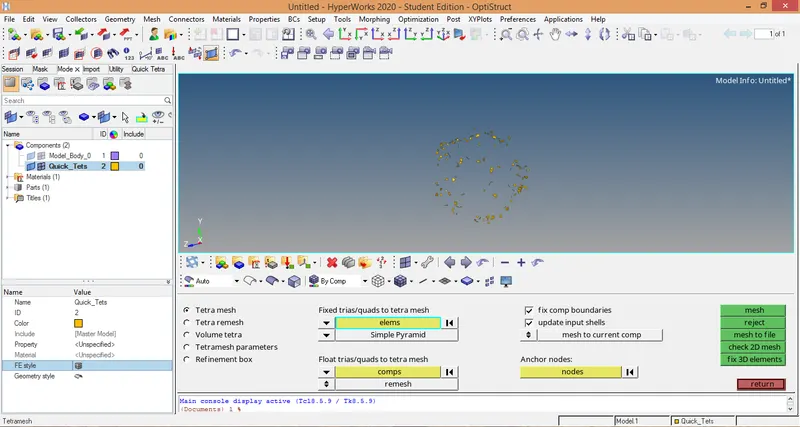
Note:before doing tetra mesh,go to tetramesh parameters..set the tet as 0.15 and click on the the check box fill voids,fix nodes,smoothning.
Now start eliminate the tet collapse as explained in 1st method.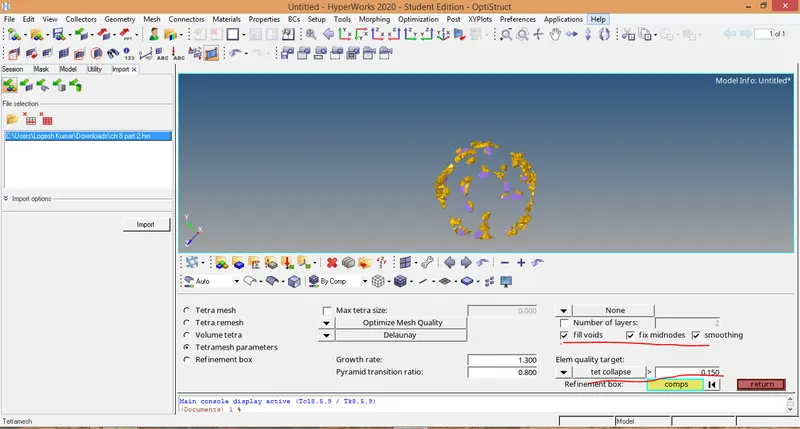
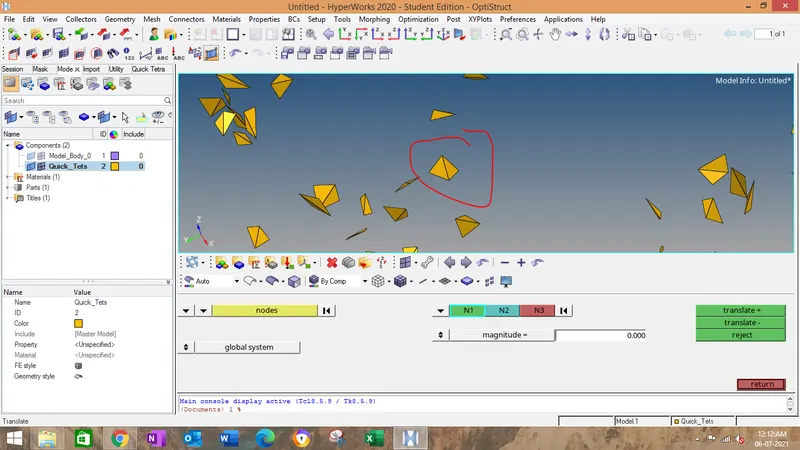
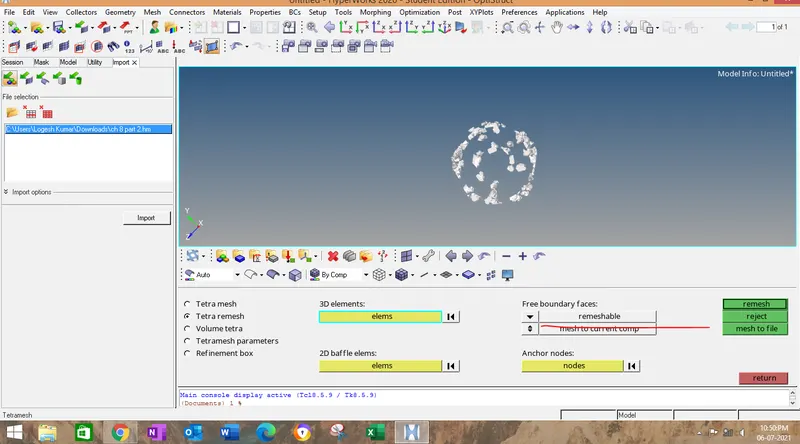
Resut:3 D tetra mesh have be done after eliminating the tet collapse as per first method.
Aim:TetraMesh Generation Method using volume tetramesh.
After importing the components,Go to 3D->tetra mesh->Tetramesh parameters->volme tetra mesh.
Select the solids visible in screen.
Then Use proximity and use curvature and cleanup elemets check box to be ticked.
the p[rpose to click on this check box
Use proximity: This is used capture the elements fine in small or large featured lines.
Use curvature;This is used to increase the trias in curvature of the components to improve the quality over there.
Cleanup elements: this option is used to improve the overall quality of the mesh same .
Then afer clicking on mesh....we have to follow the same steps as we havedone to eliminate the tet collapse.
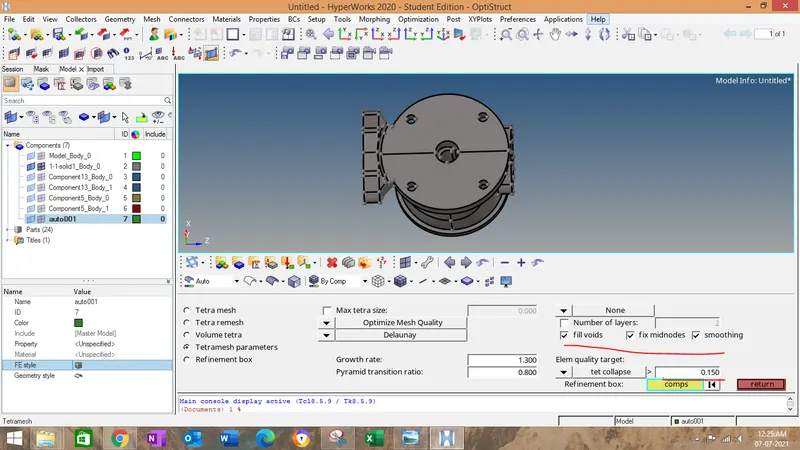
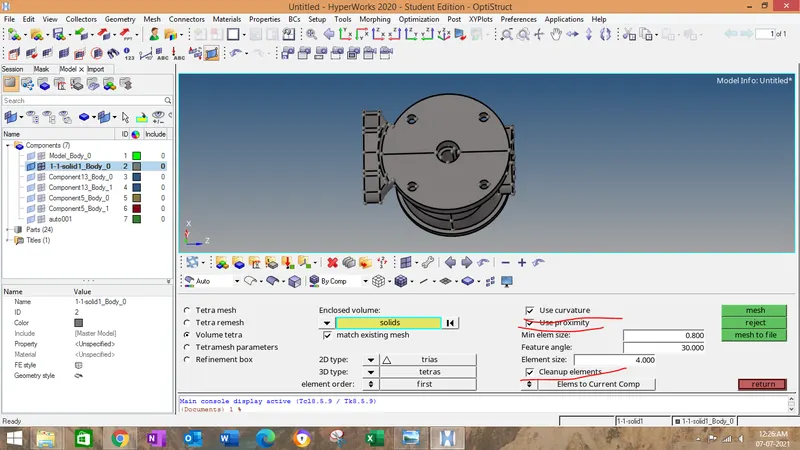
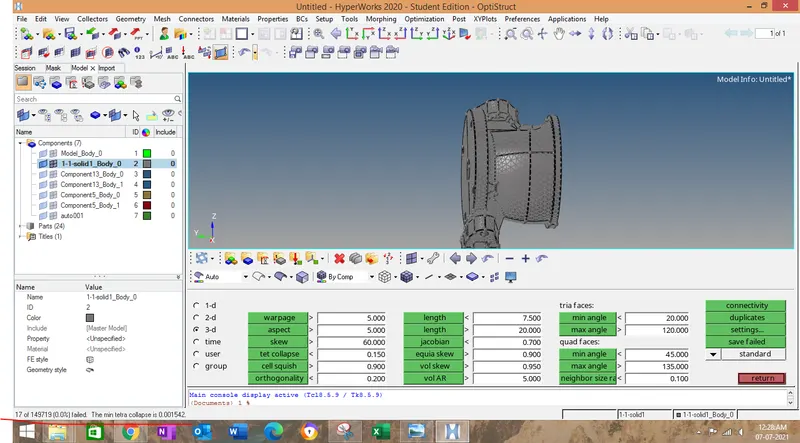
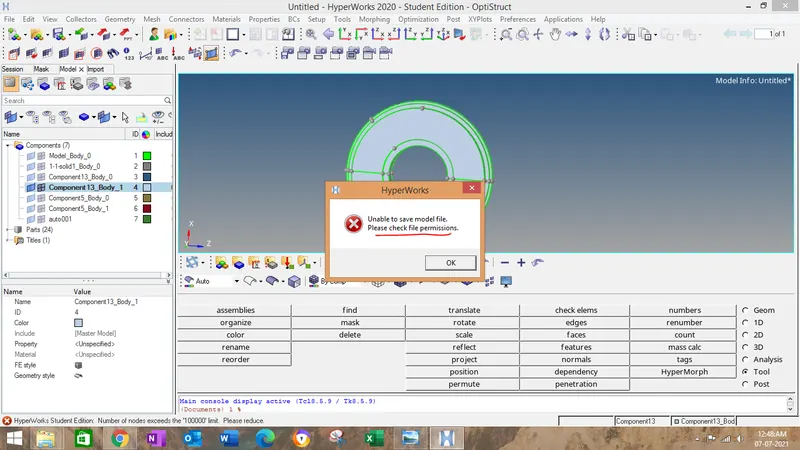
The main problem i have faced in this challenge that i have attached in below image.
The way to resolve is to save the component seperately..since it is student edition only upto one lakh nodes are created in one file.So it is showing error in saving the file.