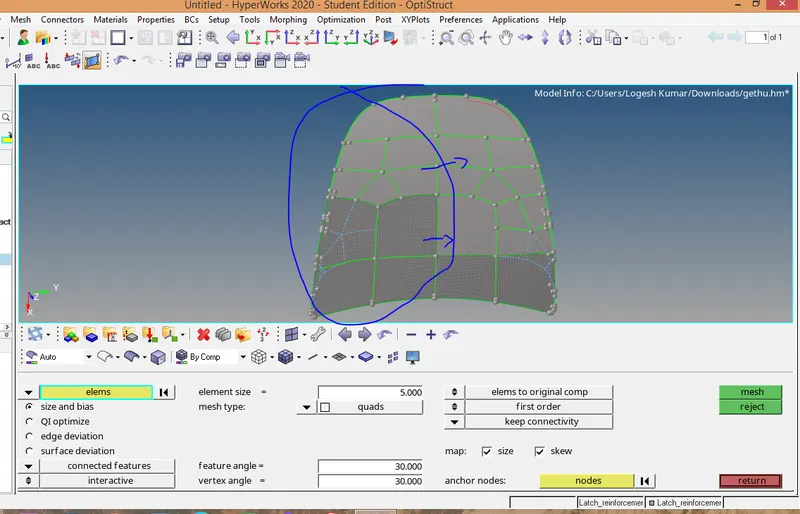
Week 6-Meshing of Hood Challenge
Meshing of car hood.
Step 1:Import the hood model in hypermesh.
2.Keep by topo mode to view the geometric lines.
3.Make Latch as current component .
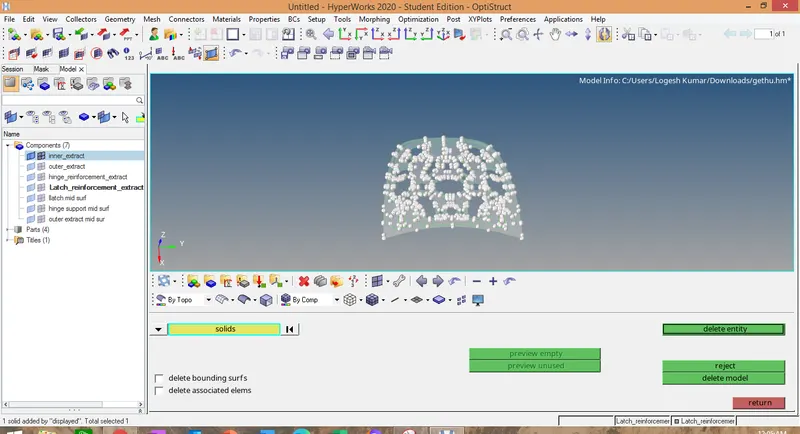
4.delecte the solid surface in the component first.
5.Click geometry--->midsurface->select the surface-.extract surface.
6.go to quick edit->toggle edge (suppress the unwanted lines)
7.quick edit->split surface either by node to node or node to line.
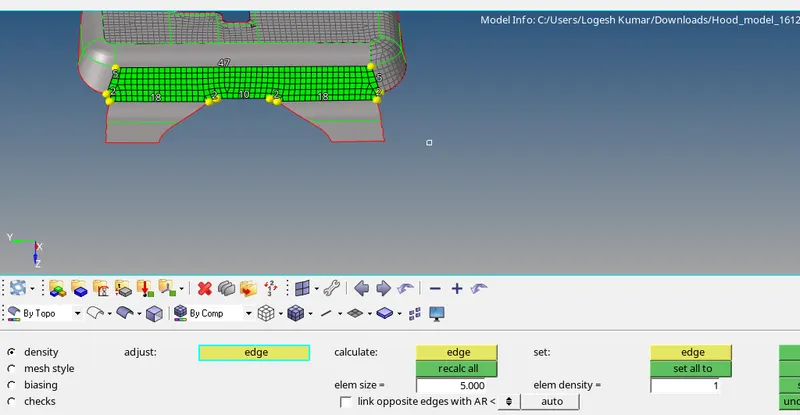
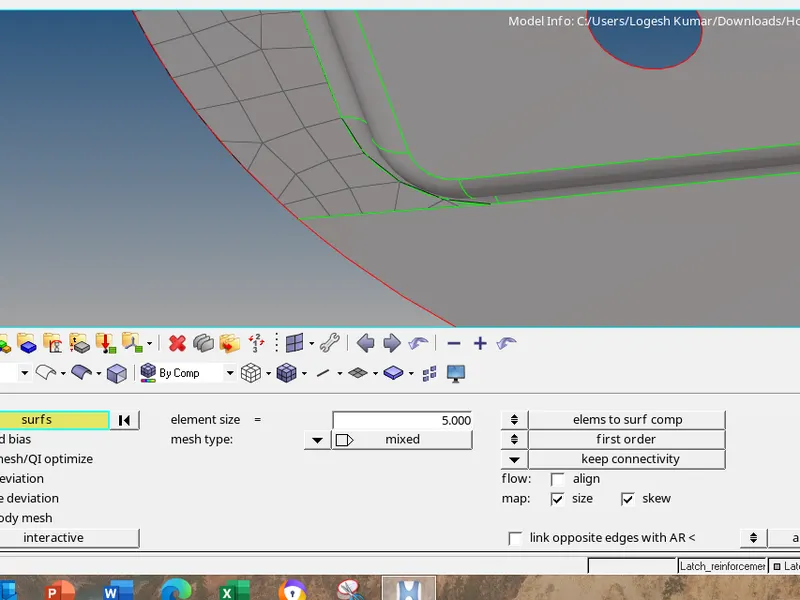
8.2D->automesh->mesh the surface one by one .
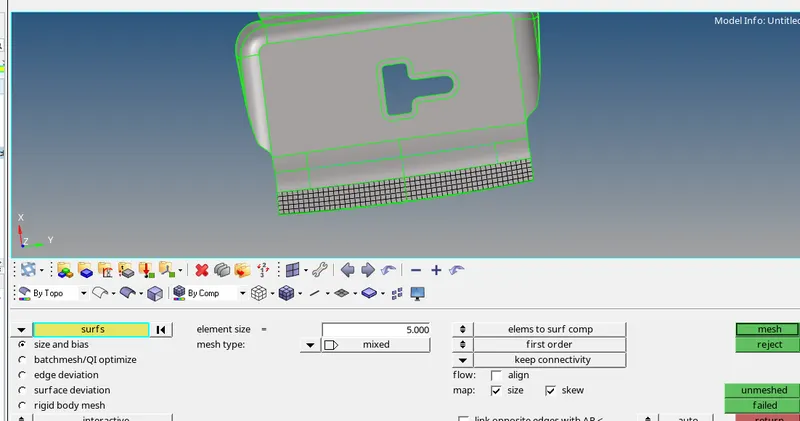
9.set the element size as as 5 and mesh type as mixed as per question.
10.mesh the surface by selecting the mesh option.
11.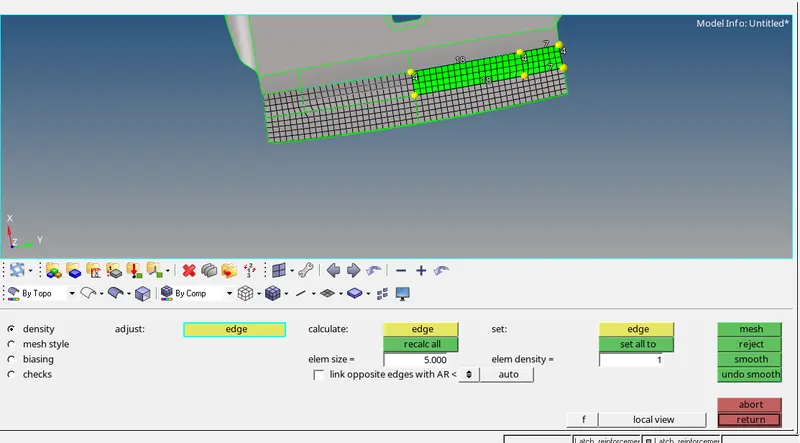
11.adjust the number of nodes to align the mesh properly.
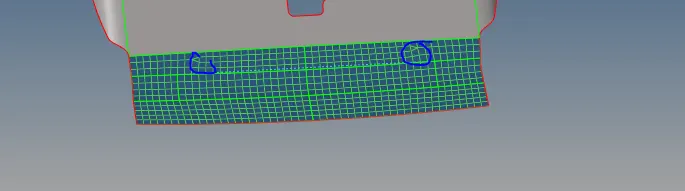
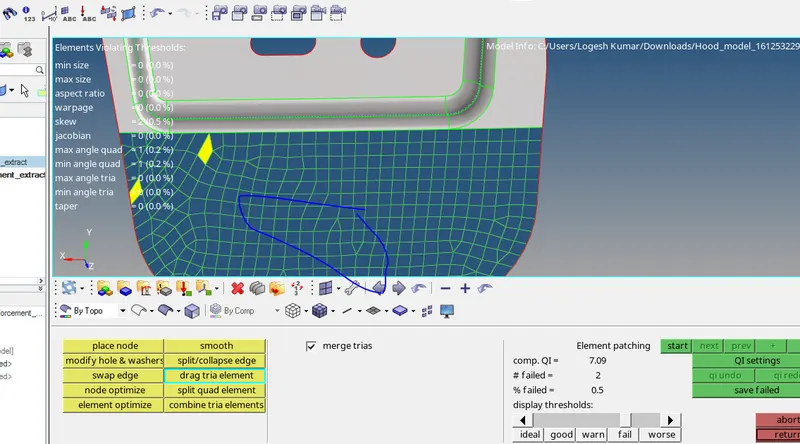
12.If there is any opposite tria elements drag the tria elements nearer by using the quality index option.
Quality index->drag the tria element.
13.after dragging the tria element we have to mesh that certain region using the auto mesh option.
2D->automesh->click elements select the particular region where opposite tria elements is there and then click automesh.
4.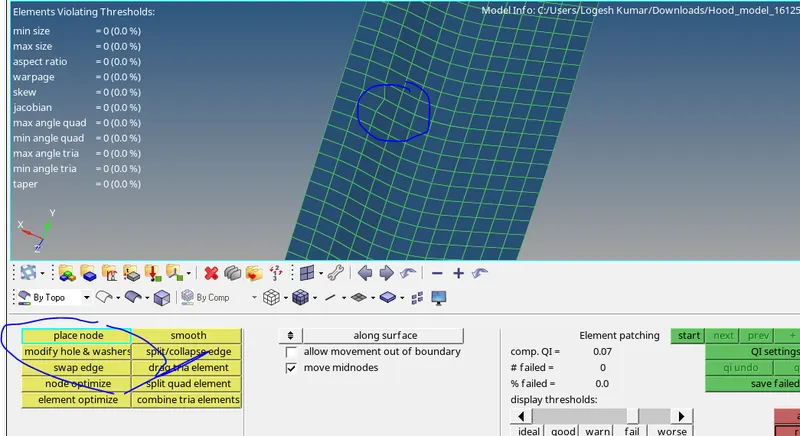
14.go to Quality index->place node adjust the node where element fails in the quality criteria.
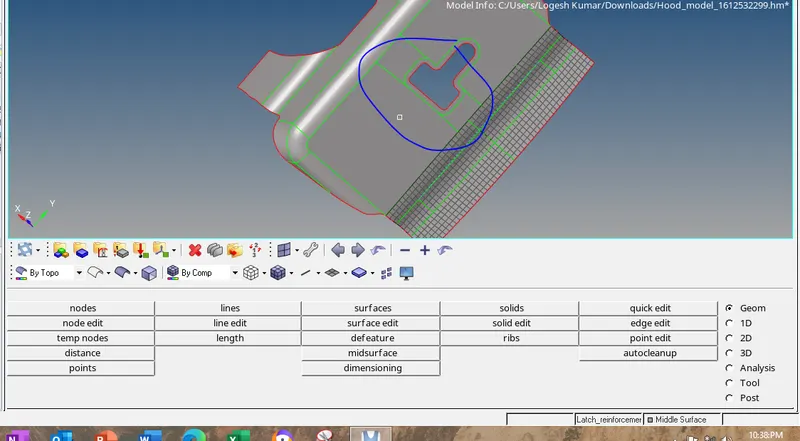
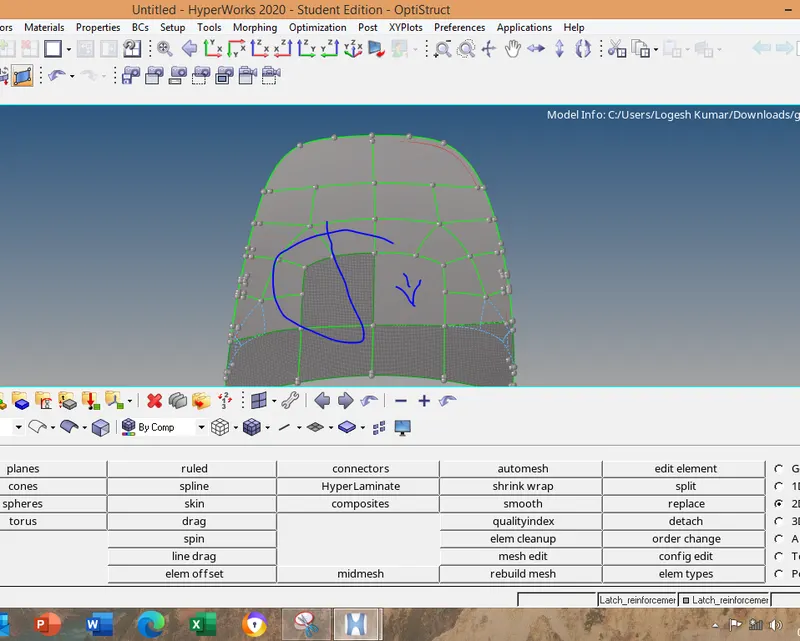
16.Split the surface as shown on the image to mesh the model perfecly.
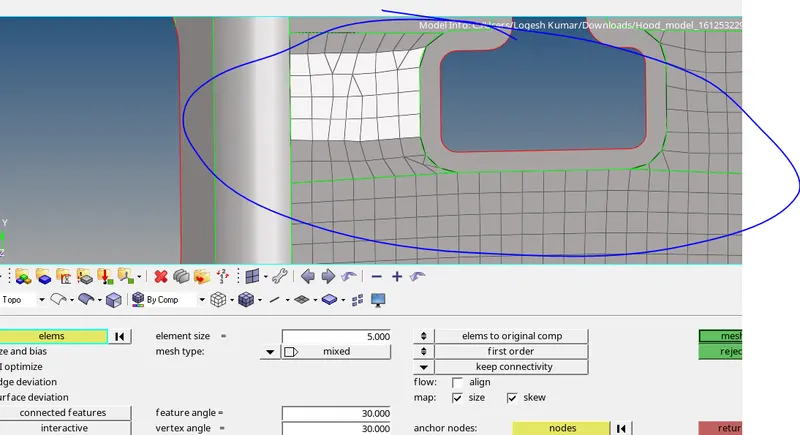
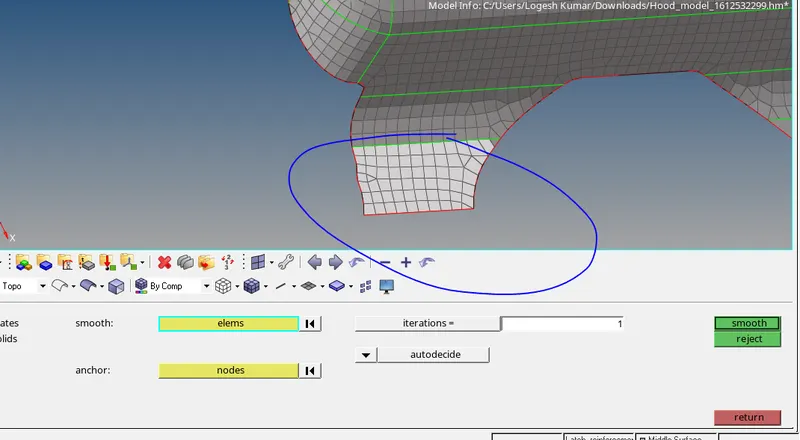
17.Repeat the step 12 and then go to smooth->select the element and enter the iteration number and click the smooth button.
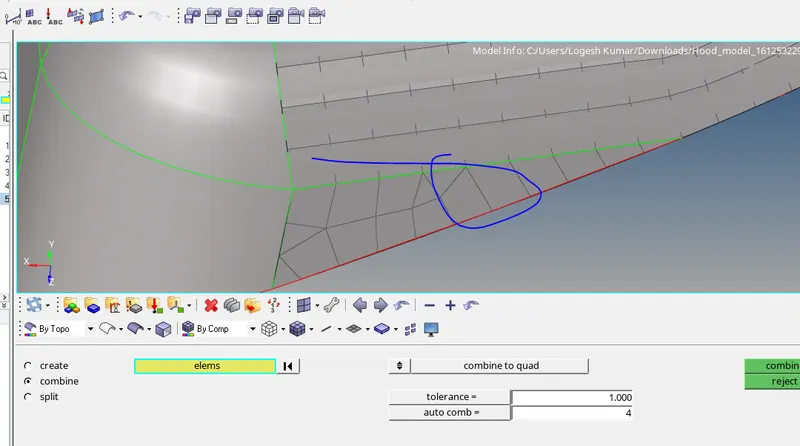
18.Toggle this type of edges to make the mesh flow properly.
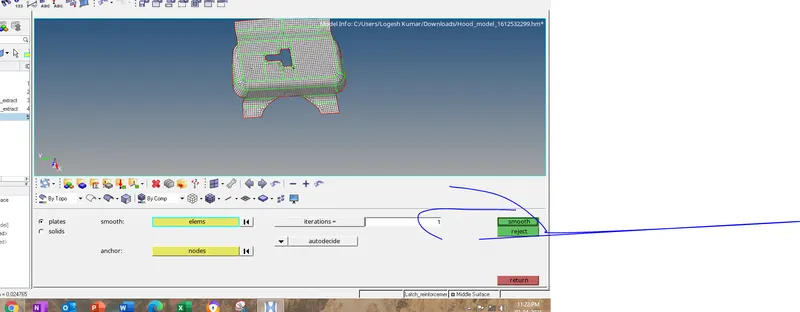
19.Finally mesh the component smooth the whole elements
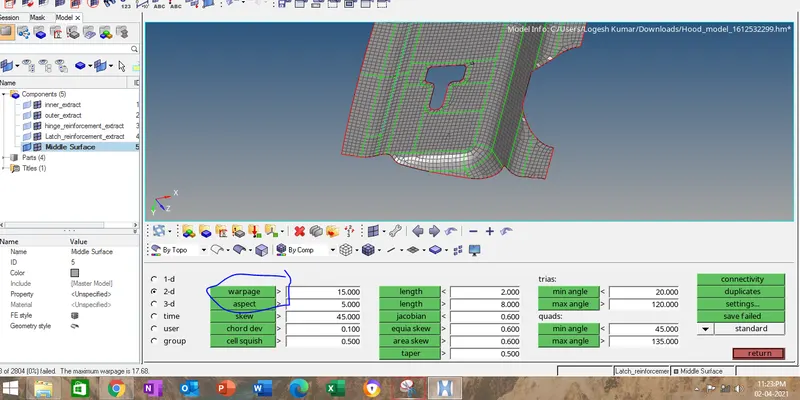
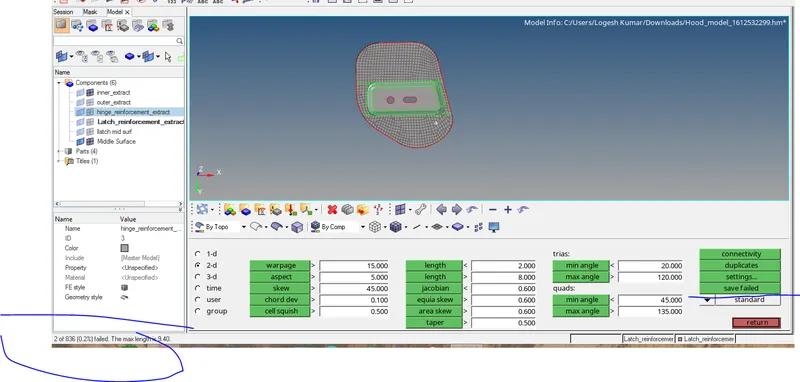
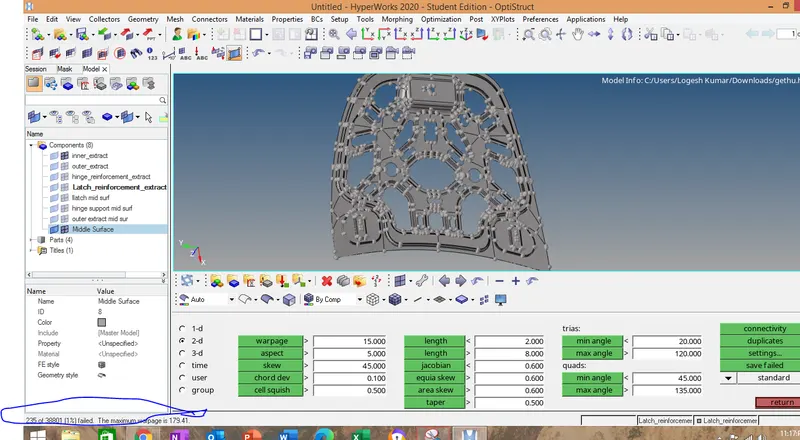
20.go to tool->set all the the parameter as per the question then find the elements which fails the criteria by click on it.
21.then click save failed.
22.go to the mask ->elements -> retreive then click on unmask adjacent option to show the group of elements which is nearer to failed elements.
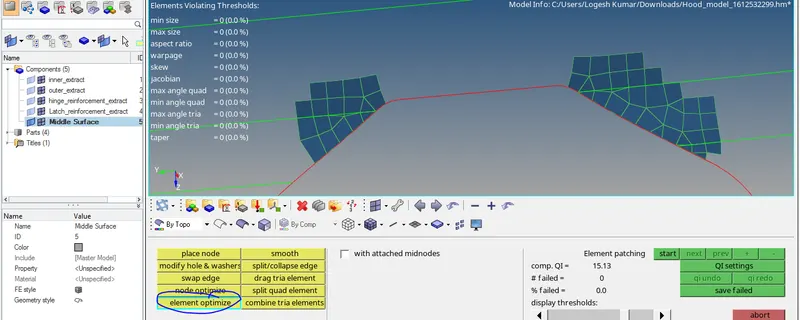
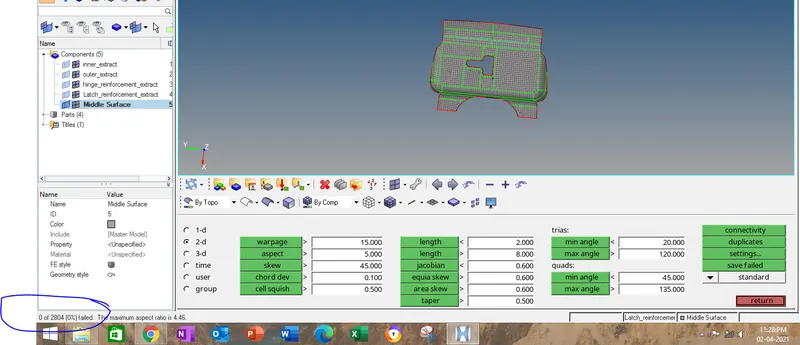
23.Mostly aspect ratio failure is eliminated by element optimize optimization in quality index.
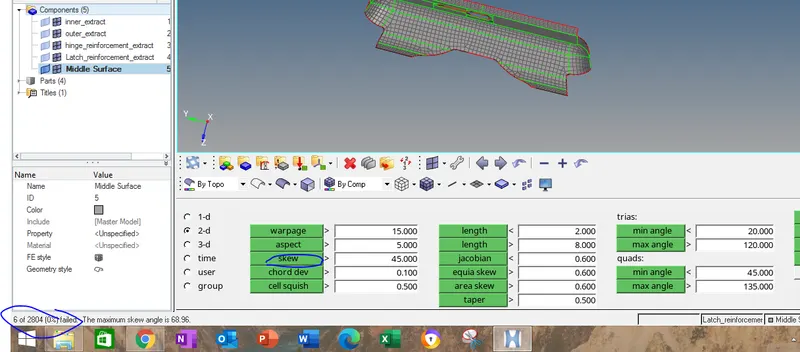
23.Warpage is eliminated by two option one is split quad element in quality index.
24.then go to Translate option->click nodes->place the the node on the element which fails ->place there projection nodes on the element.
25.
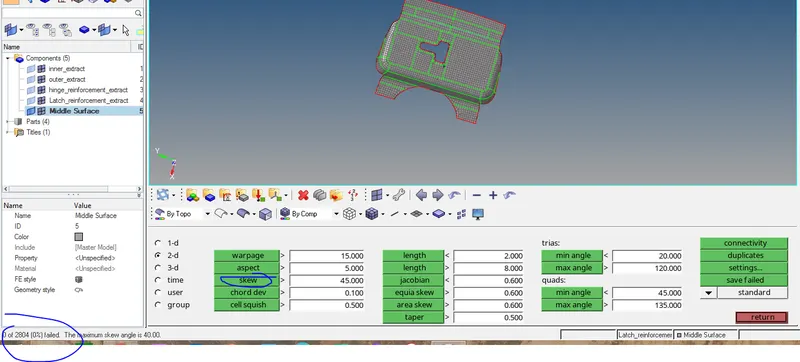
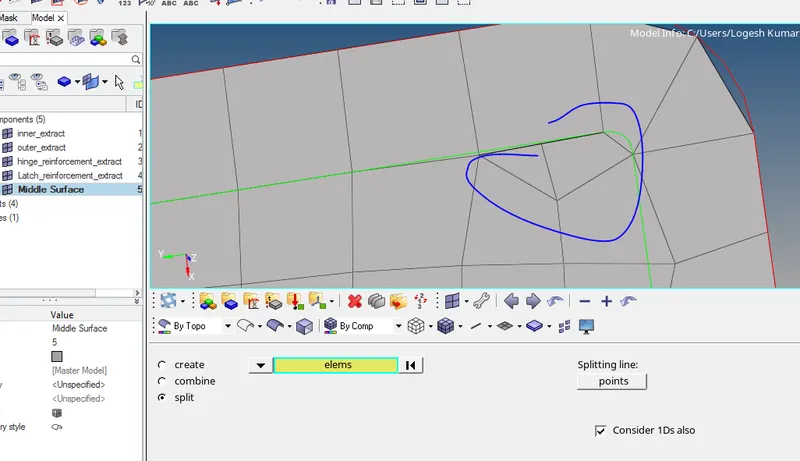
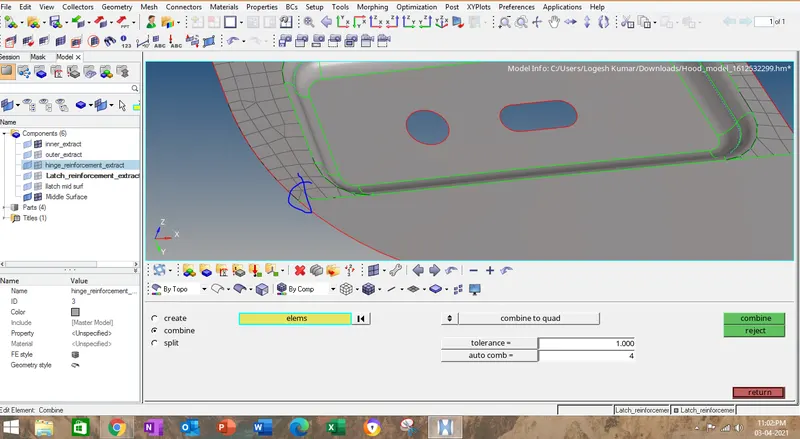
go to edit element ->split->element that you want to split ,create a line to split the element.
also use the comboine option to combine tria element where required.
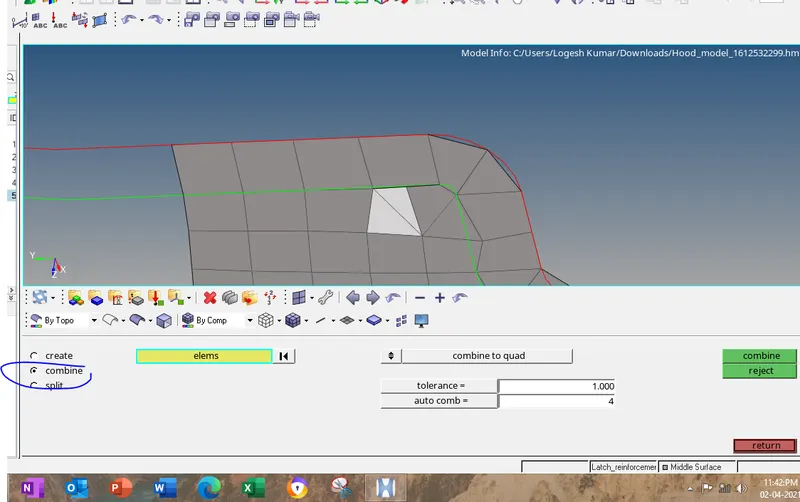
repeat the same for othere three components. i will attach the image how i have done.
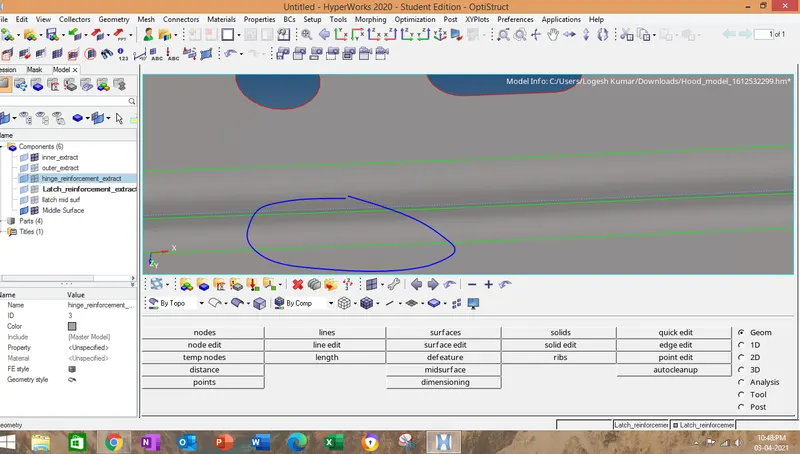
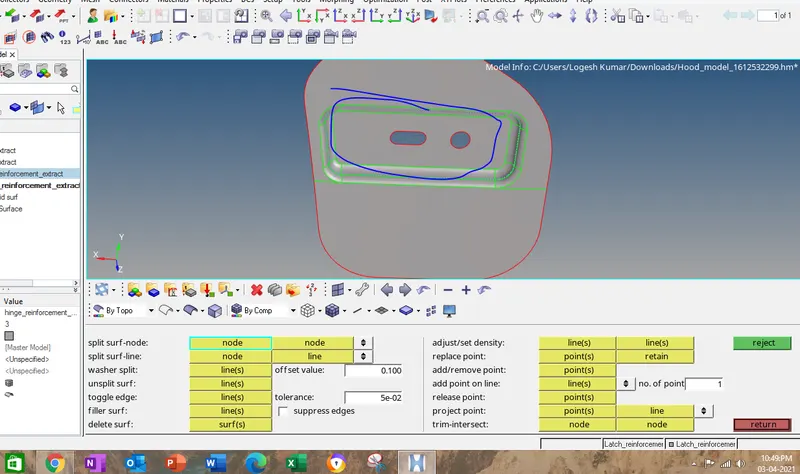
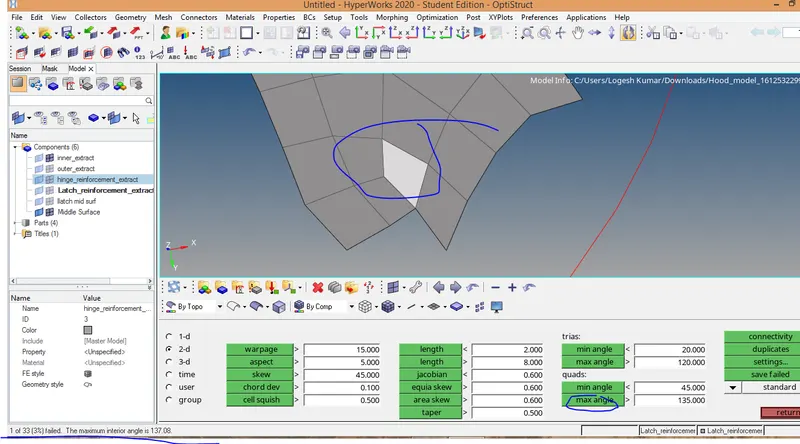
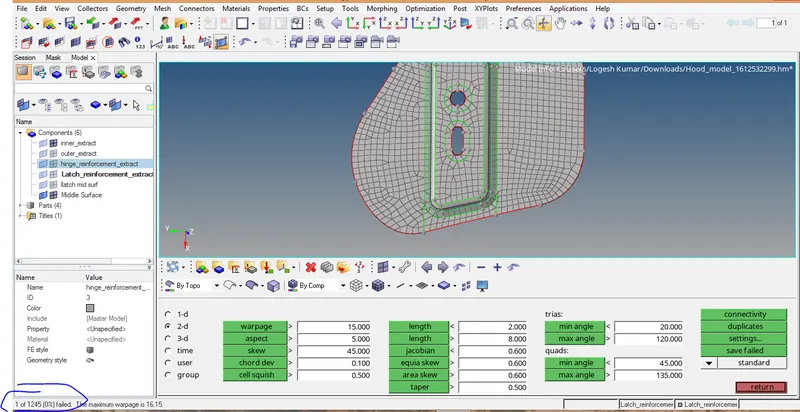
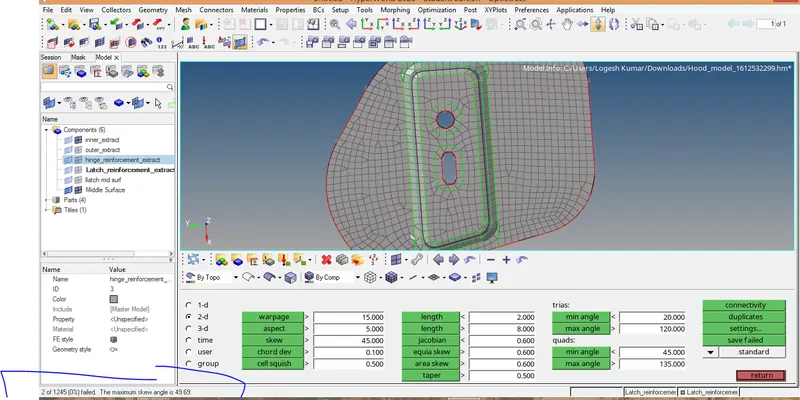
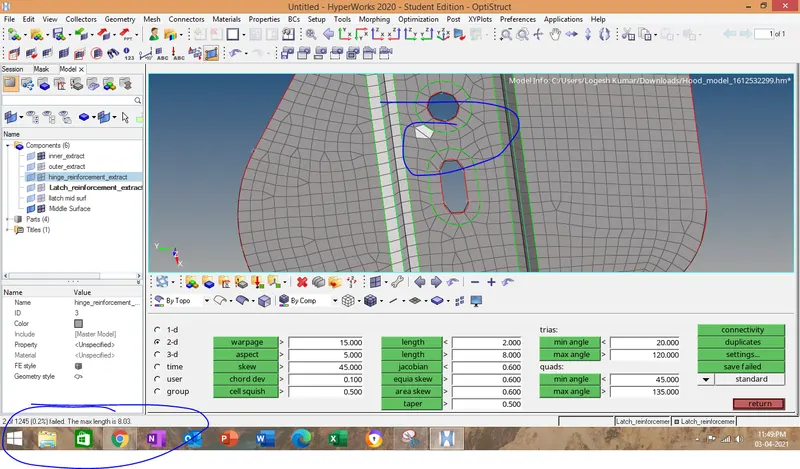
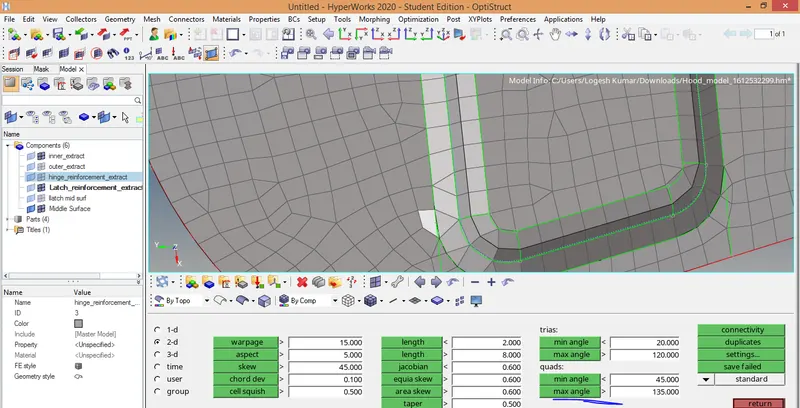
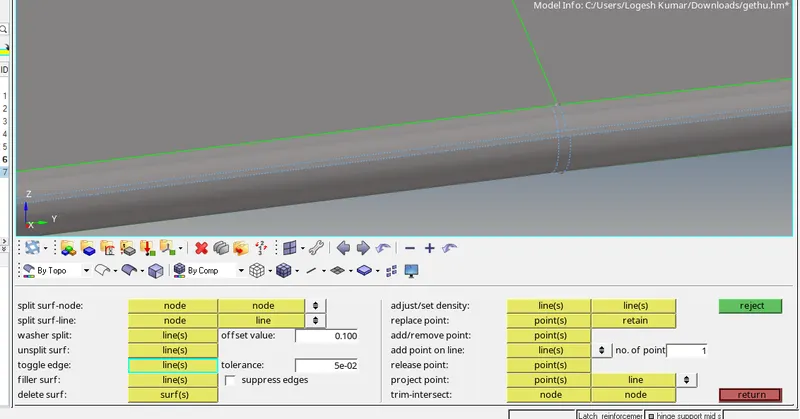
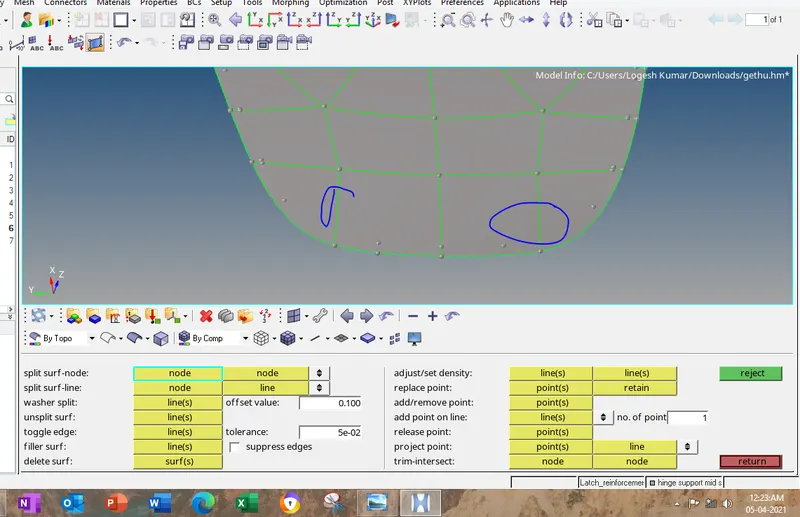
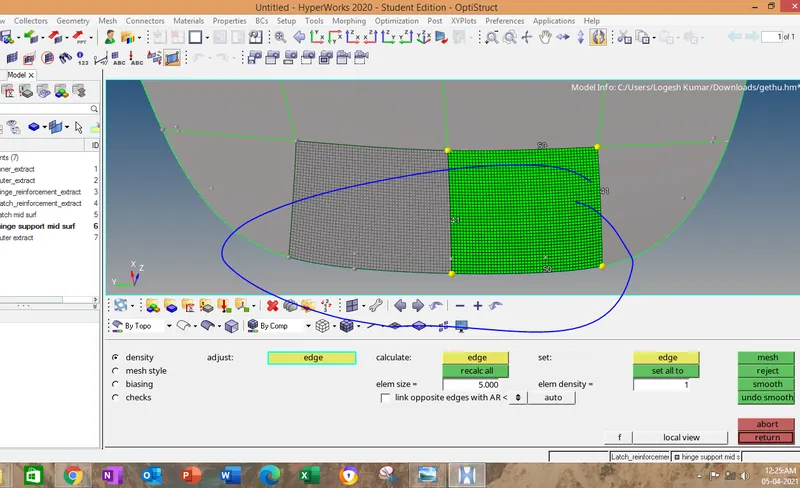
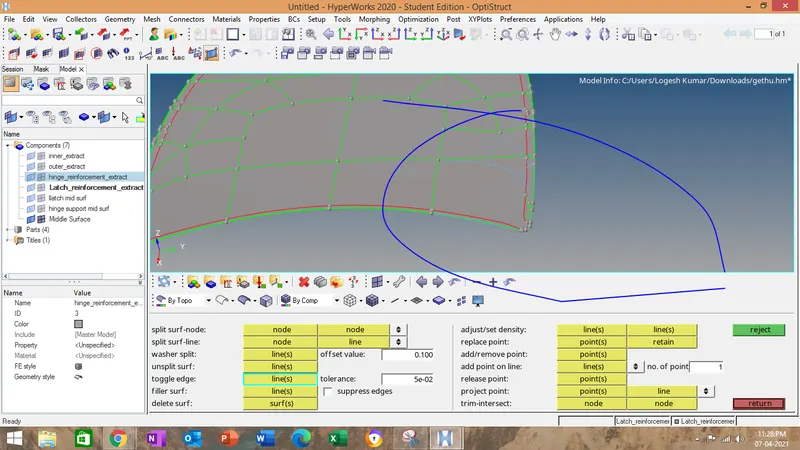
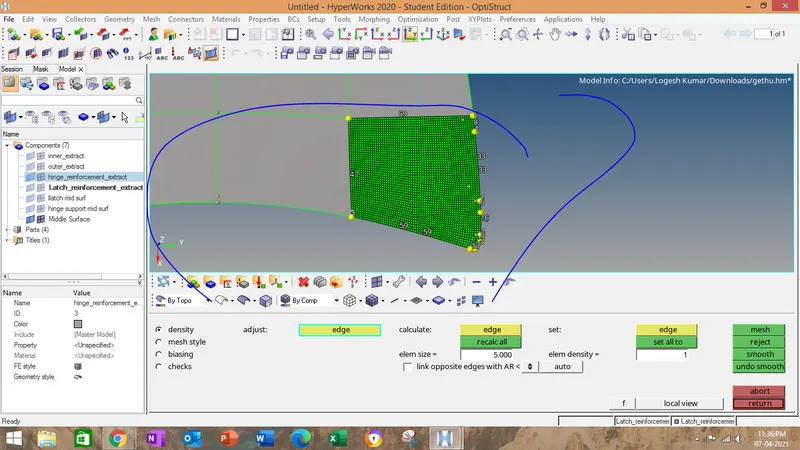
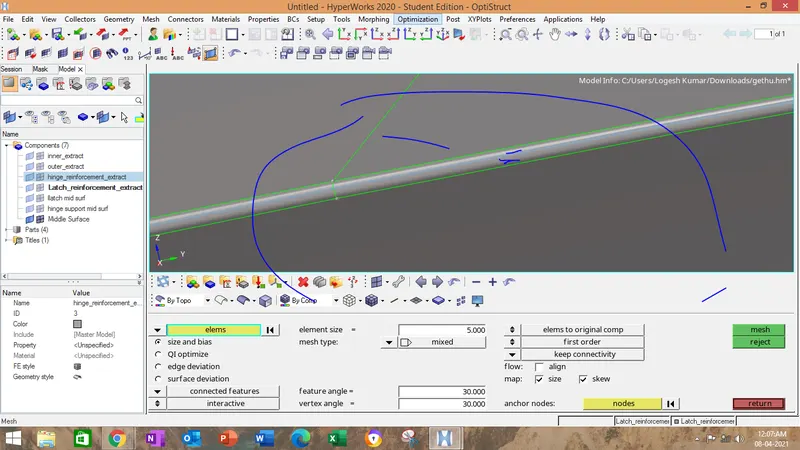
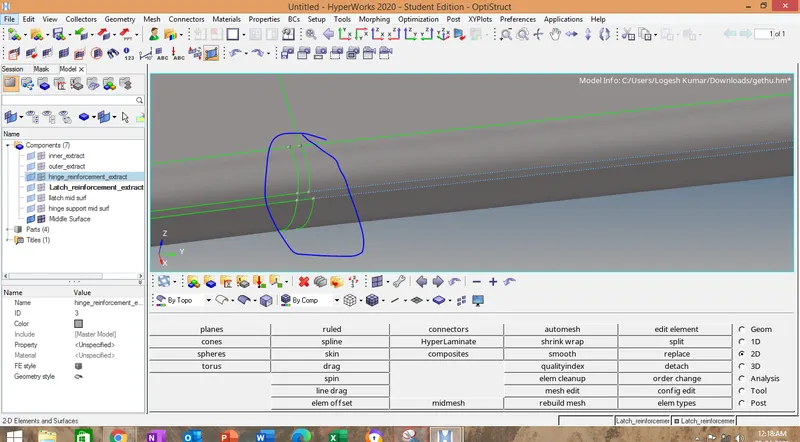
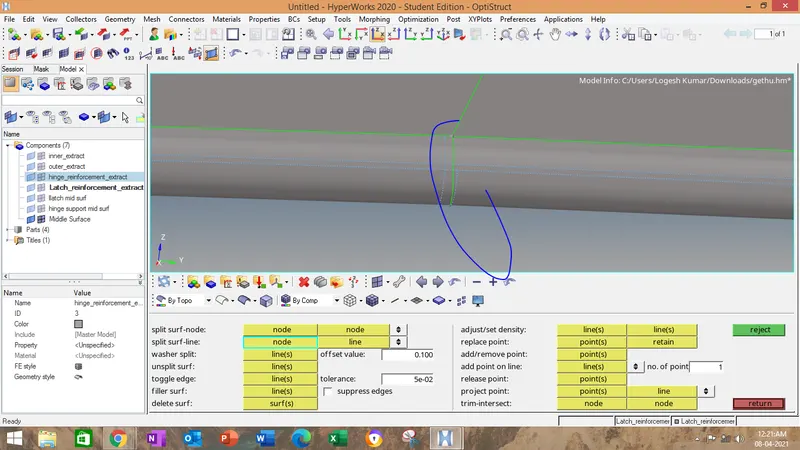
in hemming region do the geometry clean up to capture elements perfectly.
Finally for the mirror reflect keep the coordinates x-y axis.
then select the element to refect and keep axis as x axis or yaxis then place the base node and click reflect.
after mirroring,go to edges-.find edges->equivalance to combine all the elements.