Week 9 - Creating connection for Rear door
Objective
Connections for the front door by using different 1D elements.
FEA Model
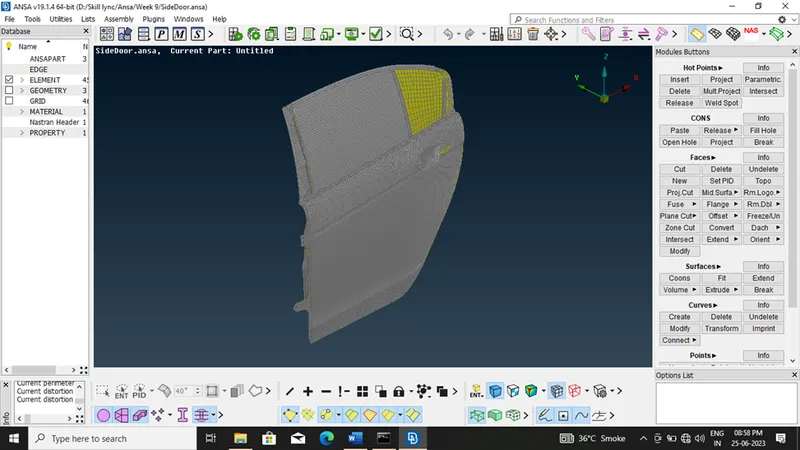
Procedure
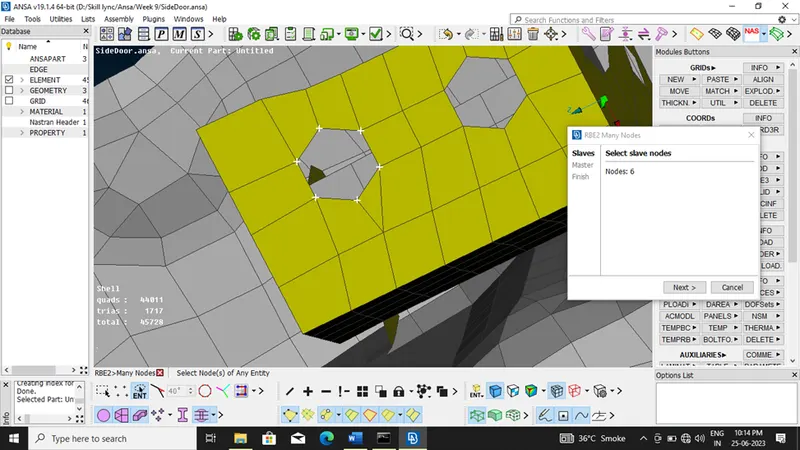
- RBE2 Many Node
1. Select Slave Nodes
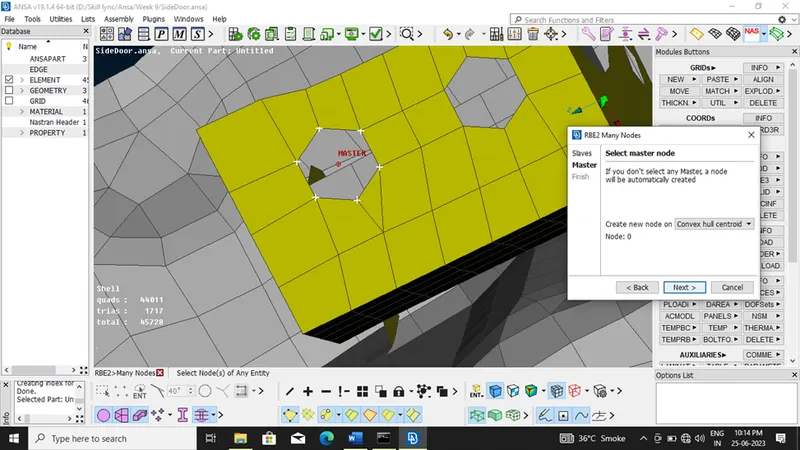
2. Create Master Node
3. Edit Node Id
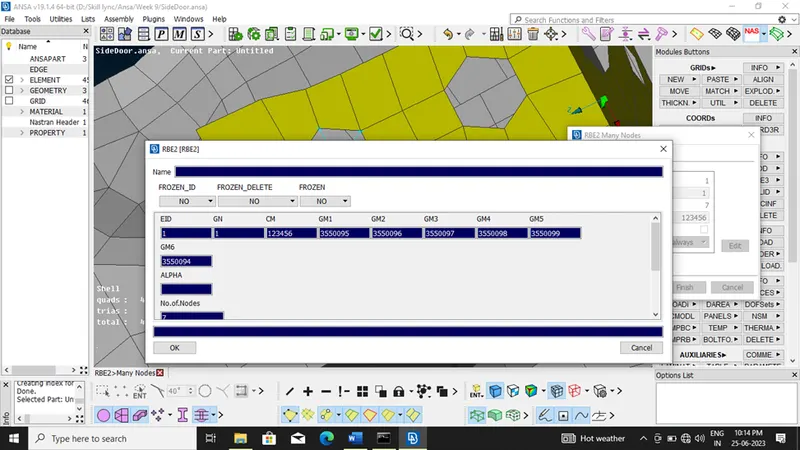
4. Define Connection Part
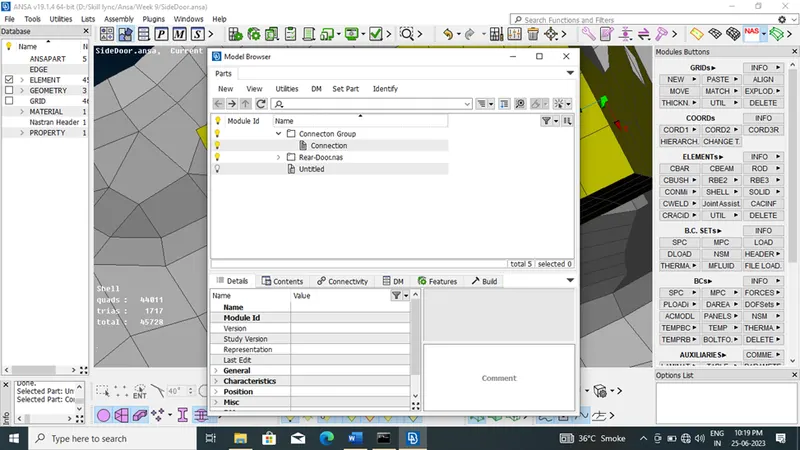
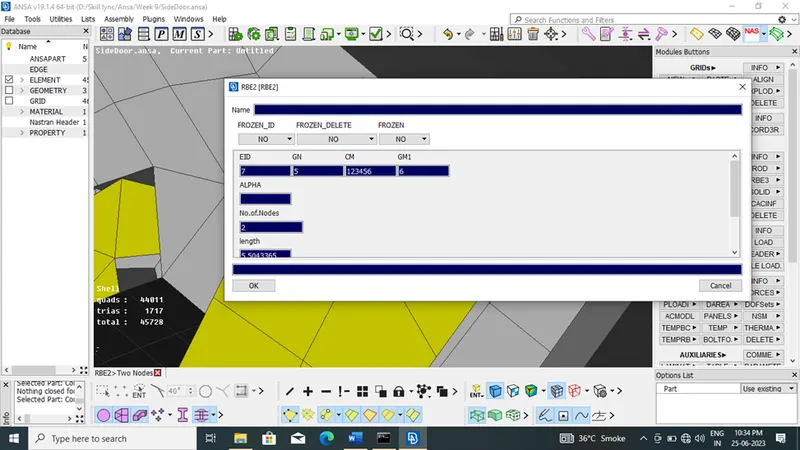
- RBE2 Two Node
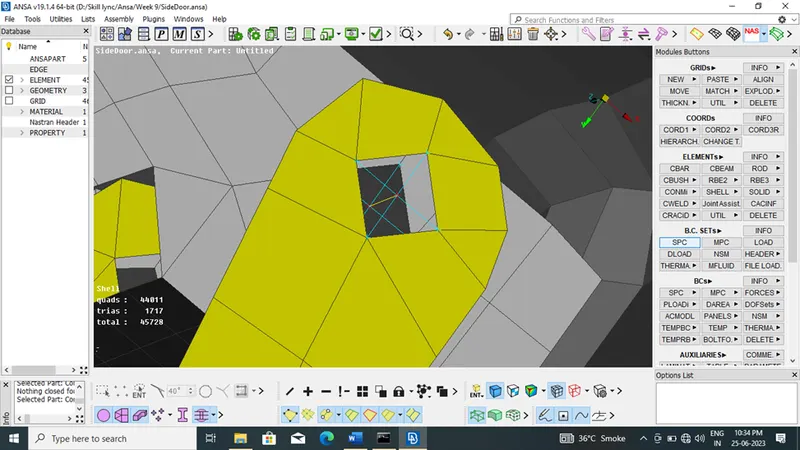
- Cluster RBE2
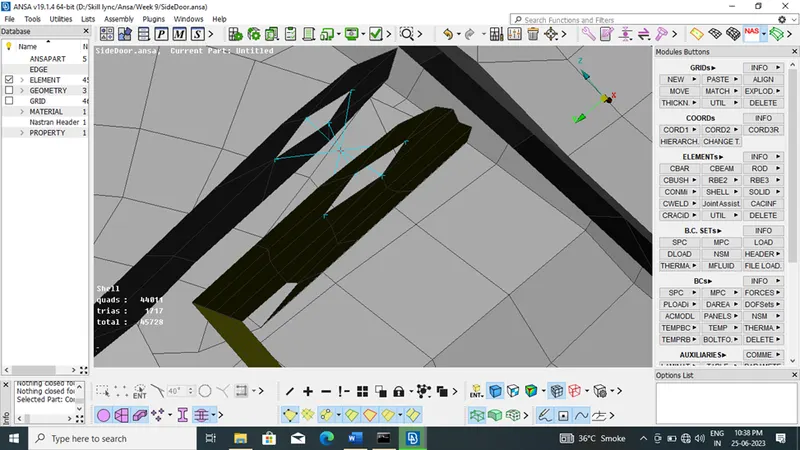
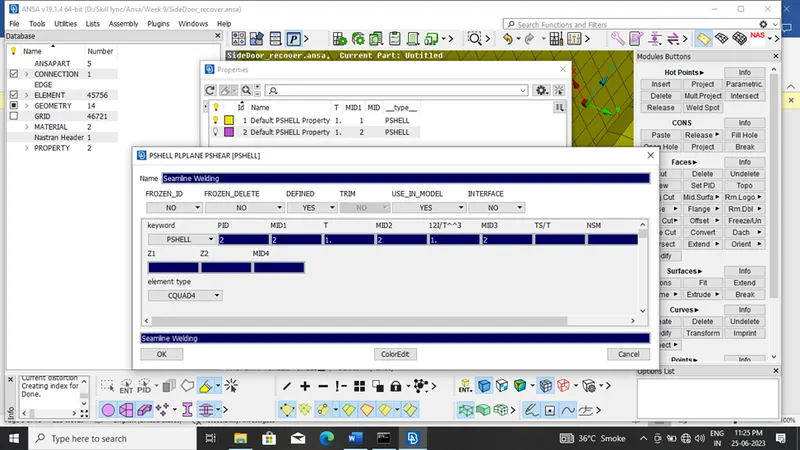
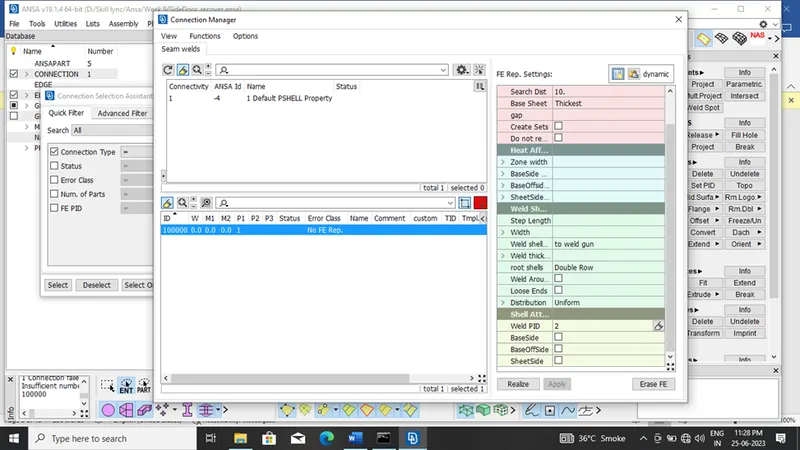
- Seamline Welding
1. Define Curve
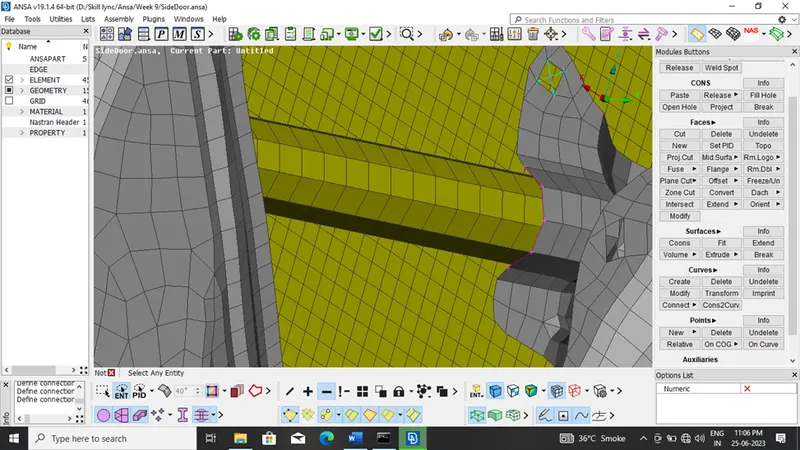
2. Define Properties
3. Connection Manager
- Learning Outcome
- Define Fixed Connection
- Define Bolted Connection
- Define Welded Connection
- Conclusion
We Create FEA model for Different Part But they are individual in model but in actual they are connected through bolt, weld or both. So we have to define this connection in our FEA model, for that we use NASTRAN Deck.