Week 9 - Creating connection for Rear door
OBJECTIVE
- To Create the connections for the Rear door FE model.
- Create and Apply different PIDs for different components.
PROCEDURE
- Open the given Rear door in ANSA by using File > Open
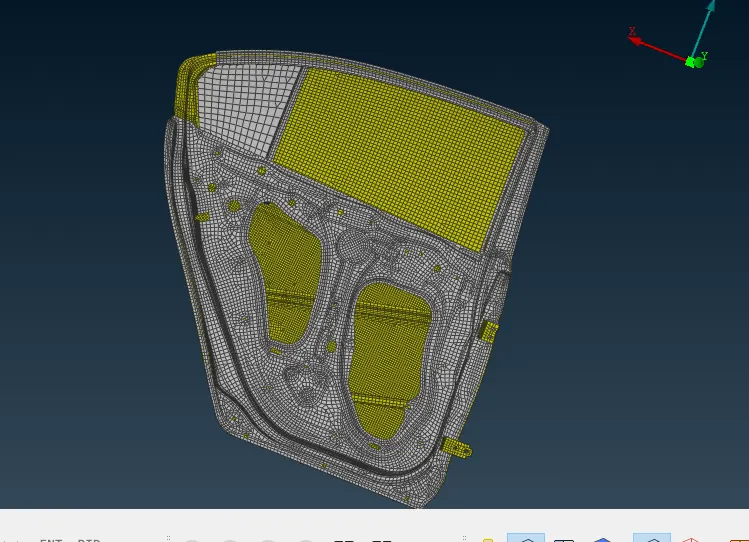
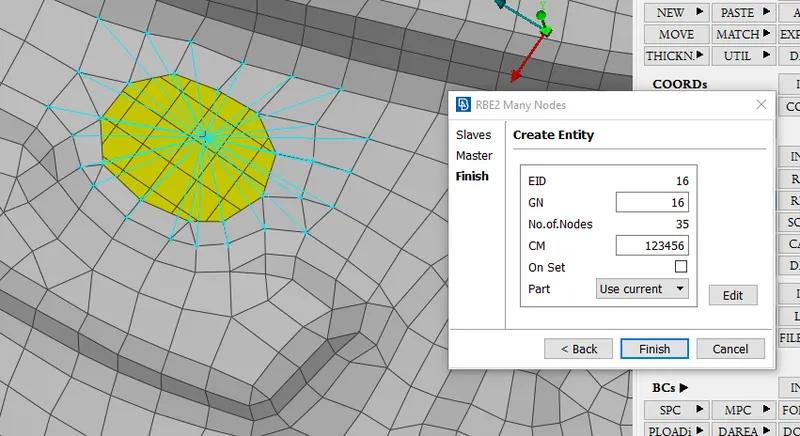
1. RBE2 many nodes used to apply rigid connection to holes in this initially select nodes of hole after that middle mouse button connection applied to hole simillarly all remaining holes are connected
step 1
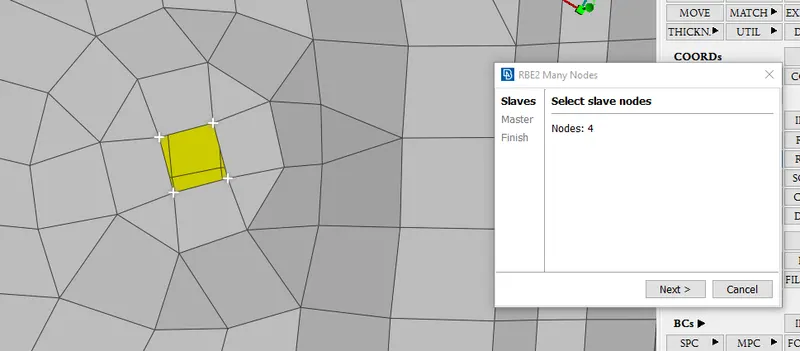
step 2
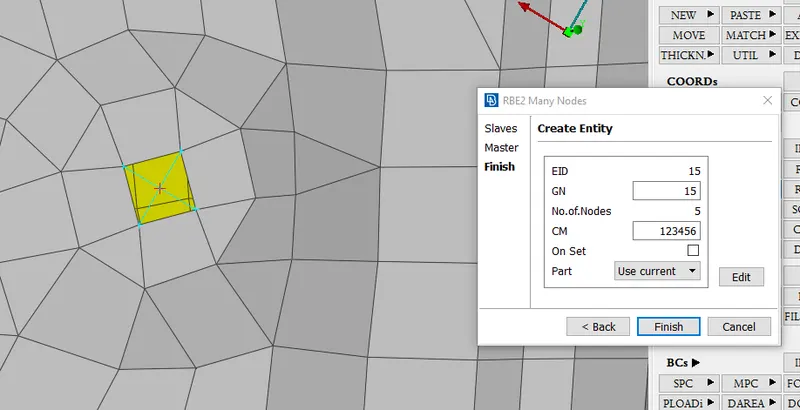
Elemental rigid connection as below steps involve in it
step 1
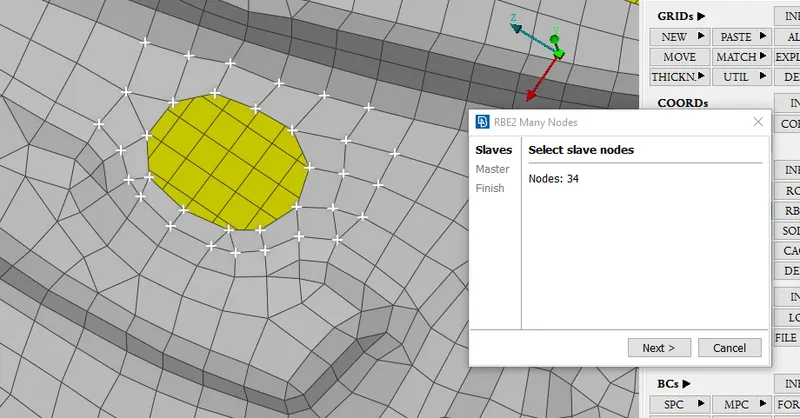
step 2
CONMI used to assign mass in cog nodle of car handle
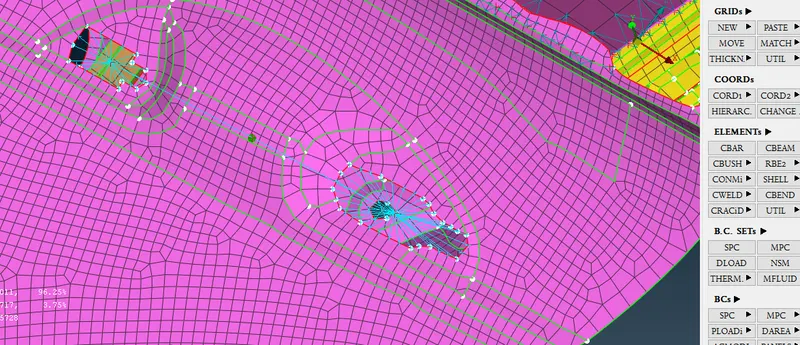
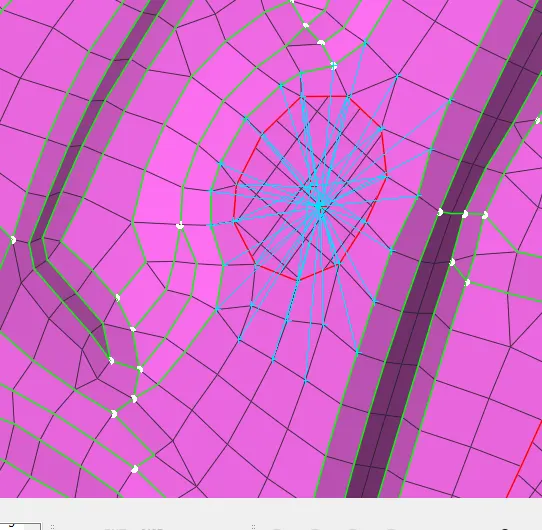
Cluster connection for two holes for rigid connection
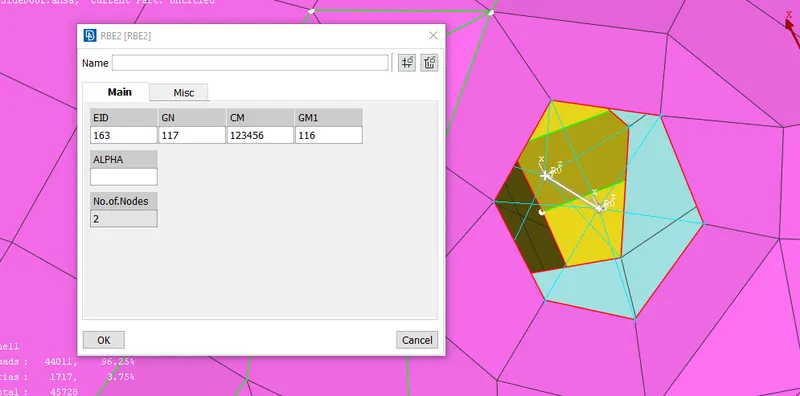
Bolt connection are used to connect two holes in this RBE2 two nodes option used to connect two master nodes as below shows that connection
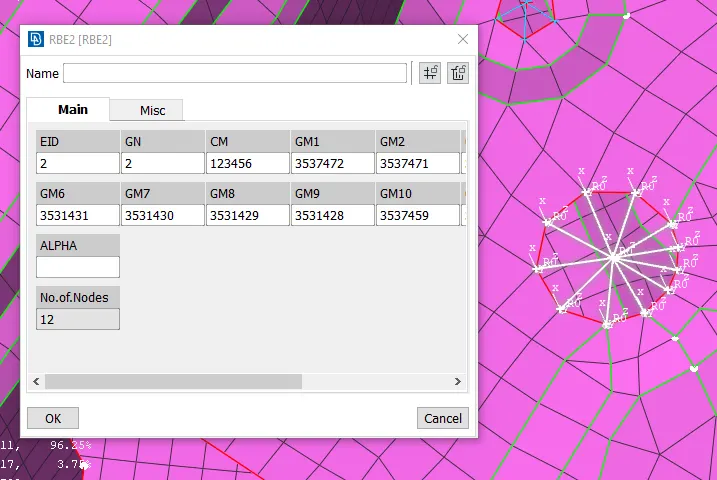
CBUSH uses to connect mirror to frame these below steps involve
step 1
creat curve using feat2curve option and convert these curve to spot line connection
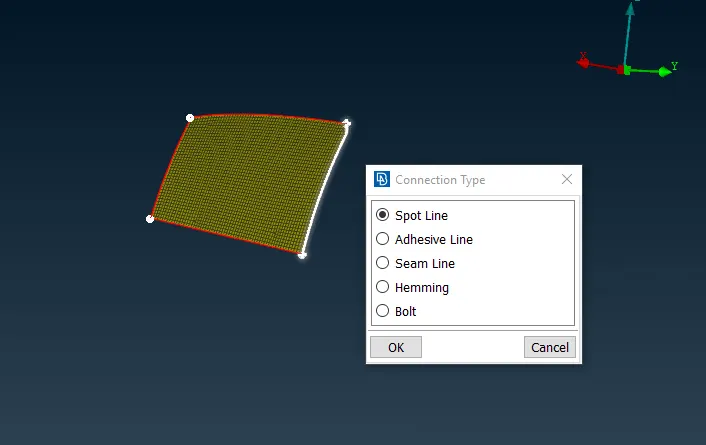
Step 2
After that go to the connection manger select the curve and assign s distence 10 and assign p1 and p2 to pids of mirror and frame as below the image
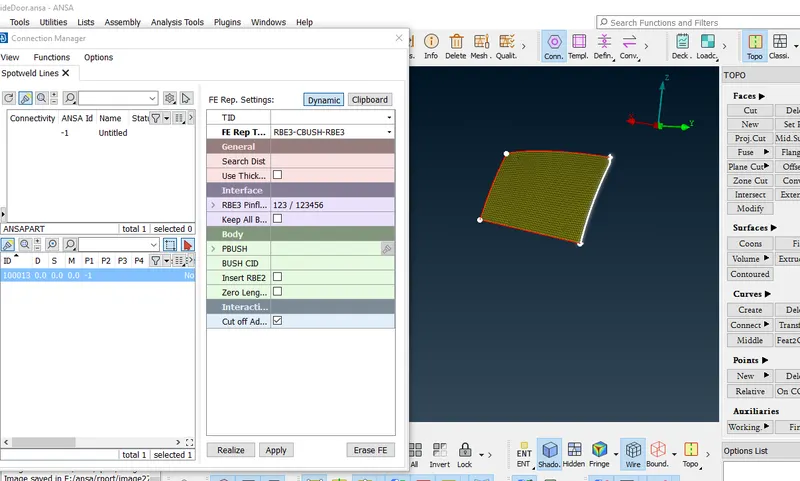
step 3
In this way create cbush for all remaining sides of mirror
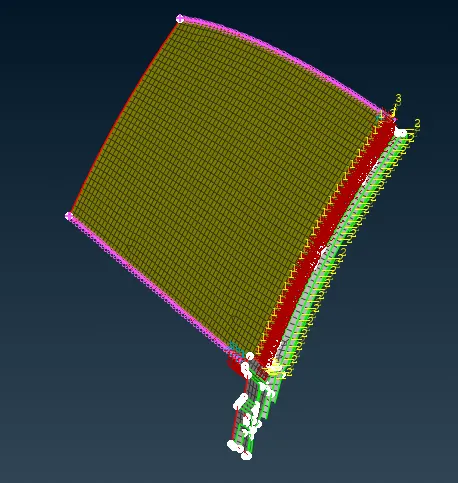
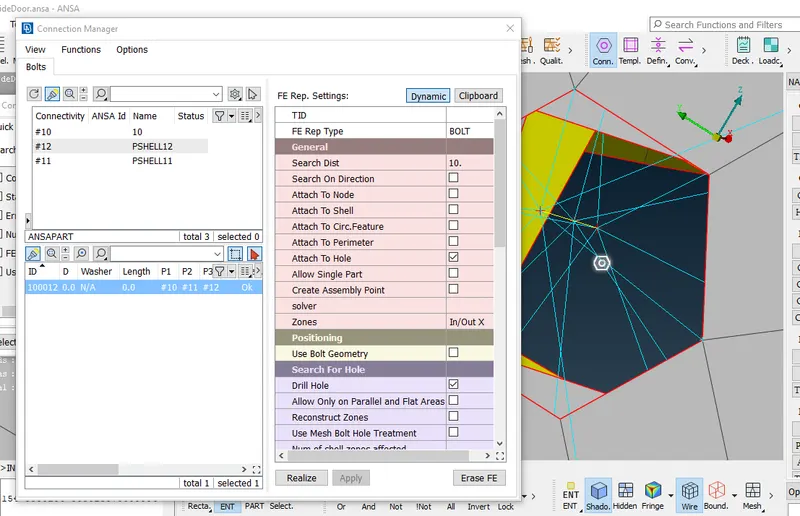
If three holes are in line then assign bolt connection using connection manager initially create cog pt any one circle after that converts them in 3d pts after that apply bolt connection then go to connection manager as below shows create bolt type connection.
Learning Outcomes
We learnt Different types of connection and its appliction
and use of RBE2 funtion for rigid connection
Conclusion
Connection is important for carried out proper simulation results