Week - 5 - 2D meshing for Plastic components
OBJECTIVE
- To create Mid-surface and
- To mesh with the given element Quality Criteria for the given Symmetry Bottle Cap.
PROCEDURE
- Open the given Symmetry Bottle Cap in ANSA by using File > Open
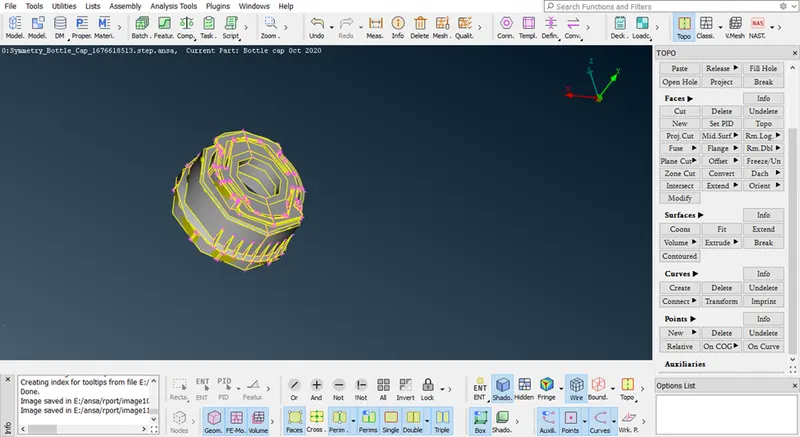
Symmetry Bottle Cap
2 After that Go to Tool >Checks >Geometry for Cleanup.
3 As shown in screenshot, Checks Manager window click Execute to check any error occurred in Symmetry Bottle Cap and fix the Error and Cleanup the Geometry.
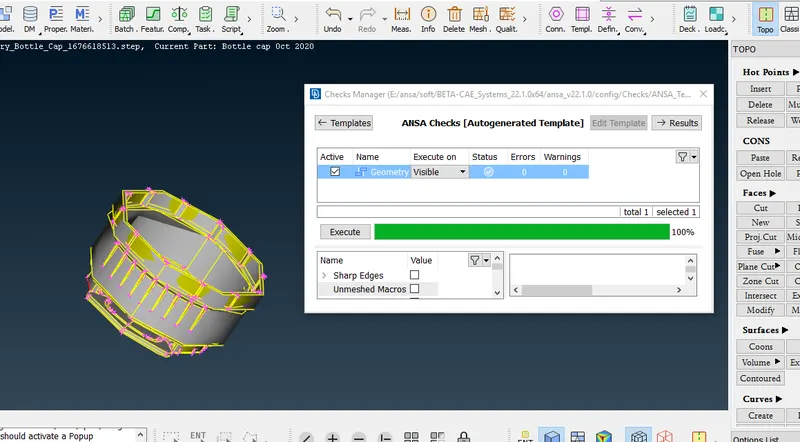
Cleanup the Geometry
- After that Click Execute in the Checks Manager and 100% Geometry Cleanup is now get.
CREATING MID-SURFACE:
- After geometry Cleanup and Mid-surface has to be created for Symmetry Bottle Cap.
2 initially to Measure thickness of the Component for Creating Mid-Surface. Go to Utilities > Measure Option
- In the below the window, Click two nodes or cons to measure the thickness of the Component and Store the Measurement.
- By using Faces > offsets after that click on featured area and then select face.
- Select the Face and enter the Offset Value to create a Mid-Surface for the Component.
- After entering the Offset Value and click Ok and Mid-surface will be created
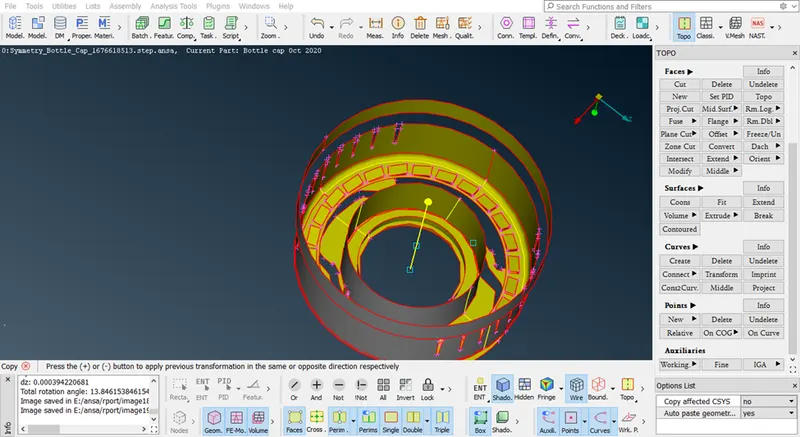
Symmetry Bottle Cap Mid-Surface
- After creating a Mid-Surface, Click Faces > Set PID option and create New PID for Mid-surface in the properties.
MESHING:
- For meshing Mid-Surface, set the given mesh Quality Criteria for the Component.
- For that follow Go Utilities >Quality Criteria Option and assign the given Quality Criteria Values.
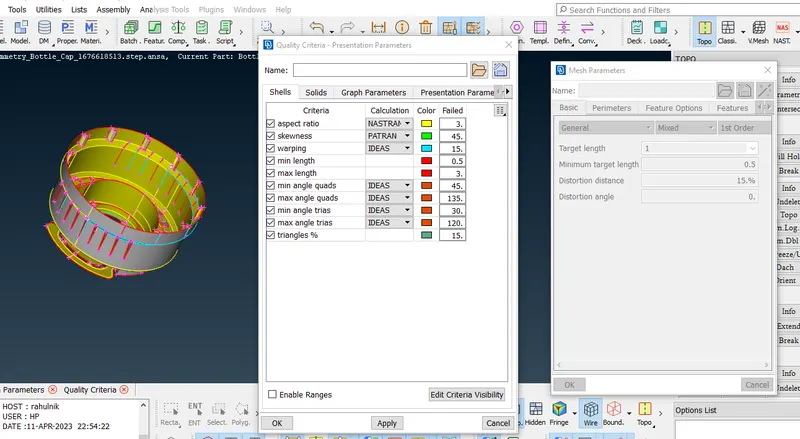
Quality Criteria
- After assigning the Quality Criteria for the Component, Go to Utilities >Mesh Parameters and assign the Average Value for Meshing.
Mesh Parameters
- Go to Mesh >Perimeters > Length Option and Select the whole good model to Mesh and enter the Value of Perimeter 1mm Length for Meshing.
- After that go to Mesh >Mesh Generation Option and Select the best Mesh type to mesh the whole Component Part.
- Use Shell Mesh-->Reconstruct option to rearrange the Mesh and Use Shell Mesh >Smooth Option to refine Mesh lines equally within the Selected Surface and solving the Quality criteria issues.
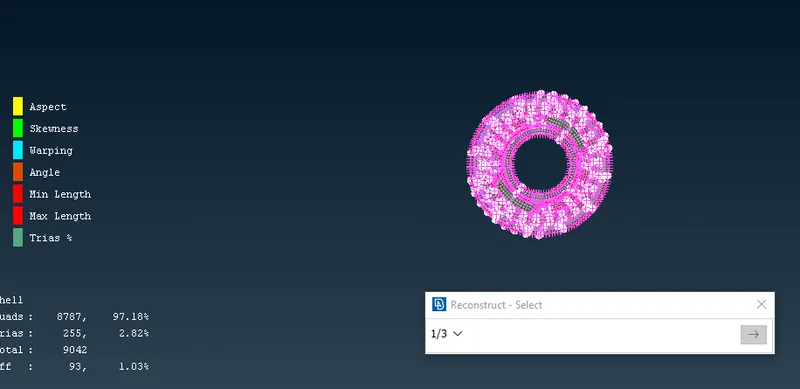
Reconstruct mesh
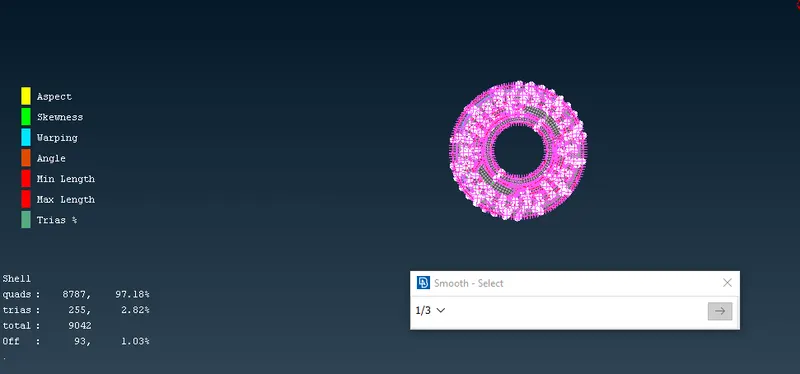
Smooth Mesh
- Use Grids-->Paste and Elements >Split / Swap / Joint Option to eliminate or reduce the trias and get better mesh flow.
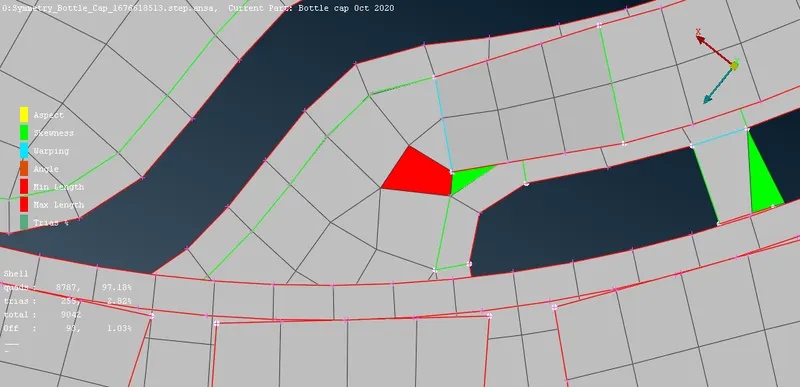
Quality criteria failure
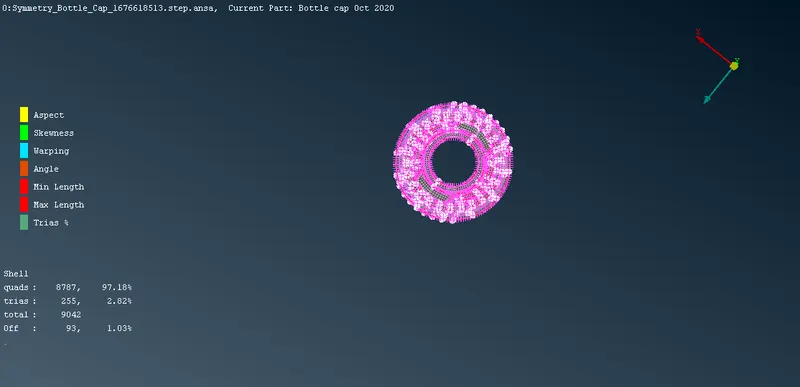
Symmetry Bottle Cap Mesh