Week 9 - Creating connection for Rear door
aim:to create the different types of connections for the given component.
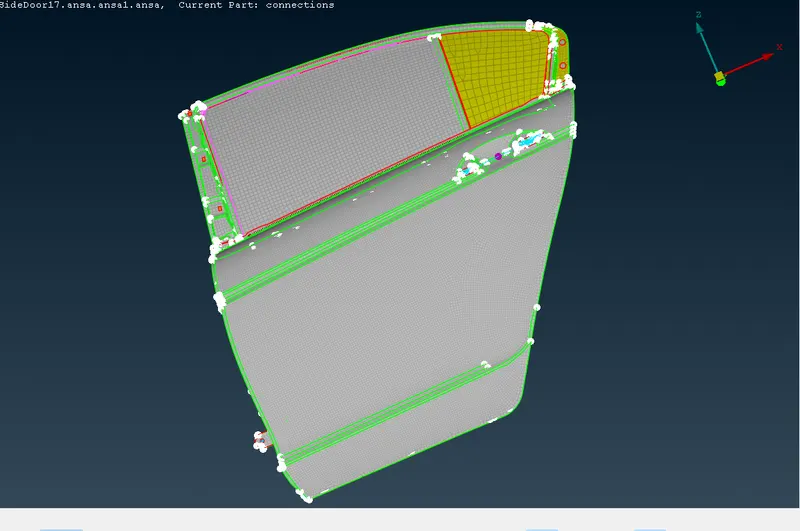
procedure: open the given file in ANSA.
initially give the connections to the holes.
thus,3 procedures need to follow
create the curves.
convertion
connection.
for connection,
select the RBE2 which is in elements.
select many nodes and select the nodes which is need to connect and give a middle click.
conversion go to cons2 curve and select the curves.
and in connections give the connections as bolt, seam weld /spot weld.
in the dialog box give space value and p1 shell select the surface and p2 select the another surface which is need to be joined.
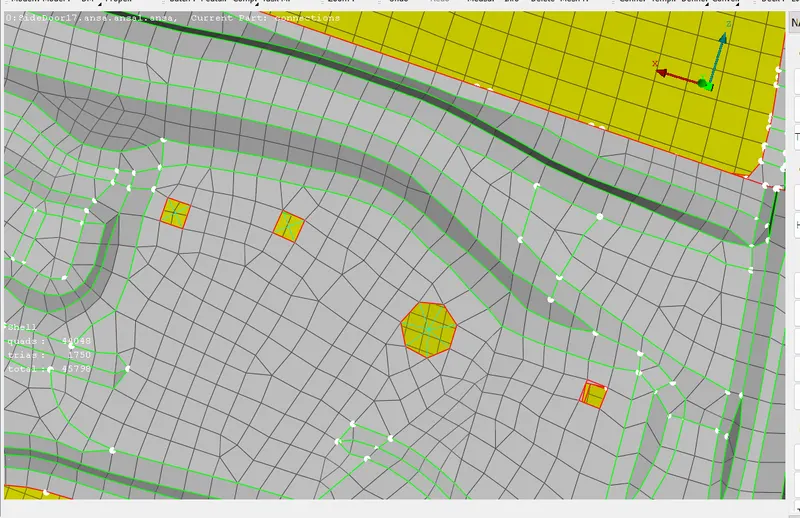
blue lines indicates the joining.
by following the same steps to the 3 joining methods need to work for over all component to achieve the connections.
result: connections for the component is done