Week 3 - 2D meshing for Sheet metal
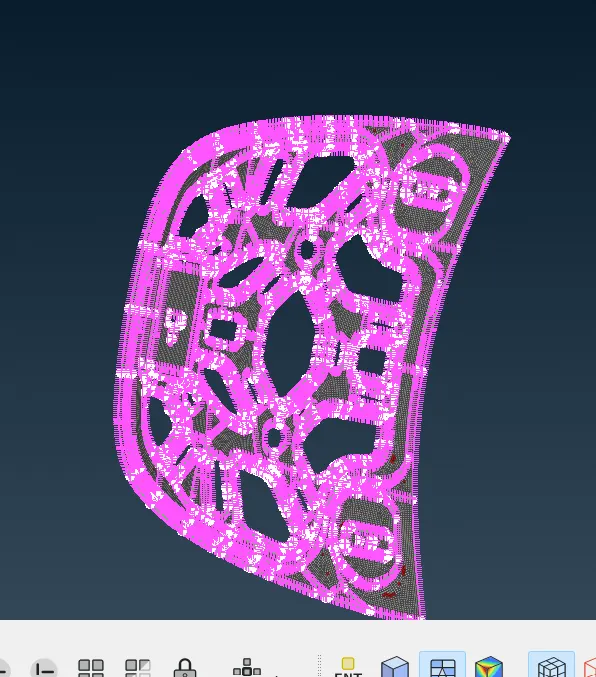
for creating 2-D mesh in the given diagram.(hood).
initially open the file in the ANSA.
delete the single cons, double cons, triple cons. to obtain the smooth surface use fine option.
then go for offset. and go for midset and set the value for offset half of the thickness.
then for 2-D meshing cut the half of the hood which is symmetrical.
go for geometry clean up and select the meshing ater given the required conditions as mentioned in the question.
use shadow option to check the mesh in the given range.
then go for symmetry