Week 9 - Creating connection for Rear door
Aim - To provide suitable connections as discussed un video wherever necessary
Procedure- 1. First Convert the entity to a curve by Feat2Curve
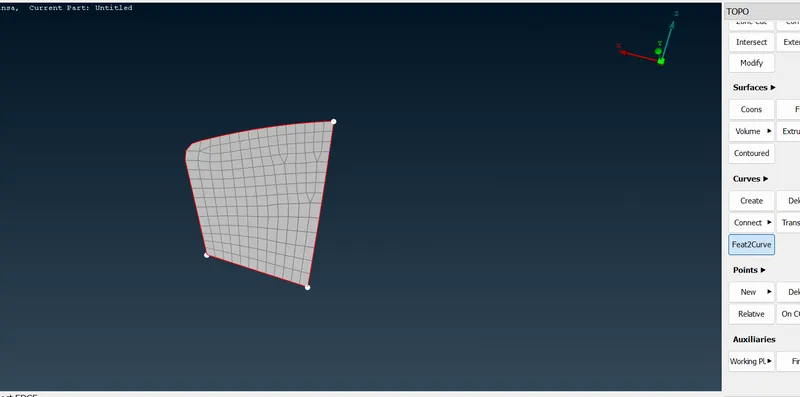
2. After Creating a curve Define the curve as seam, spot or as a 3d point as per requirement
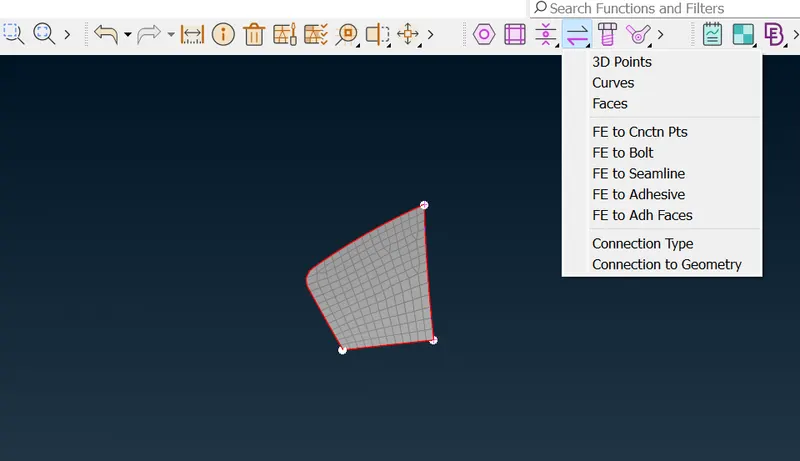
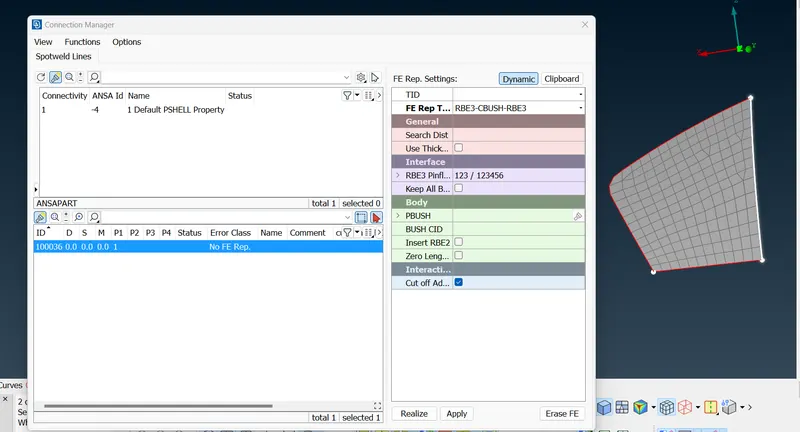
3. After defining go for connection you can go for Overlap shell or Y joint shell in case of Seam Weld, for spot weld go for RBE3-HEXA-RBE3 FOR bush go for RBE3-CBUSH-RBE3
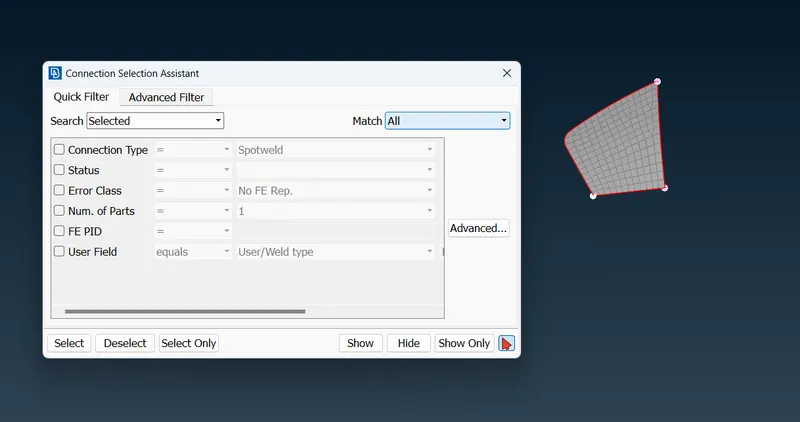
4. Measure the distance for spot, seam or bush give that distance in search distance and apply and realize
5. We can directly also form a connection through Elements-RBE2-Many Nodes by selecting slave node and in case of bolt defining it by two nodes those are master node
Learning Outcome-
Learnt Different ways to define connection by manually through RBE2 , CBAR, CBUSH and also through auto by defining a curve or defining a COG point for spot weld
Conclusion-
Make possible connections wherever necessary no components should float in air.