Week- 5 - Solid meshing
Aim- To go for a volume mesh after surface mesh by providing quality criteria in volume mesh that is collapse 0.2
Procedure-1. First click TOPO to stitch the surface
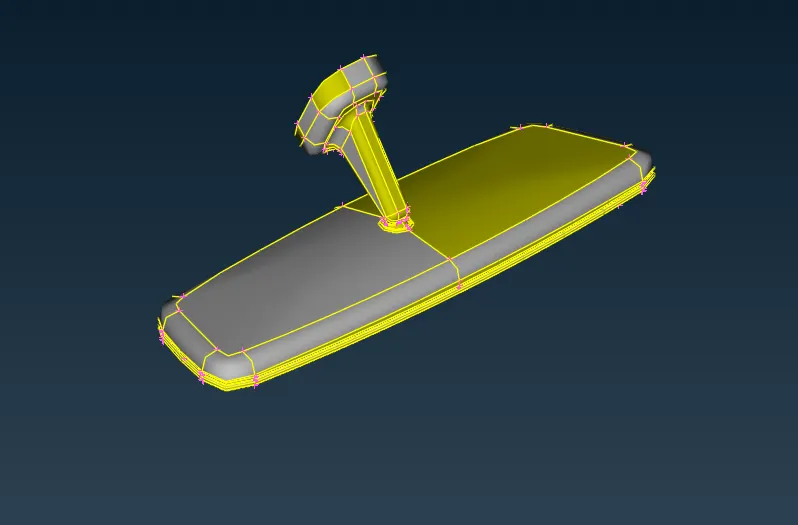
2. Check for Geometry
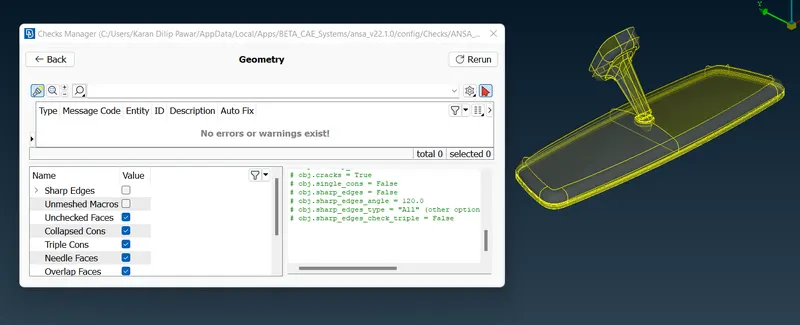
3. As quality criteria is given as min. length as 1mm, max length as 5mm and average as 3mm so toogle those lines which do not meet quality criteria in order to avoid quality failure while tria or ortho tria mesh
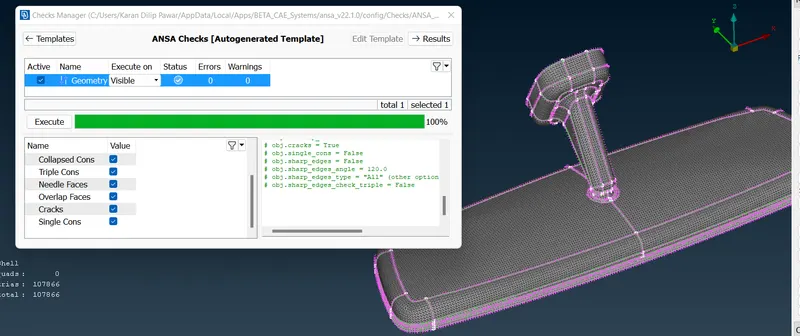
4. Set the quality parameters as given and start with the mesh wherever there is a curved surface go with orthotria mesh and for flat surface use tria mesh use reconstruct for proper smooth mesh
5. After completing the mesh again perform a geometry check to check for failure if any
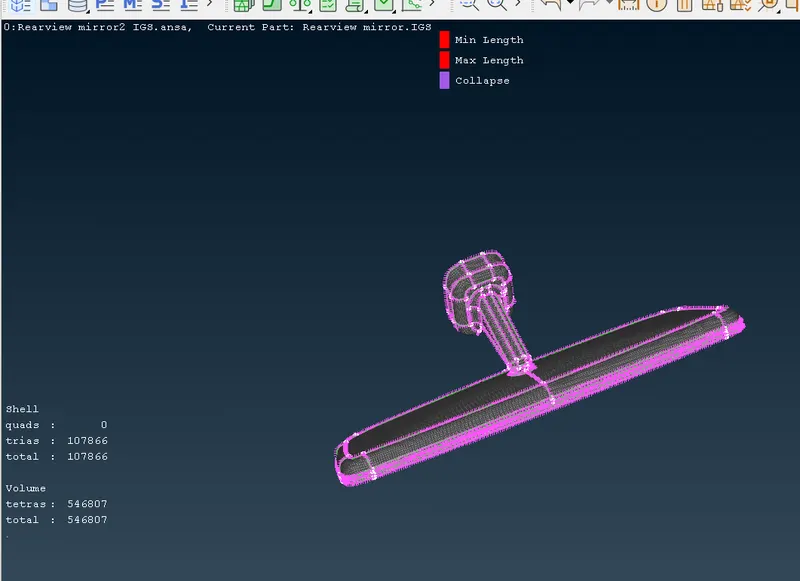
6. Go for volume mesh by first defining the geometry in Volume- Define and then in Volume- List go for TETRA RAPID MESH and check for quality failure for Solid-Collapse (i.e-0.2) and work on off elements if any by IMPROVE-FIX QUALITY or Reconstruct or MV FREE in classic mesh working on surface meshing
7. Assignment Completed
Learning Outcomes-
1.Learned Volume mesh,process involved to perform an volume mesh leart new options like Volume Mesh-Define, list, about Tetra Rapid
Conclusion -
To have a good volume mesh and to avoid collapse failure better to have a good mesh flow in surface mesh so there is no or less failure for collapse which would save time