Week - 4 - 2D meshing for Plastic components
Aim- For the given Plastic Bottle Cap model, check for the geometrical errors and take the mid surface by suitable mid surfacing techniques. PID and Thickness assignment has to be done for all the mid surfaces. Mesh the same element with Quality criteria.
Procedure- 1. Perimeters - length is equal to 1 to have better view of geometry
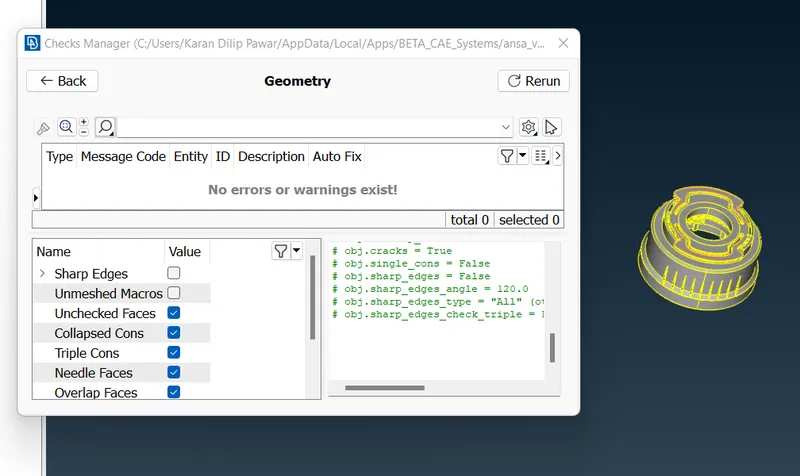
2. Clean up of geometry Tools-Checks-Geometry
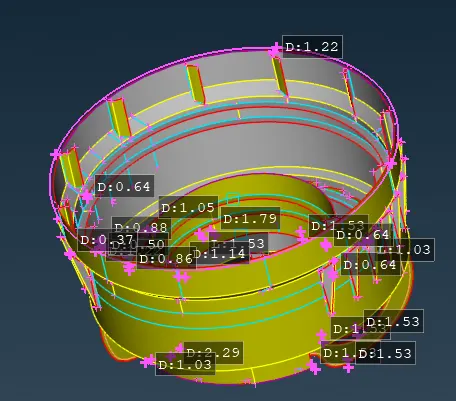
3. Starting with the midsurface of the geometry by measuring each of the thickness
4. Creating the mid surface for circular surface with the offset command first giving offset value later on using cons2curve for the same midsurface and deleting the midsurface to avoid the interference of special features
5. Using Curves- Connect connecting the curves and making a midsurface with help of Faces-New command
6.For threads using Curves-Middle having a middle curve projecting to the next cyclindrical midsurface geometry. with the help of Faces- New forming a mid surface by selecting the middle curve and projected middle curve to the next geometry.
7. For the top portion of bottle cap first toggle the unnecssary curves measure the thickness using offset command get the mid surface
8. For Triangles use Midsurface-Multi to get the midsurface
9. For the Inner Special Features use Curves-Middle and get the mid surcface
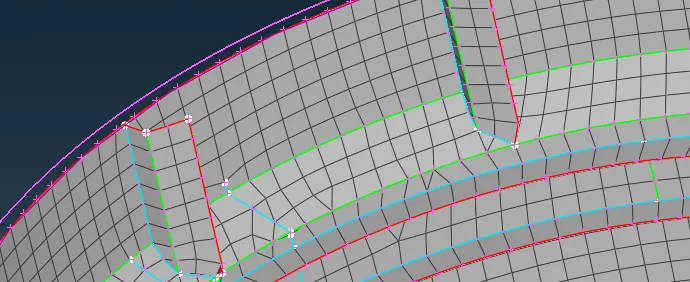
10.Use Points - COG get the cog for rotate of the above mid surface
11. Use Transform-Copy- Rotate for above midsurcface rotation
12. Apply the thickness to each midsurface by using SET PID
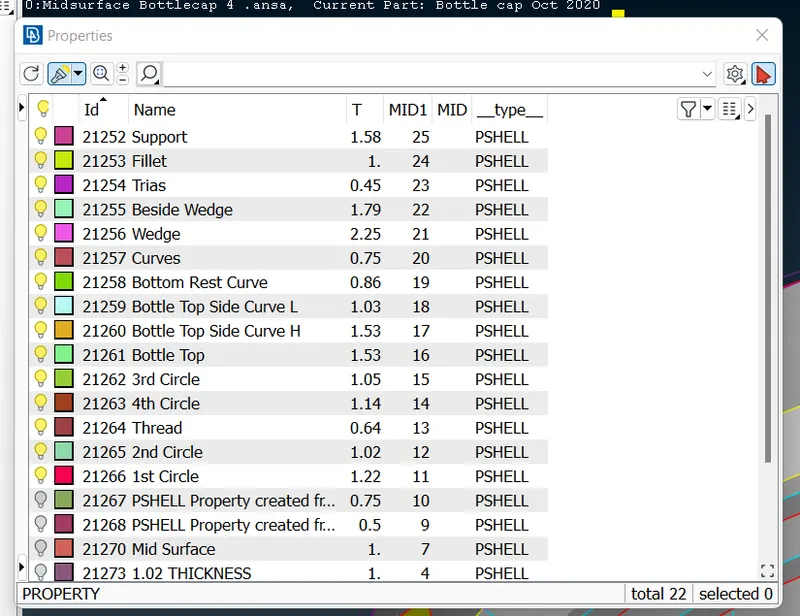
13. Completed with the Midsurface
14. Perform Cleanup and move forward with the mesh by using BEST, Reconstruct & Smooth options
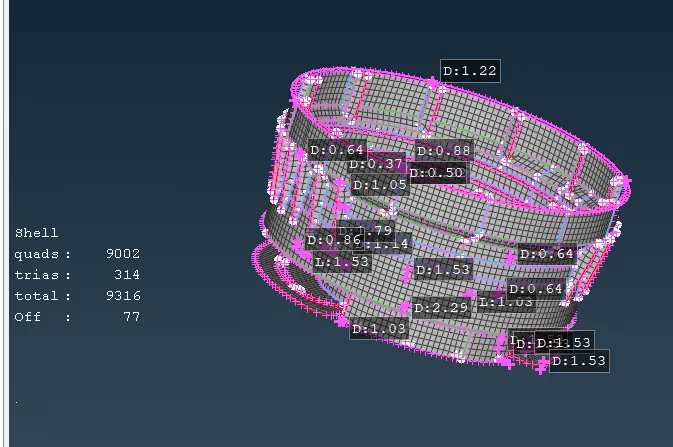
15.Apply quality parameters
Learning Outcomes-
Learn Different options like- Cons2Curve, Curves-Middle, Rotate, COG
Conclusion -
Overall a challenging assignment got to know new ways and simpler ways to get the mid surface