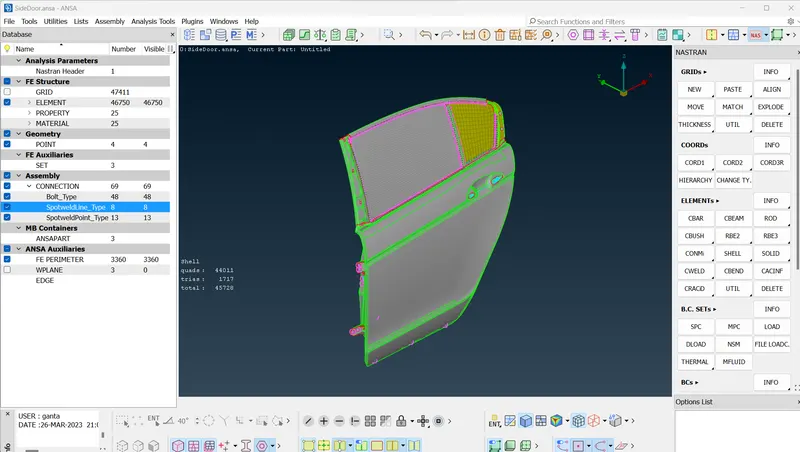
Week 9 - Creating connection for Rear door
Objective :Creating connection for Rear door
1. Import the File
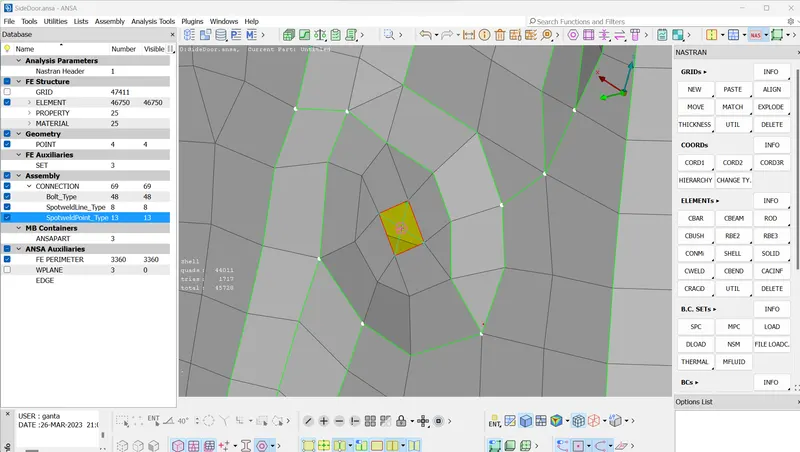
Create suitable Connections. Make Rbe2 elements for Bolt.
Go to Rbe2- select many nodes- then select nodes - then click on next- Rbe2 is done.
Rbe3 Elements
2. Here I have used Rbe3 because it is fixed
Go to Rbe3 to select elements and then click on next.
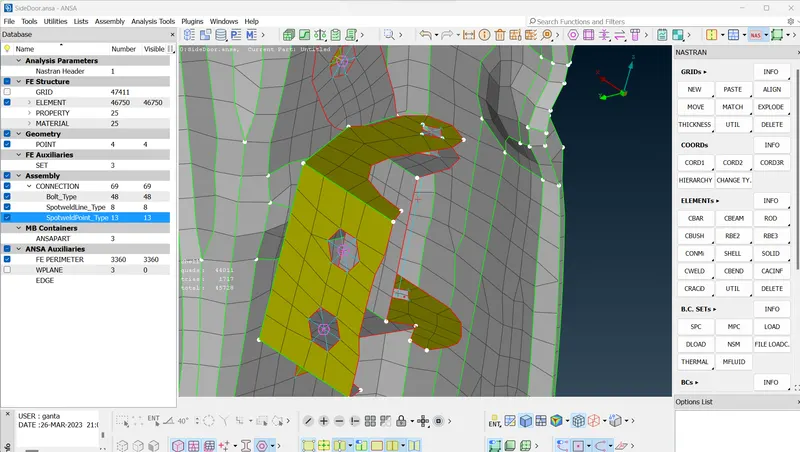
Rbe3 with move nodes
3. Move nodes upto glass because it will be fixed to glass and help it to go Up and Down.
Select Rbe3 and make the fixed connection, this is for spotweld joint.
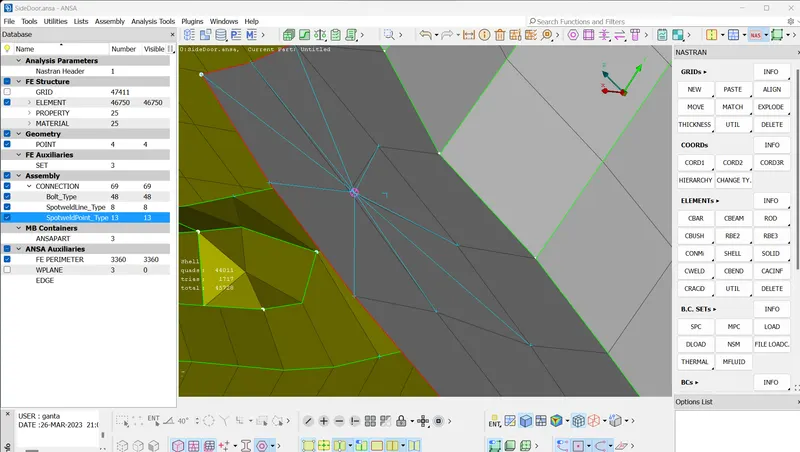
Cbush connection
4.Use Cbush connection for moving windows. Use weather strips around window glass so it will cushion it.
For Cbush connection, first make a curve by using Feat2curve from Classic mesh. Make a curve on both sides of the glass by 10 mm gap on each side by using the copy option from Transform.
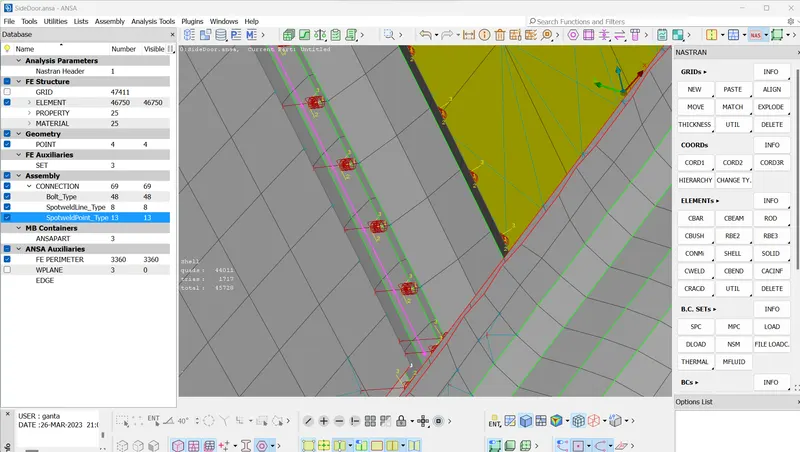
Then go to the nastran deck and go to cbush and select the curve and then give the stiffness value and then make Cbush property and then click ok.
Conclusion
Connections are made for bolts, sliding, weld joints.