Week- 5 - Solid meshing
Aim:
To check for the geometry errors of given 2D model. And make tetra mesh for the same using given quality criteria.
2D
Target/Average length 1
Minimum Length 0.5
Maximum Length 2
3D
Test Collapse 0.2
CAD model
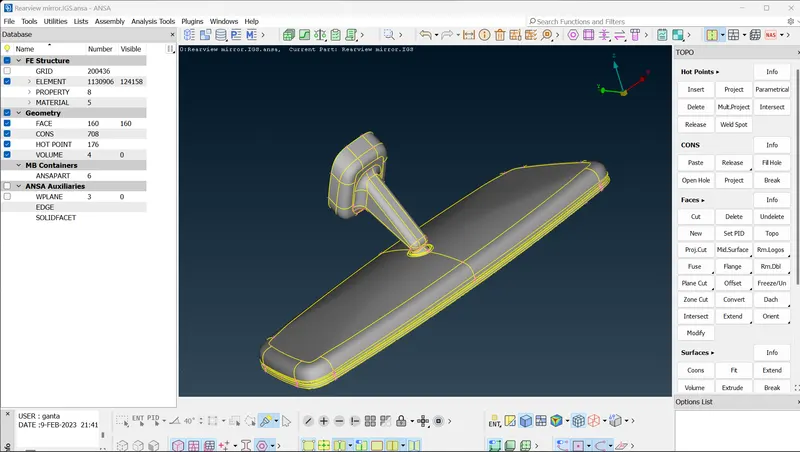
Procedure:
1. Open the ANSA file.
2. Hide the remaining models with PID properties tool.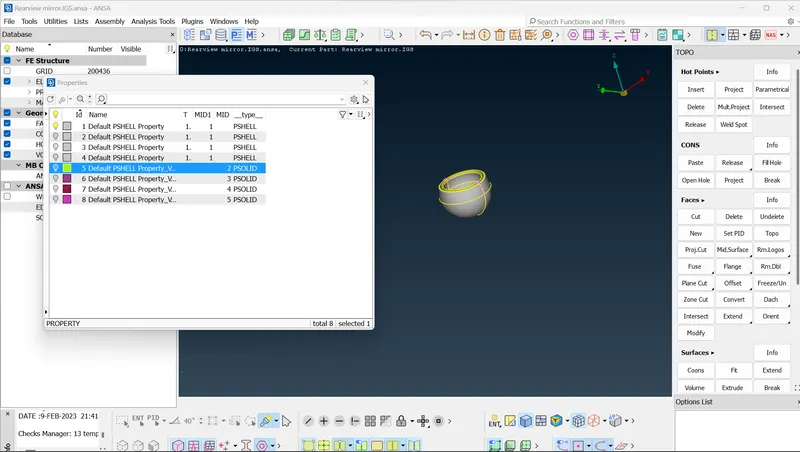
3. Check the geometry clean up for each model and make topology for that.
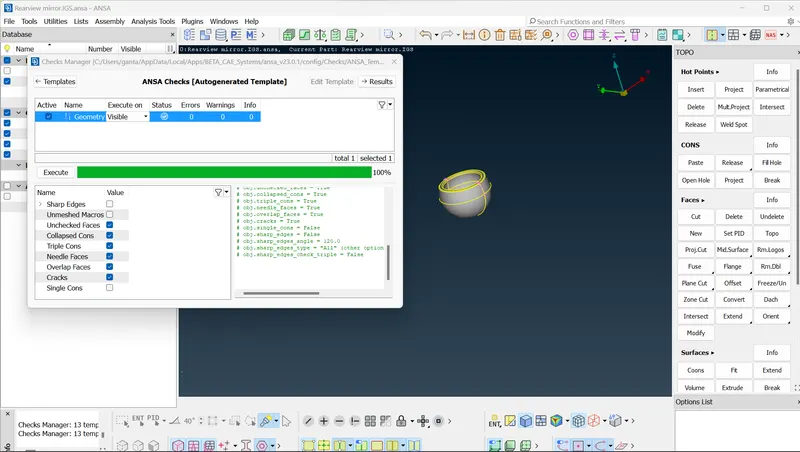
4. Give the mesh parameters for given model.
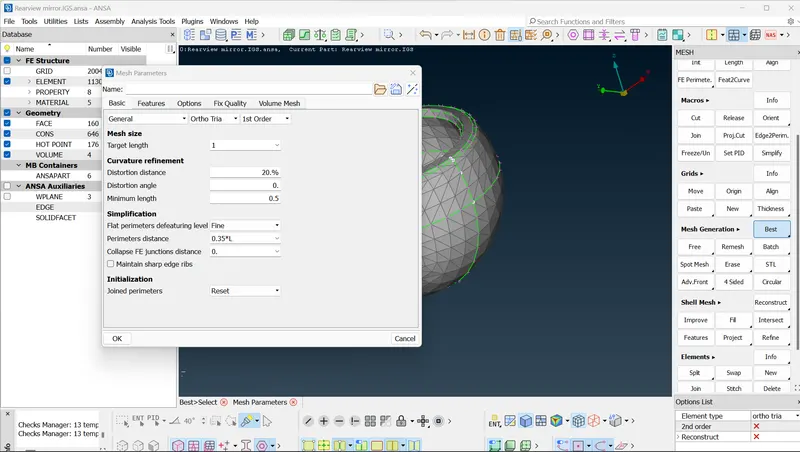
5. Mesh the part with best mesh tool .
For plane surfaces use tetra mesh
For curve surfaces use ortho tetra mesh.
6.After making the mesh go to volume mesh.
Give quality criteria for given solid shell.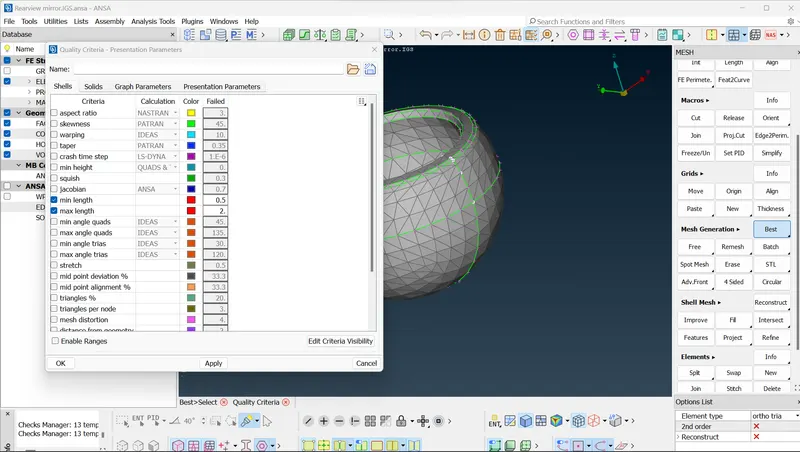
Define the volume mesh for given model.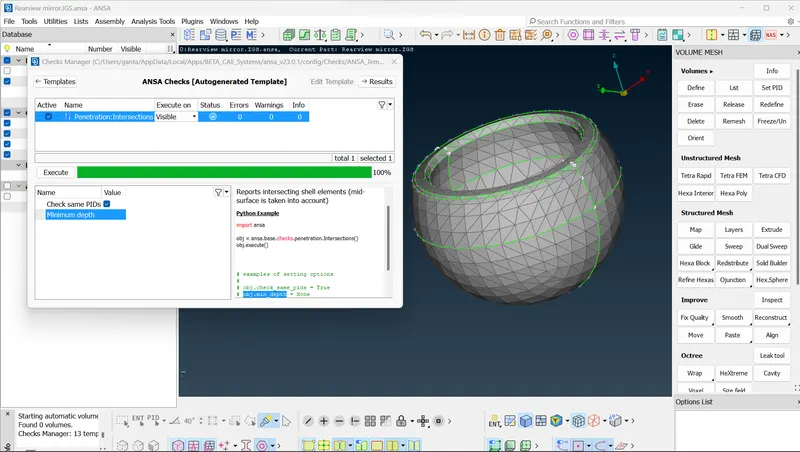
Make volume mesh in this. and hide geometry.
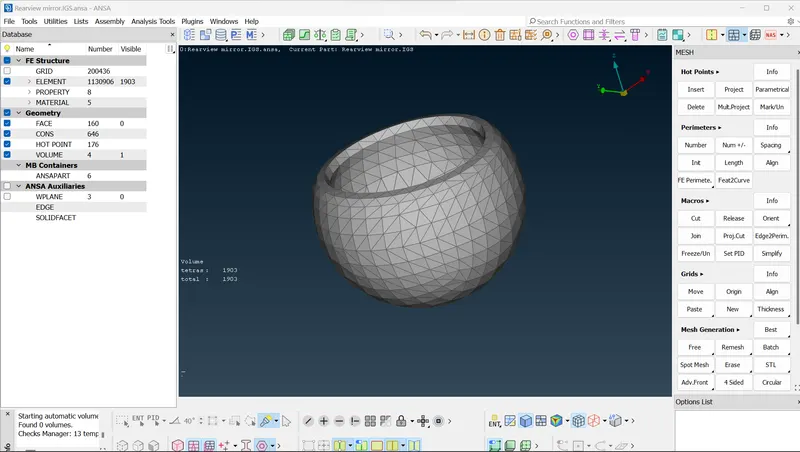
Do this for remaning parts also.
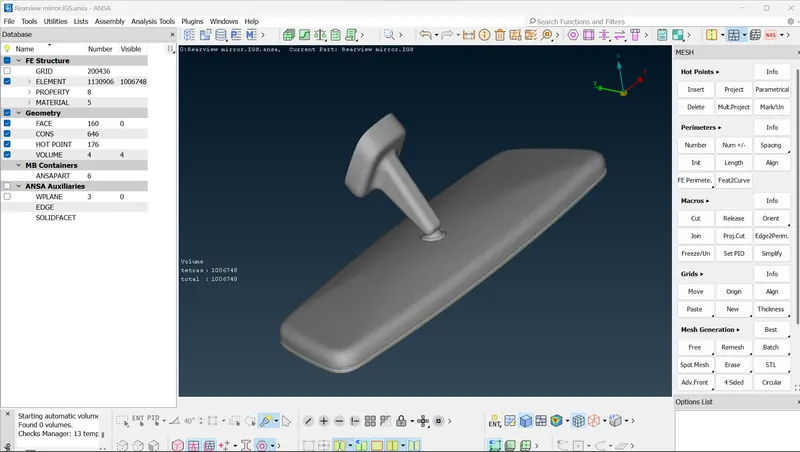
Conclusion:
1. Performed geometry cleanup for given model
2. Done tetra mesh for given quality criteria.