Week 3 - 2D meshing for sheet metal
Aim : To make the mid surface of the given model and make the mesh to the mid surface of the model.
Procedure:
1. Insert the given hood model to the ANSA software.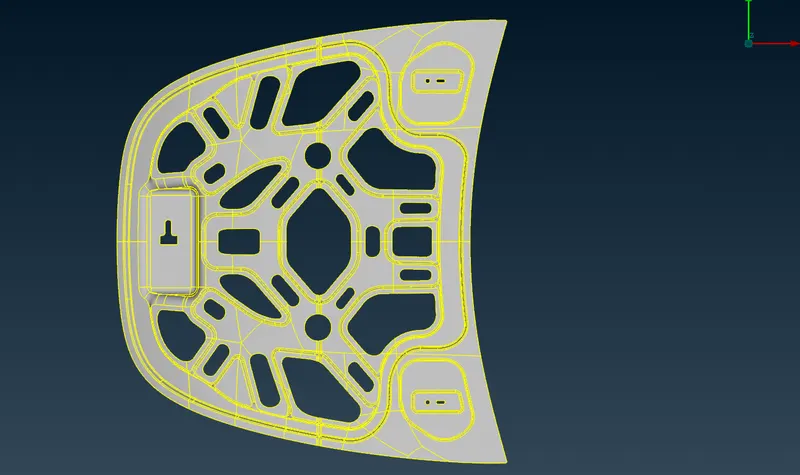
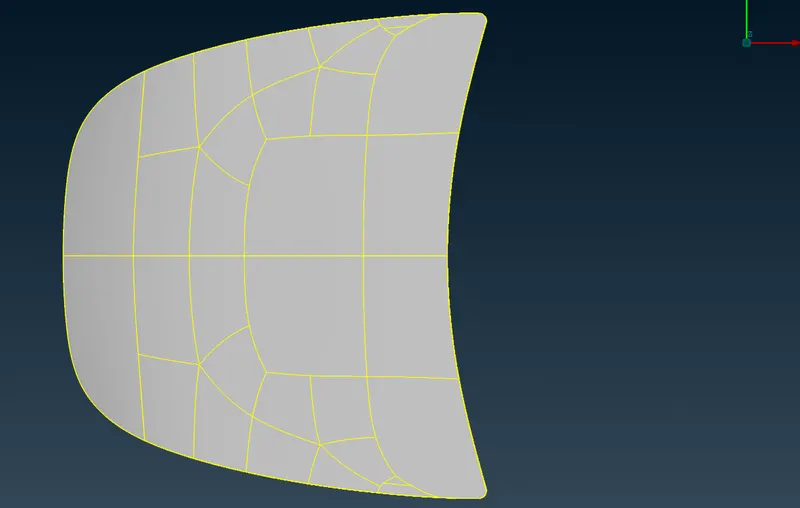
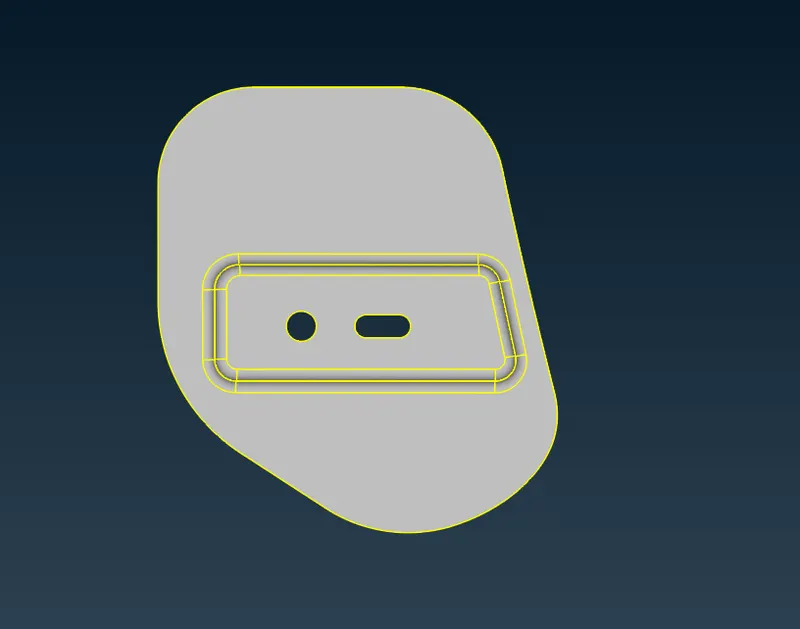
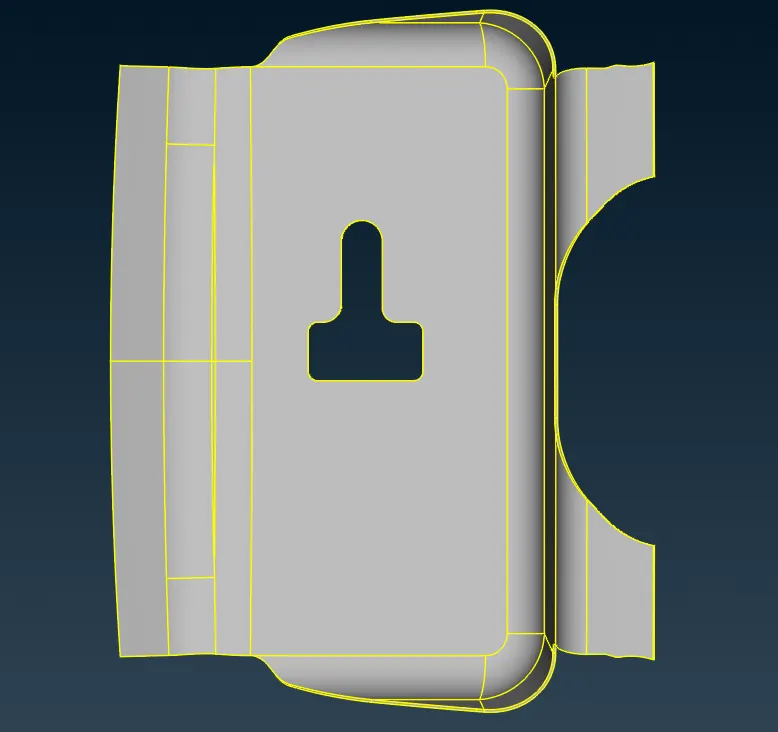
2. Go to classic mesh module and change the parameters length to 1.
3. Go to topo module and clean up geometry errors using the tools in topo module. make sure that there is no single and triple cons error.
4. Go to checks - geometry checks
5. Go to properties tab and hide all theother models and use only one perticular model for meshing.
6. Mid surface extraction using any of the steps either with mid surface or offset the surfaces.
7. Go to classic mesh module and change the parameters length to 5
8. Check for geometry errors again
9. Delete unnecessary elements and nodes using the edit options like cut, join, delete etc. in topo module.
10. Before making mesh change mesh quality to 5 and minimum length to 2
11. Quality criteria according to the given parameters in question.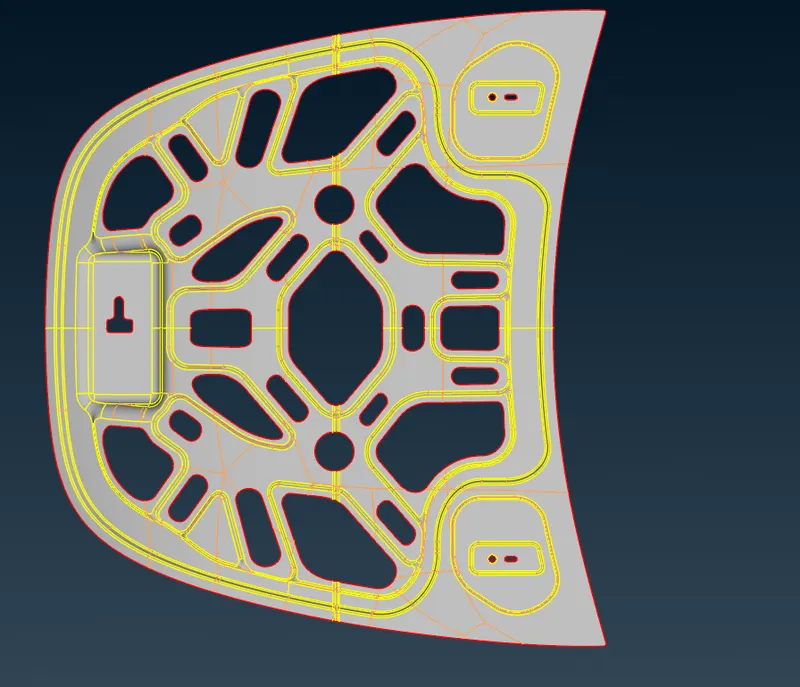
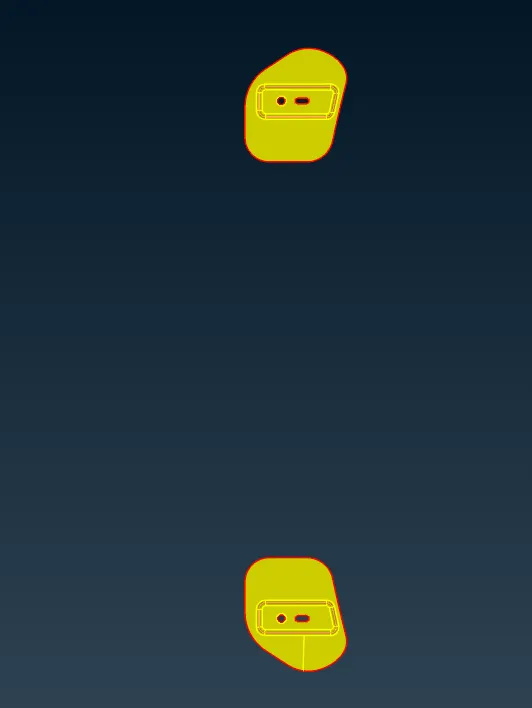
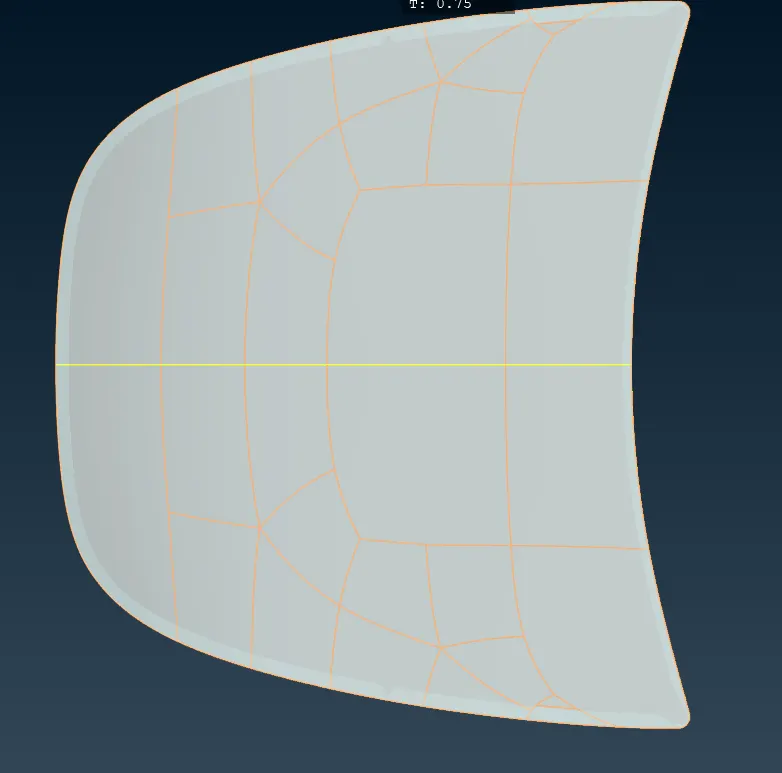
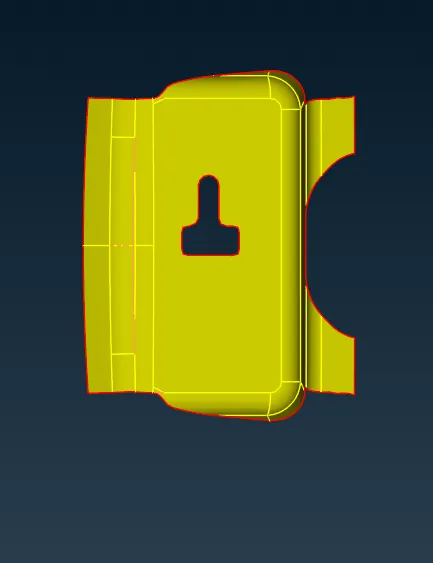
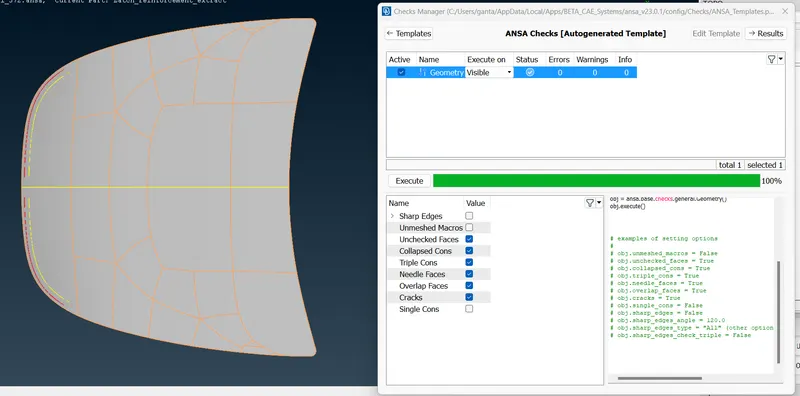
12. Make sure the geometry check has no errors and go further.
13. Generate mesh in classic mesh module usig the best option tool
14. Reconstruct the mesh if showing any errors for mesh quality.
15. Make the changes in the mesh according to the given quality criteria of meshes.
16. Use the tools like split, cut, join , delete to make the changes iin mesh.
17. Try to make quads as much as possible and resuce trias and complex meshes.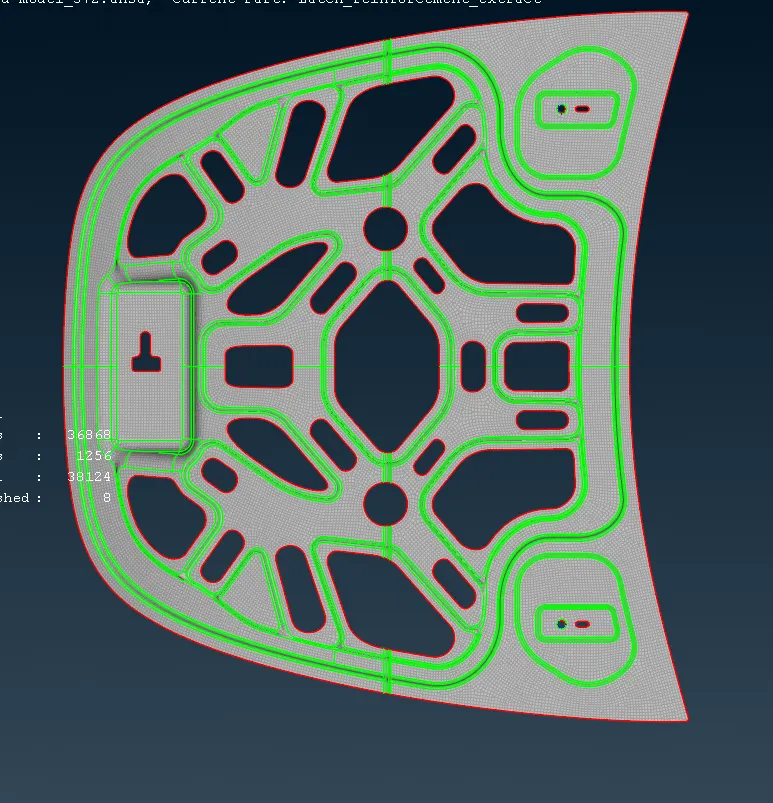
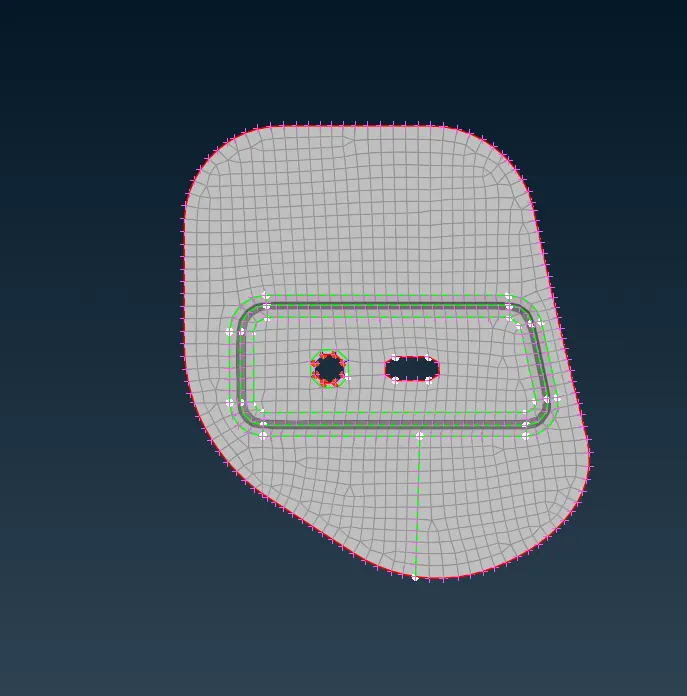
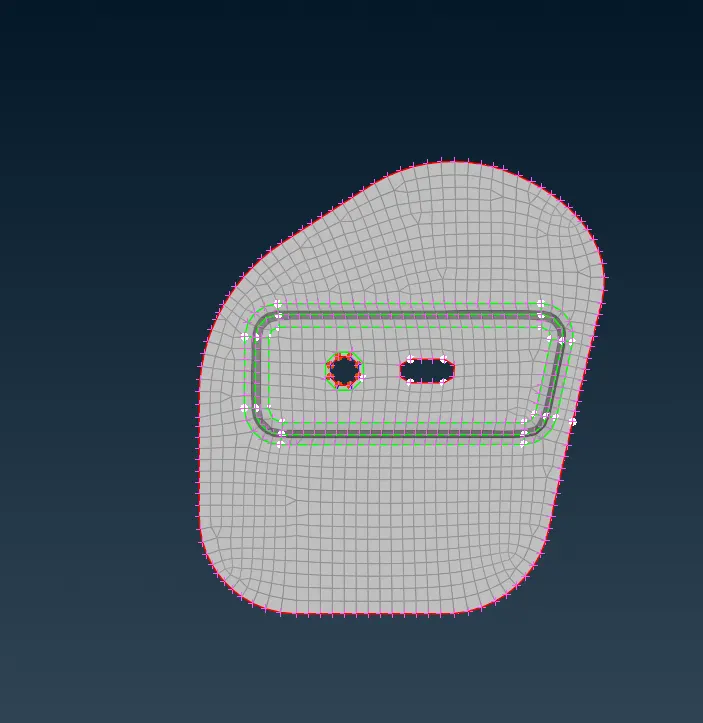
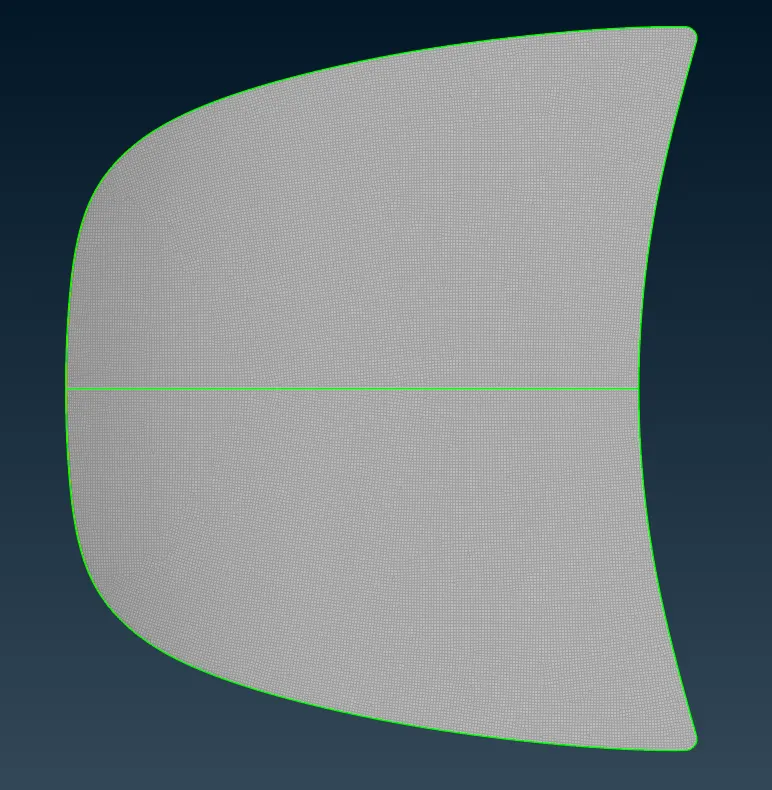
18. Make all the meshes for remaining parts also.
19. Follow the same steps to make the mesh
20. Make sure mesh quaity checck for all the parts.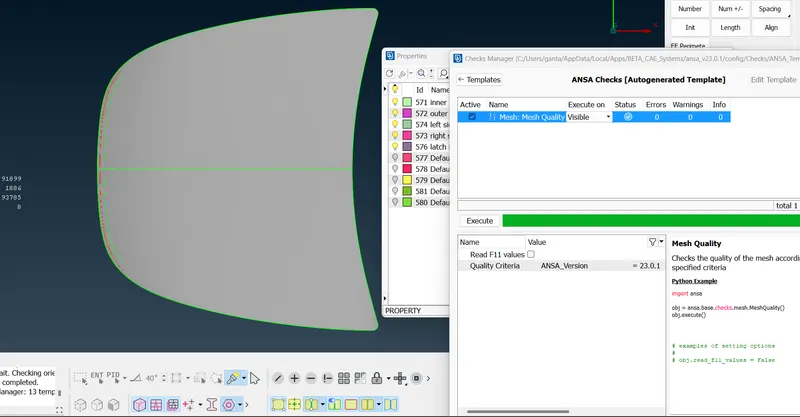
Conclusion:
For tht given model, made the geometry check up and also made the mesh for the given model without any errors.