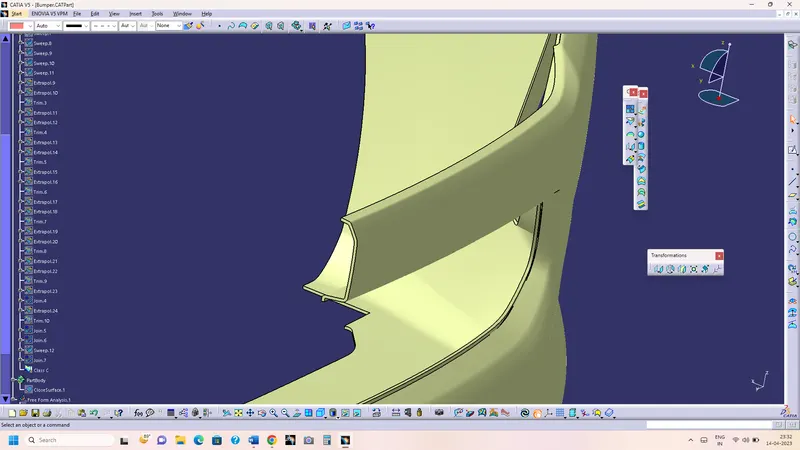
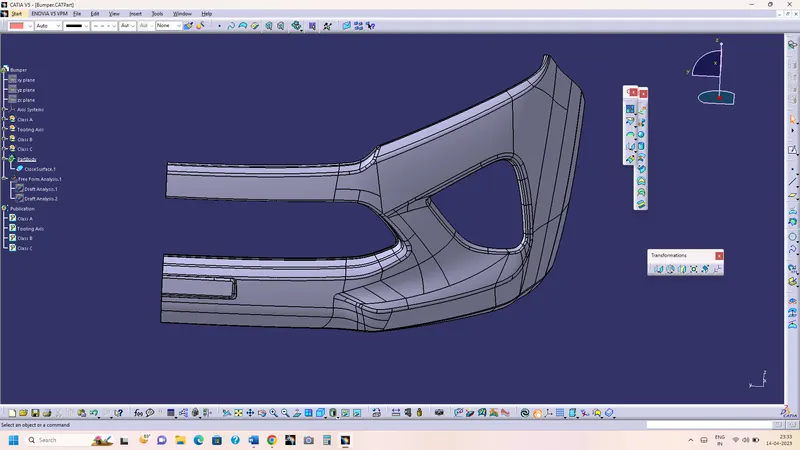
Week 9 - Challenge 3 - Bumper
AIM - Create the Bumper Plastic component through the given Class-A surface. To begin with, the tooling axis for the given Class-A Surface should be created meeting the requirements of the draft angle and at the end perform the Draft analysis on the model.
Take the Thickness of the component to be 3 mm.
Report -
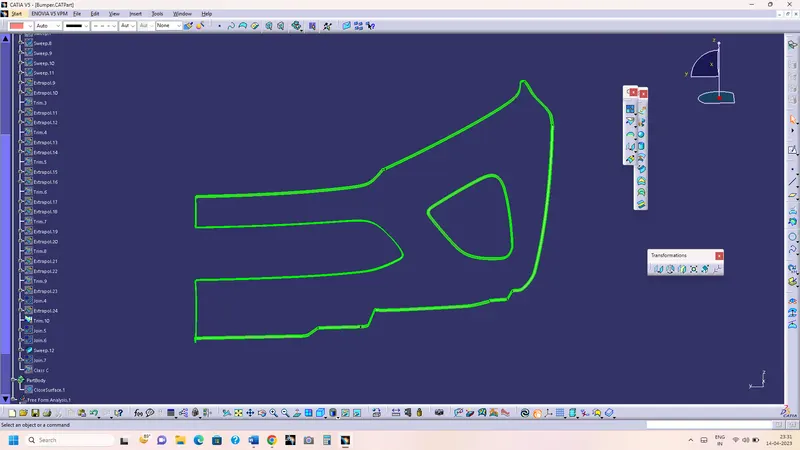
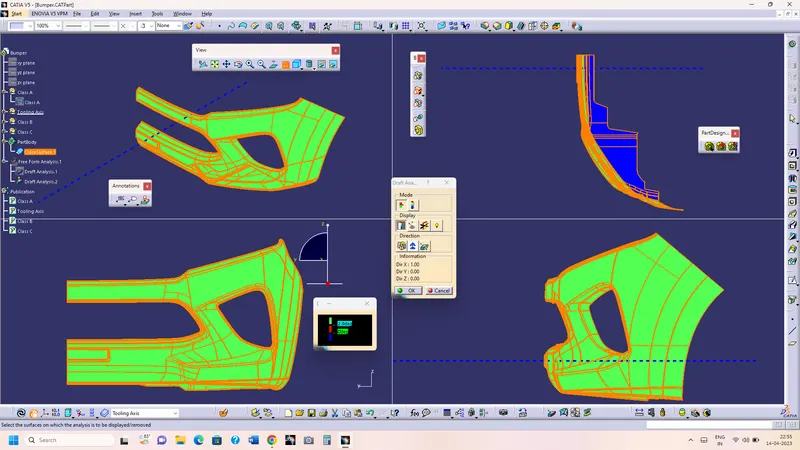
Report on Draft analysis and tooling axis creation - First of all checked the connexity error on given class A surface through boundary command. After that find the tooling axis which helps to open the mold or cavity easily in a direction. In this part visibly along X-axis is suitable direction , So I have used normal to surface method for finding tooling axis, Create an extract on plain surface and create a line in X direction. Now main tooling axis is X-axis. Now start the draft analysis on given class a surface using the main tooling axis with 2.9 degree draft.Given Class A surface should be all green.
Tooling Axis by Bisecting Method - To creating a tooling axis by bisecting method is way to find the exact tooling axis with the help of dummy tooling axis, First of all create a intersect sketch of the given surface. After that create a two line on sketch which is not parallel to each other, after that create a bisect line of those two lines. Finally get a line which bisects the two non-parrallel line, which will be tooling axis.
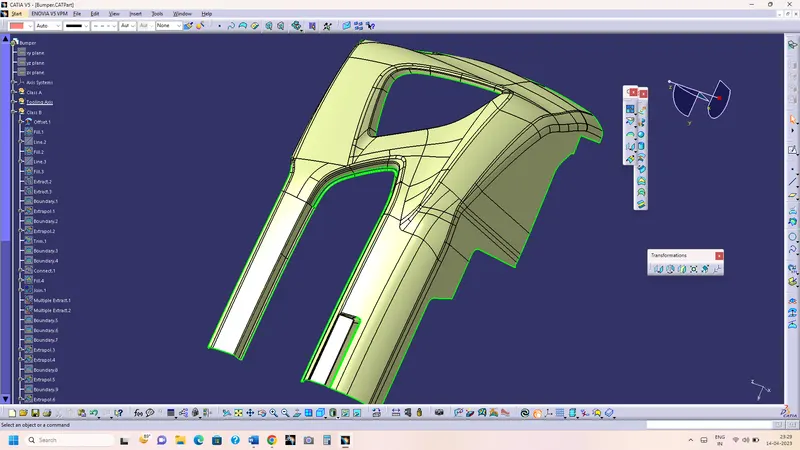
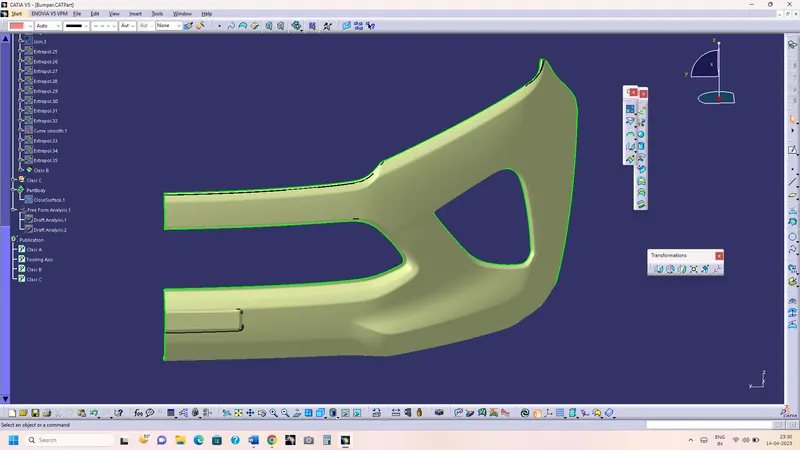
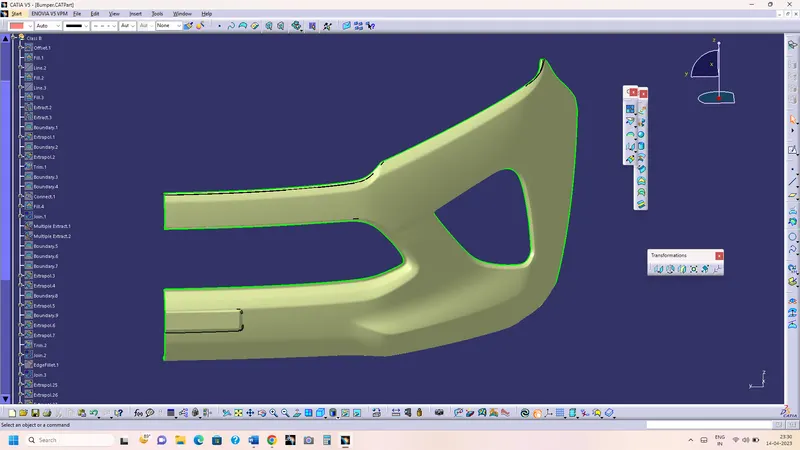
- Screenshots of the Draft analysis report for both the given Class-A surface and the final plastic component.
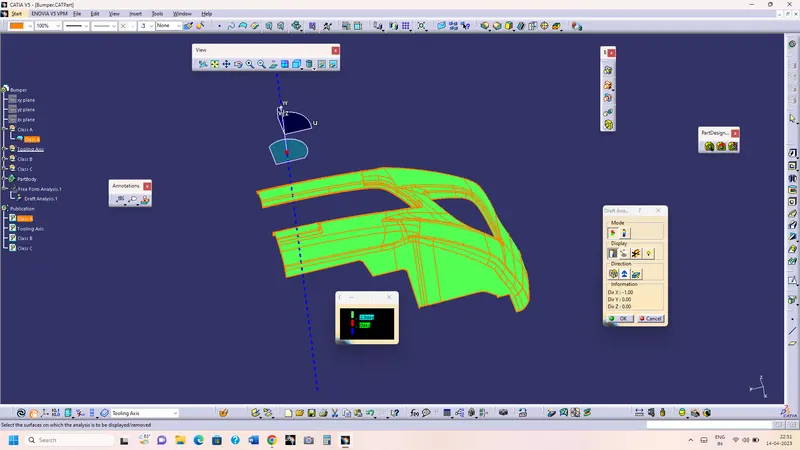
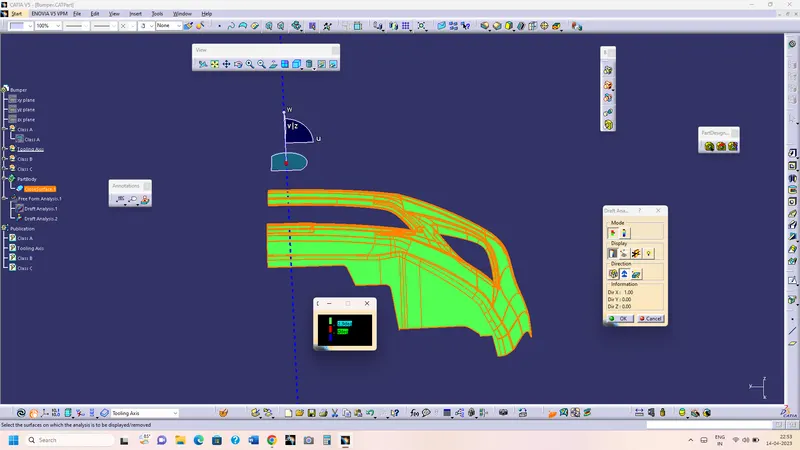
- Screenshots of the solid model with the proper color code of the draft angle in various orientations (Isometric, Front, Side, and Top View)
Screenshots-