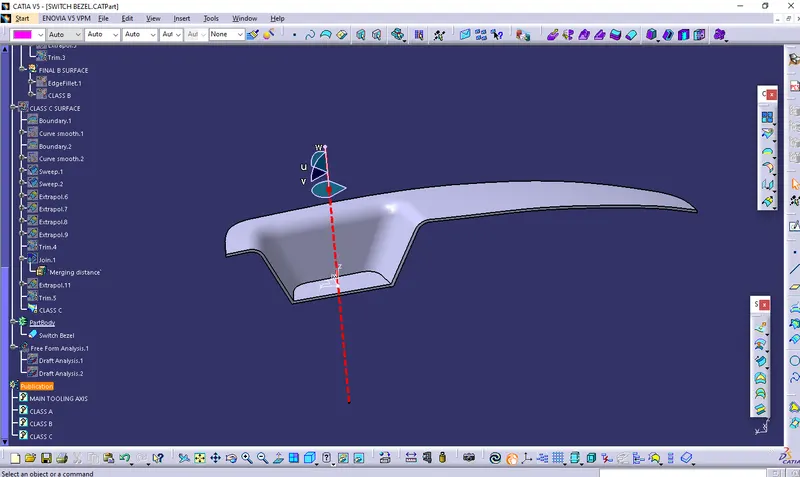
Week 8 - Challenge 2 - Switch Bezel Design
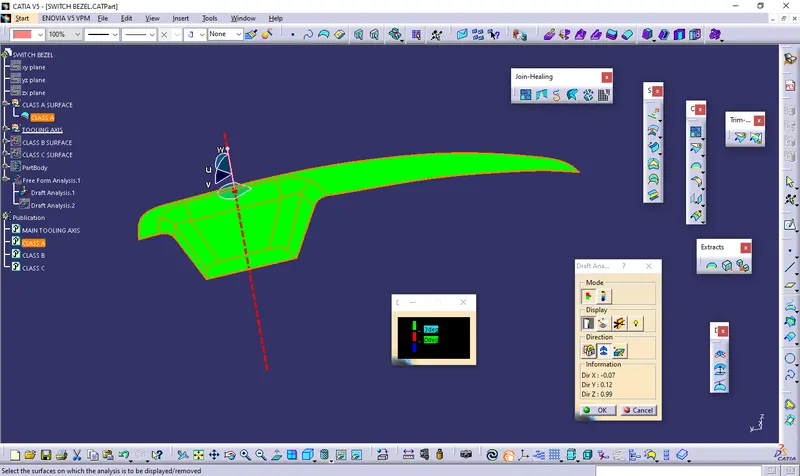
Report on Draft analysis and tooling axis - First of all checked the connexity error on given class A surface through boundary command.There is one outer boundary. After that find the tooling axis which helps to open the mold or cavity easily in a direction.In this part visibly along Z-axis is suitable direction , So I have used normal to surface method for finding tooling axis, Create a point on surface and line in Z direction.Now main tooling axis is Z-axis.
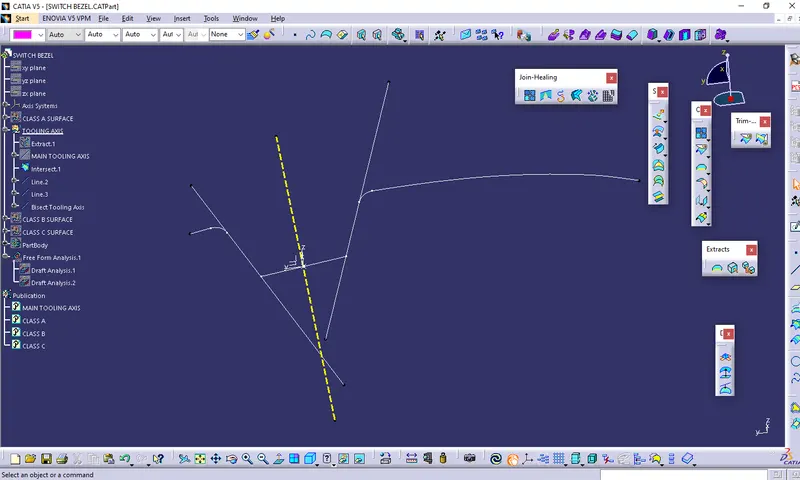
Tooling Axis by Bisecting Method - To creating a tooling axis by bisecting method is way to find the exact tooling axis with the help of dummy tooling axis, First of all create a intersect sketch of the given surface. After that create a two line on sketch which is not parellel to each other, after that create a bisect line of those two lines in the refrence of Z-axis.Finally get a line on Z-axis which is tooling axis. But in this part bisecting method is not suitable for finding main tooling axis.
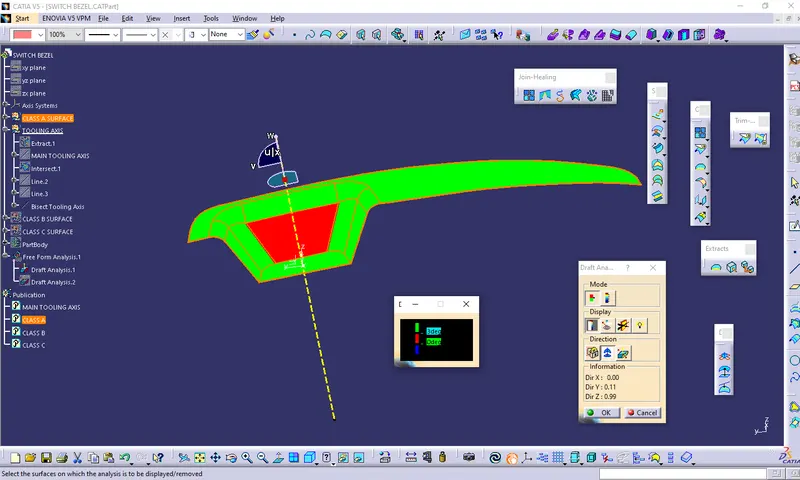
Screenshots of the Draft analysis report for both the given Class-A surface and the final plastic component.
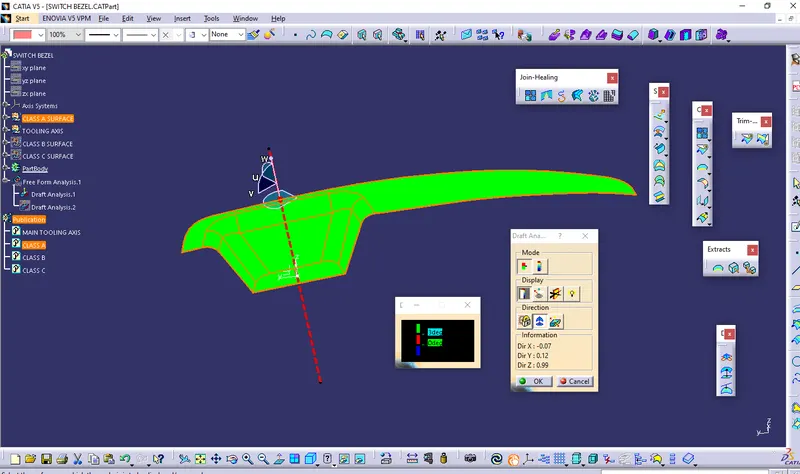
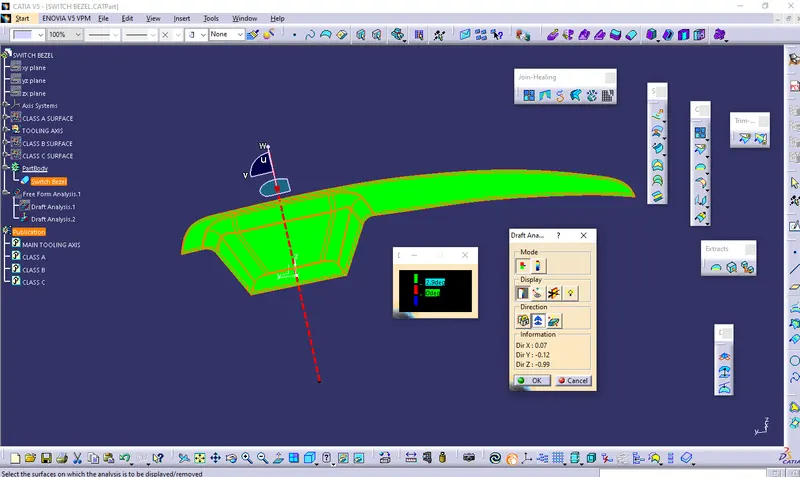
Screenshots of the solid model with the proper color code of the draft angle in various orientations (Isometric, Front, Side, and Top View)
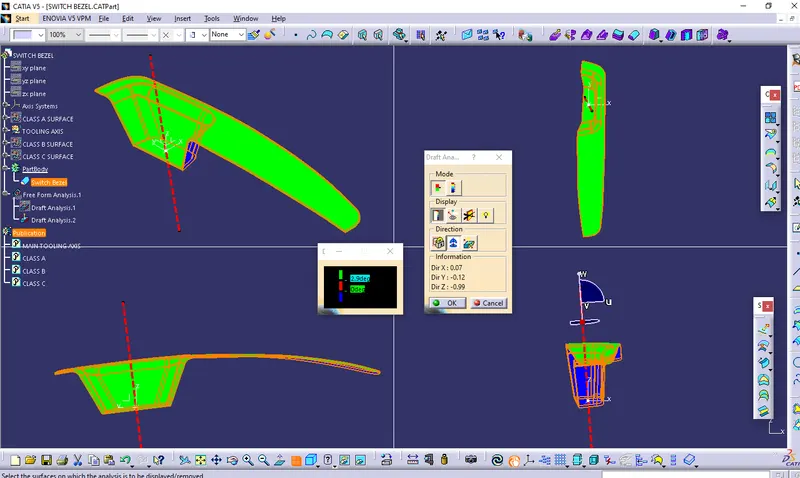
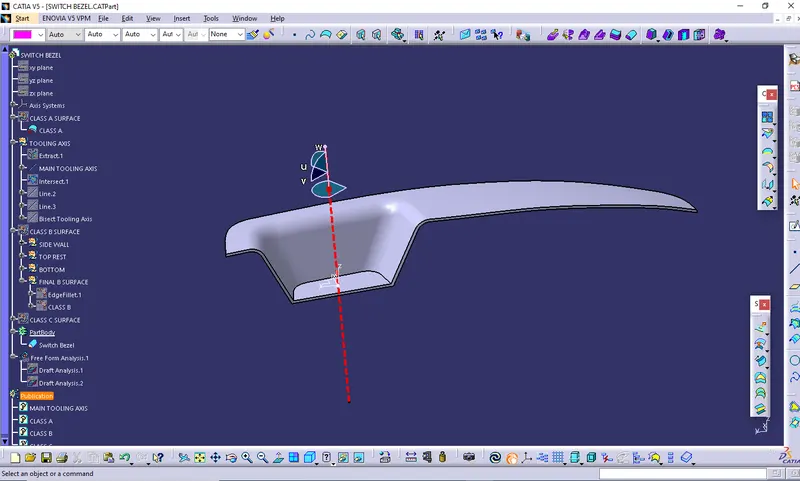
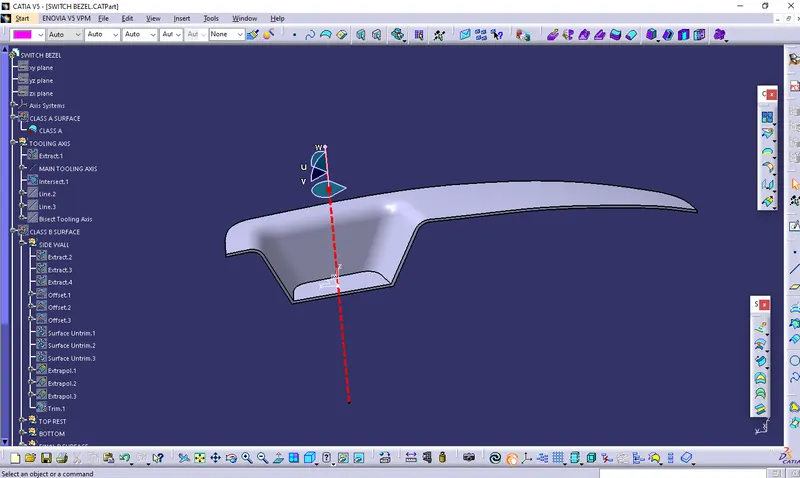
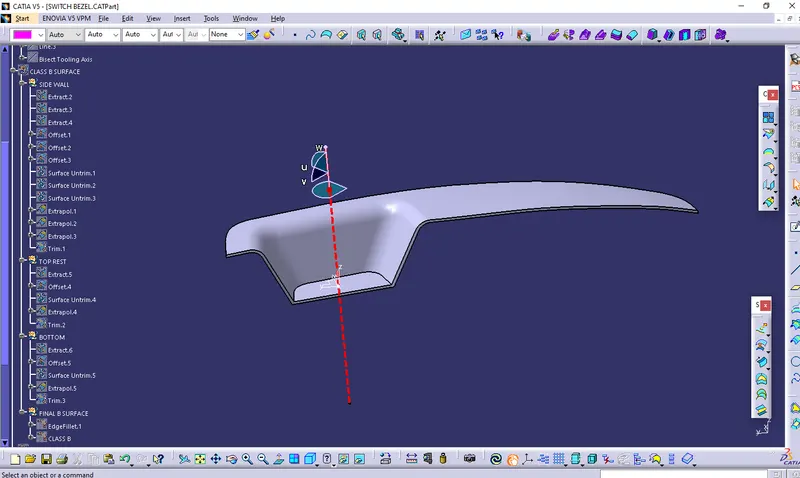
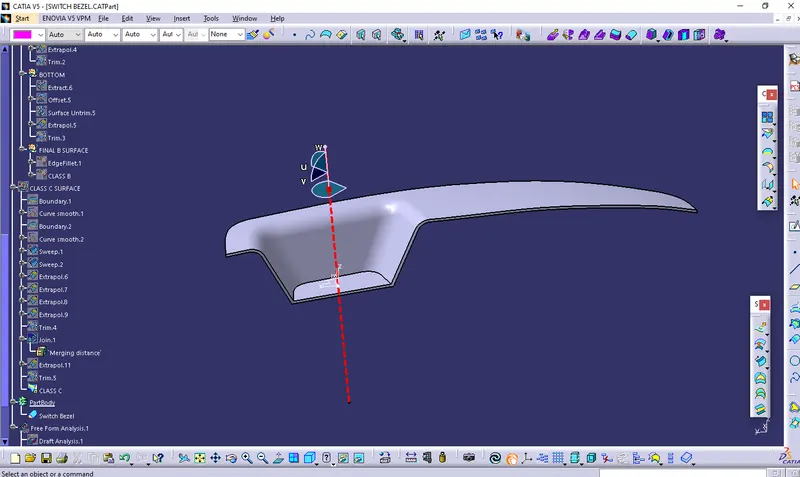
Tree structure