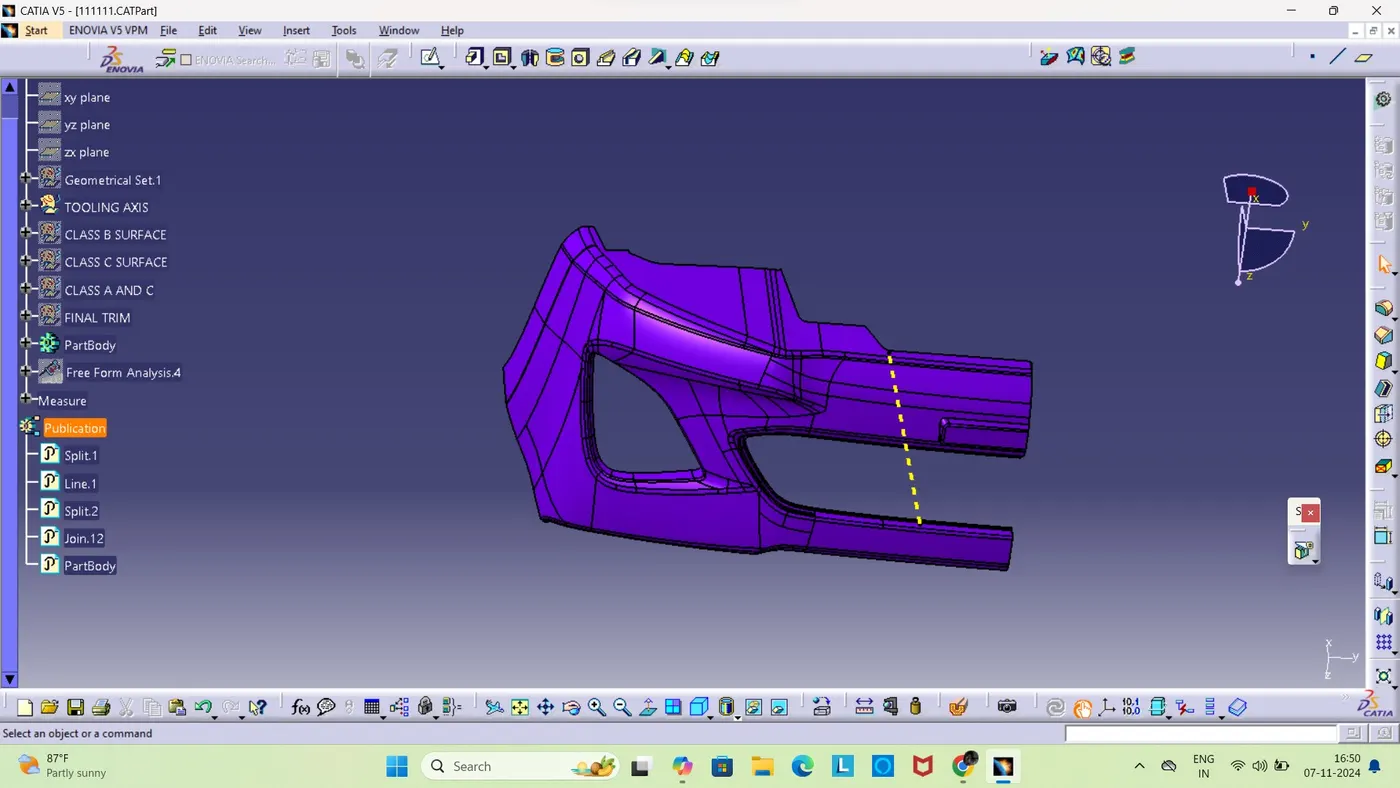
Week 9 - Challenge 3 - Bumper
Conditions that should be considered
the thickness of the component should be 3 mm.
Draft angle should be 3 degree.
CHECKING THE CLASS A SURFACE
We need te analyse the class a surface provided by intially checking whether there is any openings or gaps in it through manually panninng the component and then for a conformation select boundry comand and create the boundry and confirm it.
CREATING TOOLING AXIS
We will observe the component in different direction and check in which axis does the most patches of the component is being covered and then if there is any holes place a point and line should be created perpendicular to the componet and name it as the tooling axis.
To check whether the tooling axis is right or wrong we can use draft analysis and check whether the analysis is getting cleared using the created tooling axis.
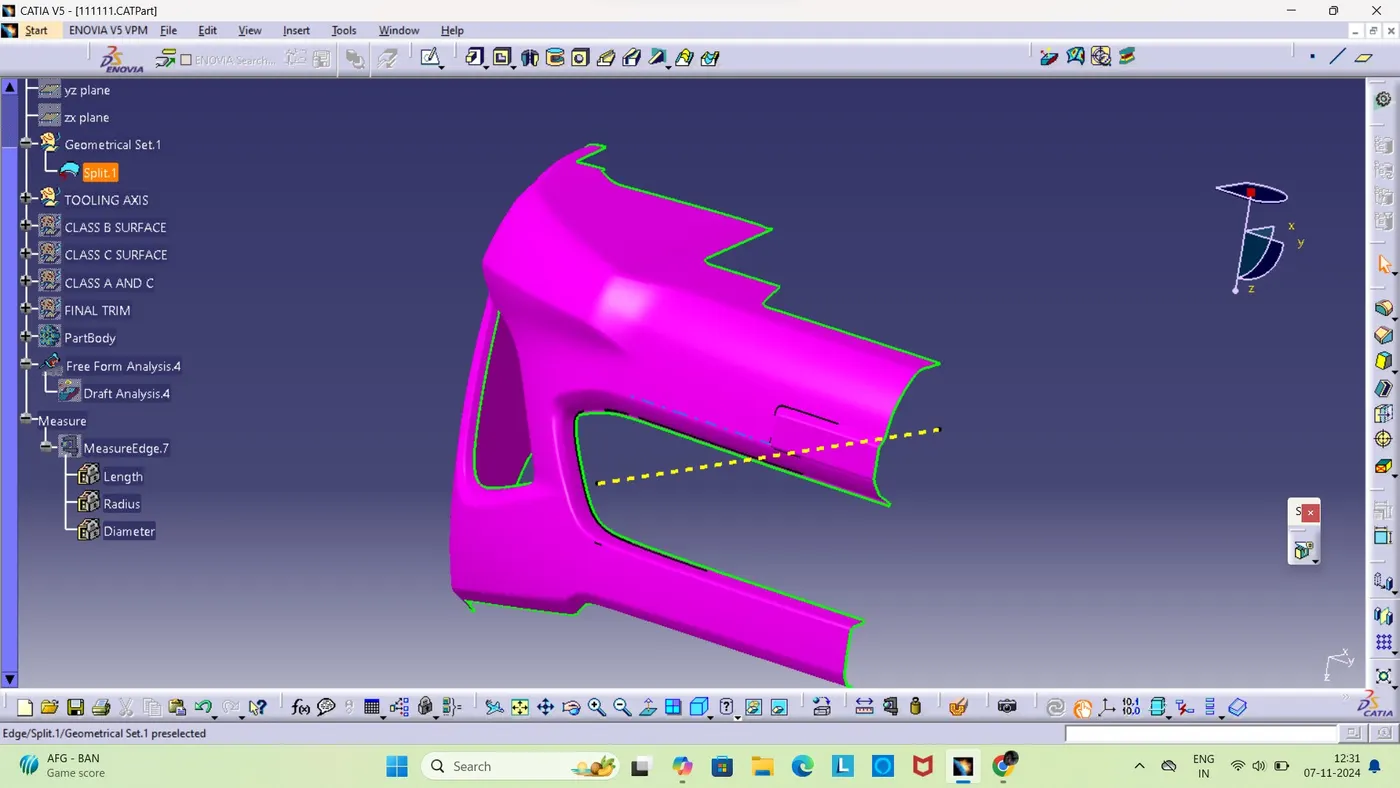
CLASS B CREATION
So in this intially we need to offset the thickness value from the class a ad then you can observe that that the the fillet area cannot withstand this value so it gets missed while offsetting.in order to recreate the missing areas we will use different commands like boundry,multile extract,untrim,trim,join,split etc and these commands are used and with the help of this we will be able to create the class b properly.
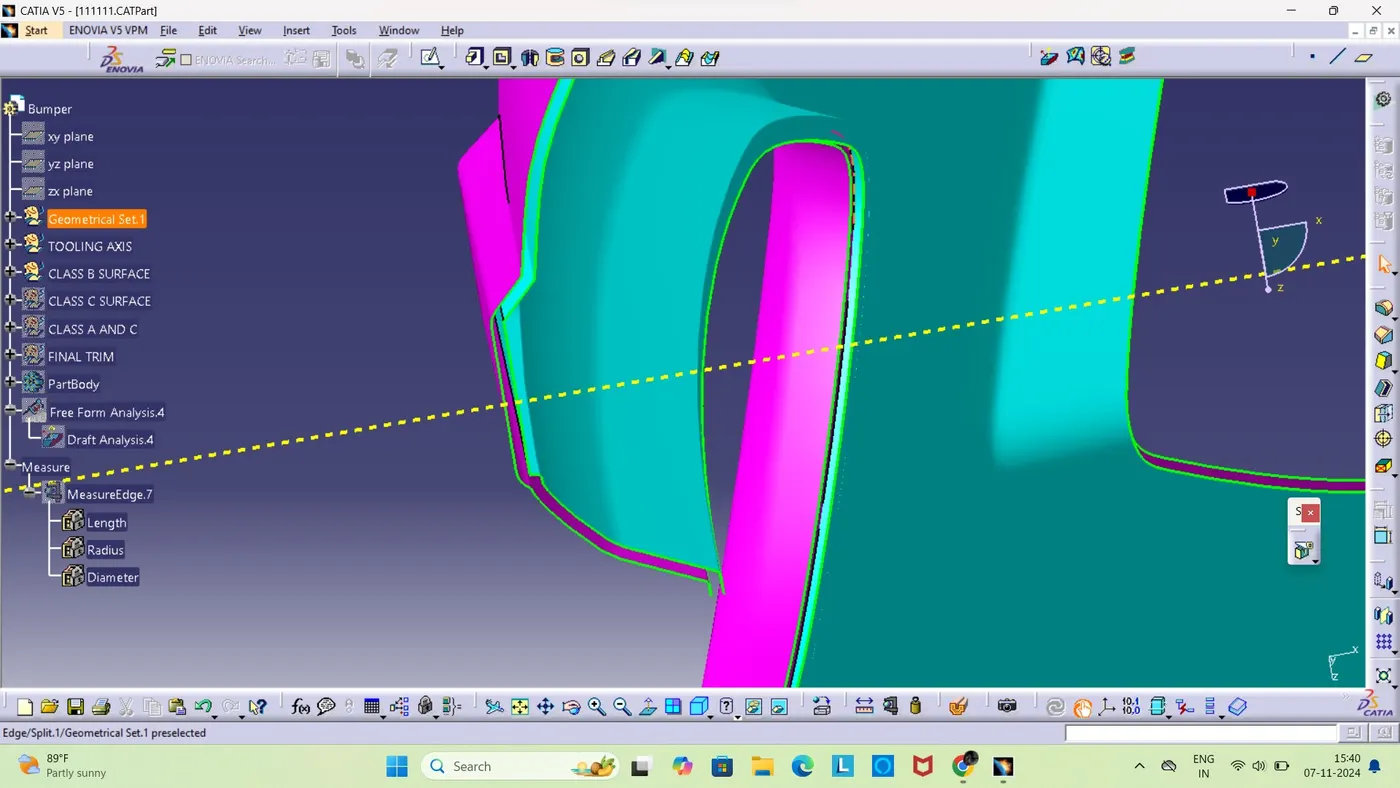
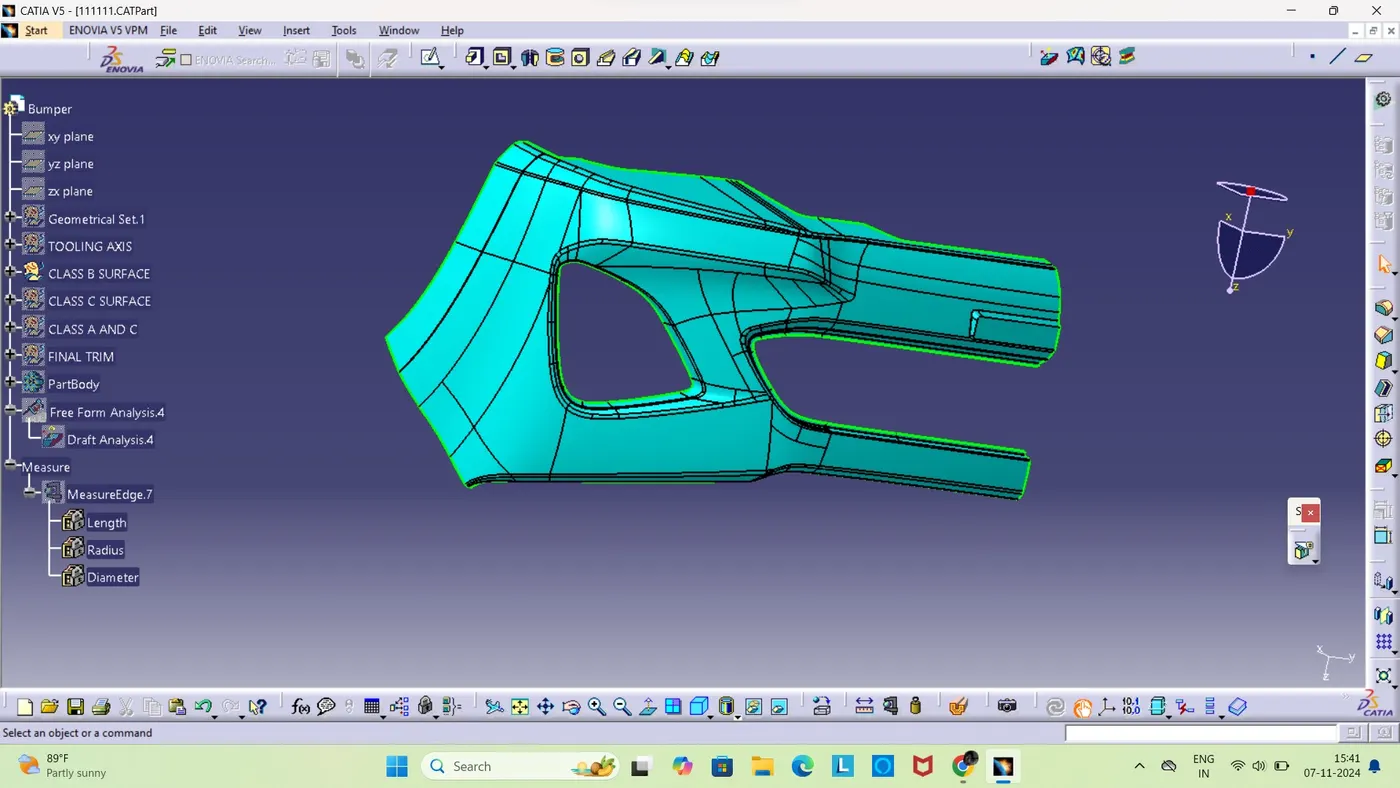
CLASS C CREATION
As we comparing with other class this class is the one which is not seen and to create this we will extrat from the class a and we will use differnet tools like boundry,sweep ,trim and join.so when the boundries are parallel to the tooling axis then we won't give any angle only the desired lengths are given and if it is perpendicular to the tooling axis the we weill use sweep with reference to the axis and will give an angle of 3 degree outwards and the length. then we will use the trim command to trim all the unwanted areas.then we would be again extrapolationg it to meet our objective.
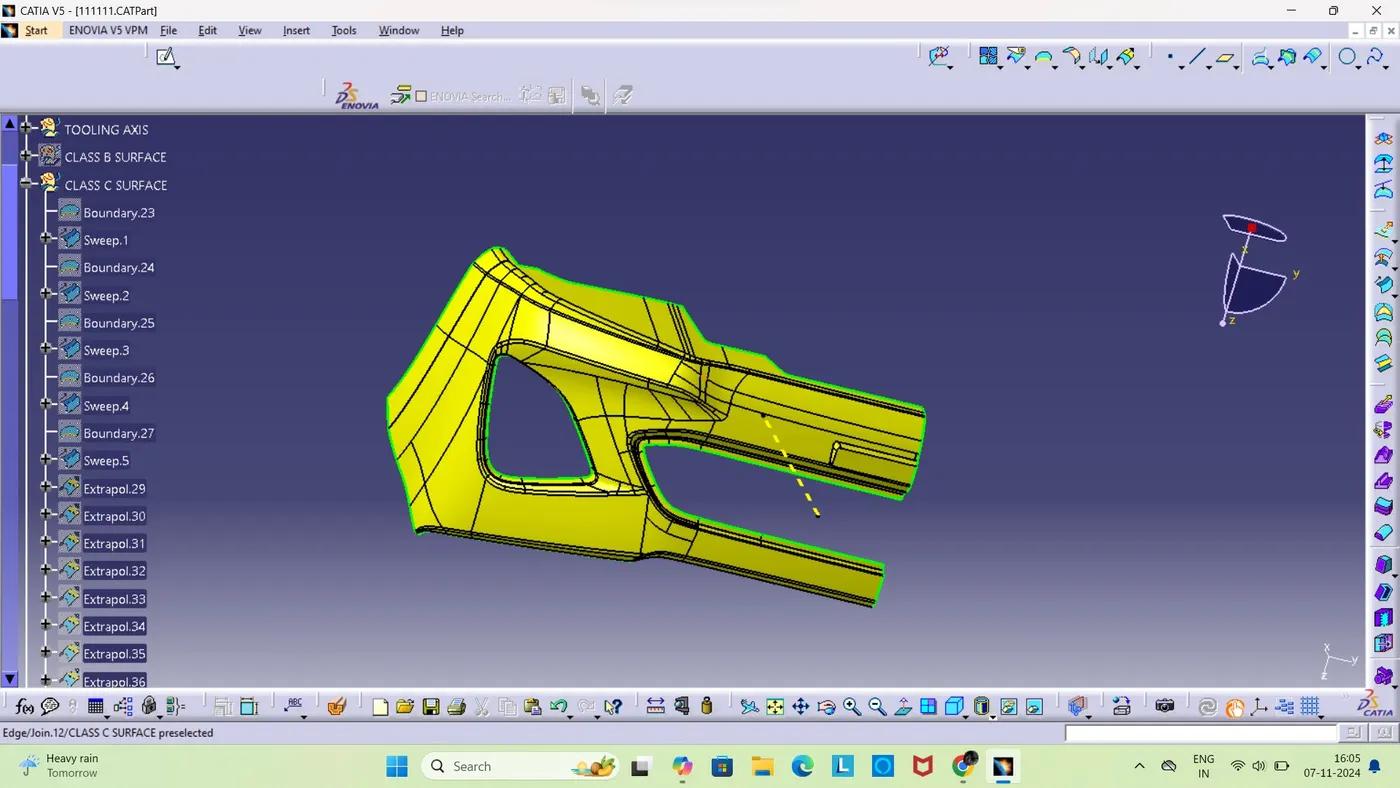
CLASS A AND C
After class c creation we used join command to combine both class a and c together.
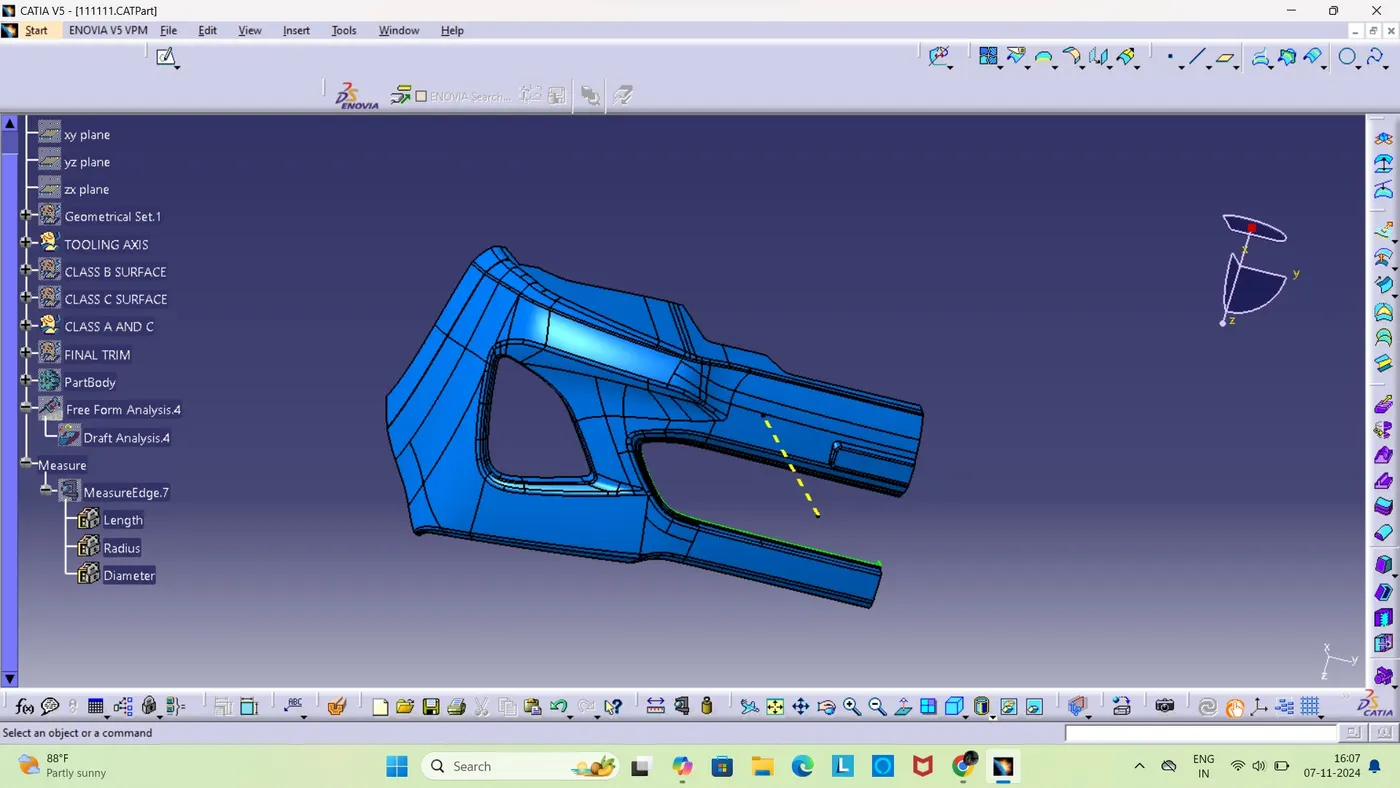
FINAL TRIM
Here our objective is to remove unwanted subjects so before that we used intersect comand to find out the interection betwwen class c and class and c joined one and we checked wether there is any open lines and if these is we wiil work on it using differnt commands like boundry ,multiple extract,join, trim and those open lines are cleared and the final trim is performed.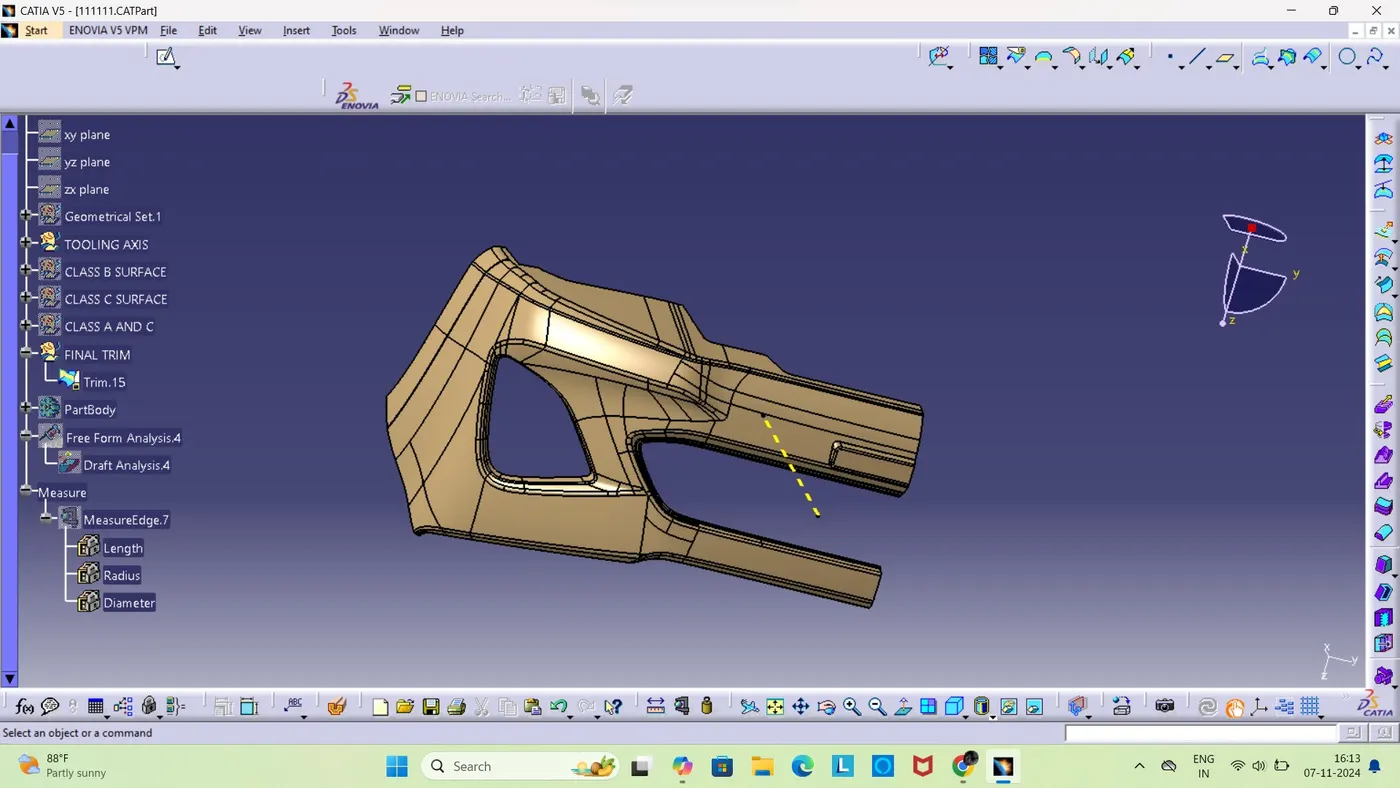
CLOSED BODY CRAETION
So now we need to create the componet to a closed body so we switched working screen from generative shape desigm to part body and used close surafe comand and it is created.
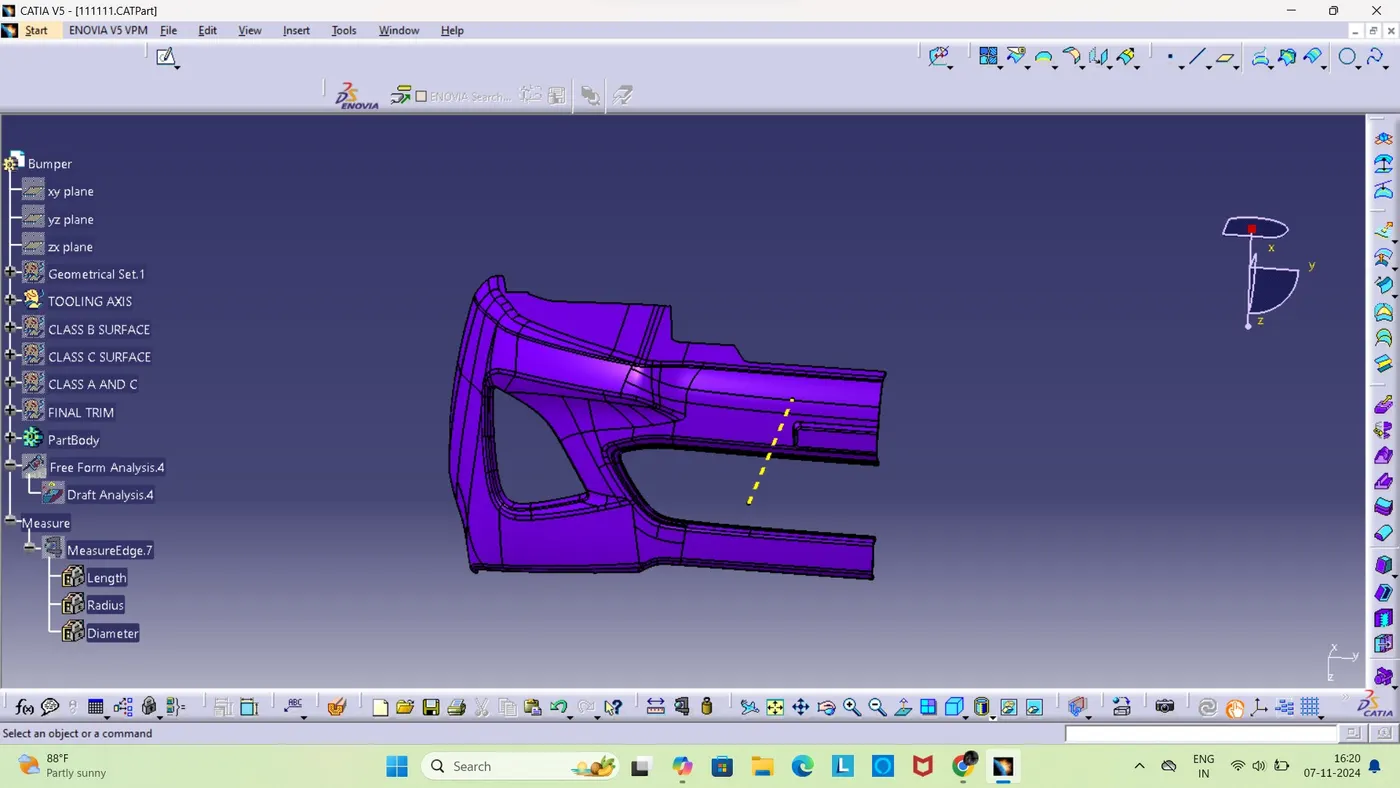
Draft ANALYSIS
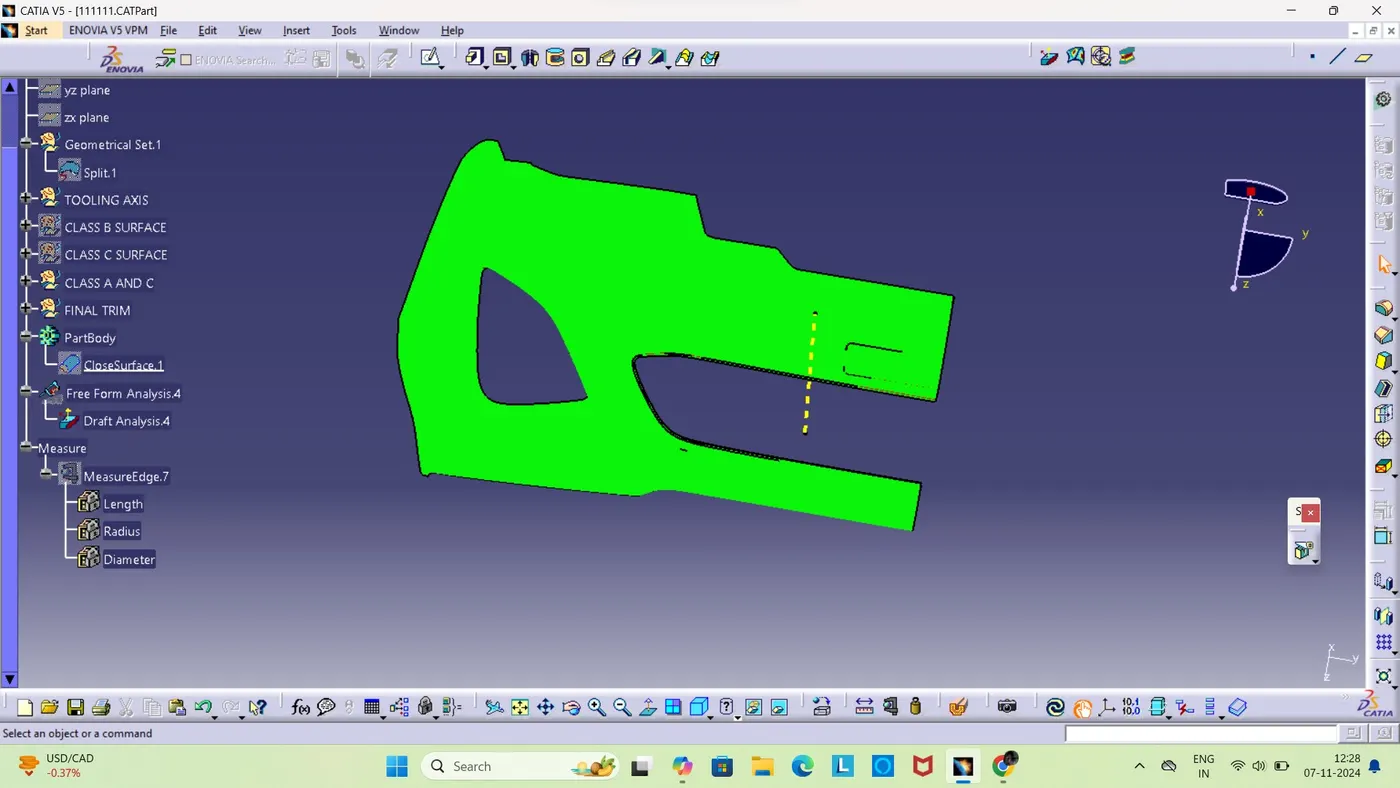
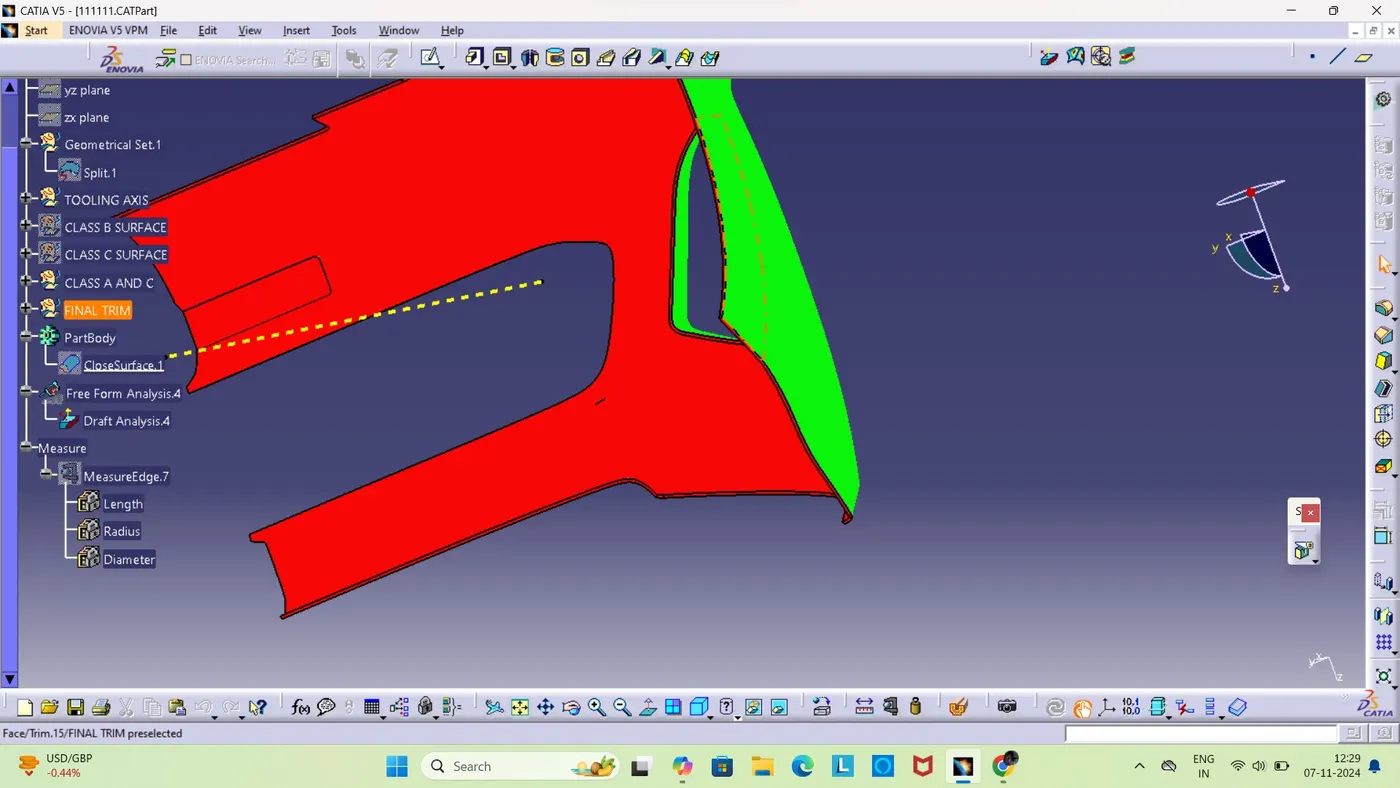
So in this whle using the analysis we will select the direction and place it on the tooling direction and check and align this direction using tooling axis and we run it using different we could see the color change and observe the drafting is met or not if green is shown it menas draft angle is covered by 2.9 degree.
TREE