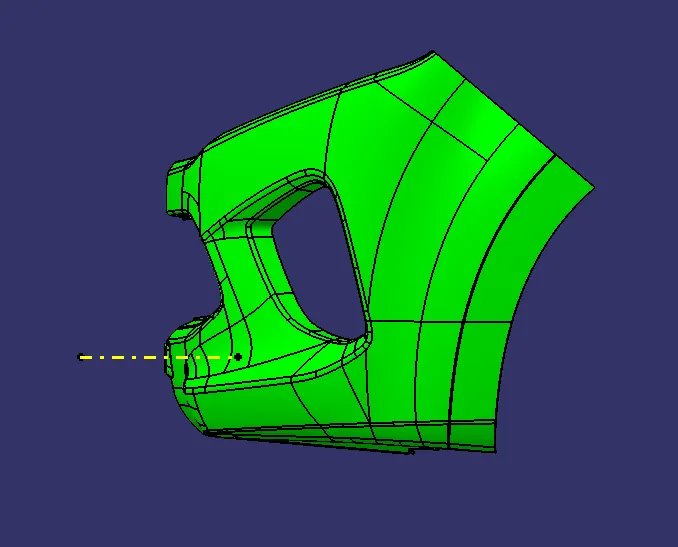
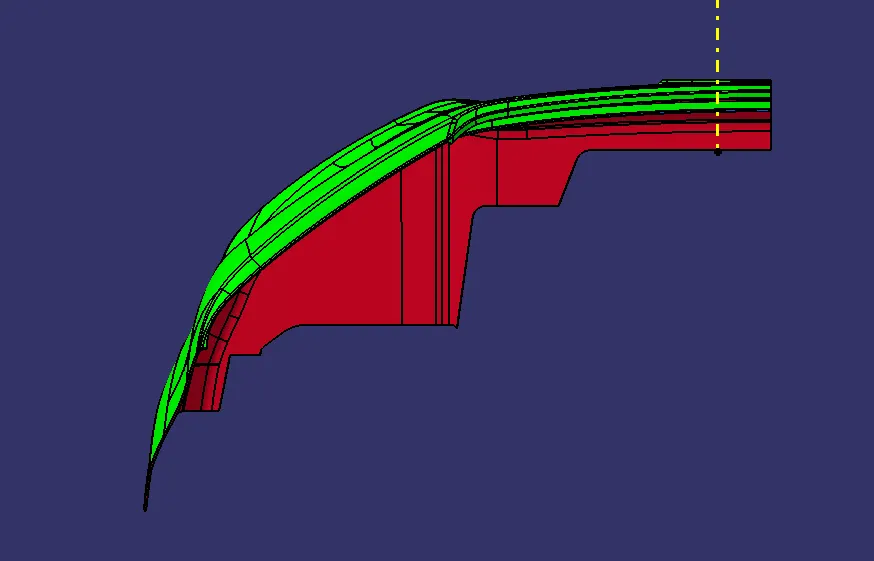
Week 9 - Challenge 3 - Bumper
BUMPER DESIGN
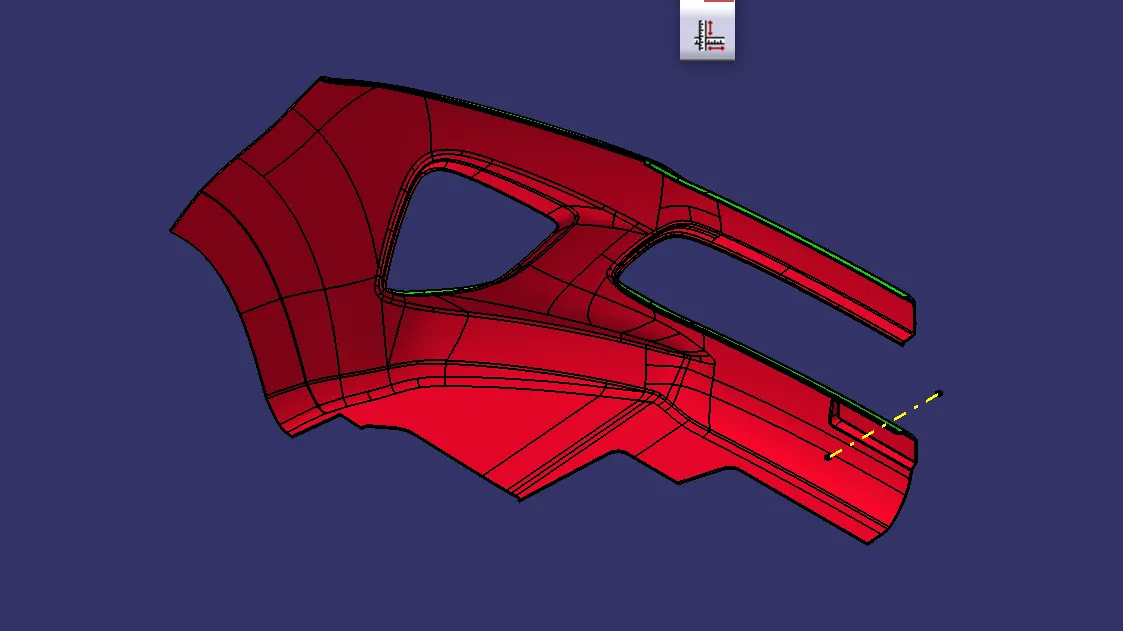
TOOLING AXIS CREATION
- Create a point and an axis system to take intersection on both axis
- Draw line at the wall parllel to the dummy tooling axis
- First bisecting line is created by draw a bisecting line to thsese two lines
- Similar to that second bisecting line is created by draw intersection on the second axis
- Bisecting the axis created on two intersections to form tooling axis
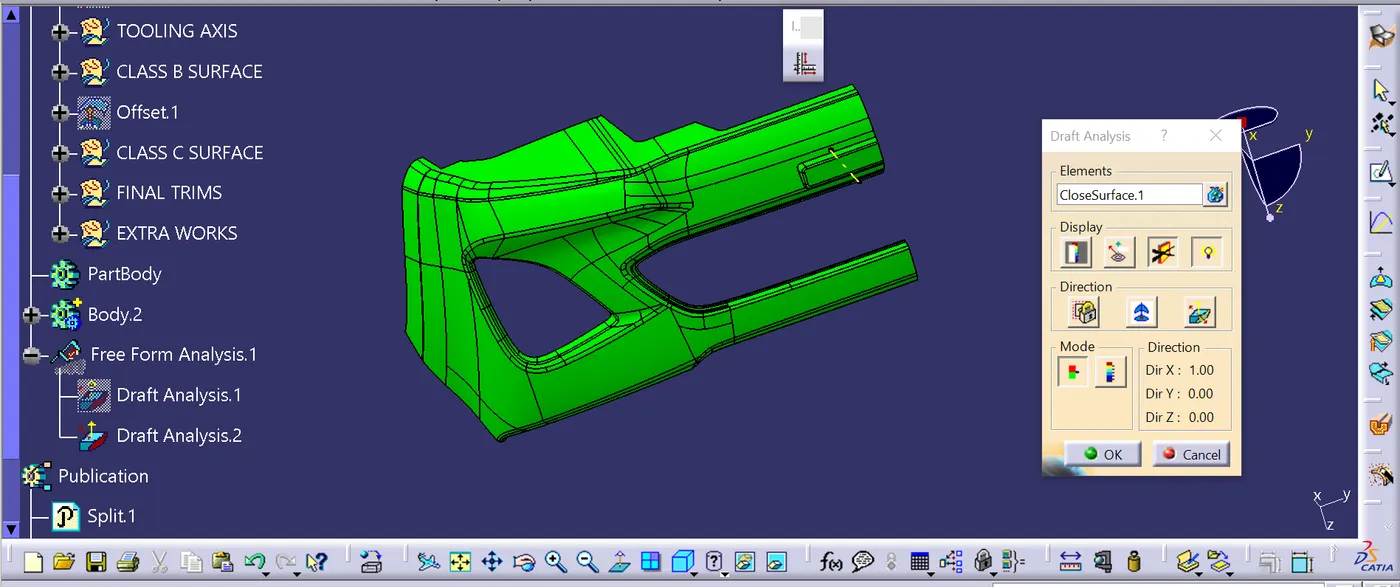
DRAFT ANALYSIS CREATION
- Before draft analysis we have to make sure that it is in material mode
- Select feature draft analysis tool from the toolbar
- Drag the compass from the position and placed it on the tooling axis
- Position the compass perfectley on the tooling axis
- Then lock the compass
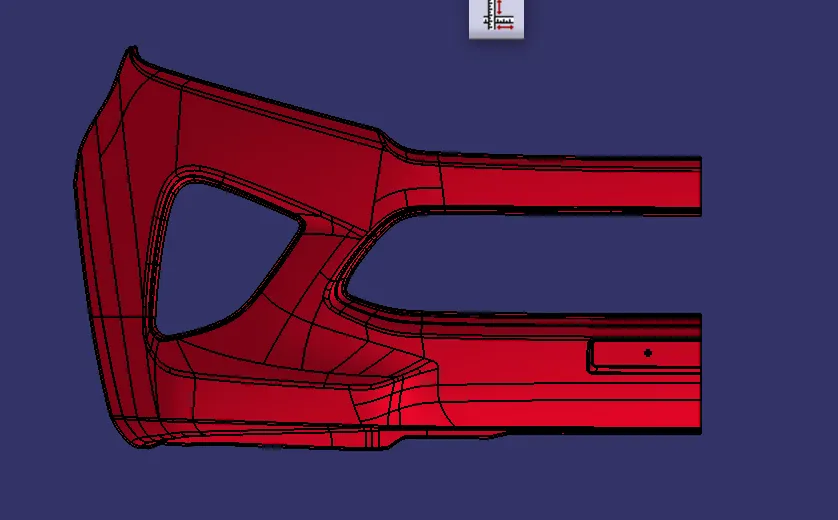
- Then change the draft of the component to 3 degree
- use the running point option to check the angle of the bumper