Week 10 - Challenge 1- Attachment Feature Creation (Ribs & Screw Boss)
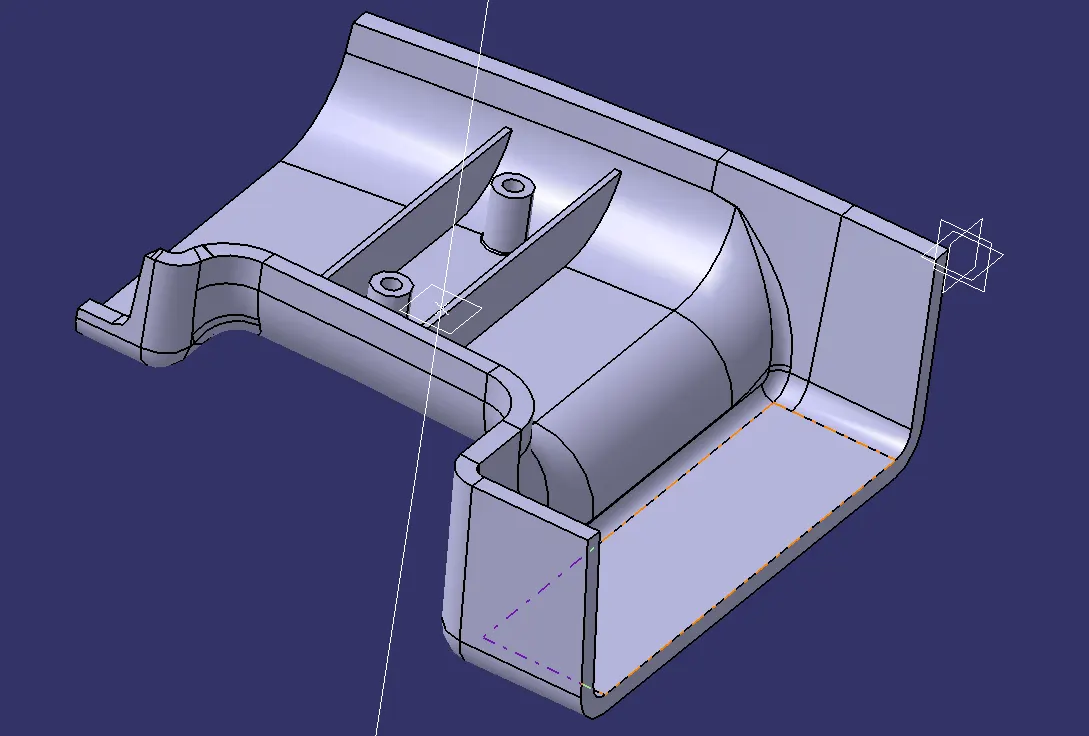
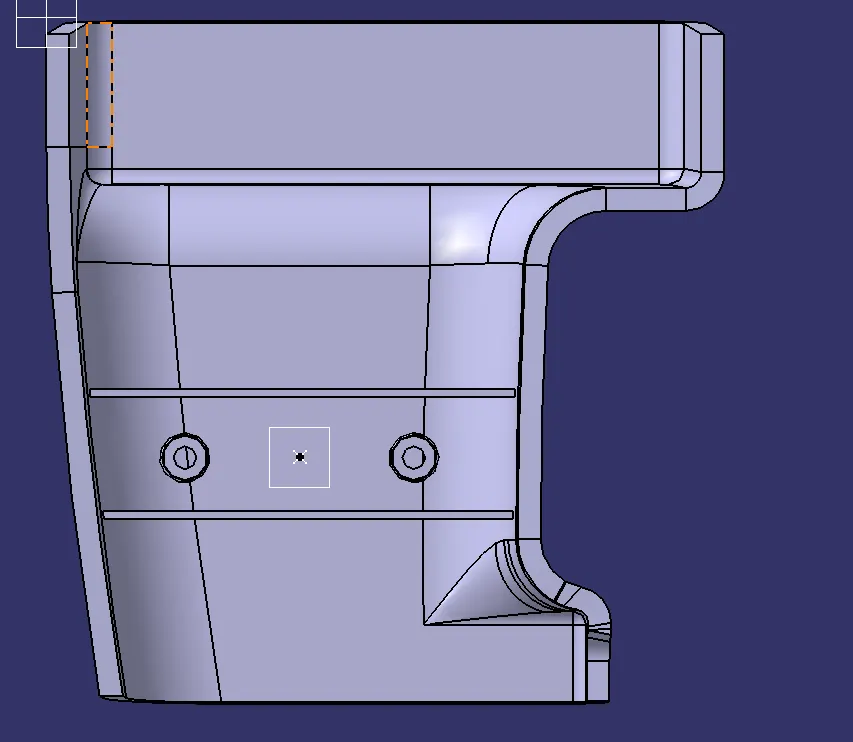
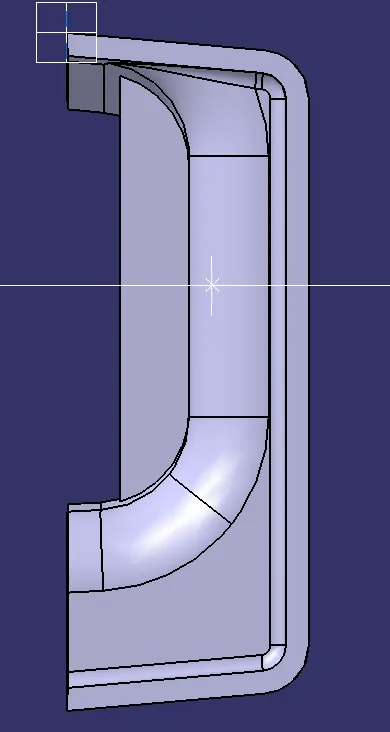
DRILL HANDLE
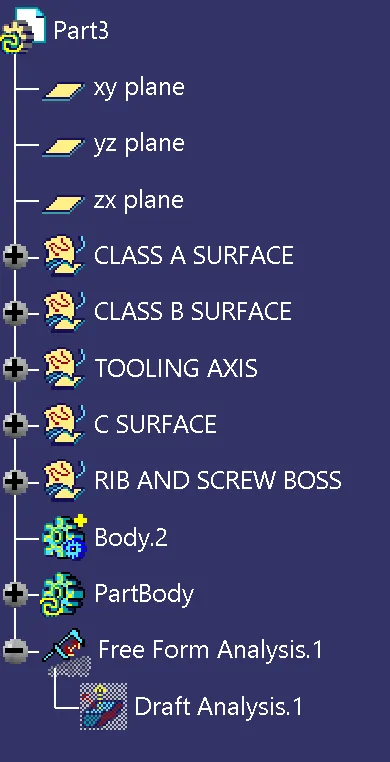
TOOLING AXIS
- First we have to analyse the model
- Find the suitable surface where tooling axis is perfect
- Then extract that surface and create a point on the surface
- Draw a line using point and direction
- Change the properties of the line to tooling axis
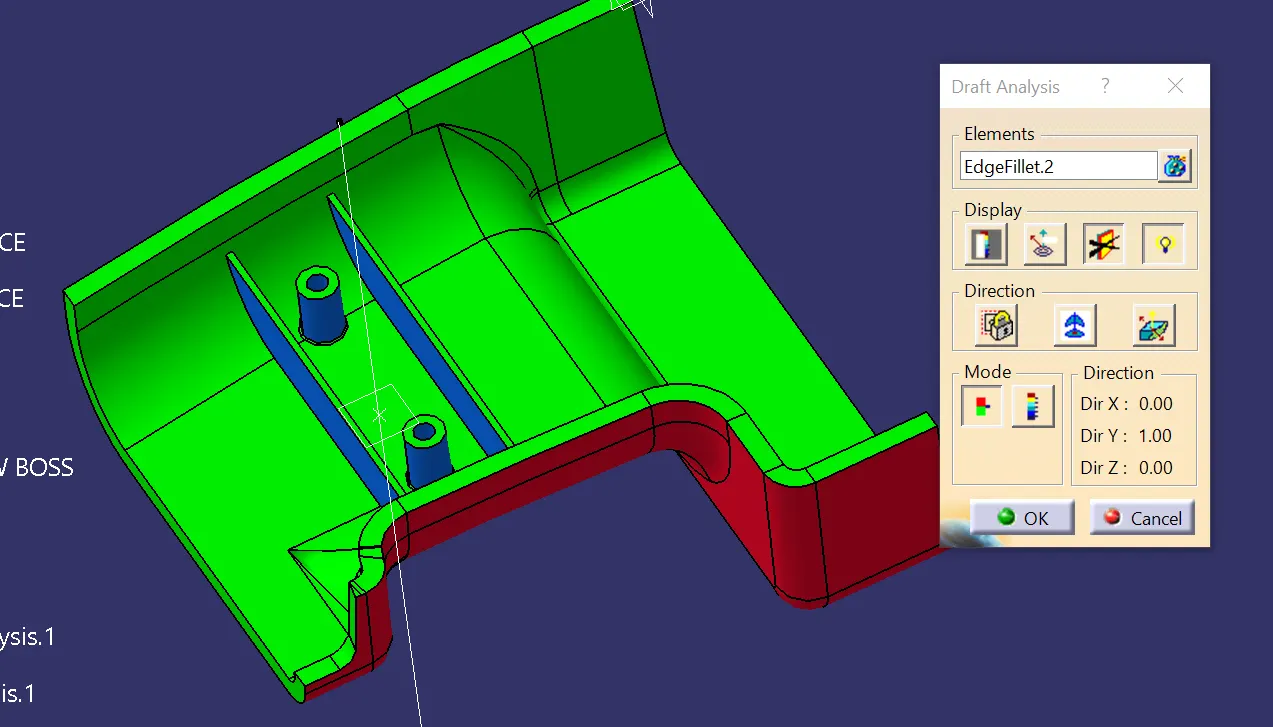
DRAFT ANALYSIS
- Select the draft analysis and it has to be changed to material mode
- Click on the compass optiopn and drag the compass to the tooling axis and place it on the tooling axis
- Lock command is then applied on the compass to fix it
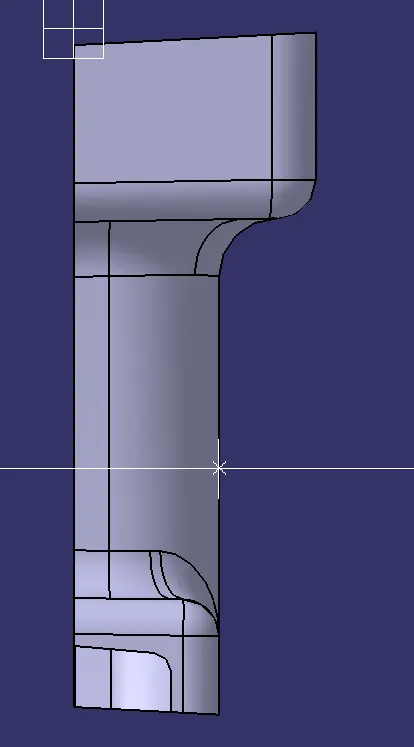
- Then click on the surface of the part to find the draft analysis
- Color codes are classified and draft angle is applied
- Running point analysis is used to display permissible draft and angles