Week 9 - Challenge 2 - Switch Bezel Design
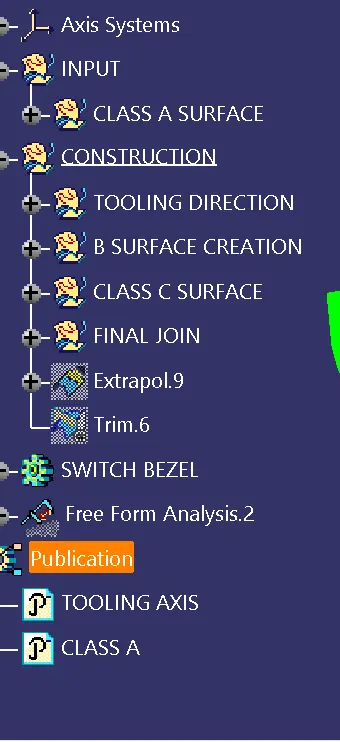
SWITCH BEZEL DESIGN
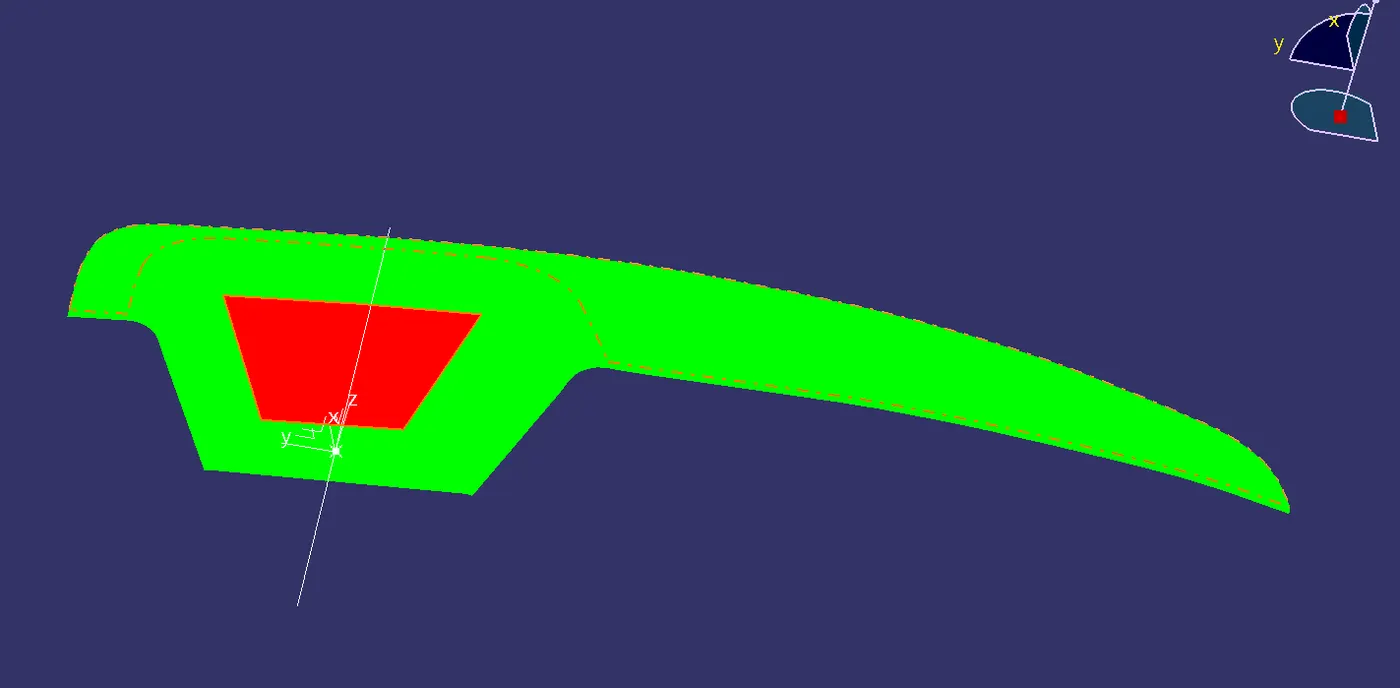
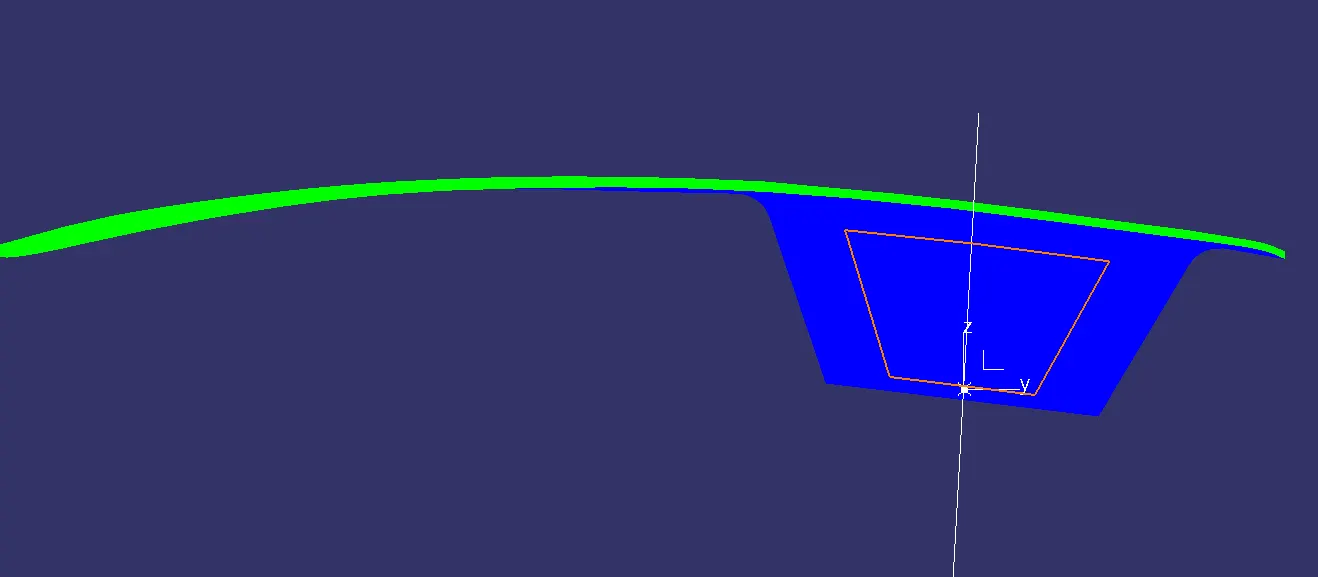
TOOLING AXIS CREATION :
- In the switch bezel design we have 3 walls to create the bisecting line from x and y axis
- Extract the base of the switch bezel
- Create a point on the surface
- Create an axis system
- Then create a 3D intersection using the axis system of both the x and y axis
- Extend these lines on both the sides
- Create the bisecting lines for lines of both the x and y axis system
- Create another bisecting line using these both lines and then we get the tooling axis
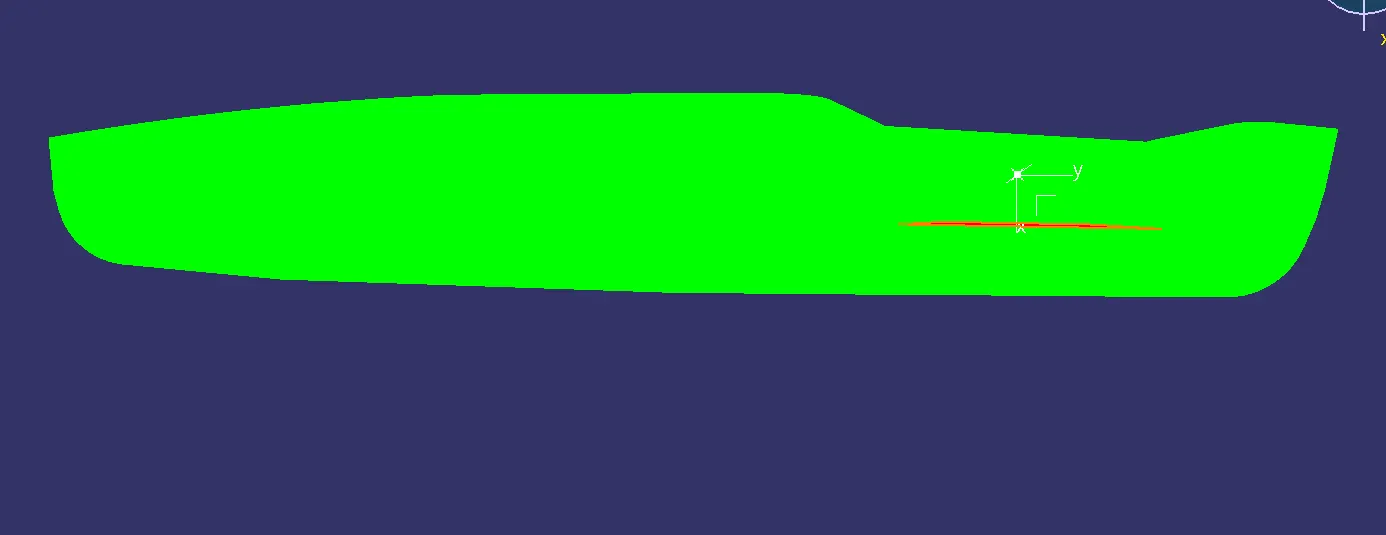
DRAFT ANALYSIS CREATION :
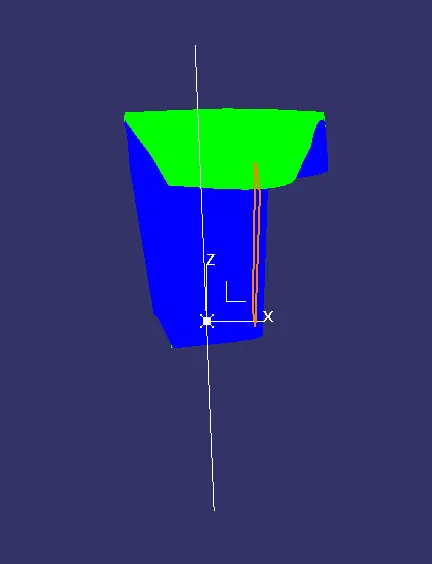
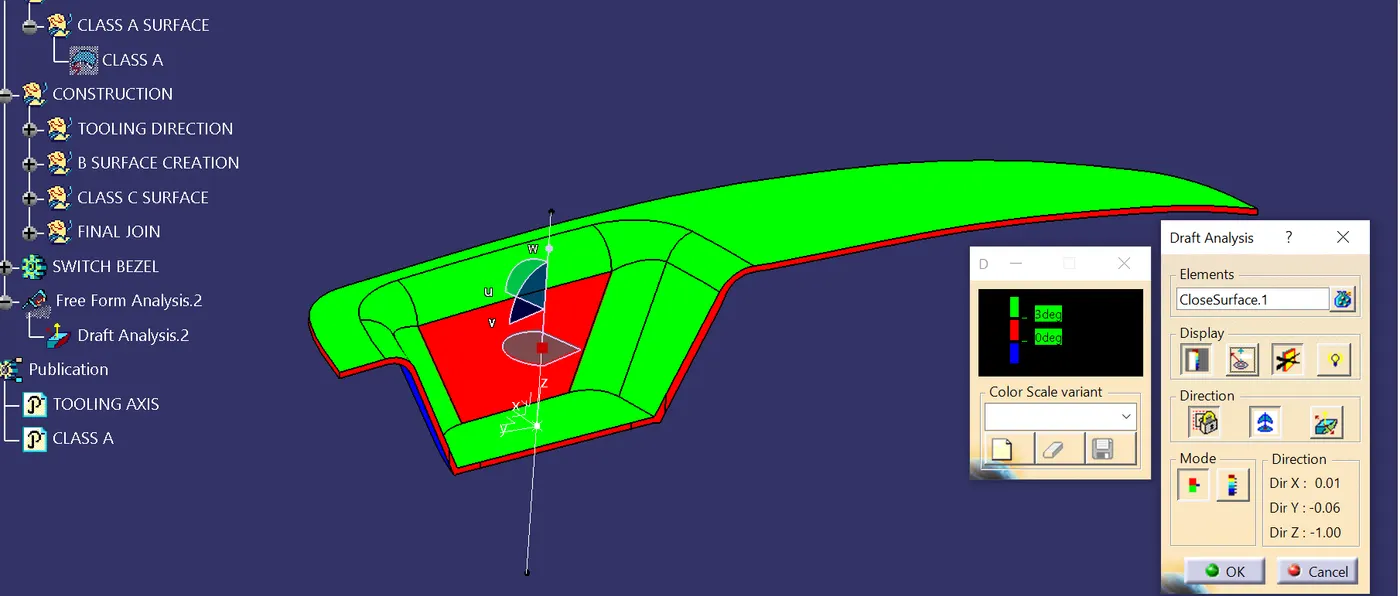
- Draft analysis is created using the help of the tooling axis
- Change or check the mode of the draft analysis is in material mode
- Drag the compass to the tooling axis and fix it and lock it in the suitable direction
- Give the draft angle for 3 deg
- Click on the part make sure that the colour code becomes green