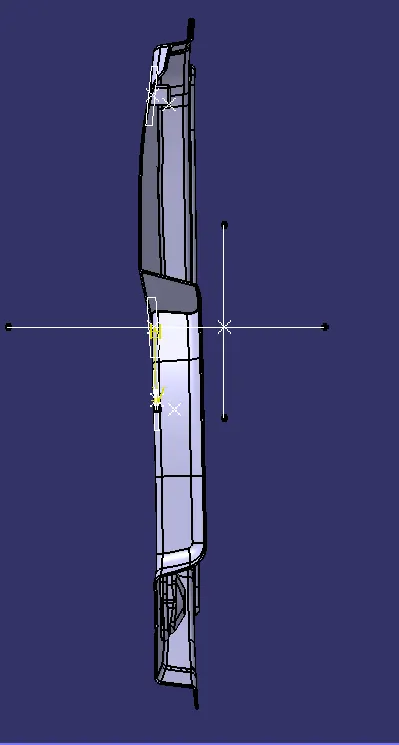
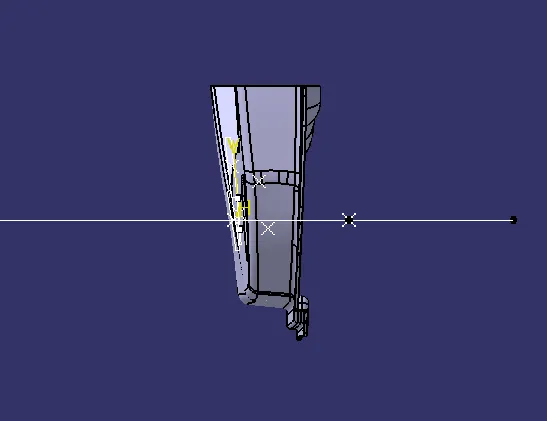
Week 10 - Challenge 2- Attachment Feature Creation (Dog House)
DOOR TRIM
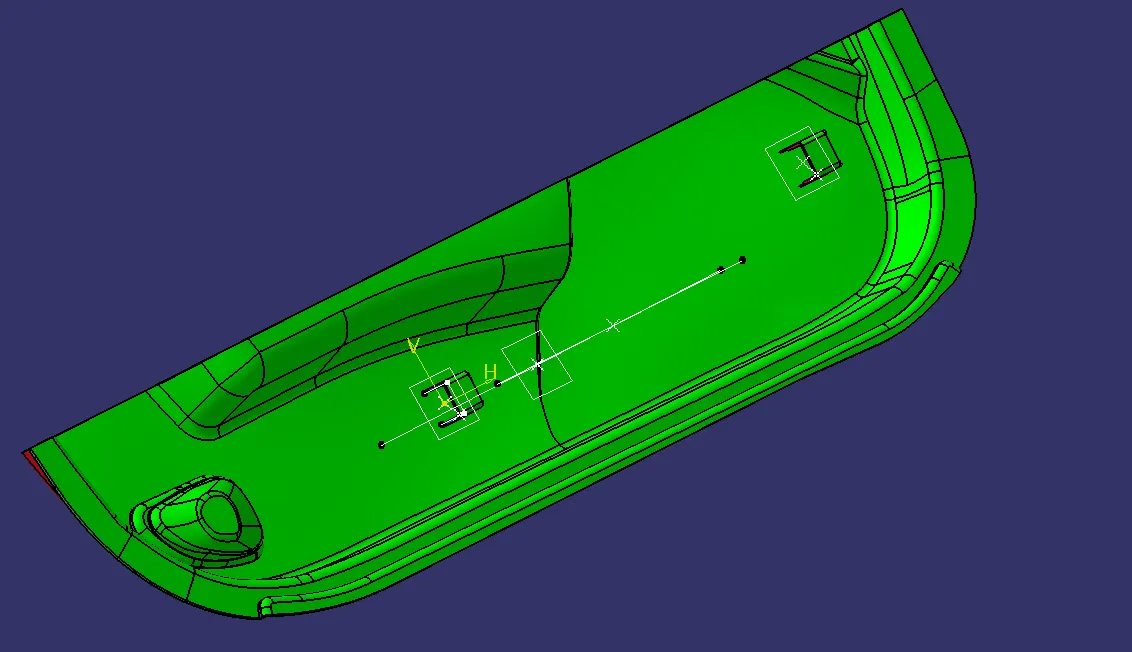
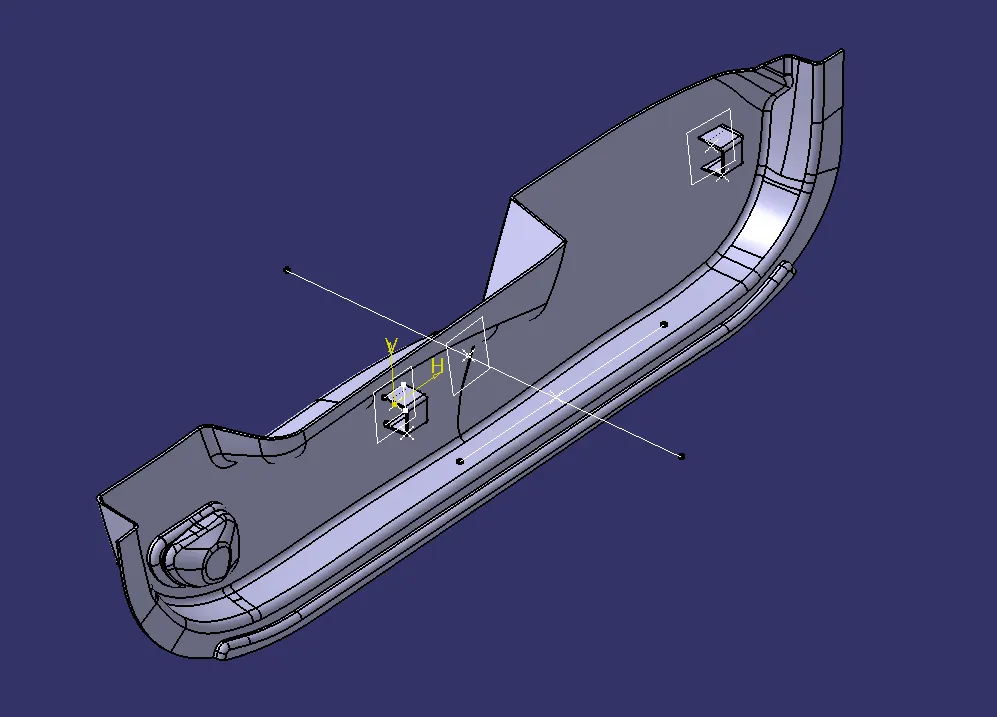
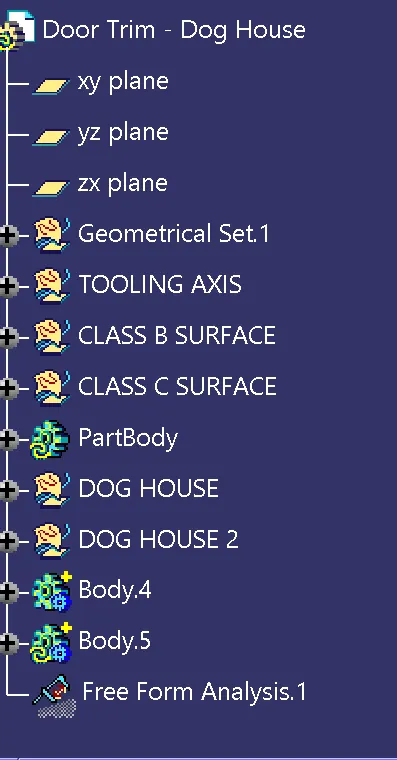
TOOLING AXIS CREATION
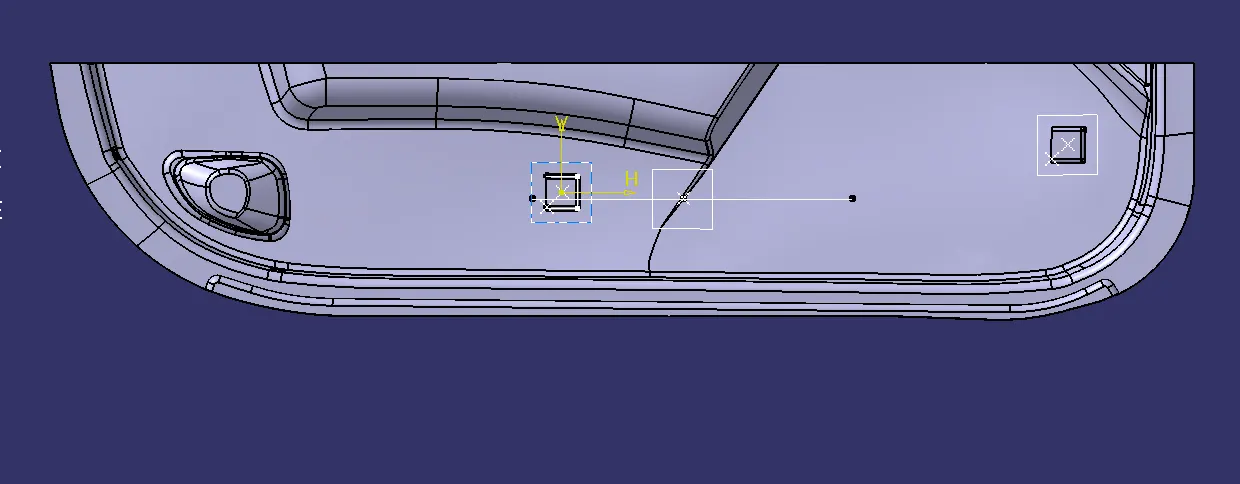
- Check the class A surface in different views
- Select a suitable position for creating tooling axis
- Then extract the surface out from the class A surface
- Create a point at the mid point of the extract surface
- Create a line using point direction in the view direction
- Mark the line as tooling axis and change the properties of the line
- Create a point on the main tooling axis for side core tooling axis
- Create a line using point direction and mark it as side core tooling axis
- Change the properties of side core tooling axis
DRAFT ANALYSIS CREATION
- After creating tooling axis the feature draft analysis command is used to draft analysis
- Change the draft to material mode for draft analysis
- Then click on the compass in the command box and drag the compass to the tooling axis
- Then lock the compass and then the draft is locked
- We can change the colour code and draft angle from the draft analysis tool