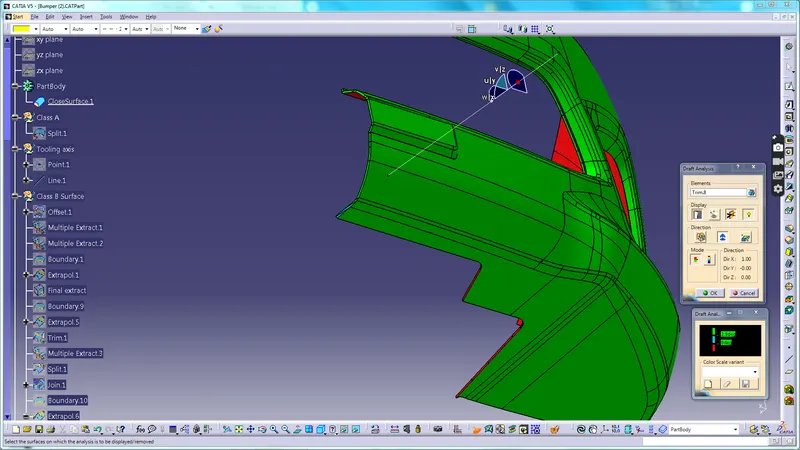
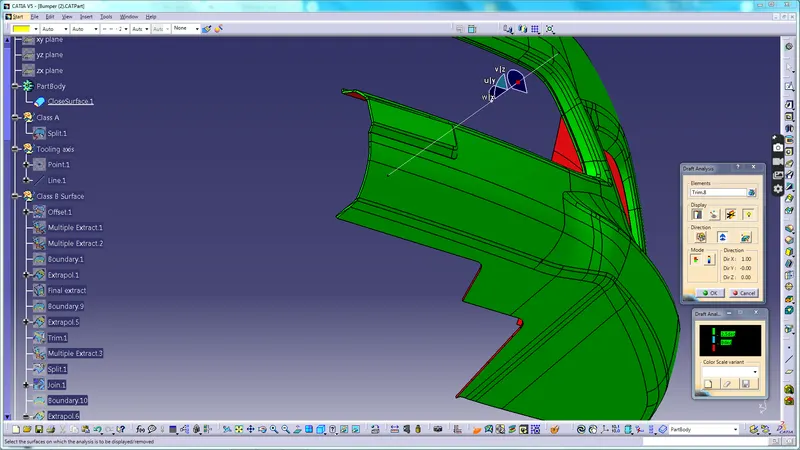
Week 9 - Challenge 3 - Bumper
Creation of Class B and Class C surfaces and Performing Draft Analysis on the Bumber Body.
Class A surface:
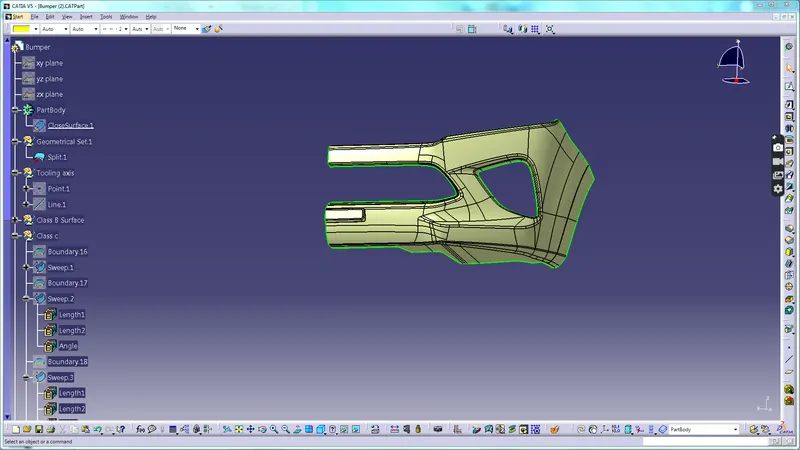
We are given with the Class A surface
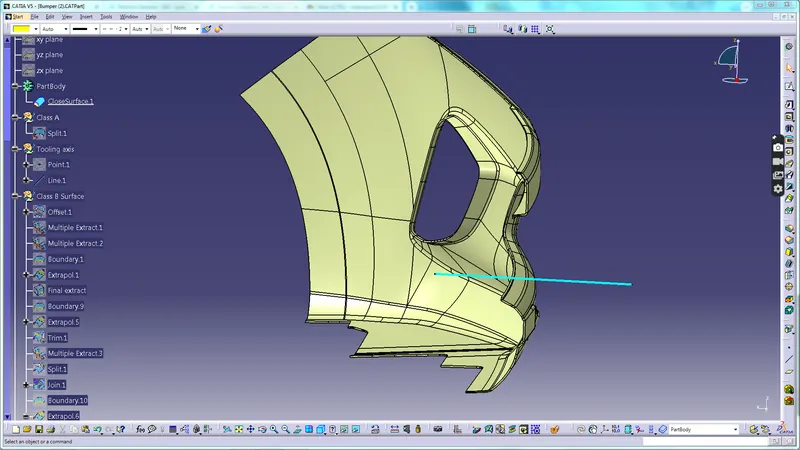
Creation of Tooling axis:
- Creating point on any curve on x axis direction.
- Create a line by using point and direction.And give direction as X axis.
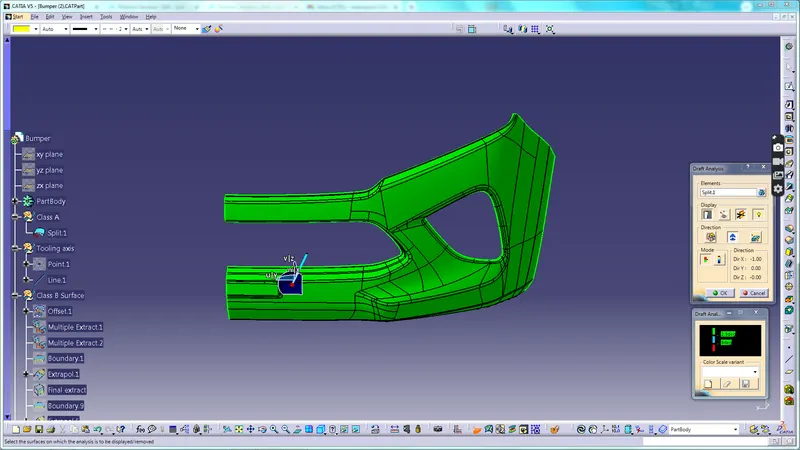
- Check wheteher the axis is correct using the draft analysis.
- All the required surface is green in colour so this is the correct tooling axis.
Draft Analysis of Class A surface:
Creation Of Class B surface:
- Create a new Geometrical Set as Class B surface.
- Offset the Class A surface by using Split Command to 3 mm.
- Using multiple extract to extract the top surface.
- Use multiple extract to remove the patches by using the complemenaty mode to select opposite side.
- Unhide two multiple extracts that we created.
- Extrapolate both the multiple extract by using boundary and extrapolate command.
- Use trim command to trim both the extrapolated surfaces.Use proper length so that both the surface gets intersected properly.
- Use multiple extract and split command to remove the bottom surfaces.Use other side in split command to get seprate output.
- Use join command.Select trim 1 as Elements to join and select the option-sub elements to remove and select the elements that has to be removed .
- Extrapolate the surfaces we have created using split command and the join command and trim them.Use proper length so that both the surface gets intersected properly.
- Similarly check for other errors and fix them using same extrapolate and trim command.
- Give fillets wherever needed.
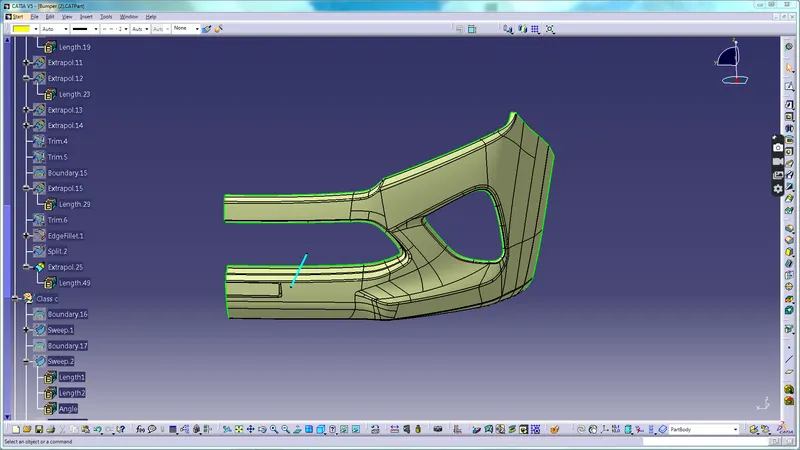
C-surface:
- Split the surface with parallel plane
- Insert Geometrical Set.Rename it Class C surface.
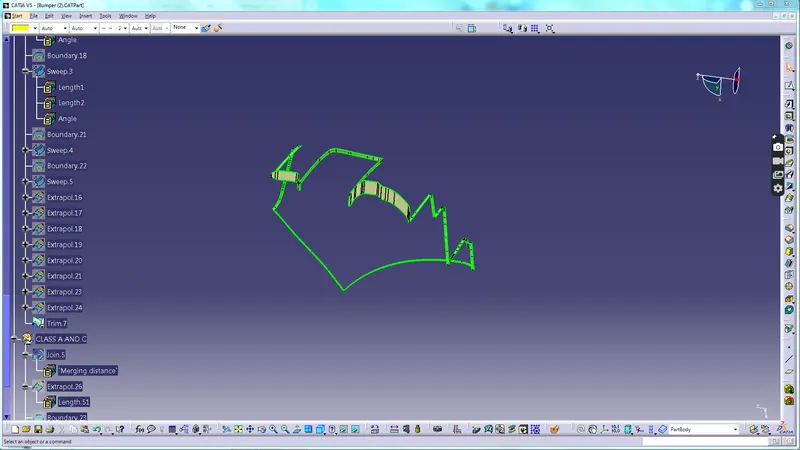
- Create a boundary on class A surface for sweep command.
- Sweep the boundary with 3 degree draft.
- Similiarly sweep the right and left surface.Then sweep from left to right side complete boundary.
- Finally sweep the center part.
- At last intersect all the sweeps and trim them to get the final sweep.
- Insert another Geometrical set as A and C trim.
- Join the Class A surfaces with the sweeps that we have created.
- Insert geometrical set as final trim.
- Trim this Join surface with the B surface.
- Create this as close surface in part workbench.
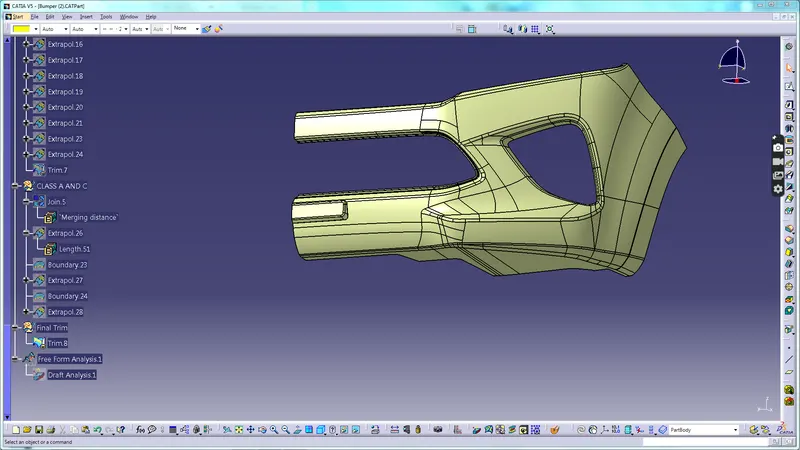
Final Body:
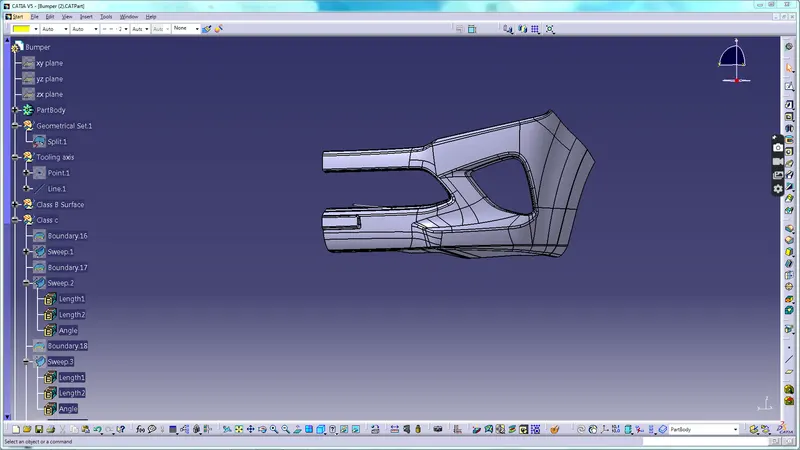
Draft Analysis:
- Select the compass and place it in the tooling axis.
- Check if the area is clearing propery.
- The vertical component is clearing but horizontal component is not clearning properly.So give draft angle of 2.5 degree instead of 2.9 degree .
- We can now see that he desired surfac is clearing properly.
- In this manner we have created the Class A ,B and C surfaces and carried out the draft anaysis on it.