Week 9 - Challenge 3 - Bumper
BUMPER CHALLENGE :
AIM:
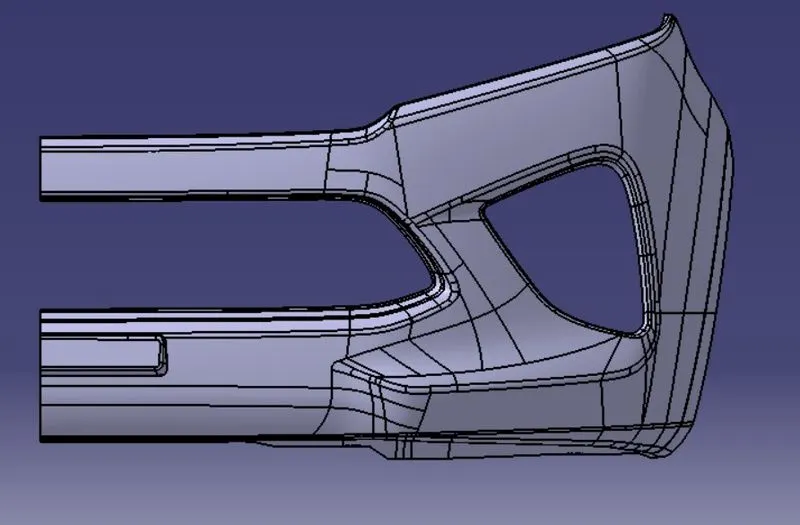
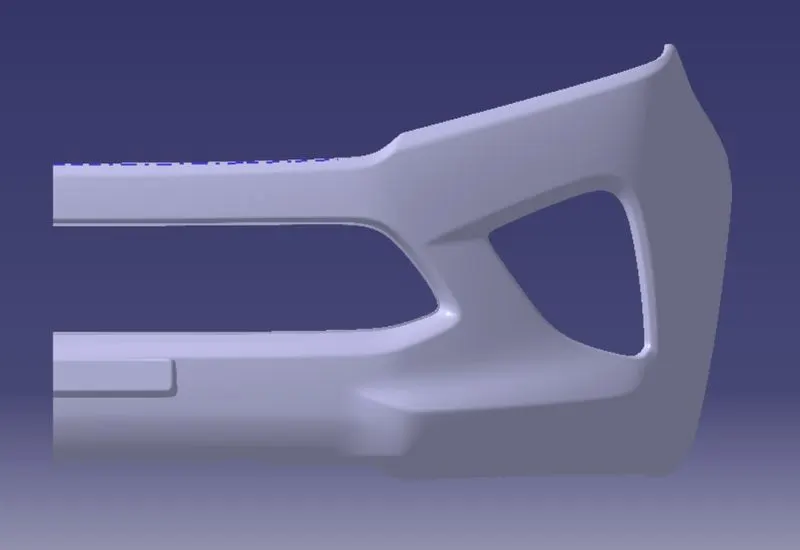
- To create manufacturable solid body from given class A surface.
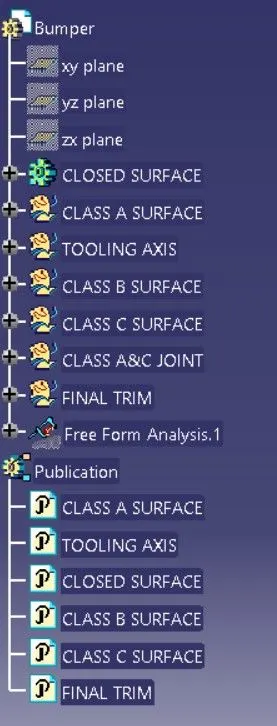
- For that we need to create Tooling axis, Class B and Class C surface using offset,Multiple extract,join,split,extract,boundary and trim commands.
- Given inputs are Class A surface and thickness of the component 3mm.
FEATURE TREE:
Creation of tooling Axis:
- The plastic components are contain tooling axis for injection molding process.
- By that only we are decide the draft direction,mold removing direction of the component.
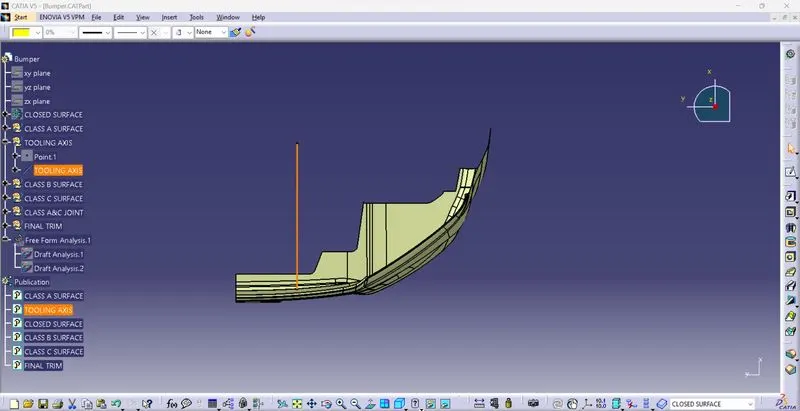
- In this class A surface of bumper design,from x axis we are saw the less amount of surface patches,so we are choosing that direction as a tooling axis.
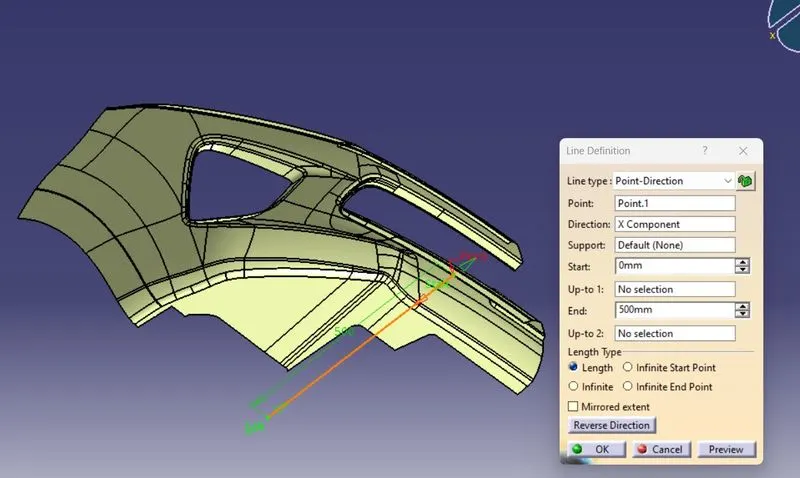
- By point and direction methode we are creating the tooling axis.
- for that first we need to create the point on the edge of class A surface then we need to click direction on x axis.
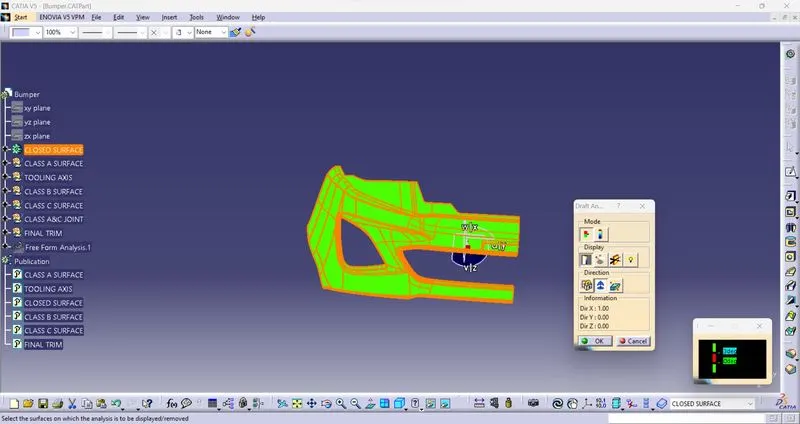
DRAFT ANALYSIS OF CLASS A SURFACE WITH RESPECT TO TOOLING AXIS:
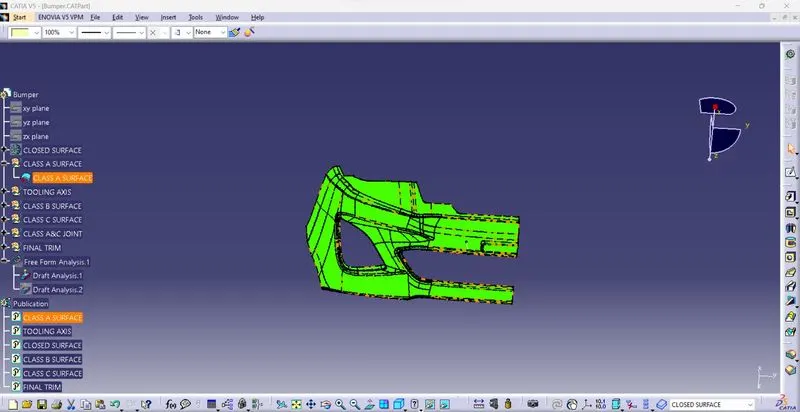
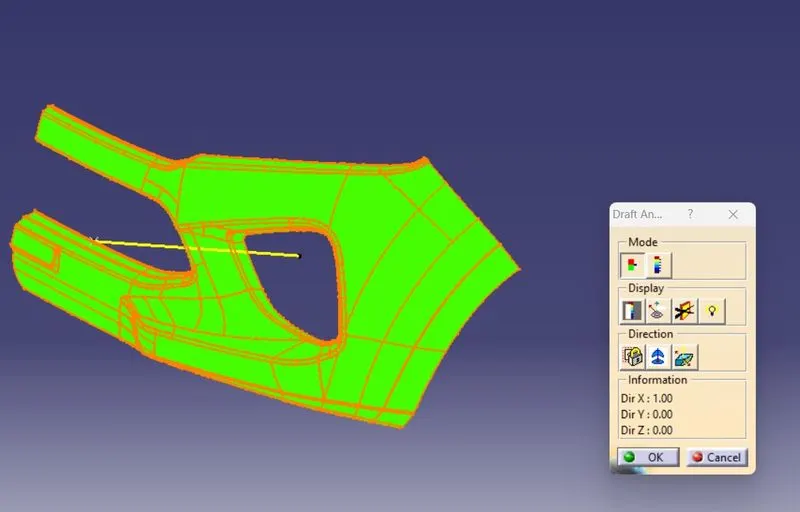
- By doing draft analysis we are finalyze our tooling axis.
- We are giving 3 deg of deviation with respect to the tooling axis.
- We are found that from color deviation if it is green mean it was ok for tooling axis.
CREATION OF CLASS B SURFACE:
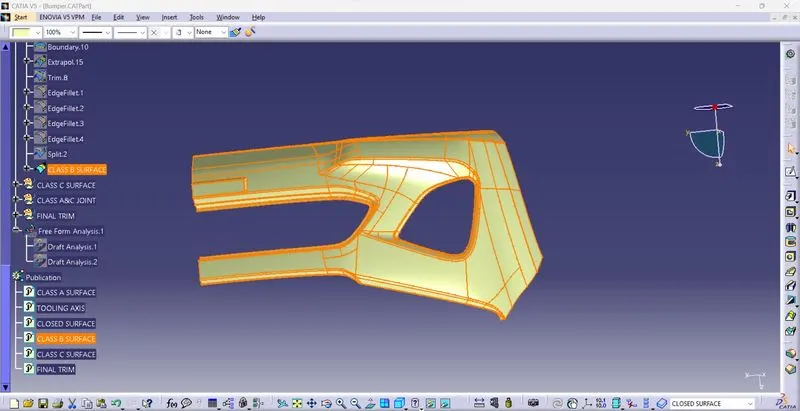
- Here we are using direct offset methode using for creating class B surface because of critical surface.
- After offseting of surface we are see lot of errors showing on the surface.
- That surfaces are corrected using of multiple extract,split,join,trim and extrapolates
- Here we need to concentrat on three areas edge of the surface,center area of surface and emboss area.
CREATION OF CLASS C SURFACE:
- After creation of class B we need to create class C surface.
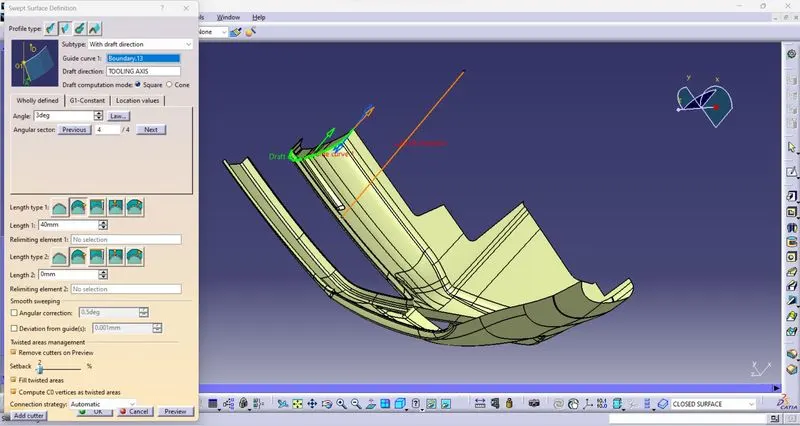
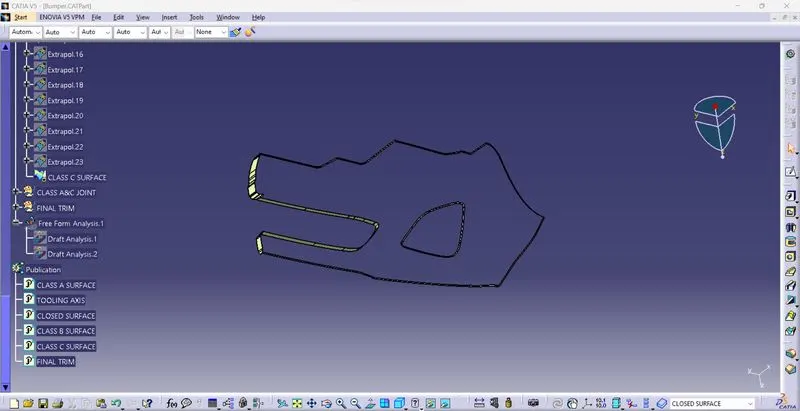
- By creating boundary,extrapolate and sweep command we easily create the class c surface.
- For this we need to consider,draft angle and draft direction of C surface,for that we are using tooling axis and reference surface With respect to class A surface.
CREATION OF CLASS A & CLASS C SURFACE JOIN:
After creating of class C surface we directly join the class A & class C surface using join command.
CREATION OF FINAL TRIM:
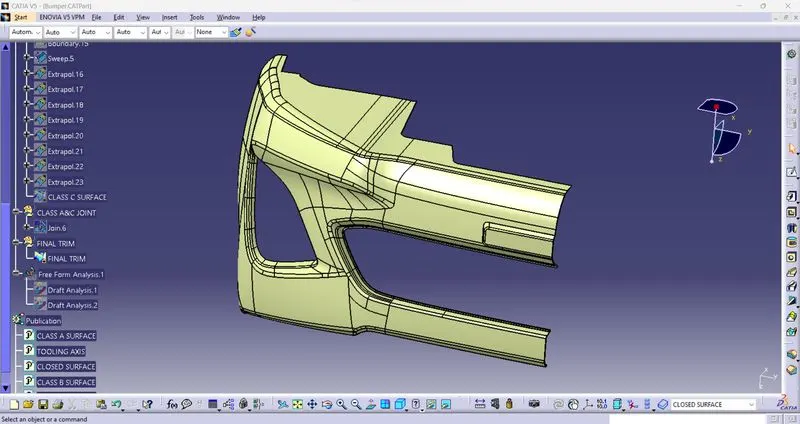
- After joining the class A & C surface we need to trim that join with class B surface.
- using intersection command we are easily find out the self intersection between the surfaces and trim those surfaces and create the final trim easily.
CREATION OF CLOSED SURFACE:
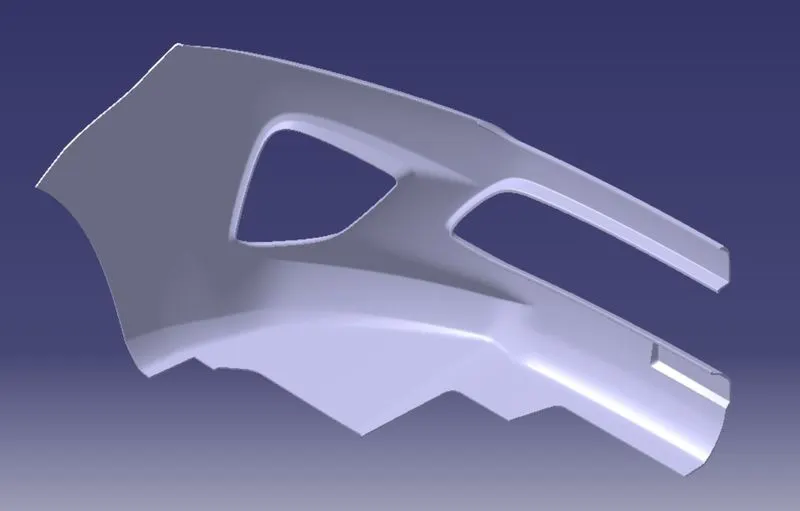
After creating final trim,we need to switch the work interface to mechanical then we need to use the closed surface command to create solid body.
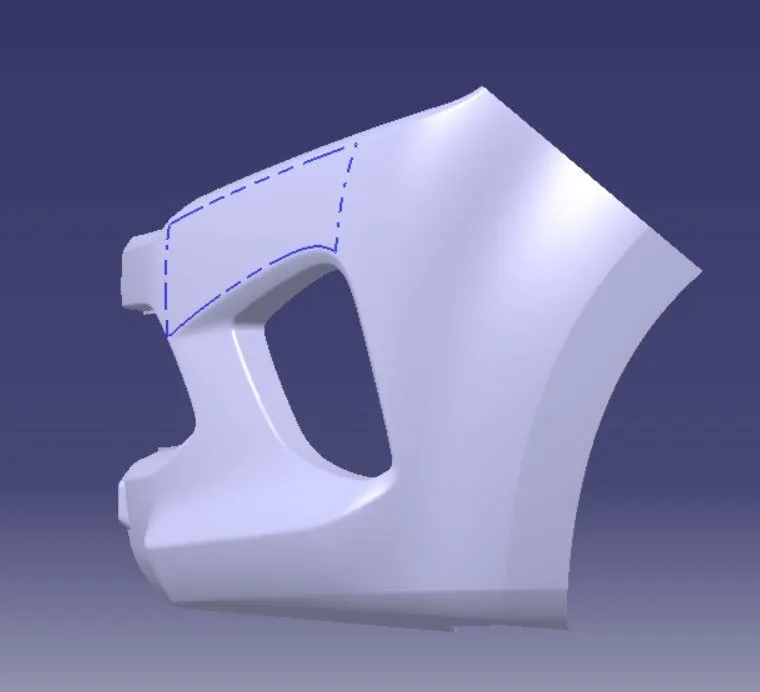
DRAFT ANALYSIS:
CONCLUSION:
- From this challenge we are learned about the class B,Class C surface creation of complicated profiles.
- Importance of tooling axis during moulding process.