Week 9 - Challenge 3 - Bumper
Class A Surface is
- Visible surface and aesthetic look.
- Surface with textures.
- Surfaces provided by customer(OEM).
- Don't have any features like(rib, snap, bosses, etc) on class A surface.
- Class A surface is made from scanned data with different software like alias etc.
- Surfaces which are having CURVATURE CONTINUITY IS CALLED class-A.
Class B surface is
- Invisible Surfaces.
- Surface mostly don't have textures.
- Surface needs to be created according to the class-A surface.
- Having all features(Rib,boss,snap etc) in B-side surface only.
- Surfaces which is having TANGENT CONTINUITY IS CALLED class-B.
Class A Surface : Check the connectivity of the Class A Surface Ensure that there is no gap between the component, using join command. We can visually check it or by clicking boundary command. It has a boundaries outer. Therefore first check completed.
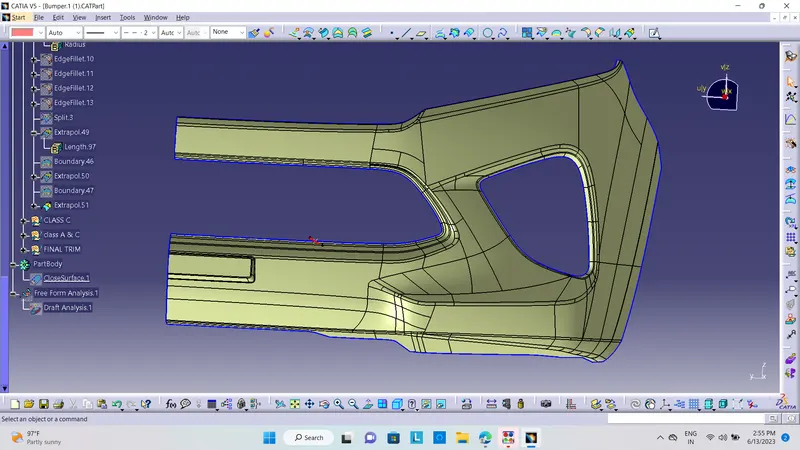
Below fig 1 shown the given A-class surface.
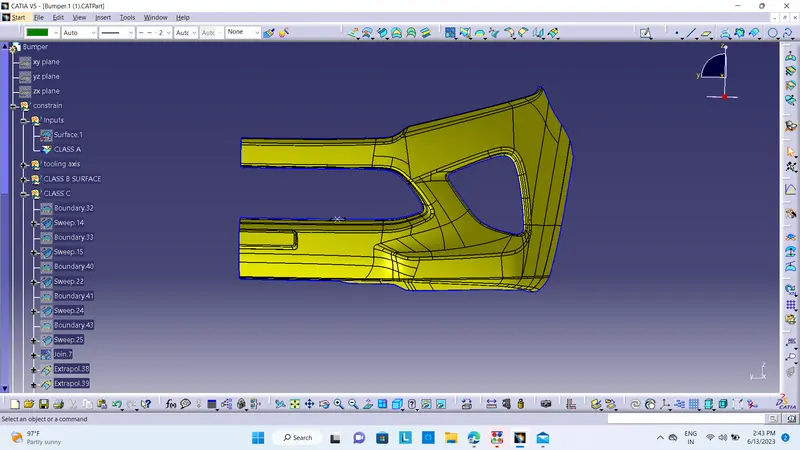
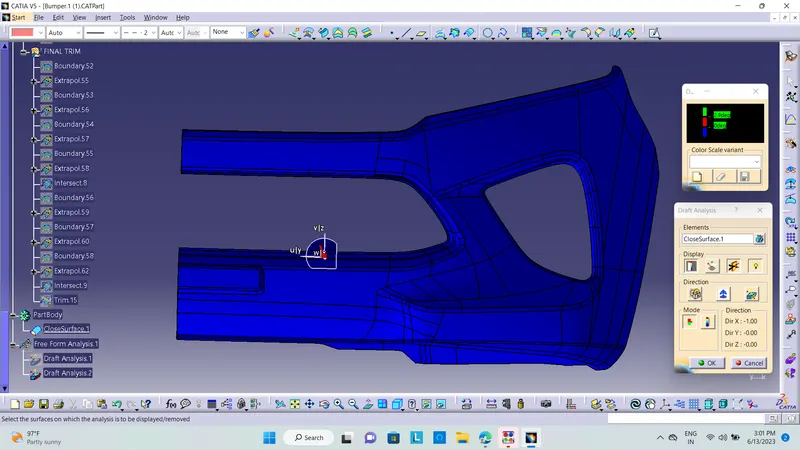
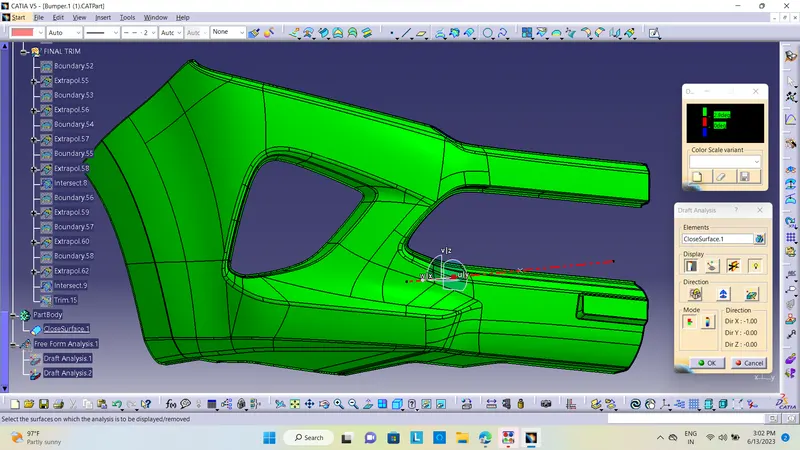
DRAFT ANALYSIS OF GIVEN CLASS A SURFACE -
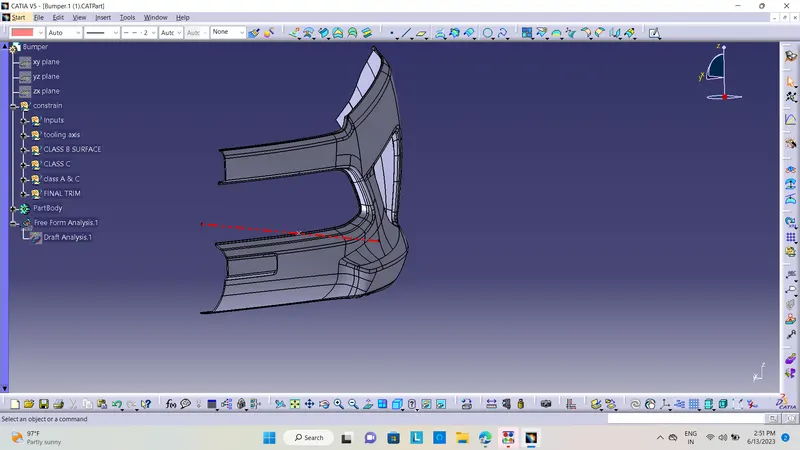
MAIN TOOLING AXIS -
For the creation of the main tooling axis we find a Flat surface in our A surface and make a line reference to the surface with all dimensions on 0.
CLASS B SURFACE -
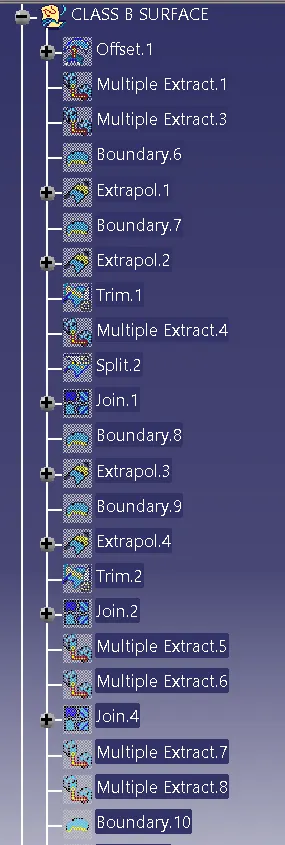
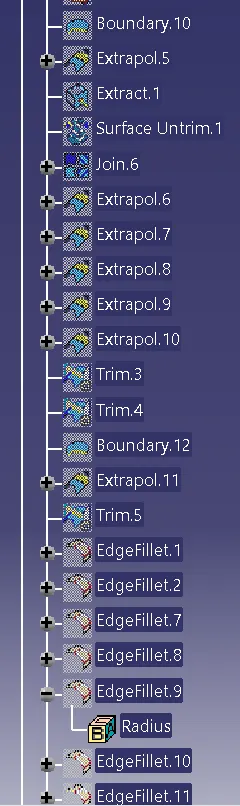
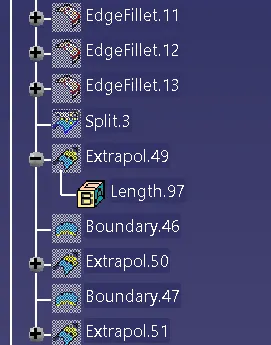
For making a Class B surface we have to take 3 mm offset with A surface and close the all open patches by extrapolation and trimming function the final B surface is shown below-
CLASS C SURFACE -
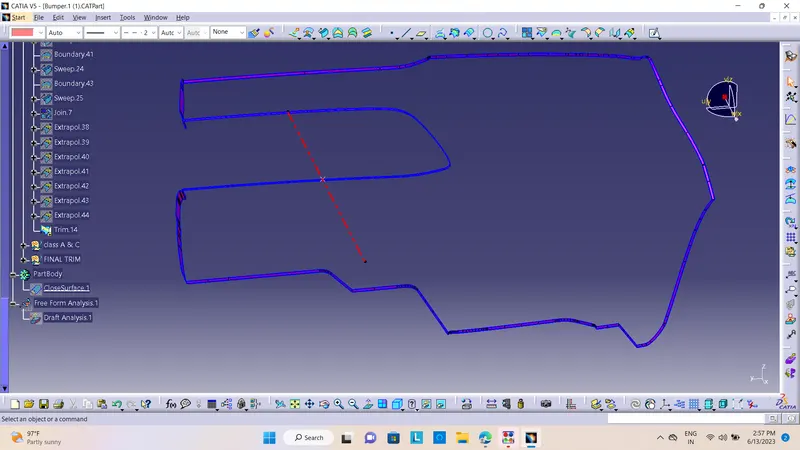
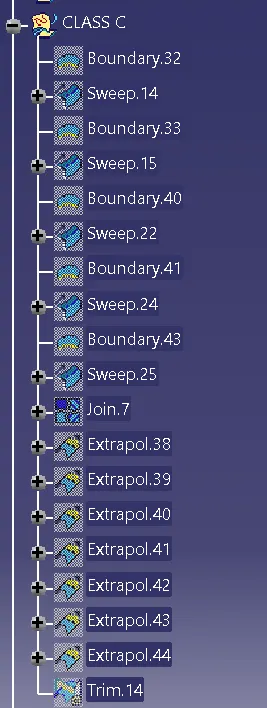
For making a class b surface we have to use the Sweep command with reference to the surface and the length is given 5 mm.
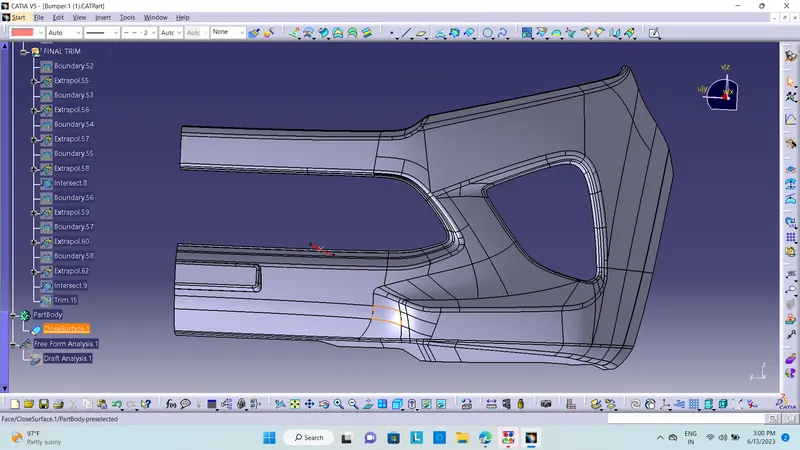
FINAL TRIMMED SURFACE - For this first, we have to join Class A and Class C and trim it with Class B.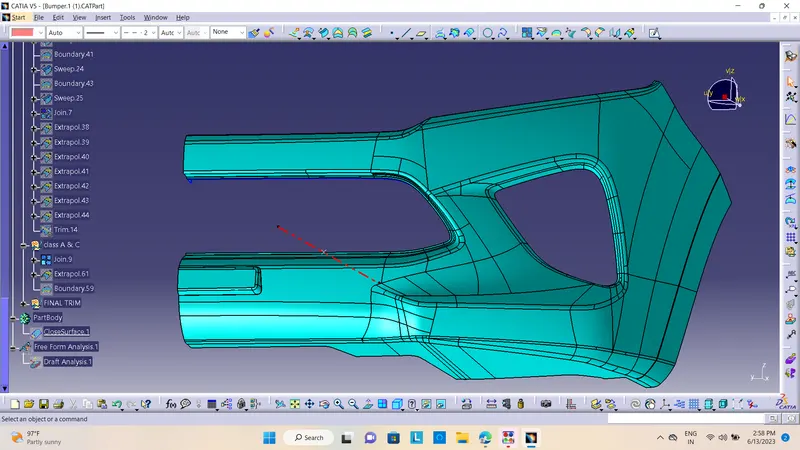
FINAL TRIMMED SURFACE
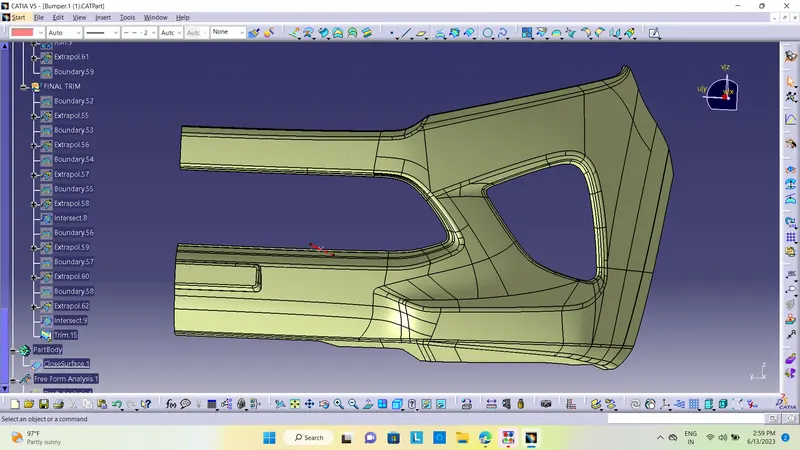
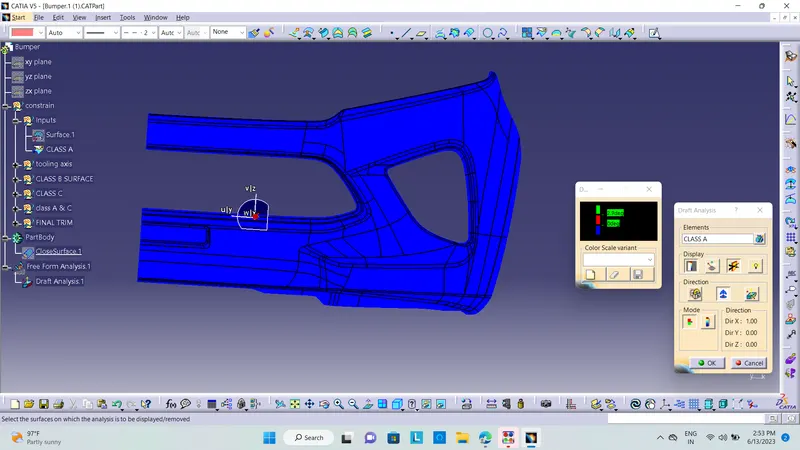
Closed Surface Body:
Conclusion : The Bumper is created with consedering all Design Methodology.
Tree Strature:
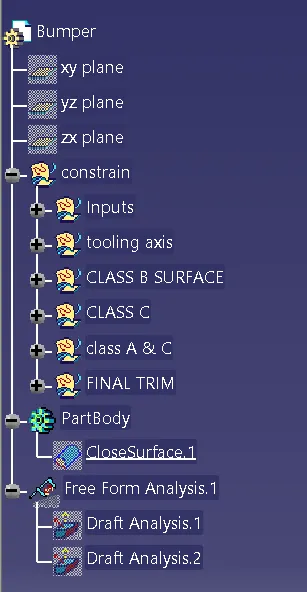
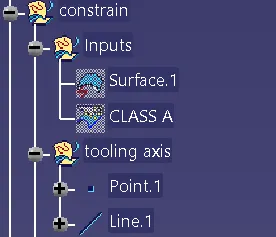
INPUT&TOOLING AXIS
CLASS B SURFACE
CLASS C SURFACE
CLASS A&C
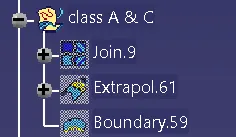
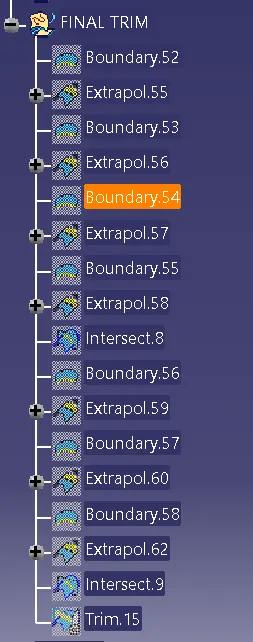
FINAL TRIM