Week 9 - Challenge 2 - Switch Bezel Design
SWITCH BEZEL
Performing Draft Analysis on the Switch Bezel Class-A Surface
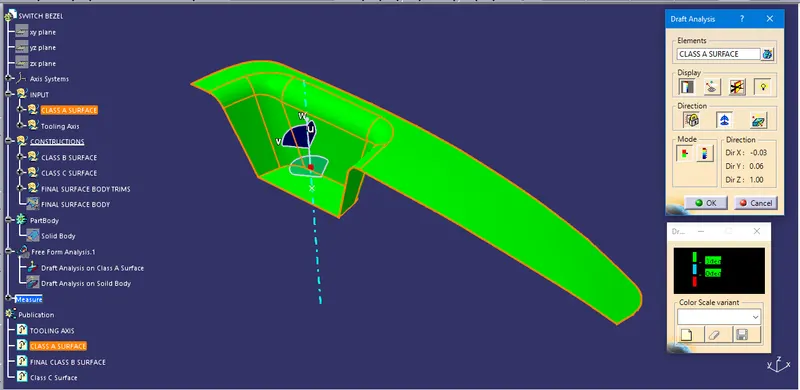
Steps that are included to perform draft analysis on Class-A surface:
- Create a Tooling Axis on the Base of the Switch Bezel by using Bisecting Method.
- Now publish the tooling Axis so that it would be easy to use.
- Go to the Insert menu and select Feature Draft analysis in the Analysis option.
- Now arrange the compass onto the Tooling Axis and Lock the rotation
- Select the Class-A surface in the elements section.
- Finally, check the color code and adjust the colors.
Performing Draft Analysis on the Switch Bezel Solid Body
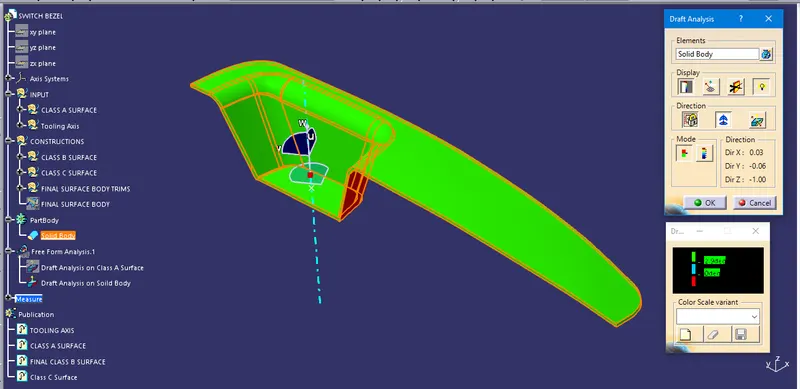
Steps that are Involved to perform draft analysis on Solid Body:
- Go to the Insert menu and select Feature Draft analysis in the Analysis option.
- Now arrange the compass onto the Tooling Axis and Lock the rotation
- Select the Solid Body in the Elements section.
- Finally, check the color code and adjust the colors.
Screenshots of the Solid Body with the proper color code of the draft angle in various orientations:
General View of the Switch Bezel Solid Body with Draft analysis color code.
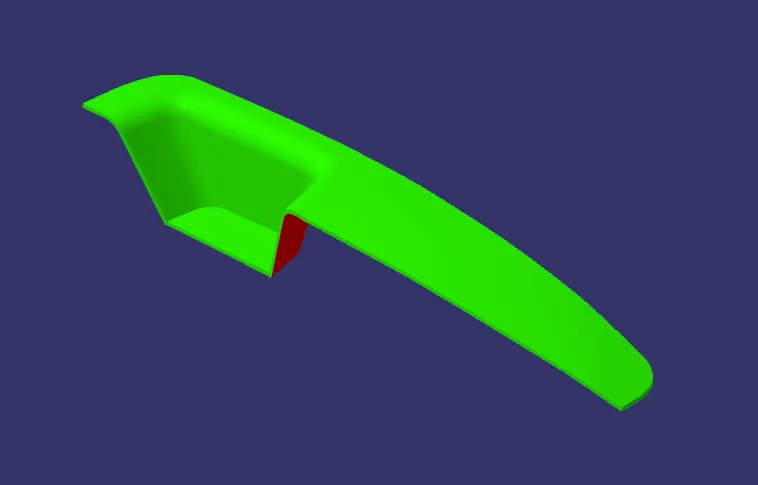
Isometric View
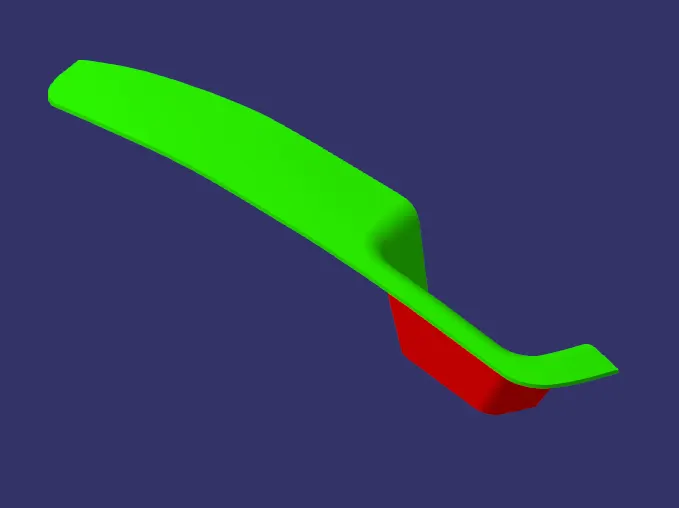
Front View

Side View
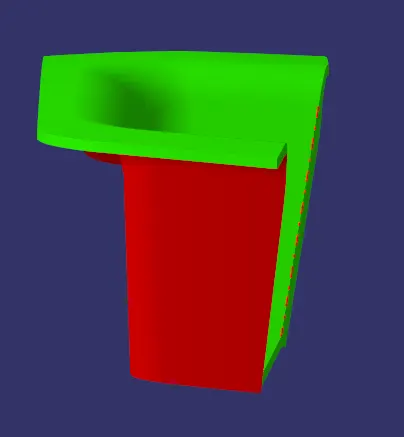
Top View
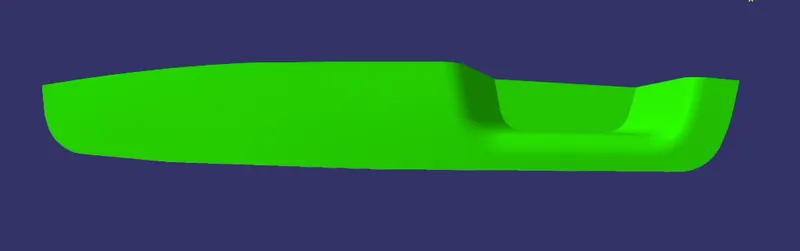
Bottim View
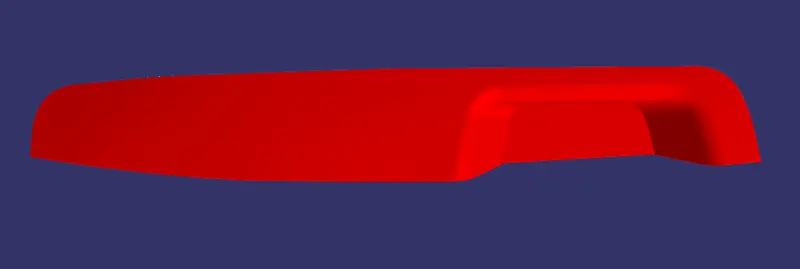
...........
Note: The CATpart File has been Uploaded as a ZIP file.