Week 9 - Challenge 2 - Switch Bezel Design
Tree Structure
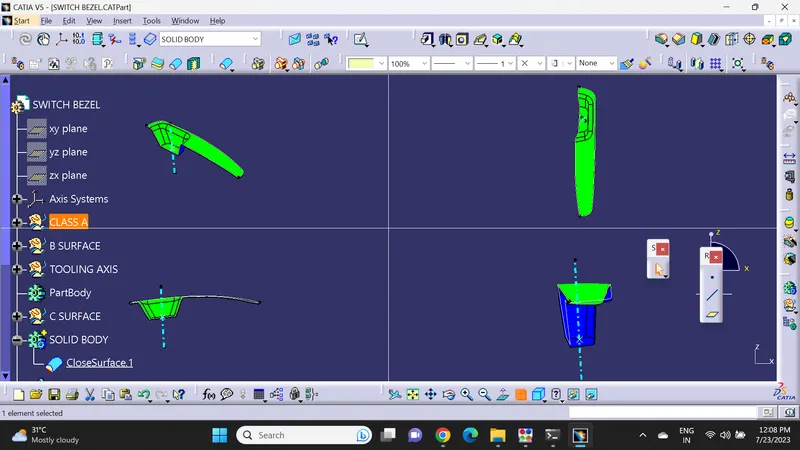
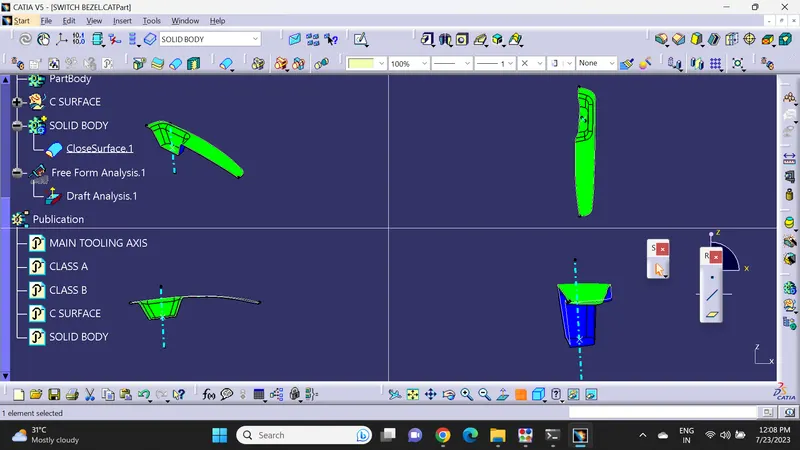
Publication
Draft Analysis
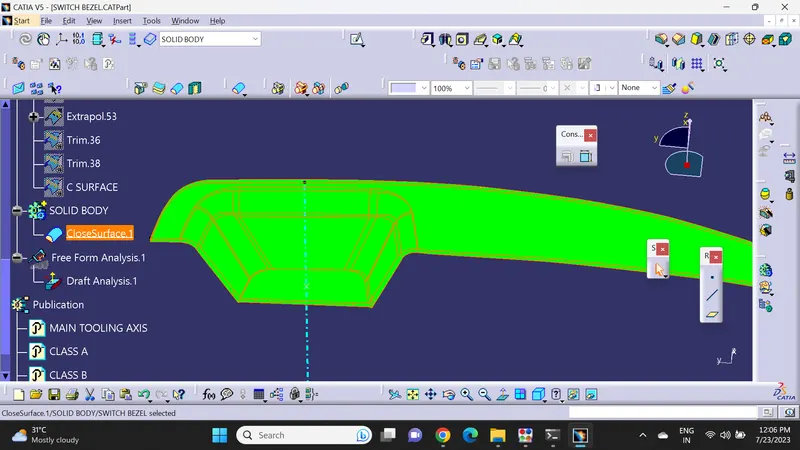
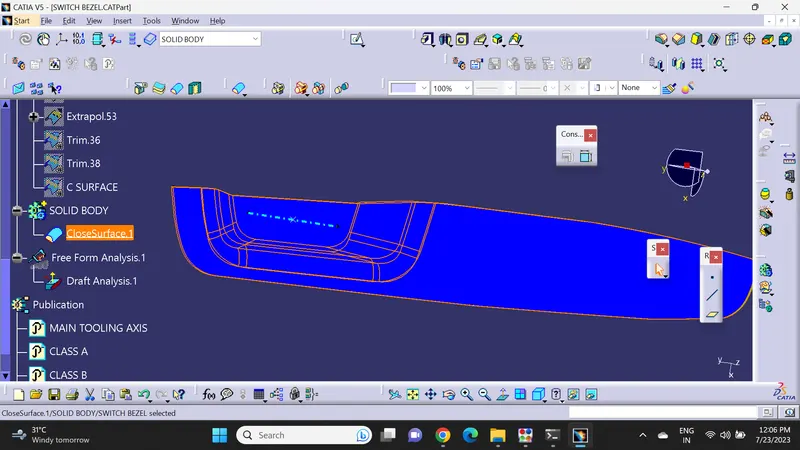
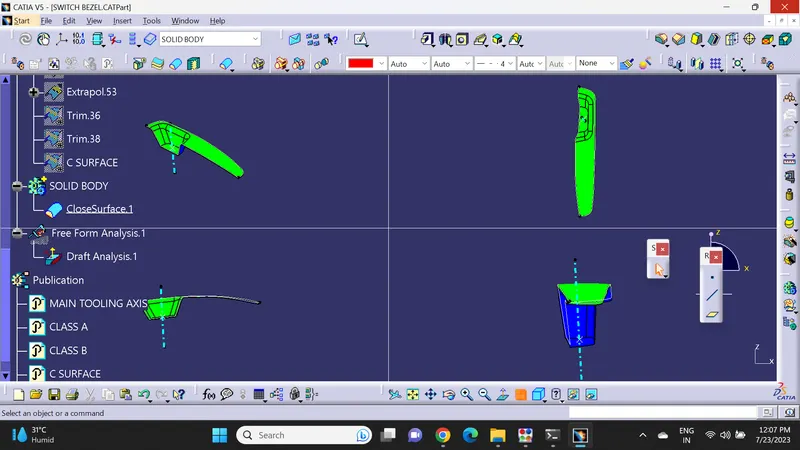
Reasoning
Tooling Axis
First, we determine a dummy tooling axis based on axis which requires lesser work and easier to design core and cavity
In Switch Bezel Plastic component, we have 3 sides which is to be considered while selecting tooling axis. So we have decided tooling axis Which is bisecting all four sides including the one Imaginary Side to form a closed profile
We have created two lines from X axis and Y axis. Bisect the two lines resulting in the formation of main tooling axis.
Draft analysis
Once the tooling axis is obtained, Publish both Tooling axis and Surface A.
Define Material in customize parameters
Click on insert à AnalysisàDraft Anlaysis
Once the Draft analysis window opens check for the compass image.
Drag and drop the compass into the surface create
Locate the compass accordingly to the component
Click on the component and measure Draft Angle