Week 9 - Challenge 1 - Base Bracket Design
Tree Structure
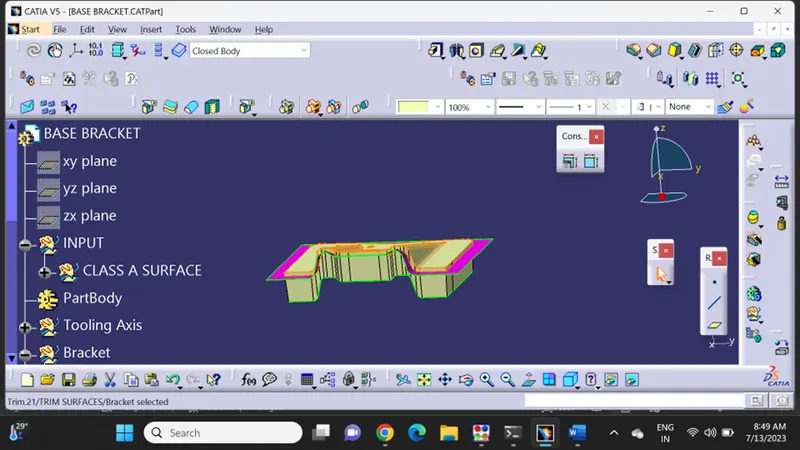
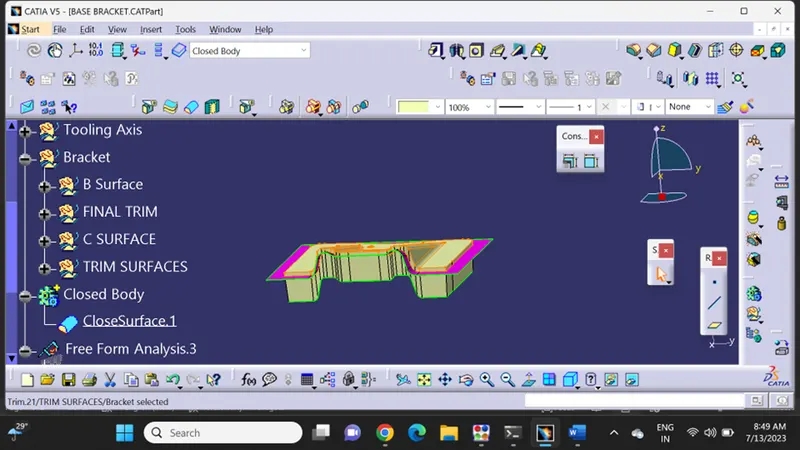
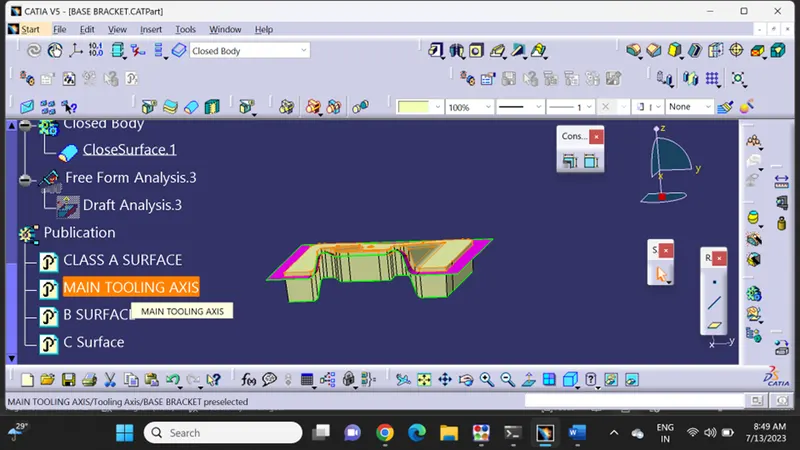
Published Class A, B and C ,Tooling Axis
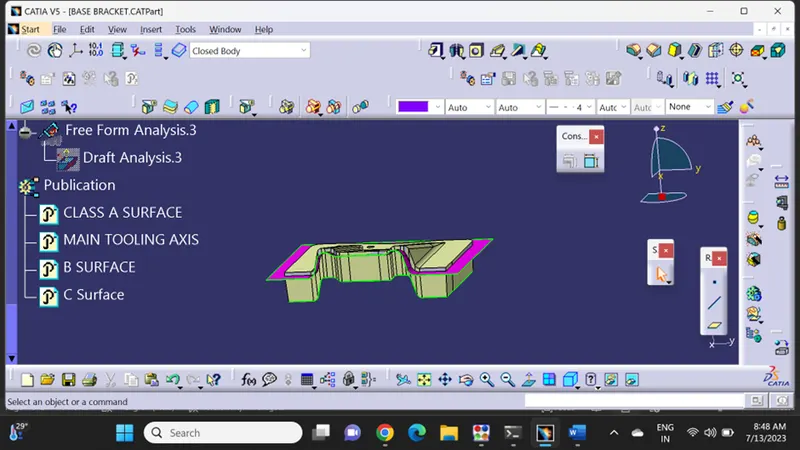
Draft Analysis
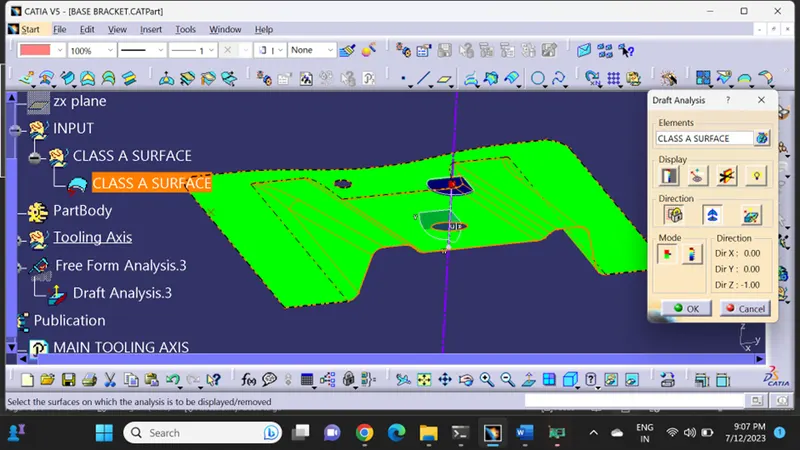
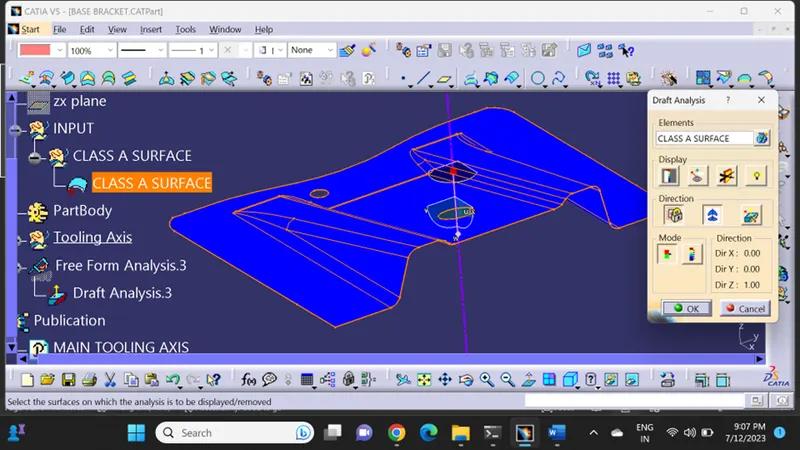
Class A
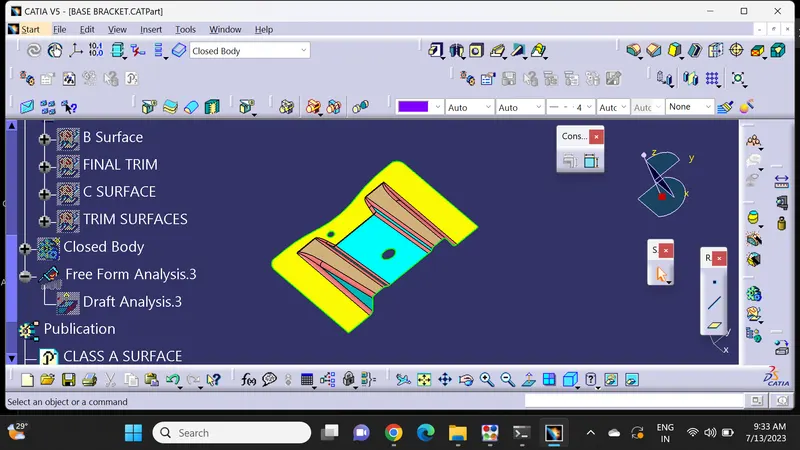
Class B
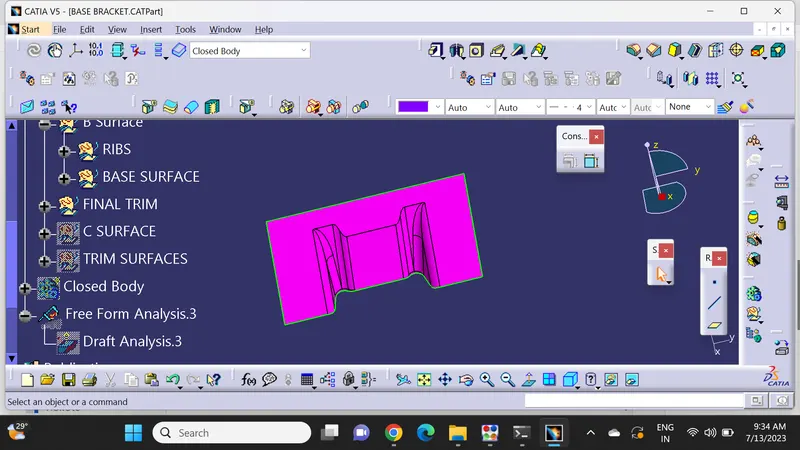
Class C
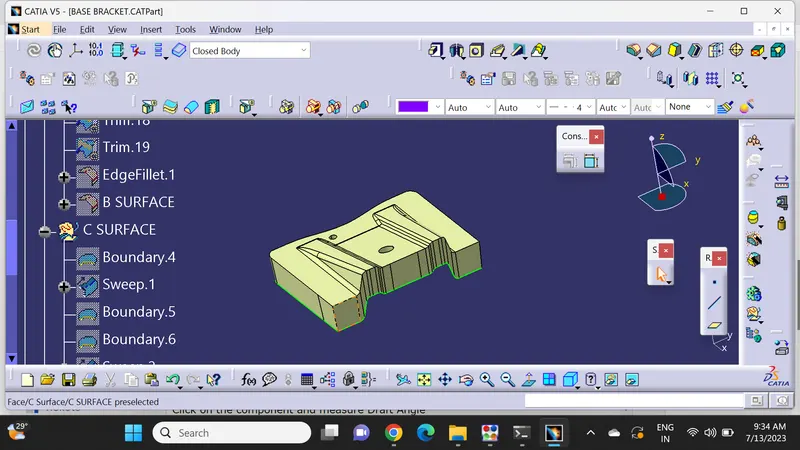
Solid
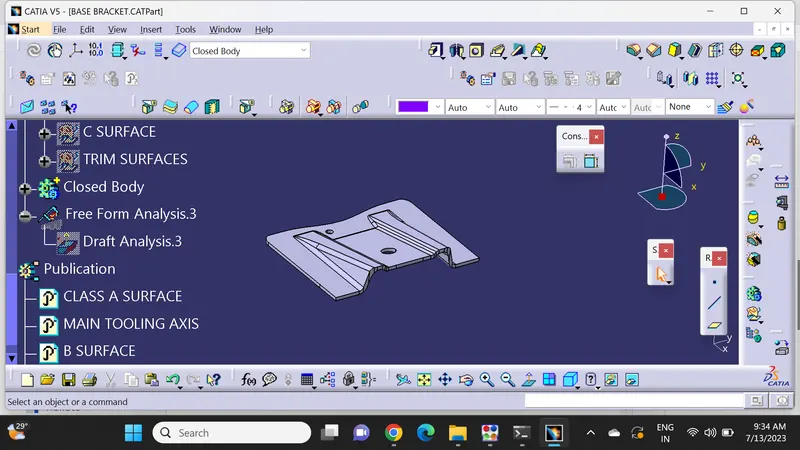
Tooling Axis
First, we determine a dummy tooling axis based on axis which requires lesser work and easier to design core and cavity
Here we chose Z – axis as a Dummy Tooling as it does not require any side core and trimming holes are easier.
Both for X and Y axis we need side core which will be resulting in More Cost and time compared to Z axis
Next, we create a intersect with point and plane. Take Surfaces which are along the Z – axis and create two more lines using the intersect sketch obtained
Create a bisecting line with the created two lines , We got the main Tooling Axis
Draft analysis
Once the tooling axis is obtained, Publish both Tooling axis and Surface A.
Define Material in customize parameters
Click on insert à AnalysisàDraft Anlaysis
Once the Draft analysis window opens check for the compass image.
Drag and drop the compass into the surface create
Locate the compass accordingly to the component
Click on the component and measure Draft Angle