Week 9 Challenge
AIM : To generate seismic loading based IS codal provisions and zone II. Any other data you can assume and input accordingly.
TOOLS USED :
- Load.
- Loadcases.
- Seismic wizard.
- Seismic load.
PROCEDURE :
- Open the file where we have the structure on which we have to apply the seismic load.
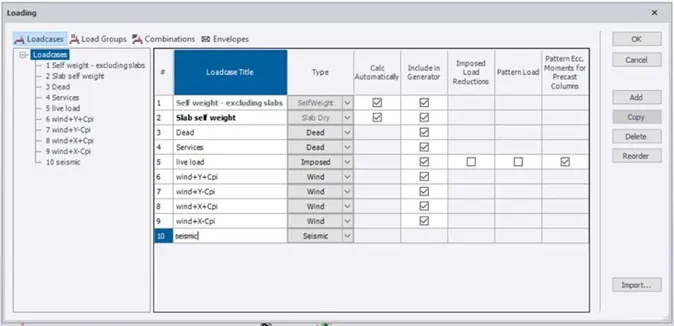
- Now click on loads tab and select loadcases.
- Now create a new load with name as seismic load.
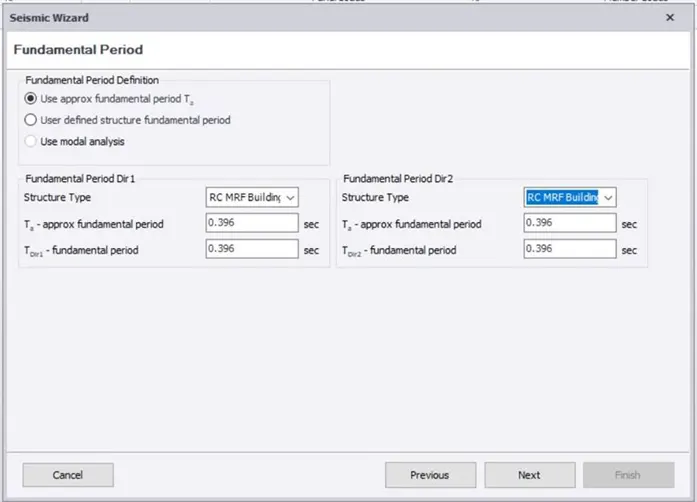
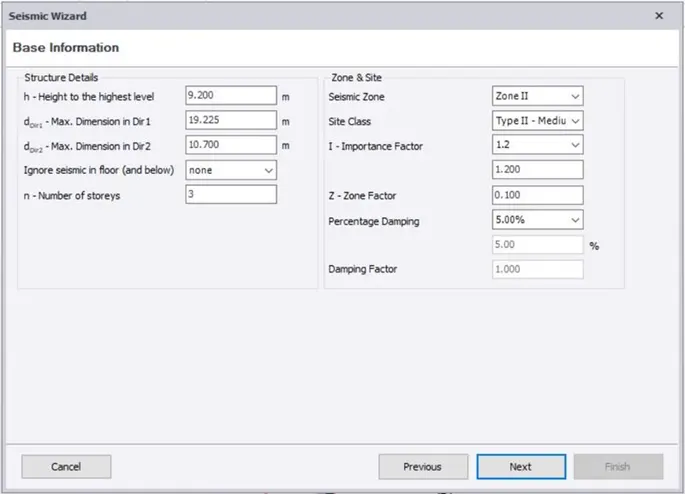
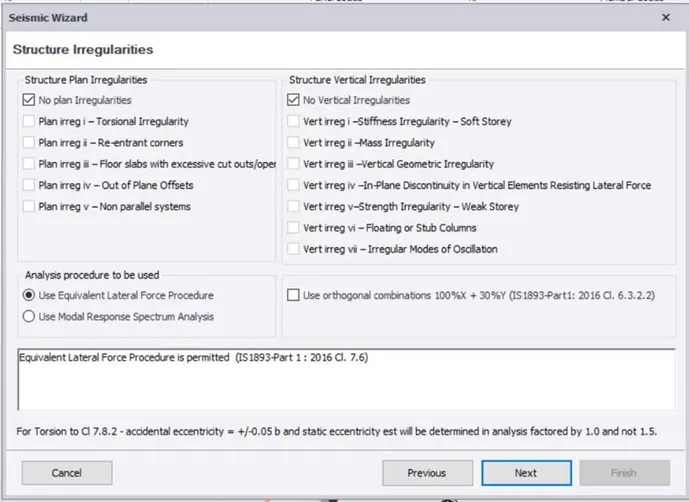
- Seismic wizard dialog box appears.
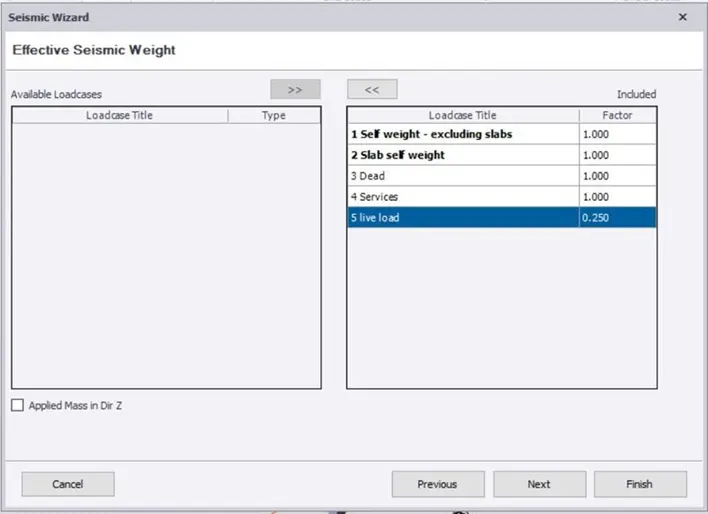
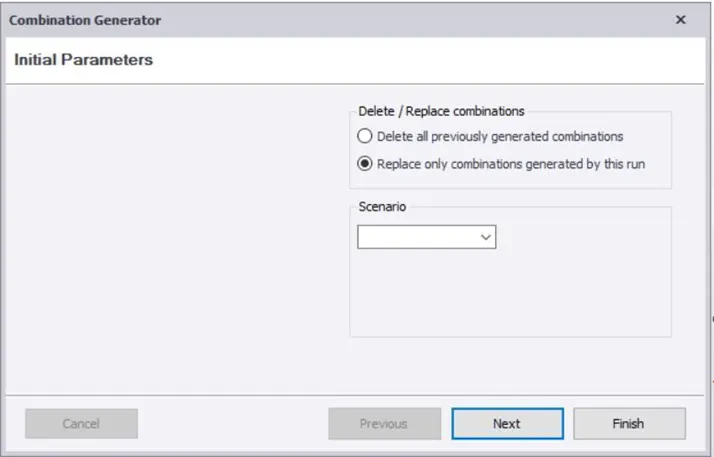
- Now select and fill all the required parameters suitable for the structure.
- At last click on finish button.
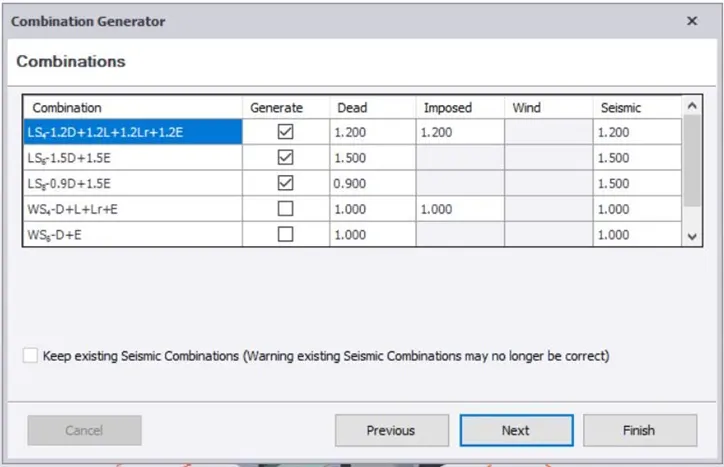
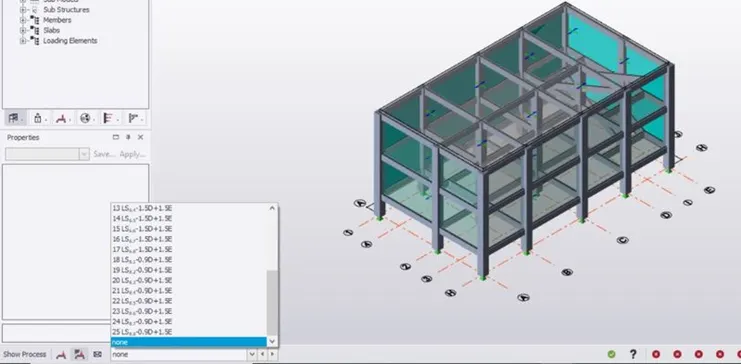
- Now we can check the loads in the loadcases and apply them on the structure, so we can use those for analysis of the structure.
RESULT :
With all the above steps we can create and apply the seismic loads on the structure.
ANS 2)
AIM : To run the analysis and summarize your understanding of the analysis results.
TOOLS USED :
- analyze.
- 1st order analyze.
- Loads.
- Report data.
- Model and results.
PROCEDURE :
- First open the file where we have applied the seismic load.
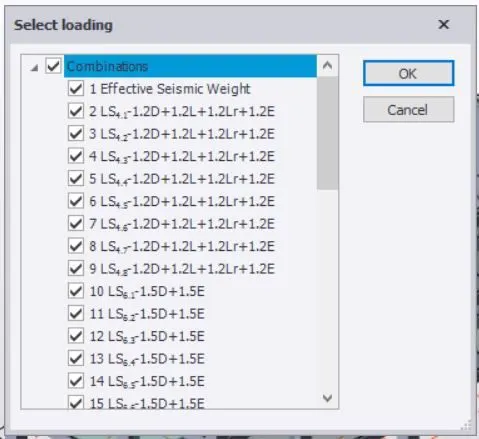
- Now click on analyze tab
- Select 1st order linear.
- Now select loading dialog box appears.
- In the dialog box select all the required loadings and click on ok.
- Now the results tab will open, apply bending monent, shear force and displacement to check the structure.
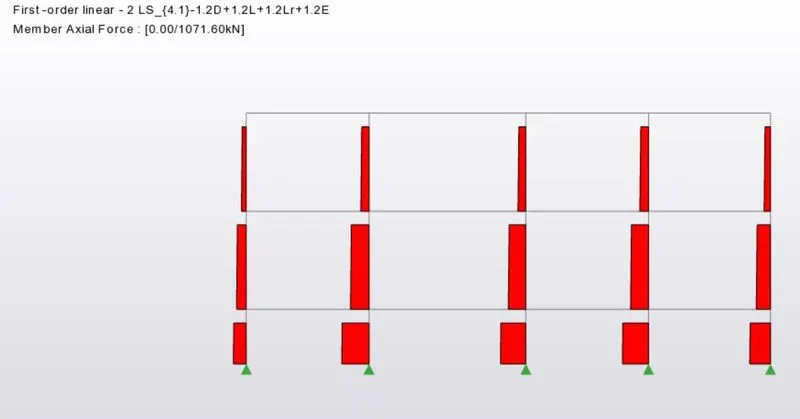
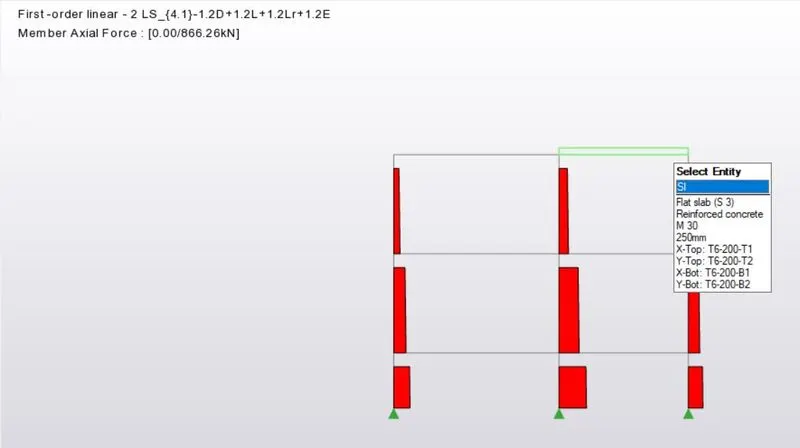
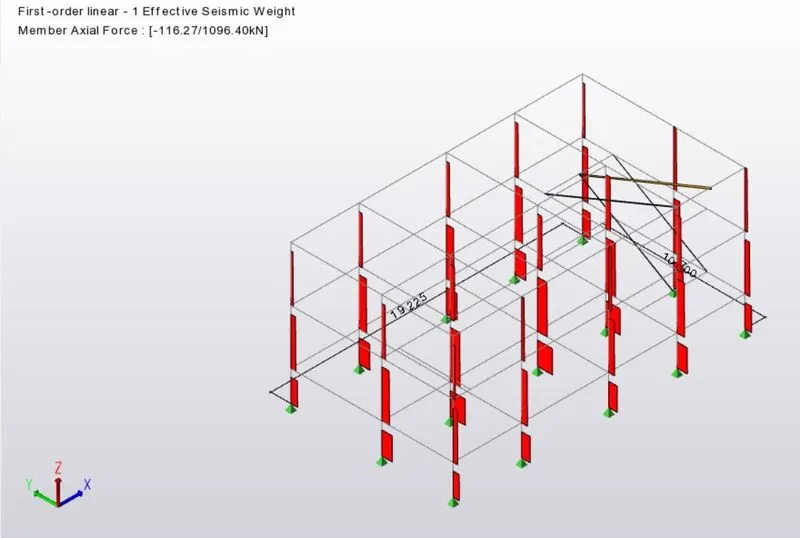
The axial loads are correct as they are decreasing with increase in height of the structure.
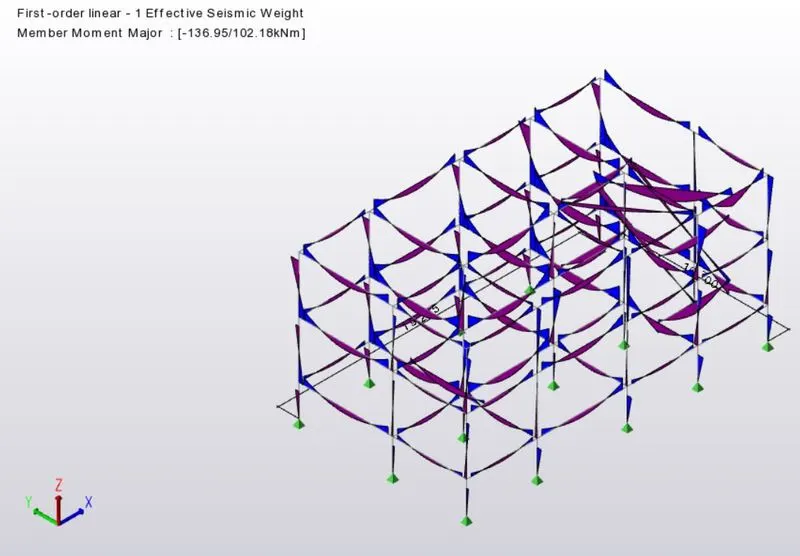
The moment major force is also correct as all the beam types are selected correctly.
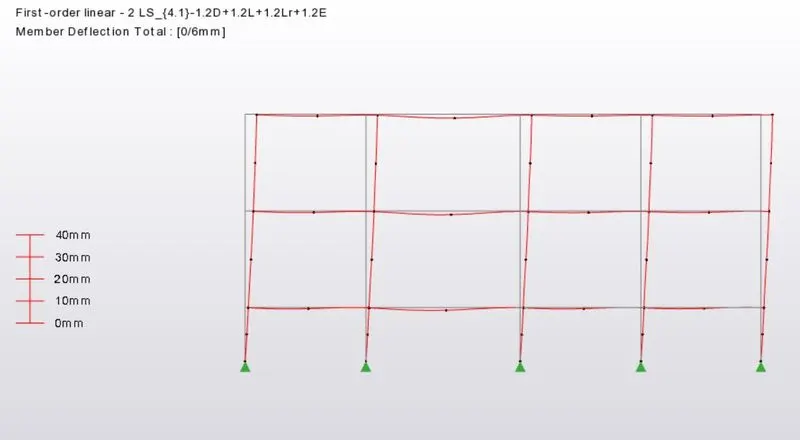
This is the deflection, is can be decreaded by increasing the grading of concrete in the columns.
The deflection in the staircase is more, so supports and gradeing of the concrete should be increased.
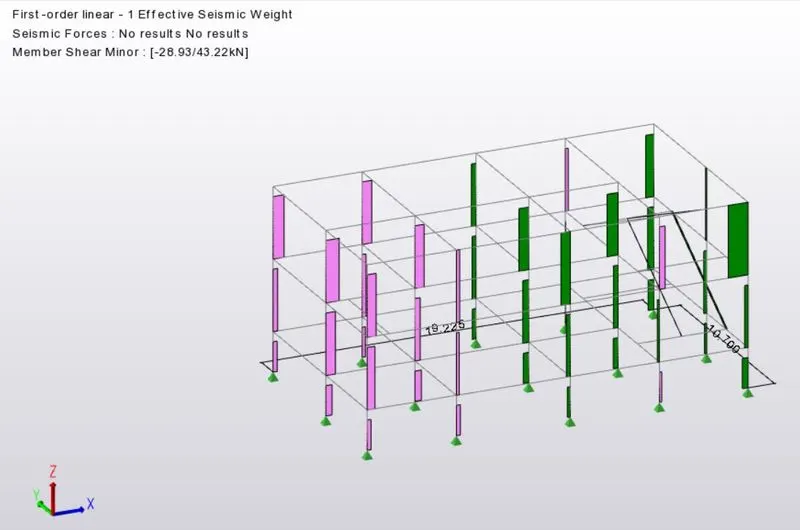
- Now we can obtain the report data by clicking on model and results.
RESULT :
With the above steps we can analyze and correct our structure.
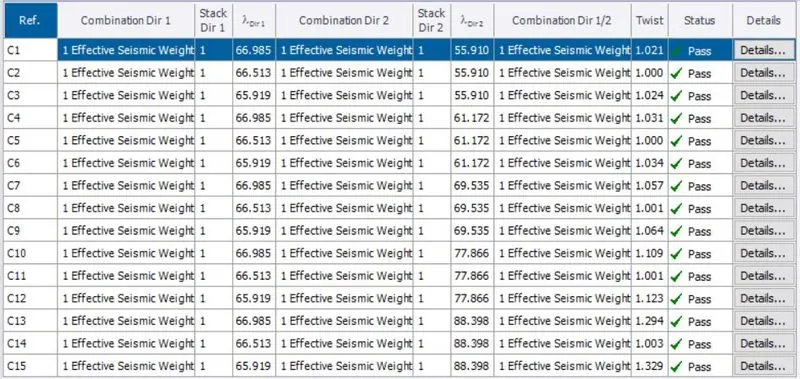
Here in the report data sheet we can see all the members are approved and they pass the seismic load.