II. Answer in detail
Create a G+4 Residential building as per NBC standards and make it a central model file. The model should contain:
AIM: To create a G+4 Residential building as per NBC standards and make it a central model file. Your model should contain
TOOLS REQUIRED:
1. Collaborate
2. Save
PROCEDURE:
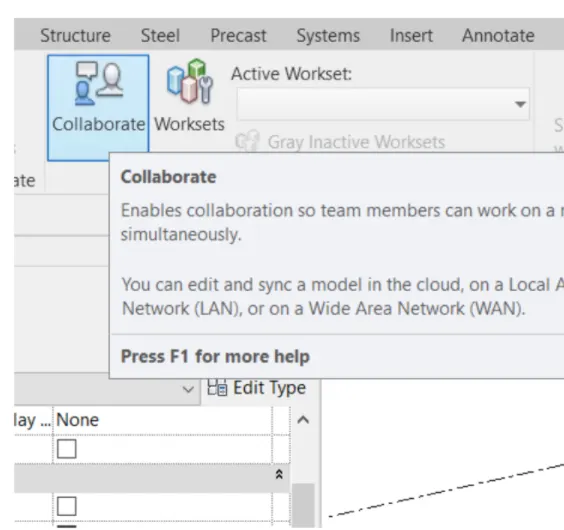
1)Click on collaborate tab.
2) Select ok.
3) Save the file as a central model.
A. The sloped roof at the top level of the building (10 degrees)
AIM: To make a sloped roof at the top level of the building (10 degrees)
TOOLS REQUIRED:
3. Roof option
4. Property browser
PROCEDURE:
1)Click on roof from the architecture tab and select the boundaries
2)Click on the roof and change the slope by using property browser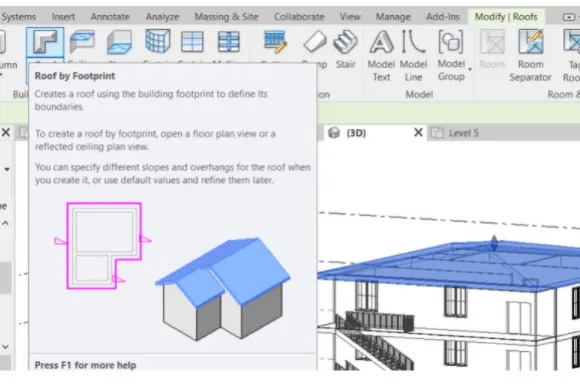
B.Architectural components including furniture and home appliances
AIM: To add architectural components including furniture and home appliances
TOOLS REQUIRED:
5. Insert tab
6. Load family
7. Components
PROCEDURE:
1)In load family click on the component to be added.
2) In the architecture tab select component to be added and add the component to building.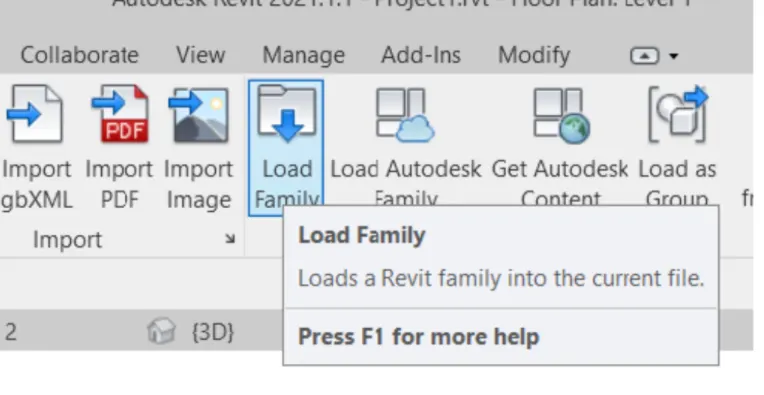
C.Room tags and Annotations
AIM: To add room tags and Annotations
TOOLS REQUIRED:
8. Room tag
9. Annotate toolbar
PROCEDURE:
1) Click on room tag from architecture toolbar.
2) Select the different rooms that are created.
3) Name the rooms like living room, kitchen bedroom etc,.
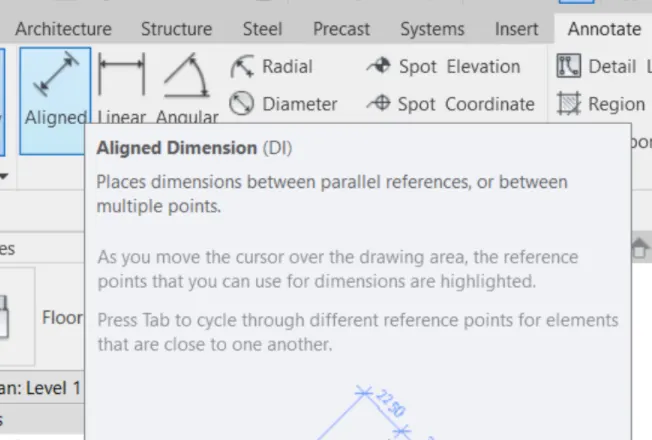
4) Use annotate tab to measure and mark the dimensions.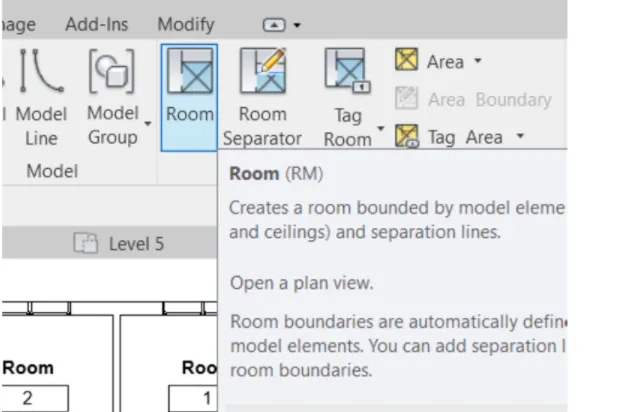
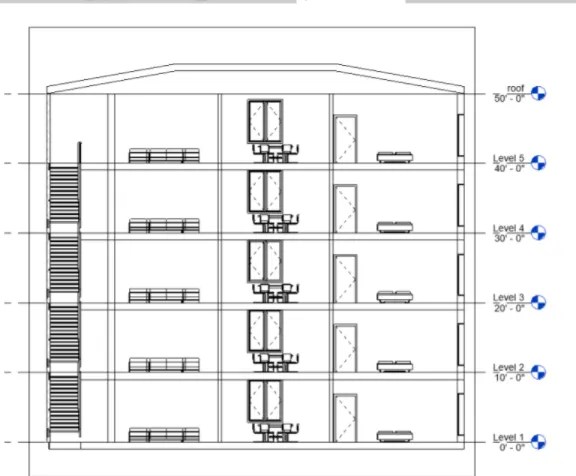
D.Section cut through each room either longitudinally or transversely
AIM: To show a section cut through each room either longitudinally or transversely
TOOLS REQUIRED:
10. view tab
11. section option
PROCEDURE:
1)In view tab select section option.
2) Create a sectional line longitudinal or transversal.
3) Open sectional view as the sections are created.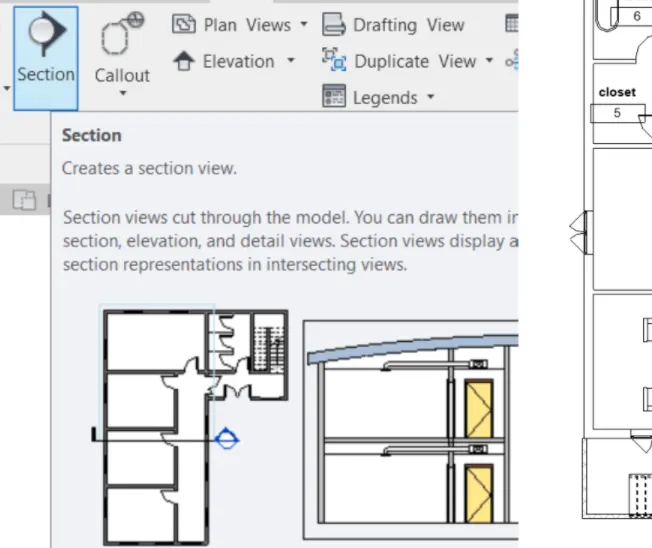
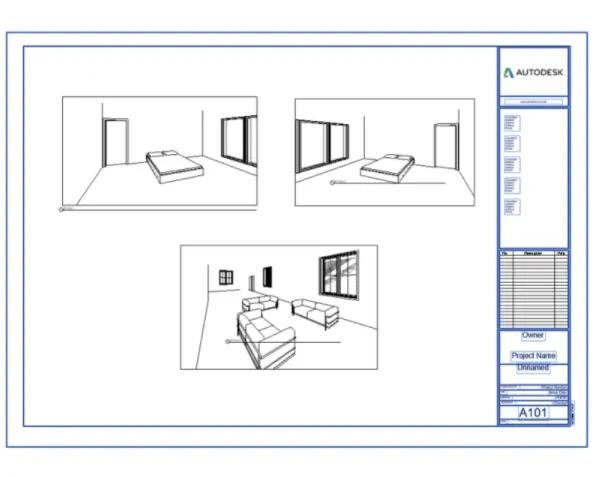
E.Create a camera view on each room and add it in a sheet template.
AIM: To create a camera view on each room and add it in a sheet template.
TOOLS REQUIRED:
12. Sheet
13. View tab
PROCEDURE:
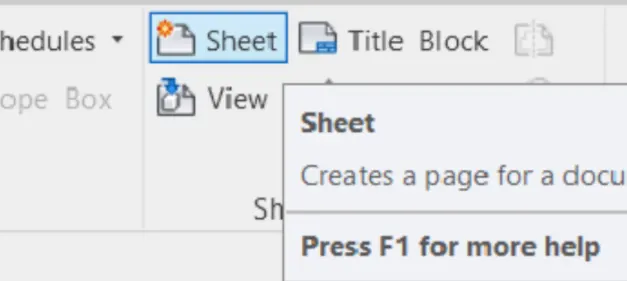
1) Click on sheet under view tab and create a new sheet.
2) Click on view under the sheet option and select the camera views that are to be added in the sheet.