Week 9 - Challenge 1 - Base Bracket Design
Aim:
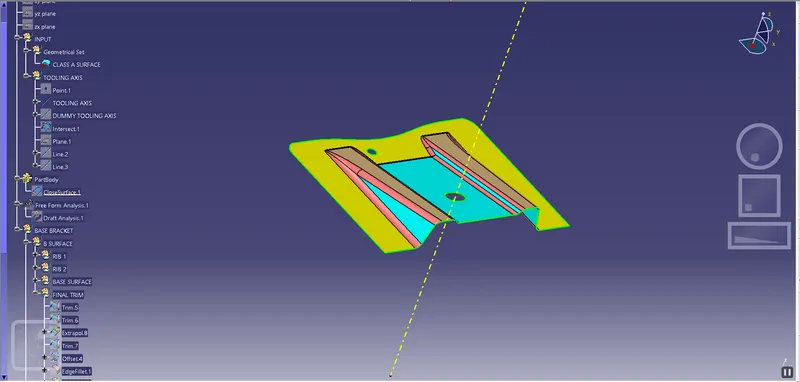
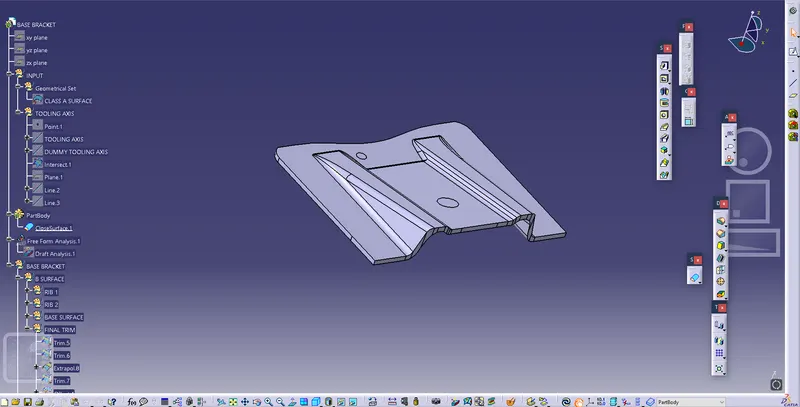
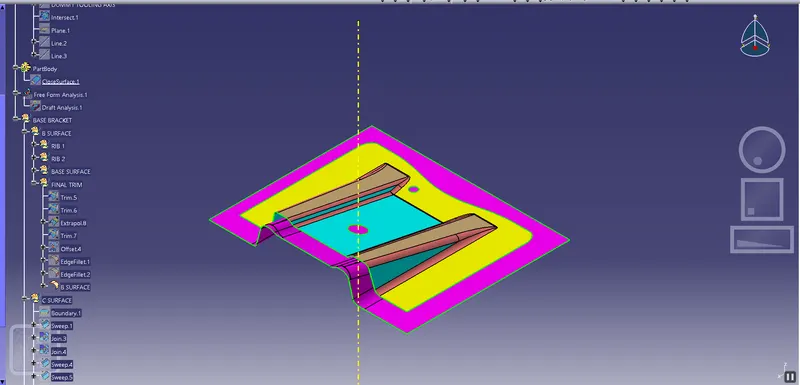
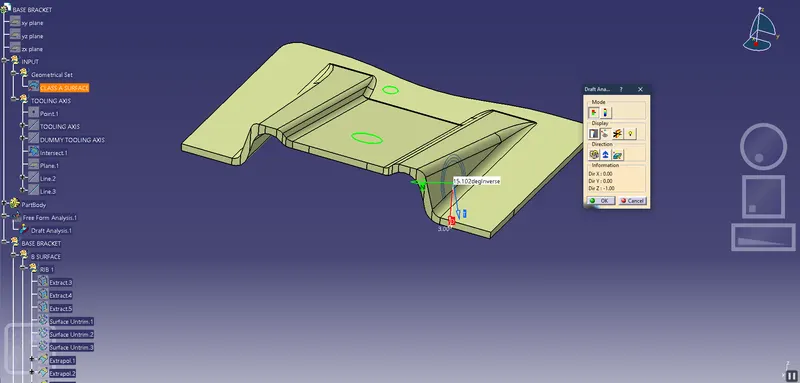
To create the Base Bracket Plastic component through the given Class-A surface. To begin with, the tooling axis for the given Class-A Surface should be created meeting the requirements of the draft angle and at the end perform the Draft analysis on the model.
The thickness of the Plastic Part - is 2.5 m.
Objective:
- Creating a tooling axis in class A surface.
- To perform draft analysis.
- To create a B-surface.
- To create a C-surface.
- To create a solid part model.
Creating a tooling axis in class A surface:
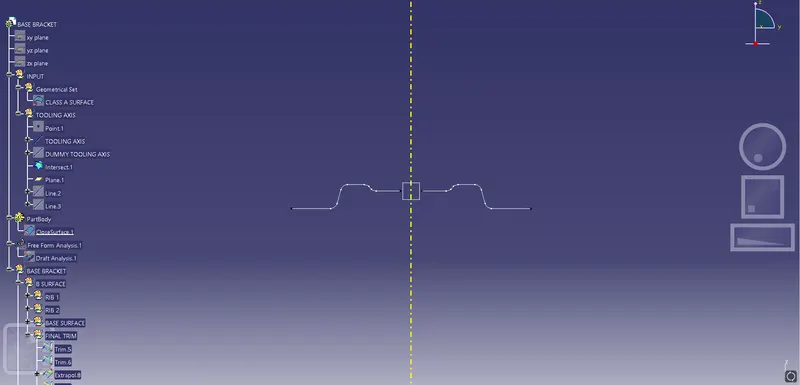
- The direction in which the mould open and closes is the tooling axis.
- Check the connectivity of the surface and ensure there will be no gap between the surfaces and then define the tooling axis.
- While creating a tooling axis give the tooling axis on a flat length surface or the surface which have a hole on it.
- Create a point on the surface where we are going to create the dummy tooling axis and using line command crate an axis. If there is a circle or flat length surface which is recommended.
Draft Analysis:
- The draft analysis technique is used to analyze whether our part model created in CAD is manufacturable based on the draft condition applied.
- Minimum draft angle is considered as 3 degree.
- step 1= enter part in Catia.
- step 2= Go to Material Mode.
- step 3= go for draft analysis.
- step 4= drag axis bar to the tooling direction of part.
- step 5= check for draft and make parting line as per analysis.
Create a class B surface:
- Class B surfaces are the secondary surfaces in plastic component design.
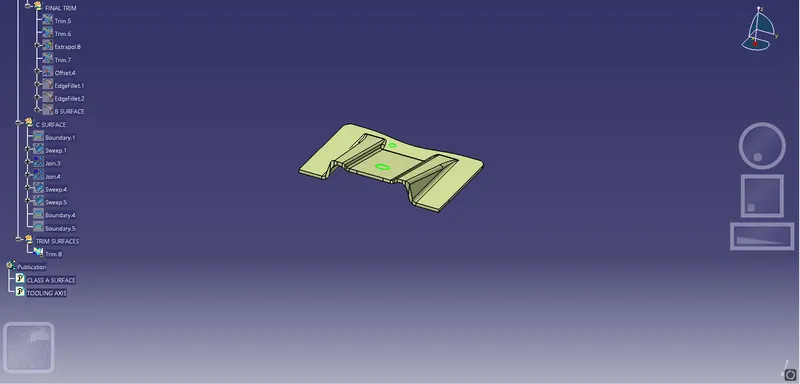
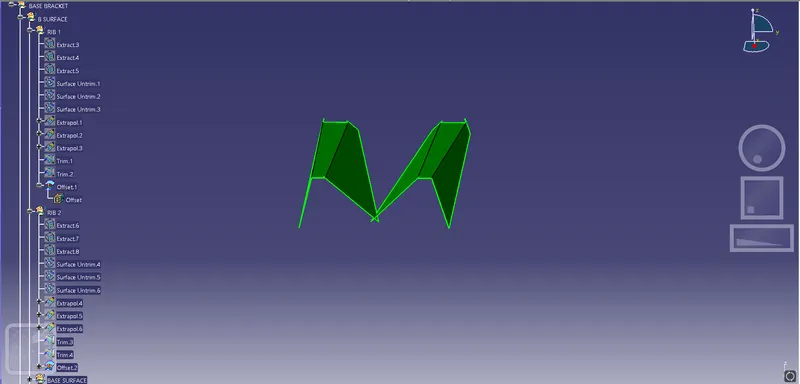
- In this model Class B-Surface is extracted from the A-surface and it is offseted at 2.5mm in downward direction.
- To create the class B surface, I considered the entire surface has 3 parts 'Rib-1, Rib-2, and Base surface.
Create a class C surface.
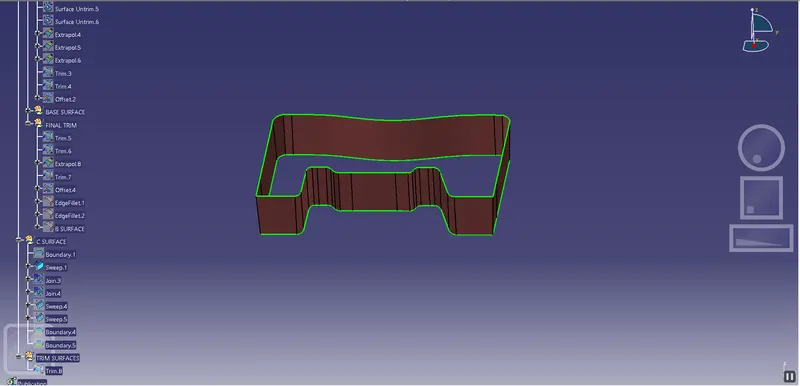
- Class C is often specified for interior surfaces not readily visible, surfaces that will be covered by another part when assembled, or surfaces which the Customer feels do not need to meet a high cosmetic finish.
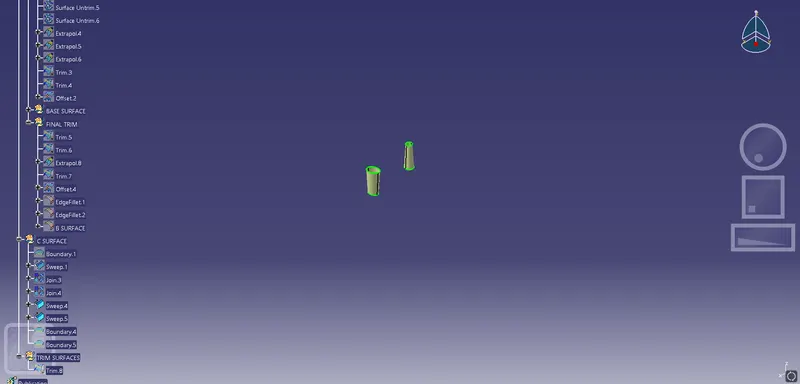
- C-Surface connects the class A-Surface and B-Surface. It is created using Sweep command. Boundry of the class A-Surface is swept along the tooling direction.