Week 9 - Attachment Feature Creation (Ribs & Screw Boss) - Challenge 1
AIM : To make a model of door handle from given class B , class C surface and perform draft analysis and Creating the rib for the Drill Handle considering the design rules .
Objective :
- To perform draft analysis on class A surface .
- To create class B surface .
- To create class c surface .
- To create a solid body using close surface feature .
- To create draft analysis in final product .
- Creating the rib and screw boss for the Drill Handle considering the design rules
Introduction :
Class A surface :
- It is given as input to plasticdesigner .
- It is a aesthatic surface .
Class B surface :
- It is surface which is used for engineering purpose.
Class C surface :
- It is the surface joining class A and class B .
Methodology :
- Creating tooling axis.
- Draft analysis.
- class B surface .
- class C surface.
- MAking solid from it using close surface feature.
- Creating the rib for the Drill Handle considering the design rules
Tooling axis :
- First ensure that the class A surface is join.
- As it has 2 hole in Z direction , so Z direction is most suitble for tooling direction .
- First we create dummy tooling direction.
- Now intersecting ZY plane and creating line by bisceting command .
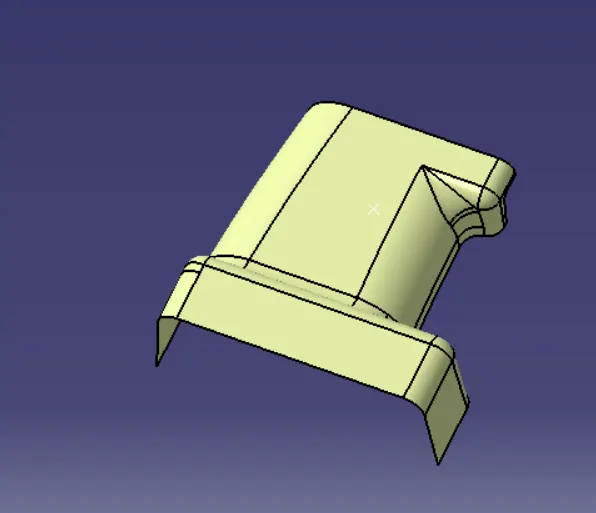
Given Class A surface :
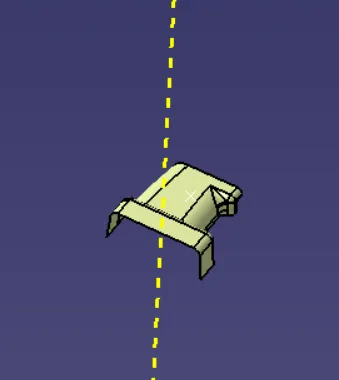
Tooling Axis :
- tooling axis is created by extracting the surface and untriming it and and creating point at the centre.
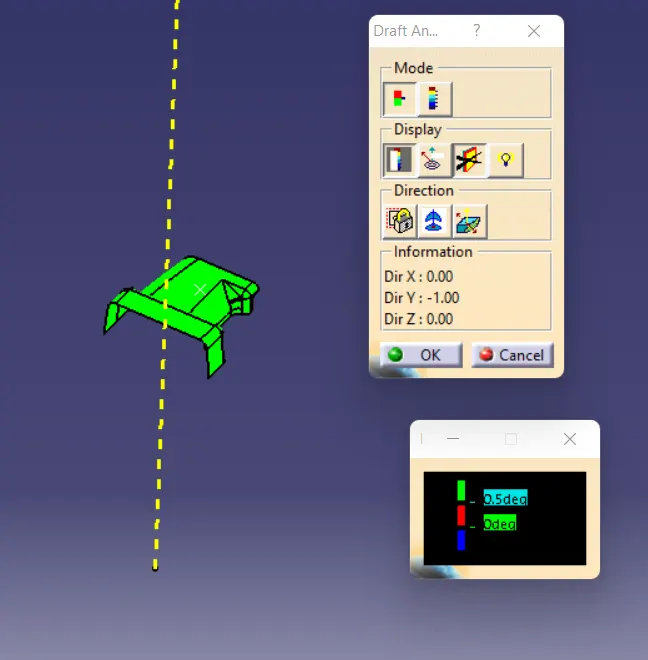
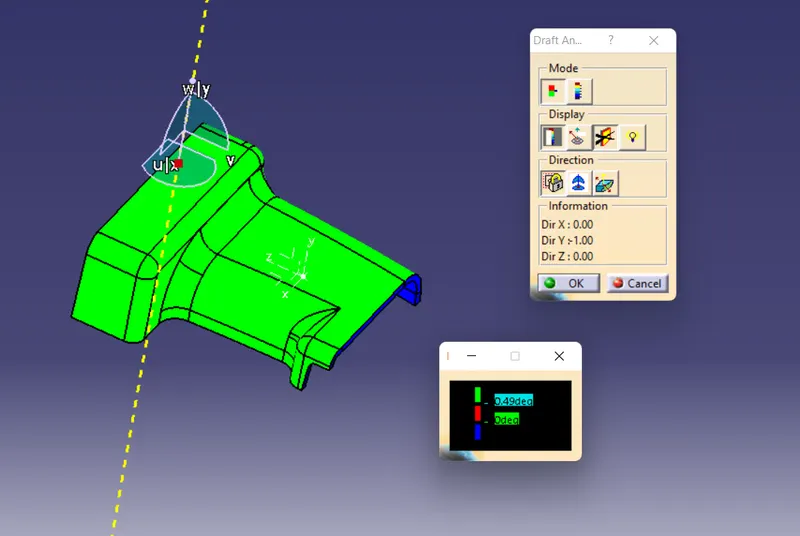
Draft analysis :
- Change the view mode to custamize view parameter and select material .
- Align the compass with the tooling direction.
- now click on the surface .
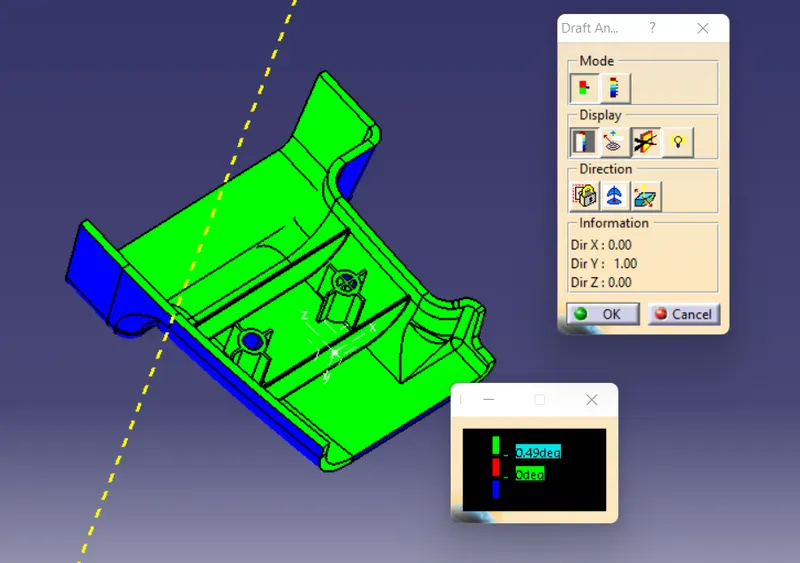
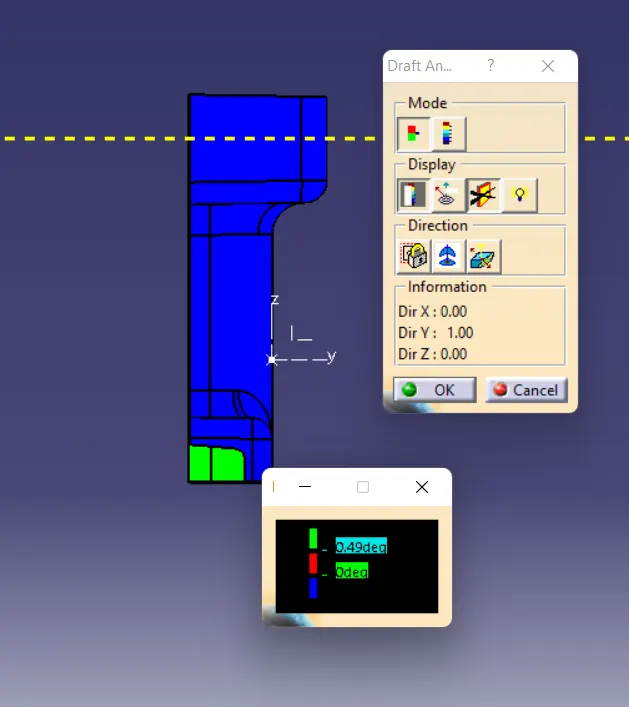
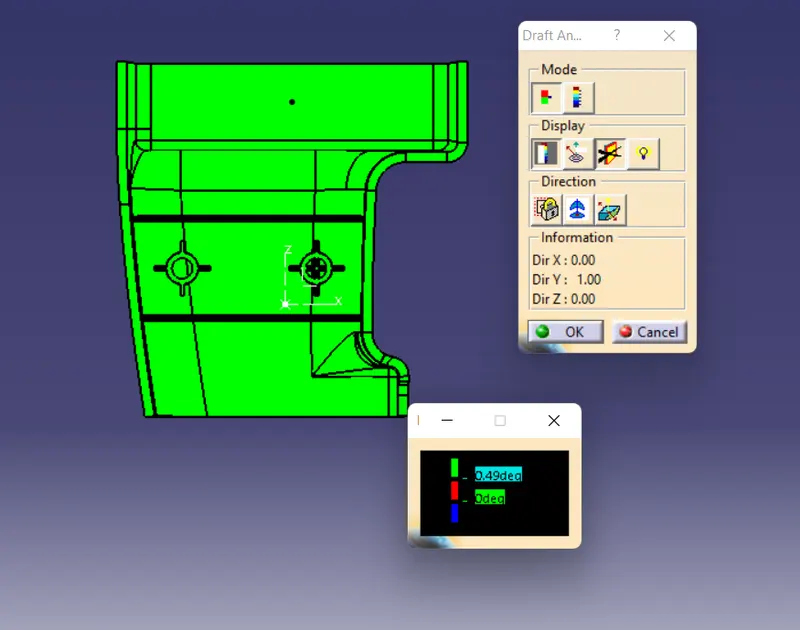
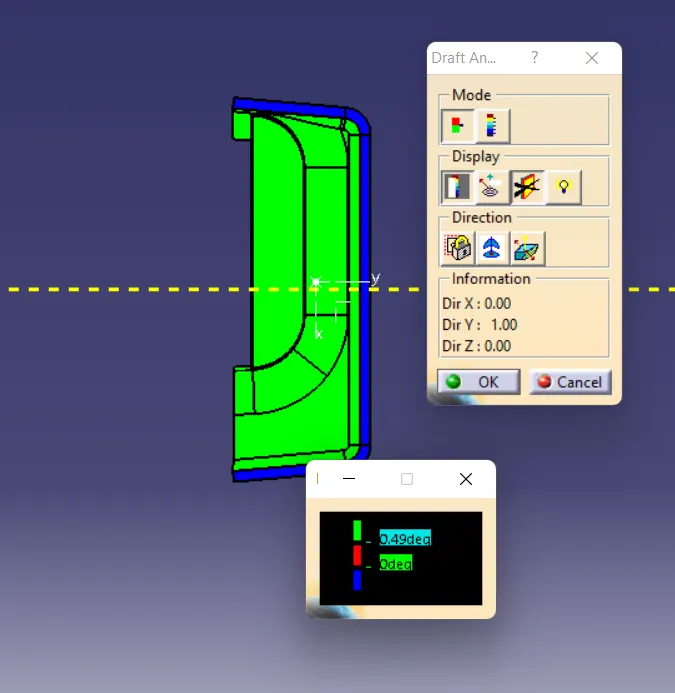
- Surface colour is green which mean that it has minimum 3 degree draft angle , which is sufficient in plastic component manufacturing .
- here we have given 0.5 degree draft angle to pass draft analysis test .
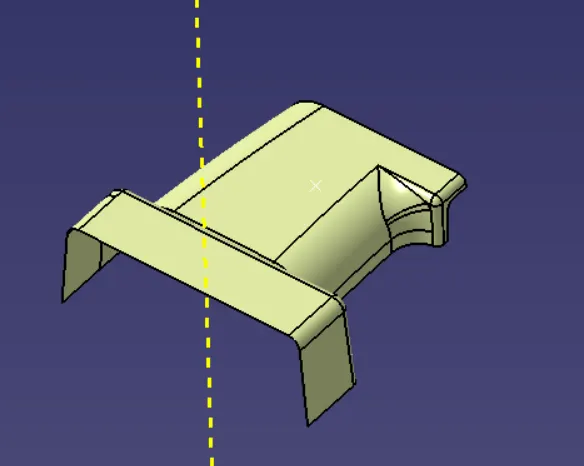
class B surface :
- class B surface is created by offseting class A surface by 2.5 mm which is thikness of the body.
- it has patches which is repair using fill command .
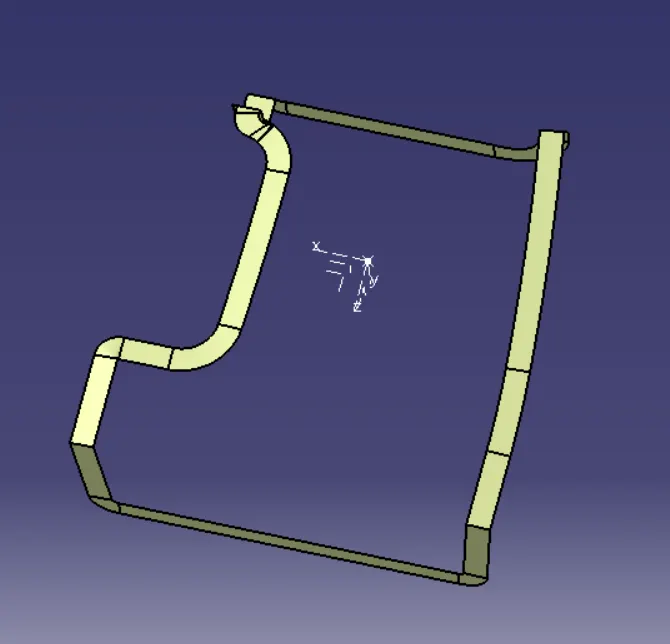
Creating class C surface :
- it is created by using sweep comand.
Creating solid :
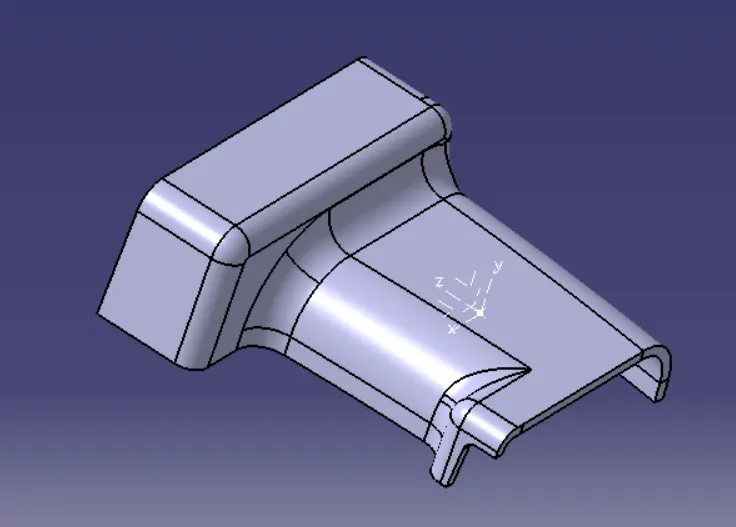
- Now use close surface command to create solid from it.
Creation of engineering feature :
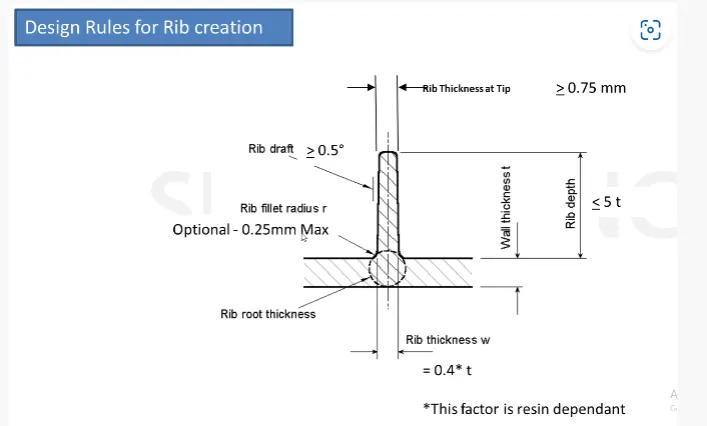
rib :
- Rib provides an economical way to increase stiffness and strength to the mould parts without increasing overall thickness of the wall .
- it is the thin portrusion perpendicular to the wall .
ss of rib :
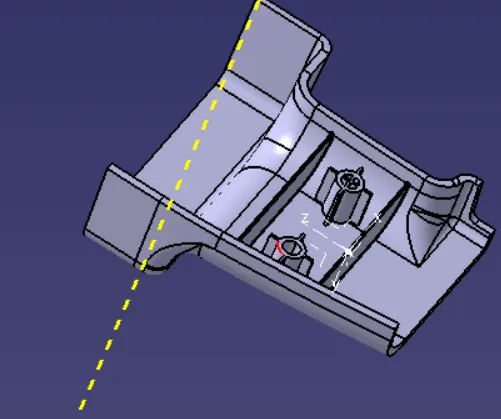
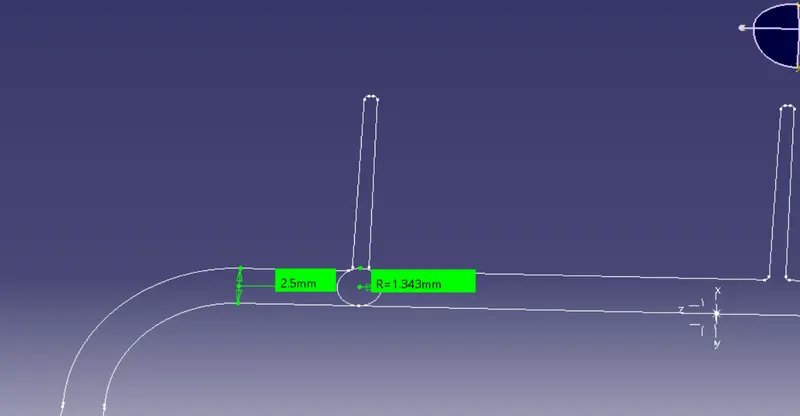
RIb root thickness analysis :
- To check the root rib thickness , first take perpendicular intersection across the body and the rib and then draw tritangent circle to root area .
- the value must be within 30 % greater of the wall thickness.
Screw boss :
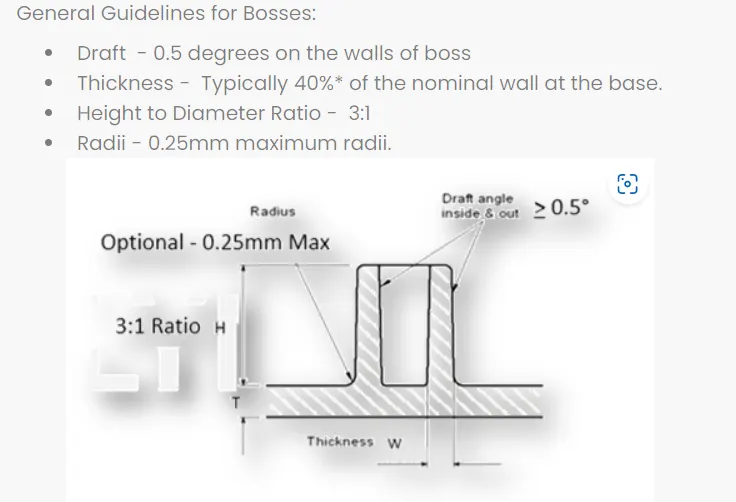
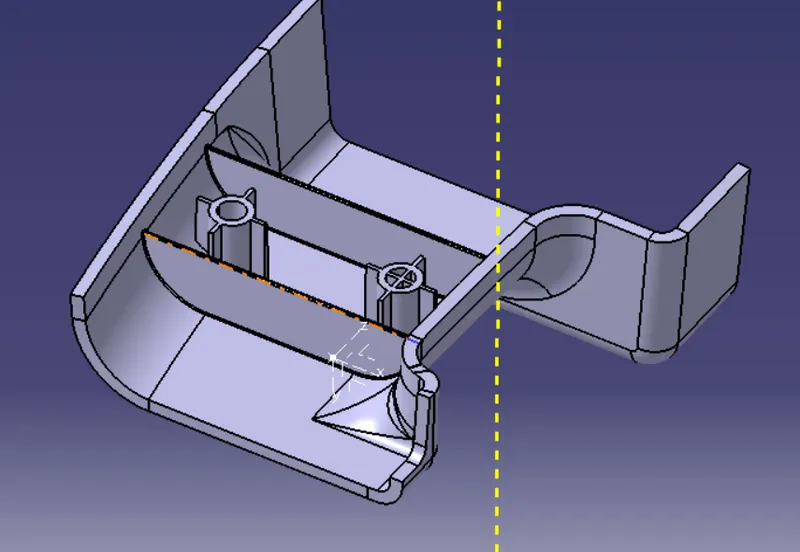
- they are used as a point for attachment and assembly in as cylindrical projection with hole design to receive screw screw or other types of fastening hardware .
Design consideration of screw boss :
screen short of screw boss :
Draft analysis of final solid body :
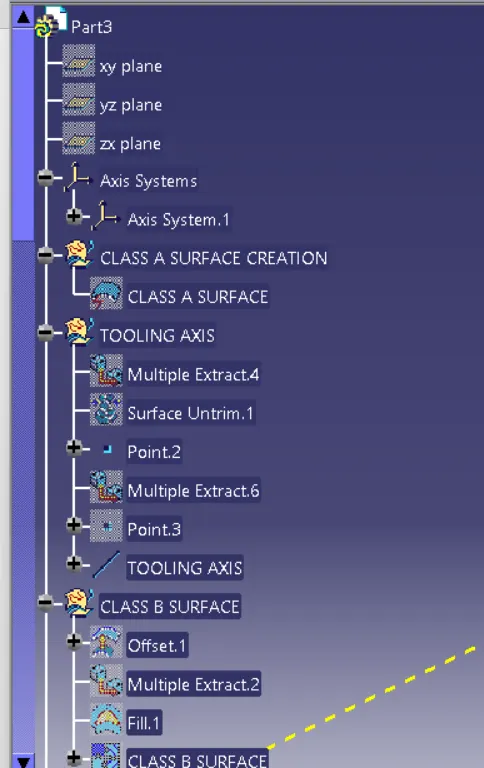
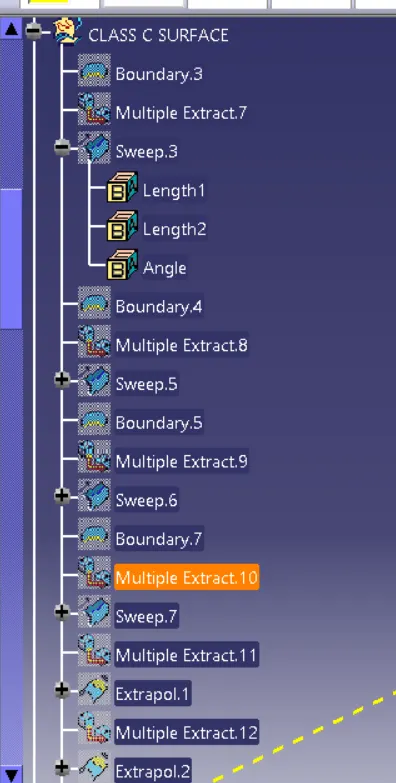
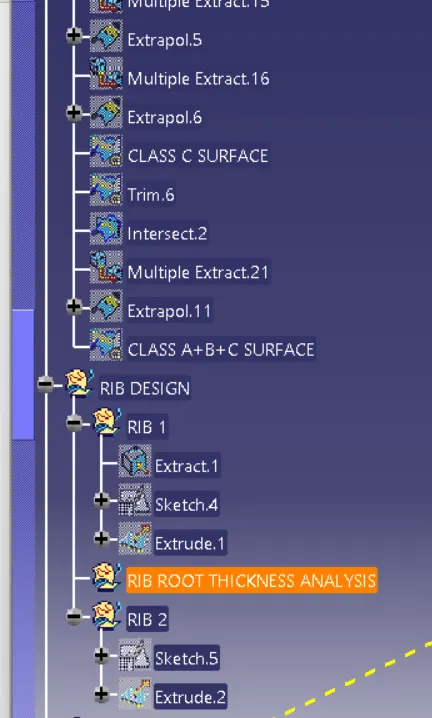
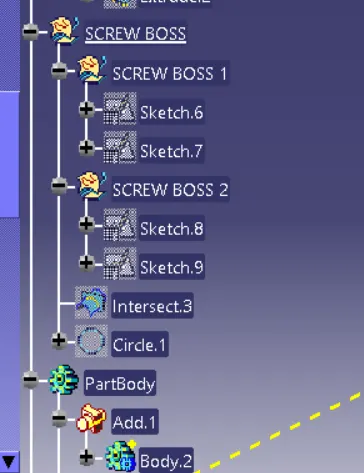
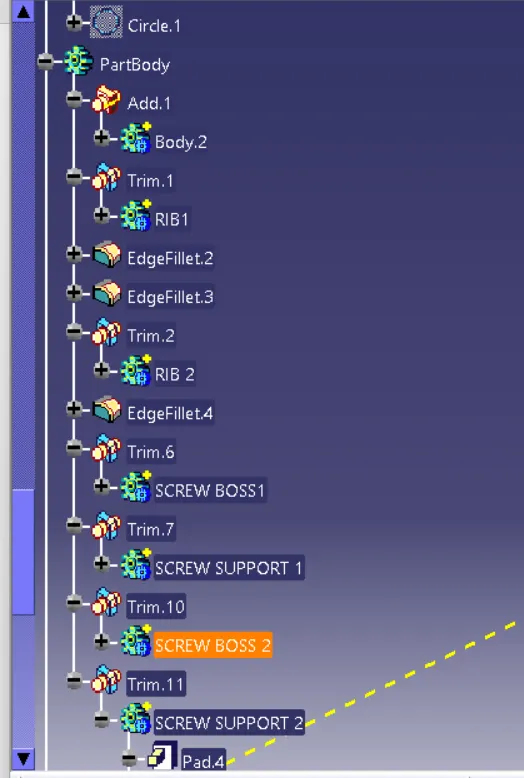
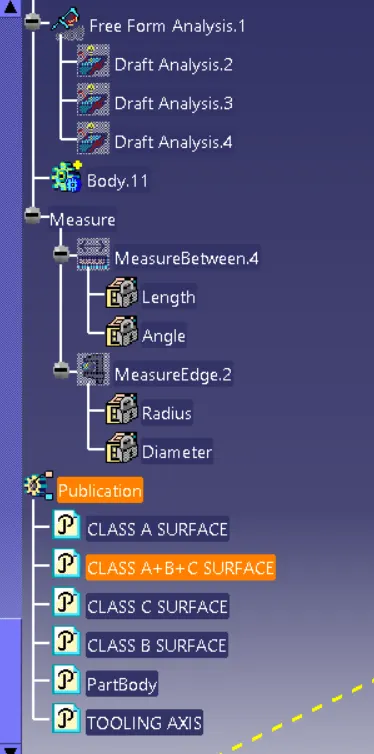
Tree structure view :
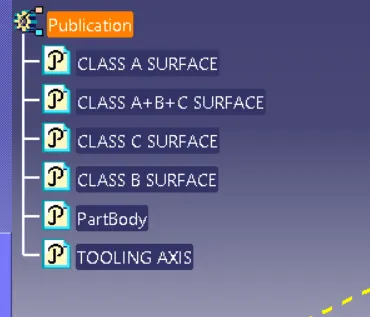
Publications :
Different views :
Isometric view :
front view :
side view :
top virew :
Conclusion :
- Created class B and class C surface .
- Created a solid body .
- Perform draft analysis .
- created engineering features rib and screw boss .